

TV Remote Control for RokuTV APK
16.9.7
TV Remote Control for RokuTV
TV Remote Control for RokuTV APK
Download for Android
Are you looking for a free remote for your RokuTV?
Want to access your Roku channels and apps in just seconds from your Android phone or tablet? The Remote Control for RokuTV app is here to make managing your media player a breeze. With this app, you can easily control playback, launch applications on your Roku, and even enter text.
The Remote Control for RokuTV is the ultimate app for controlling your Streaming Player and RokuTV.
Streamlined TV Viewing Experience
With this RokuTV Remote app, accessing movies, music, and games becomes effortless, enhancing your enjoyment of Roku. Simply connect your Android device and RokuTV to the same Wi-Fi network.
The Remote for RokuTV simplifies TV operation. This Smart TV - Remote Control for RokuTV app also allows you to use swipe gestures for smoother navigation. It’s the best way to watch, cast to your TV, and enjoy gaming on your RokuTV.
You can easily adjust the volume and switch channels with this app. It facilitates a quick connection to your media player, so after a short setup, you can manage TV channels, change volume, type text, mirror your screen, and cast videos to your RokuTV. Your Roku remote will be ready to use right after you launch the app.
Connecting to your TV is simple:
1. Ensure your RokuTV is connected to your home Wi-Fi network.
2. Make sure your Android phone's Wi-Fi is on and connected to the same network as the RokuTV.
3. Open the Roku Remote app and select your Roku device to connect. Once connected, you can control your Roku devices freely.
Free features include:
• Remote control for RokuTV
• Play/pause, fast forward, rewind
• Pairing with multiple Roku devices
Key Features:
• No installation needed. The remote app automatically detects your local network to locate your Roku TV.
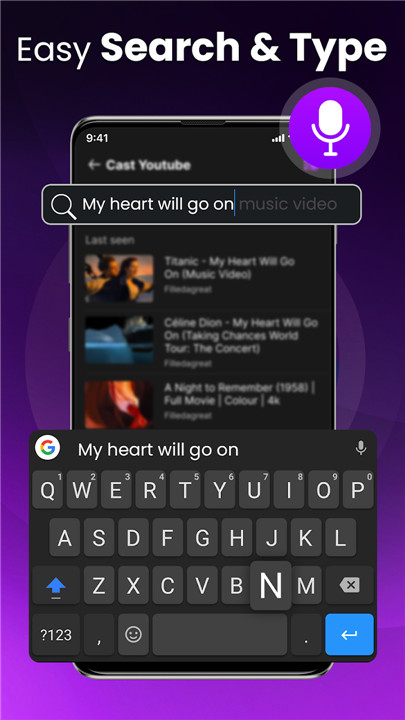
• The keyboard function simplifies text entry and searching on your Roku device.
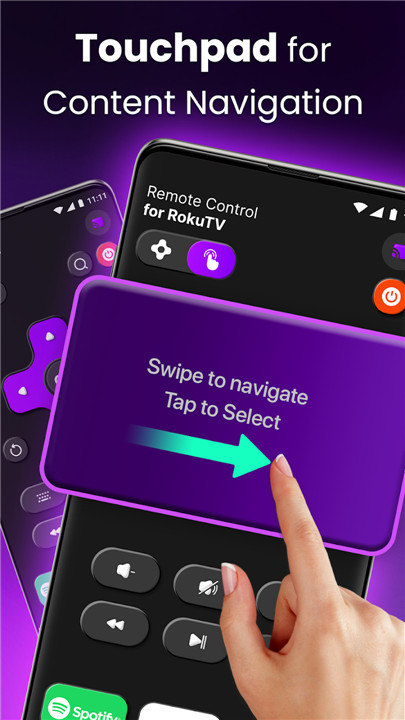
• Touch Pad Navigation lets you move around just like you would with a traditional remote.
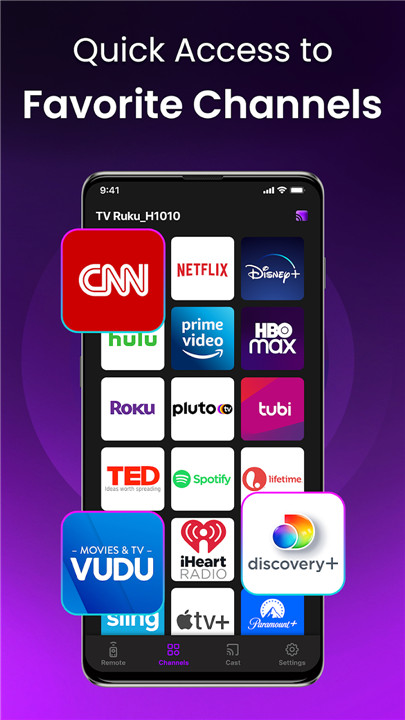
• Effortlessly manage TV channels and apps with this remote app, allowing you to launch channels with a single tap.
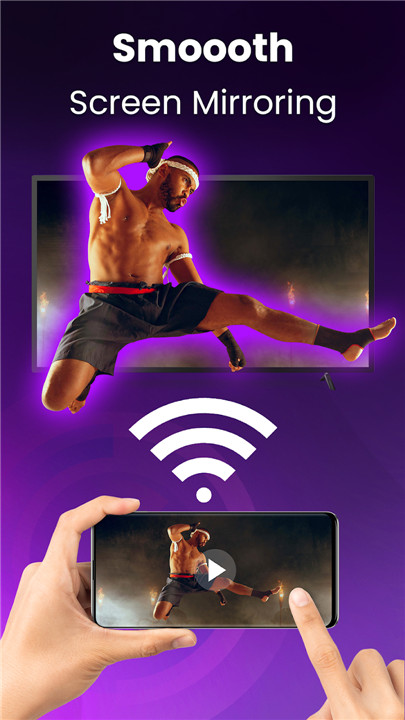
• Mirror your smartphone or tablet screen directly to your Roku TV.
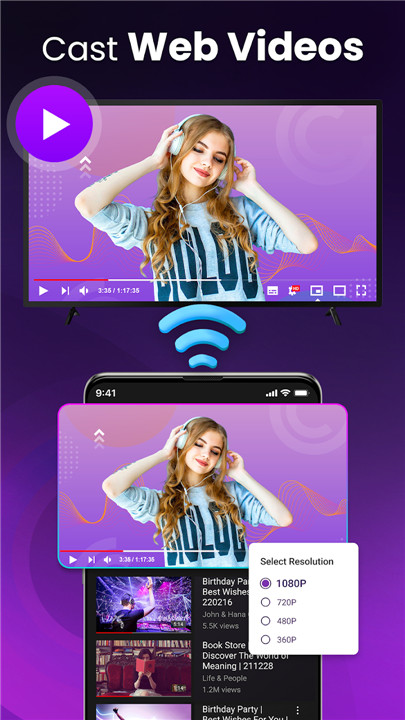
• Stream local photos or videos from your phone's gallery to your Roku TV display.
Reasons to choose Remote Control for RokuTV:
- This Roku remote app enhances your Roku experience significantly.
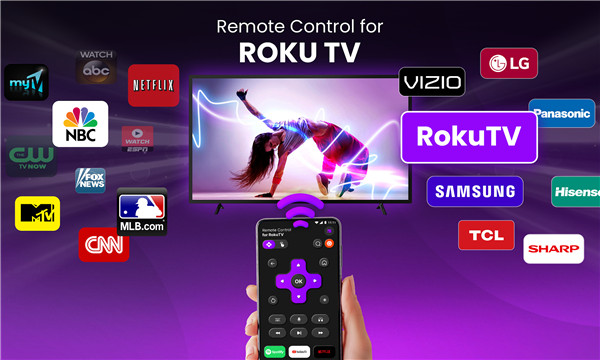
- Works seamlessly with all Roku TV brands, including TCL, Sharp, Insignia, and Hitachi.
- Provides full Roku remote control capabilities.
- Automatically connects to your Roku device.
- Features a convenient app list with large icons for easy access.
- Control volume and switch channels on your Roku TV effortlessly.
- Type text on your TV directly from your phone!
- Navigate using either the touchpad or buttons.
- Manage content playback with ease.
- User-friendly and straightforward interface.
- Compatible with Wear OS.
With RokuTV Remote, we aimed to provide everyone with the ultimate Roku remote app, offering the remote control features for free.
Compatibility:
- Roku Remote Control works with all Roku models, including Streaming Stick, Express, Express+, Premiere, Premiere+, Ultra, and Roku TVs (TCL, Sharp, Insignia, Hisense, RCA, Hitachi).
+ If you enjoy this Roku remote app, please consider giving us a positive rating to support our ongoing development. Thank you!
+ Download the Remote Control for RokuTV App for an unparalleled experience!
For inquiries, reach us at: customer@begamob.com
Disclaimer:
Begamob is not affiliated with Roku, Inc., and the Remote Control for RokuTV application is not an official product of Roku, Inc.
FAQ
Q: What is the Remote Control for RokuTV app?
A: The Remote Control for RokuTV app is a free, user-friendly application that allows you to control your Roku TV or streaming player using your Android phone or tablet. It provides a seamless way to manage your media player, including launching apps, navigating channels, and entering text.
Q: How can I get the Remote Control for RokuTV app?
A: You can download the Remote Control for RokuTV app from the Google Play Store. Simply search for "Remote Control for RokuTV" and install it on your Android device.
Q: Is the Remote Control for RokuTV app free?
A: Yes, the Remote Control for RokuTV app is completely free to download and use. It offers all the essential features without any cost.
-----------------
What's New in the Latest Version 16.9.7
Last updated on Jan 1, 2025
Turn your smart phone into a remote control for RokuTV. Download the latest version of TV Remote Control for RokuTV 16.9.7 to enjoy new features and updates immediately!
- Remote for RokuTV
- Cast TV
- Channel Favourite









Ratings and reviews
There are no reviews yet. Be the first one to write one.