

QRAlarm - QR Code Alarm Clock APK
2.7.2
QRAlarm - QR Code Alarm Clock
QRAlarm - QR Code Alarm Clock APK
Download for Android
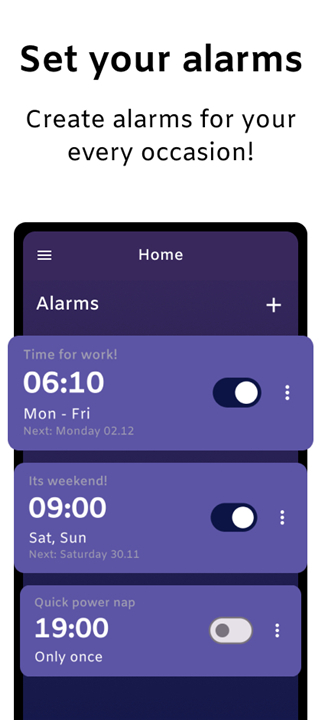
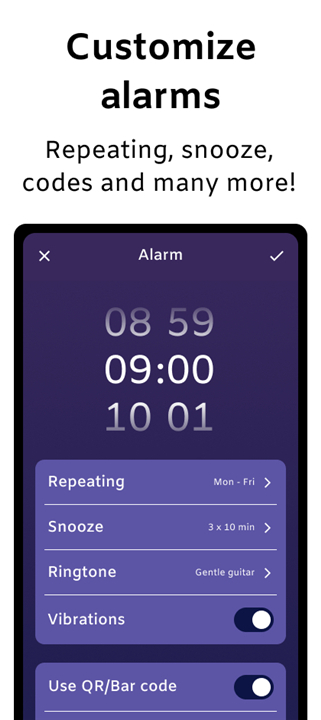
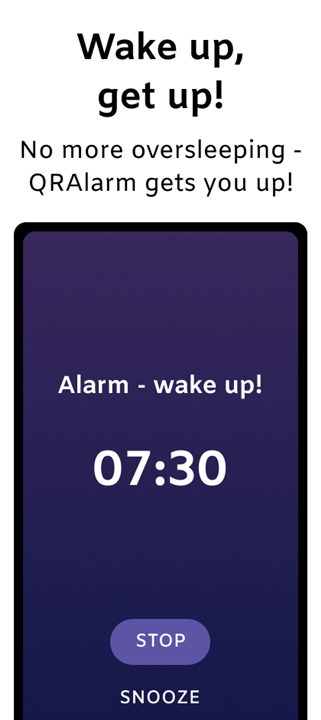
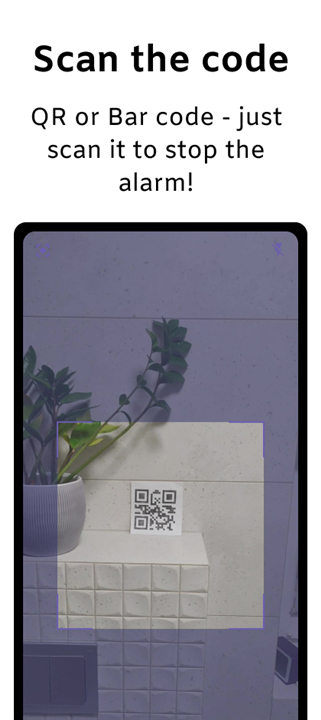
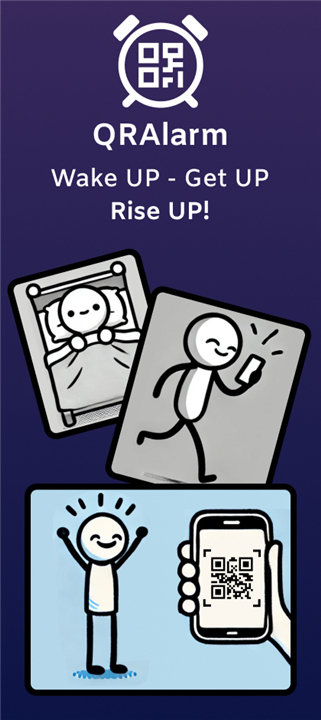
QRAlarm – The QR Code Alarm Clock That Actually Gets You Up
Wake Up Smarter
• Tired of sleeping through your alarm or hitting snooze on repeat?
• QRAlarm offers a clever solution: to silence the alarm, you must scan a QR or barcode placed somewhere away from your bed.
• This simple requirement ensures you’re up and moving right from the start—ideal for both deep sleepers and goal-oriented early risers.
Why You’ll Love QRAlarm
Have you ever:
• Hit snooze again and again, only to oversleep?
• Promised yourself “just five more minutes” and lost an hour instead?
• Wanted to start your day strong but couldn’t seem to leave bed?
QRAlarm helps break those habits by making sure you actually get out of bed.
Designed for Real Results
• QRAlarm isn’t another basic alarm app—it’s built to transform your mornings.
• Its mission-based wake-up method ensures you’re alert, active, and ready to start your day.
Use QRAlarm if you want to:
• Overcome chronic oversleeping
• Break your snooze cycle
• Boost morning productivity
• Establish a consistent routine
• Begin each day feeling focused and energized
Simple, Lightweight, and User-Friendly
• QRAlarm is compact—around 30 MB—so it fits comfortably on any device without slowing it down.
• The interface is clean, intuitive, and easy to navigate, free of unnecessary features or clutter.
• Everything is designed to make your wake-up routine smooth and stress-free.
QRAlarm PRO – For the Toughest Sleepers
• Need an even stronger push to get up?
• QRAlarm PRO takes it a step further with advanced options that prevent you from disabling the alarm until you’re truly awake.
PRO features include:
• No option to exit the alarm screen while it’s ringing
• Protection against uninstalling or powering off the phone during an alarm
• Locked alarm volume so it can’t be turned down
• Completely ad-free experience
More exciting features are on the way as QRAlarm continues to evolve.
Privacy and Permissions
• QRAlarm uses the BIND_ACCESSIBILITY_SERVICE permission only to support the “Power-off guard” feature, which prevents the phone from being shut down during an active alarm.
• This permission is optional, and QRAlarm does not collect or share any personal data.
Get Started
• Download QRAlarm, set up your custom alarm missions, and discover how easy it can be to wake up on time every morning.
• Let QRAlarm help you start your day with energy and purpose.
FAQ
Q: How does the QR code scanning feature work?
A: When your alarm goes off, it won’t stop ringing until you scan the specific QR or barcode you’ve chosen during setup. You can print or place that code somewhere like your bathroom mirror, kitchen counter, or another room—basically anywhere that forces you to move.
Q: Can I use any QR code or barcode, or do I have to use one generated by QRAlarm?
A: You can use either. QRAlarm can generate its own QR code for you to print, or you can assign any existing barcode (like one from a book or product) for convenience. The key is choosing a location that gets you up and moving.
Q: What makes QRAlarm different from other alarm apps?
A: Most alarm apps rely on tones and snooze buttons, which are easy to ignore. QRAlarm adds a simple mission—you have to physically move and scan something. This built-in challenge makes it much harder to fall back asleep, giving you a more reliable wake-up routine.
Version History
v2.7.2——28 Oct 2025
Turn off alarms by scanning the QR Code and always get up on time! Download the latest version of QRAlarm - QR Code Alarm Clock to enjoy new features and updates immediately!
*2.7.2
Performance improvements,
Bug fixes.
*2.7.1
Now showing upcoming alarm notification after snoozing,
Clearer alarm volume adjustment UI,
Bug fixes and performance improvements.
*2.7.0
Allowing for 10 and 25 required matches on emergency task due to popular demand :)
Brand new, clear app icon!









Ratings and reviews
There are no reviews yet. Be the first one to write one.