

WiFi Password Show is a simple yet powerful tool that helps Android users recover and view previously saved WiFi passwords. It not only displays saved WiFi passwords but also offers the option to share them via QR code for seamless sharing with others.
Show WiFi Password
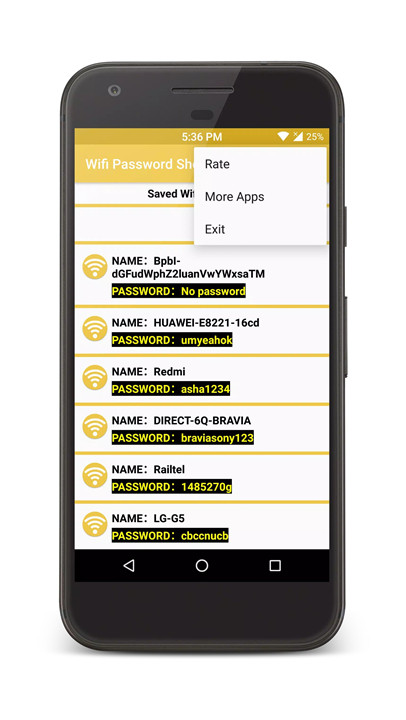
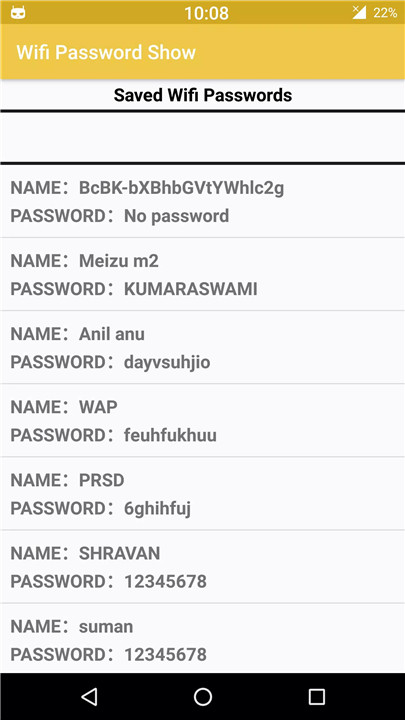
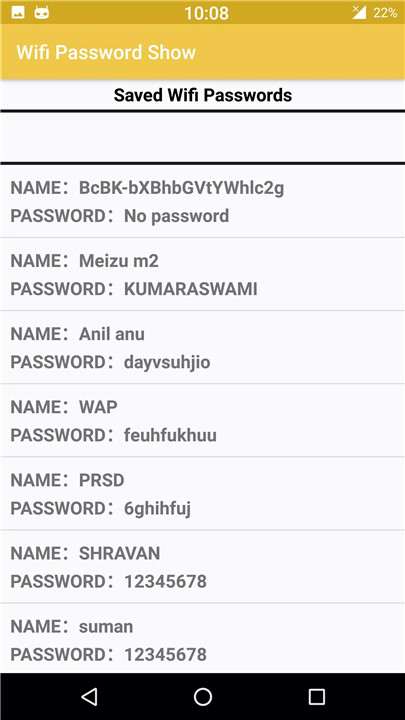
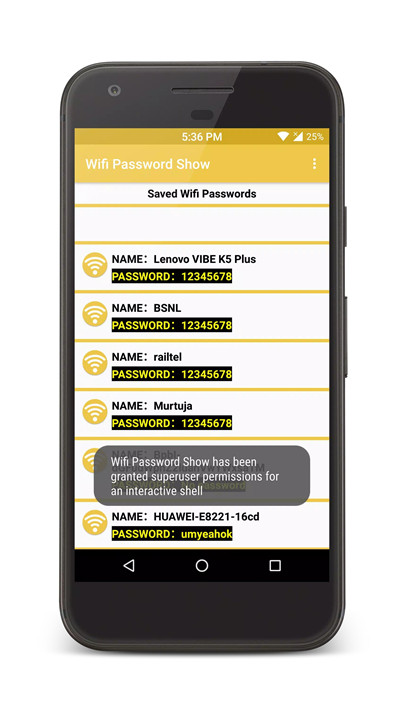
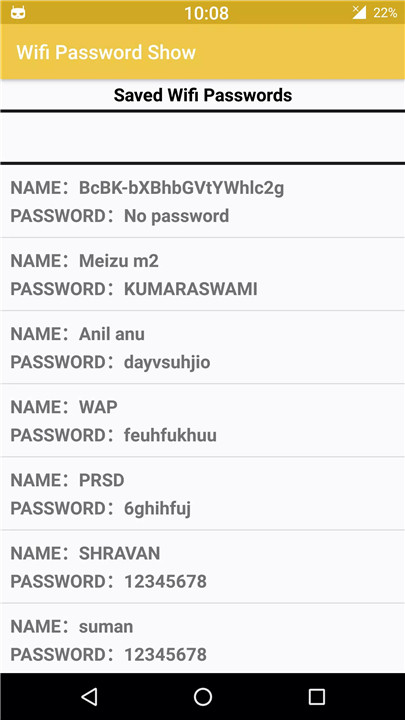
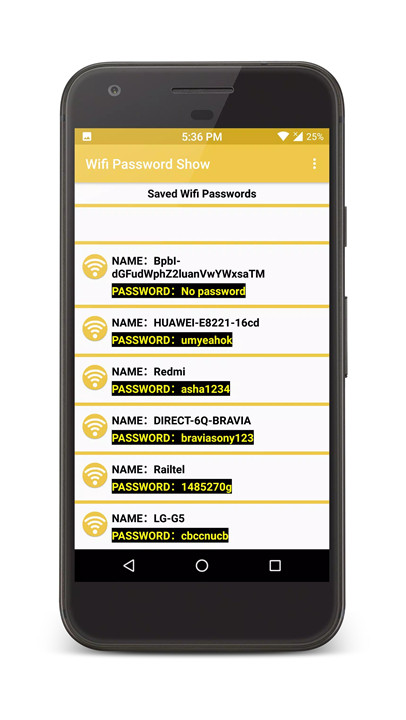
WiFi Password Show allows you to retrieve and view saved WiFi passwords directly on your Android device. All the WiFi networks you have previously connected to will be displayed, along with their SSID (network names).
Share Wi-Fi Password
One of the standout features of WiFi Password Show is the ability to share your WiFi passwords easily. You can either share the password directly or generate a QR code for others to scan.
Copy WiFi Password
You can also copy the WiFi password to your clipboard, making it even easier to share or enter into other devices. This function is perfect for quick and efficient use.
Save WiFi Passwords as Text File
To keep a backup or record of your passwords, WiFi Password Show allows you to save all your WiFi passwords in a text file. This text file is stored in your local device storage for easy access whenever you need it.
Show Connected WiFi Information
The app also provides details about the WiFi networks you’re currently connected to, giving you an overview of your network’s status and details like the SSID and password.
Generate QR Code
WiFi Password Show includes a feature to generate QR codes for your WiFi network. Simply create the QR code with your WiFi SSID and password, and others can scan it to instantly connect to your network without having to manually enter the password.
Completely Free
This app is completely free to download and use, offering all its features without any hidden fees. You can enjoy its benefits without any worries.
Works on Latest Android Versions
WiFi Password Show is compatible with the latest Android versions, ensuring you can use it on modern devices without any issues.
How to Use
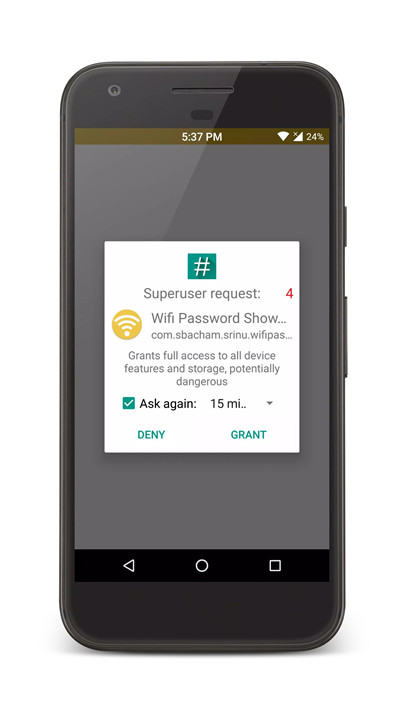
To use WiFi Password Show, simply download and open the app on your Android device. Grant the required superuser root permission when prompted, and the app will display a list of saved networks. From here, you can view, copy, share, or generate QR codes for your WiFi passwords. If your device does not have root access, the app will notify you accordingly.
Disclaimer:
WiFi Password Show requires root access to function. It is not a WiFi password hacking tool. We do not encourage rooting your device, as it may void your warranty and potentially harm your phone.
FAQs
1. What’s the purpose of this app?
WiFi Password Show can help users recover and view previously saved WiFi passwords on their Android devices. It also allows sharing passwords through QR codes and saving them as text files.
2. Do I need root access to use this app?
Yes, the app requires root access to display WiFi passwords. If your device is not rooted or does not have superuser permission, the app will notify you.
3. Can I share my WiFi password with others?
Yes, WiFi Password Show allows you to share your WiFi password either by copying it to your clipboard or generating a QR code for others to scan and connect.
4. Is WiFi Password Show free?
Yes, the app is completely free to use with no hidden fees or in-app purchases.
5. Does WiFi Password Show work without root?
No, the app requires root access to retrieve and display saved WiFi passwords. It will not work without root permissions.
Version History
v3.5.4—16 Mar, 2024
Minor bug fixes and improvements. Install or update to the newest version to check it out!
v3.5.3—23 Sep, 2023
v3.5.2—17 Aug, 2023











Ratings and reviews
There are no reviews yet. Be the first one to write one.