

PDF Reader – PDF Viewer APK
2.1.2
PDF Reader – PDF Viewer
PDF Reader – PDF Viewer APK
Download for Android
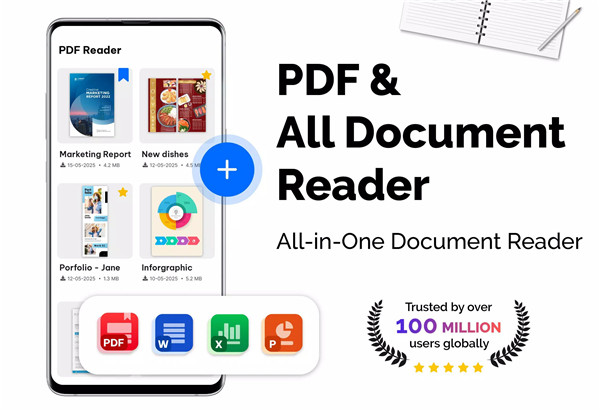
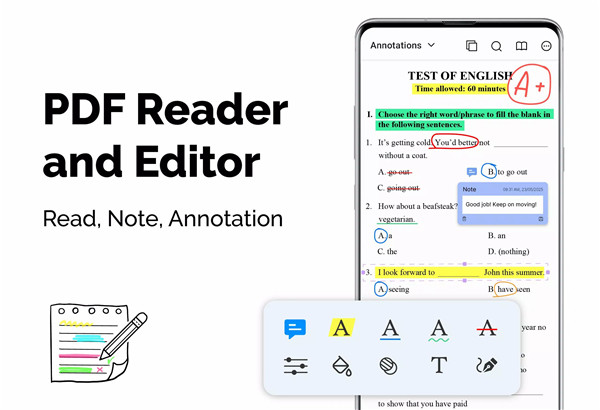
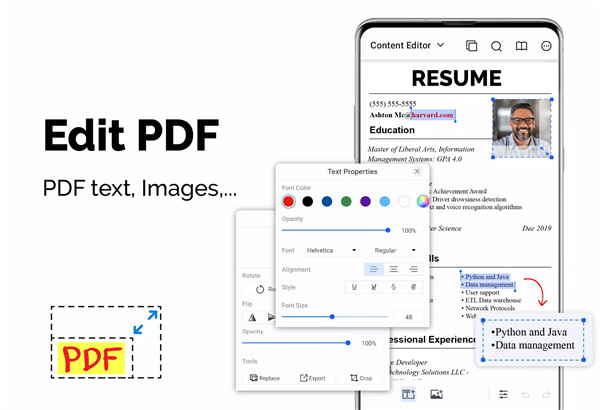
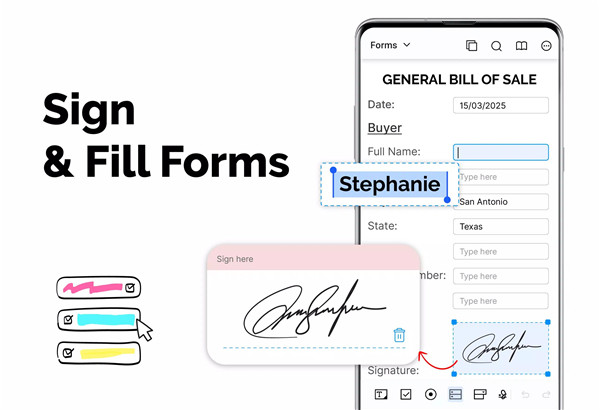
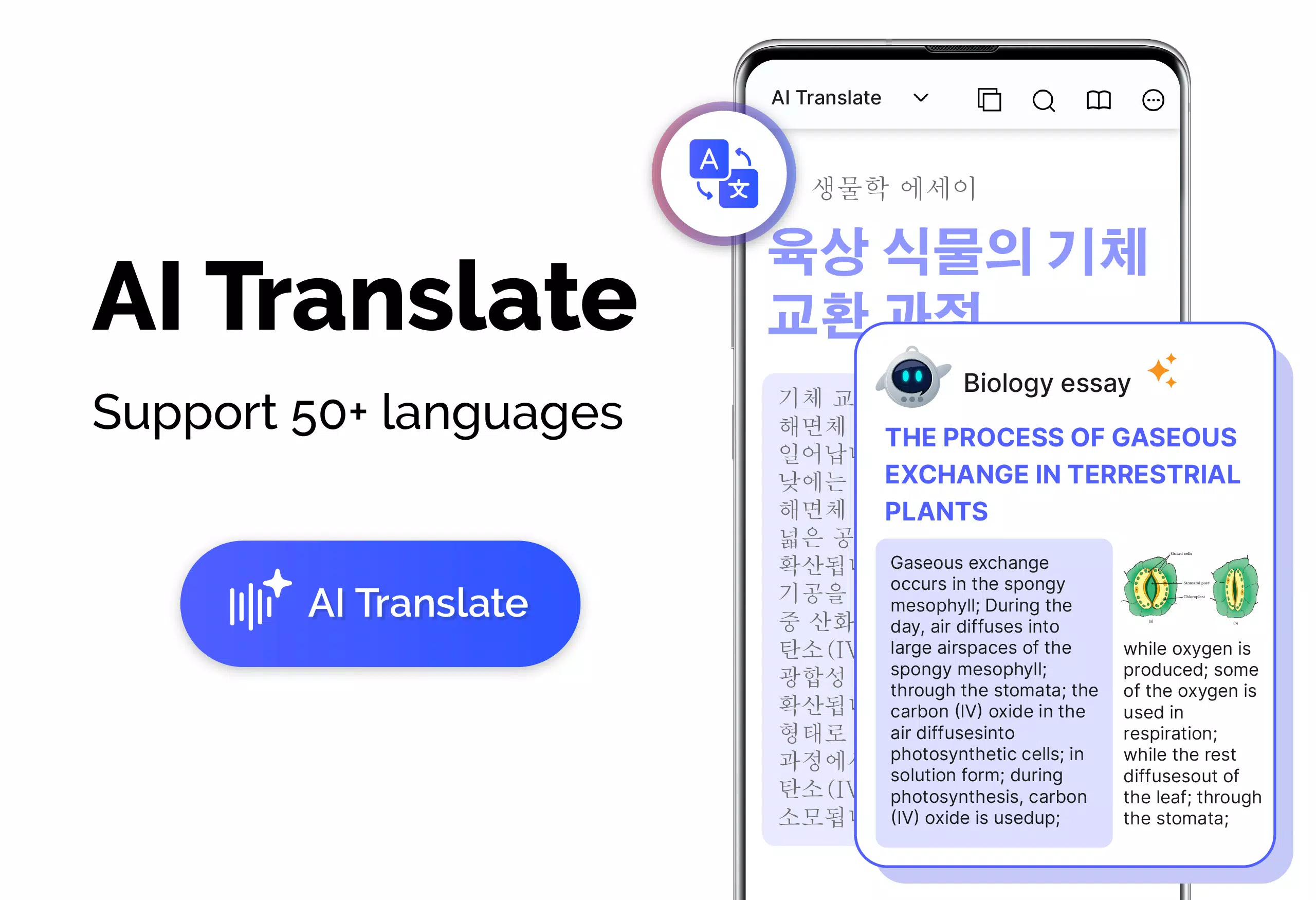
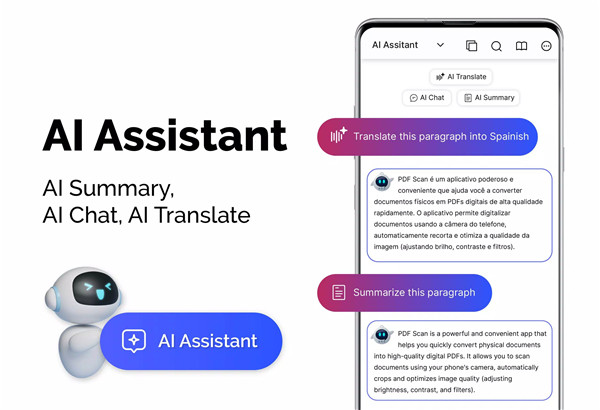
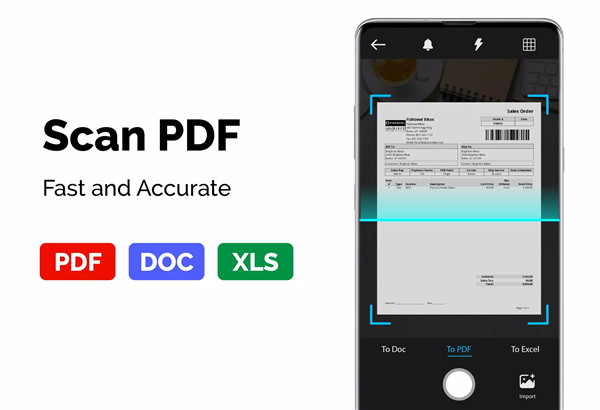
PDF Reader – PDF Viewer is a powerful yet lightweight mobile app designed to simplify the management, reading, and editing of PDF documents. With the growing need for quick access and efficient document handling, this app stands out by providing fast, intuitive, and versatile features.
Fast and Efficient PDF Display
PDF Reader – PDF Viewer uses cutting-edge technology to load and display PDF files quickly, even when dealing with larger documents. You won’t have to wait long for a file to open, no matter how big or complex.
Multiple Viewing Modes
The app offers several viewing options to accommodate different reading preferences. Whether you prefer reading in a single page view, a two-page layout, book mode, or full-screen mode, PDF Reader makes sure you can tailor the display to your needs. This flexibility enhances the reading experience and ensures comfort, especially for those long PDF documents.
Adjustable PDF Orientation
PDF Reader offers both vertical and horizontal orientations, allowing users to view documents in the way that best suits their reading habits. Whether you’re reading a long article or reviewing a document, the option to switch between orientations helps make the viewing experience more adaptable and user-friendly.
Quick Page Navigation
The app includes features for easy and fast page navigation. Users can jump directly to any specific page number, allowing for quick referencing or document review. Fast page navigation ensures a smoother experience, especially when working with lengthy PDFs. Additionally, a return feature makes it easy to revisit previously viewed pages.
Bookmarks for Easy Navigation
PDF Reader allows users to make bookmarks within documents, making it easier to navigate large files. These bookmarks can be used to mark important sections, return to specific pages quickly, or keep track of areas that need further attention. It’s an efficient way to manage long documents or multi-page PDFs.
Customizable Theme Options
Personalization is key, and PDF Reader offers the ability to choose between a dark theme or light theme. Whether you prefer a darker interface for night reading or a lighter one for daytime use, these theme options ensure a comfortable reading experience regardless of the time of day.
PDF Converter & Scanner Tools
In addition to being a great PDF reader, the app also provides robust conversion tools. You can scan images, receipts, or notes and turn them into PDFs, as well as convert PDFs into JPG images, preserving annotations and formatting for easy sharing. Users can also create PDFs by combining multiple images (PNG, JPG, TIFF, GIF), making it versatile for various document management needs.
Handling Large Files with Ease
One standout feature of PDF Reader – PDF Viewer is its ability to open and manage large PDF files with ease. Even files over 300MB load quickly, ensuring that users don’t experience slowdowns when accessing high-quality or content-heavy PDFs. This is especially valuable for professionals who need to work with large design files, eBooks, or technical documents.
Password-Protected PDF Support
The app supports PDF files with password protection, ensuring that users can access and view secured documents securely. This feature is essential for professionals handling sensitive information, allowing them to view encrypted PDFs without needing to manually unlock them.
FAQs
1. Can I open large PDF files with PDF Reader – PDF Viewer?
Yes, PDF Reader – PDF Viewer is optimized to handle large PDF files, including documents over 300MB in size, ensuring they load and display quickly without any lag.
2. Is it possible to convert PDFs into images?
Yes, the app allows users to convert PDF files into JPG images while retaining any annotations. This feature is perfect for sharing documents with visual elements or for presentations.
3. How can I customize the display in PDF Reader – PDF Viewer?
The app offers various viewing modes (single page, two-page, book mode, and full screen), as well as customizable theme colors (dark or light) to suit your preferences.
4. Can I create a PDF from images using this app?
Yes, PDF Reader – PDF Viewer allows users to create PDFs from multiple images, supporting formats like PNG, JPG, TIFF, and GIF. This is especially useful for scanning notes, receipts, and other documents.
5. Does PDF Reader support password-protected PDFs?
Yes, the app supports opening password-protected PDF files, so you can view secure documents without hassle, as long as you have the correct password.
Version History
v2.1.2—7 Jul, 2025
v2.0.7—19 Jun, 2025
v2.0.3—19 Jun, 2025









Ratings and reviews
There are no reviews yet. Be the first one to write one.