

Maps Camera
Overview
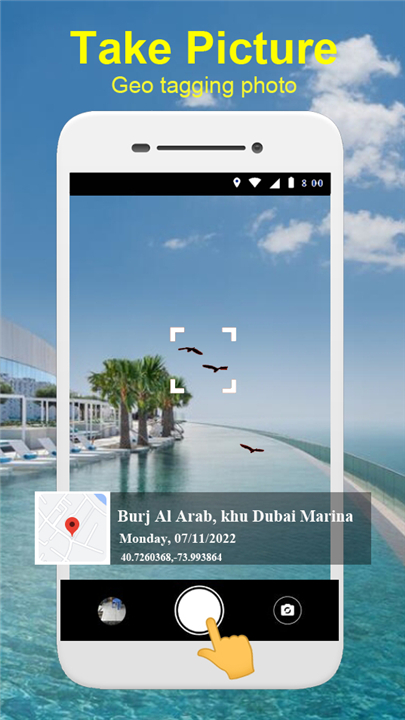
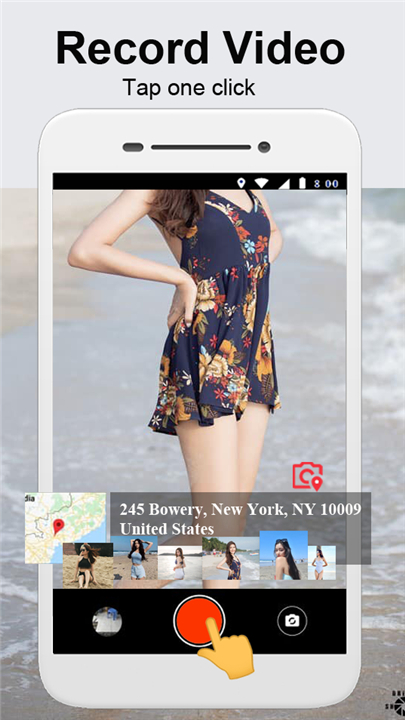
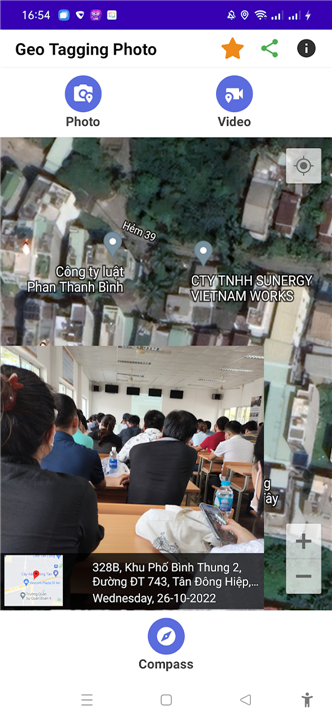
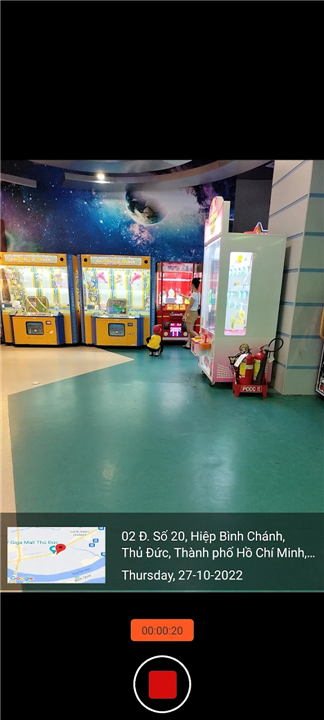
• GPS Maps Camera is an innovative application designed for capturing photos and recording videos with precise location data embedded directly into the media.
• Whether you are traveling locally or abroad, the app allows you to geotag images and videos, stamping them with detailed coordinates and map information.
• This makes it easy to remember exactly where each moment was captured and to share those experiences with others.
Key Features
1. Photo and Video Capture
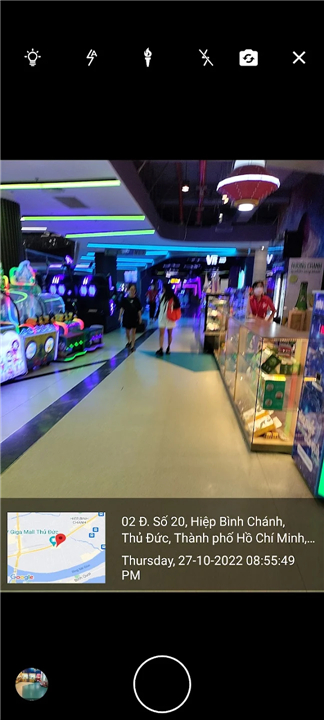
• Supports both front and rear cameras for versatile photography.
• Records high-quality videos with location data attached.
• Offers multiple flash modes including on, torch, and auto focus.
2. Geotagging and Location Data
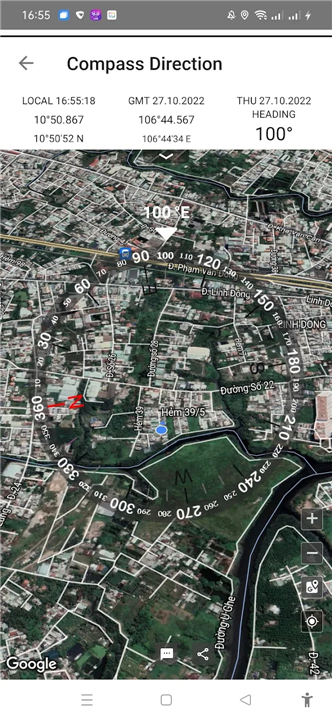
• Automatically embeds latitude, longitude, altitude, local time, and address.
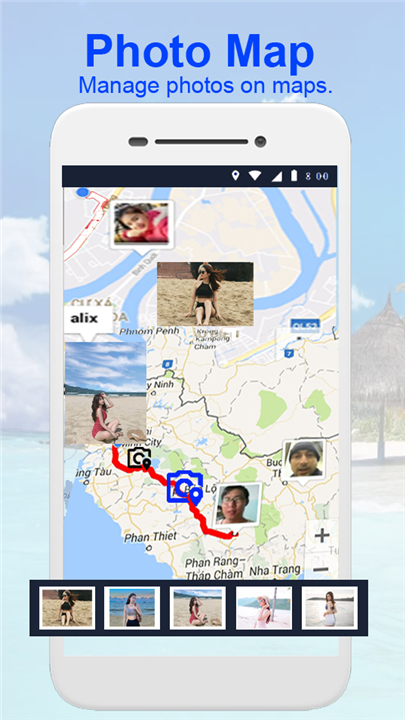
• Displays captured media on maps for easy location reference.
• Works offline with GPS, though online mode ensures exact address accuracy.
3. Map Display and Management
• Four map types available: satellite, hybrid, normal, and terrain.
• Ability to set default zoom level and preferred map type.
• Simple tools to manage and browse photos by location.
4. Templates and Stamps
• Includes various free templates for GPS and time stamps.
• Supports different timestamp formats for flexibility.
• Highlights additional details such as weather and positional data.
Usage Instructions
1. Open the app and grant necessary permissions.
2. Use the camera to take photos or record videos.
3. Activate GPS to enable geotagging features.
4. Save media to your device’s external storage.
5. View and manage captured media directly on the integrated map.
Additional Notes
• Many users appreciate the ability to document activities with geotags as proof of location and time.
• This functionality is suitable for travelers, outdoor enthusiasts, and professionals who require precise location records.
For feedback or feature suggestions, contact: mebaophuc8994@gmail.com.
Share your experiences through rating and review to help improve the application.
FAQ
Q: Can I use GPS Maps Camera when I’m offline?
A: Yes, you can use GPS Maps Camera offline. The app will still record your GPS coordinates, altitude, and timestamp even without a data connection. However, to retrieve the exact street address, you will need an internet connection. Without online access, the location will be shown as raw coordinates until you reconnect.
Q: What map types does the app support, and how do I switch between them?
A: GPS Maps Camera supports four map types: satellite, hybrid, normal, and terrain. You can switch between them by tapping the map settings icon in the media gallery view. Once you open the map settings, simply choose your preferred map type and confirm. The app will remember your choice as the default for future browsing sessions.
Q: Is it possible to customize the zoom level on maps?
A: Absolutely. After launching the integrated map view, pinch or stretch the map with two fingers to adjust the zoom level to your liking. If you want the app to open at a specific zoom by default, save your preferred view using the “Set Default Zoom” option in the settings menu.
Version History
v1.2.8——13 Jan 2026
Map camera lite & geotagged pictures and videos; photos on map; GPS map camera Download the latest version of Maps Camera to enjoy new features and updates immediately!
*1.2.8
Minor bug fixes and improvements. Install or update to the newest version to check it out!
*1.2.7
Minor bug fixes and improvements. Install or update to the newest version to check it out!
*1.2.6
Minor bug fixes and improvements. Install or update to the newest version to check it out!









Ratings and reviews
There are no reviews yet. Be the first one to write one.