

Cisco Secure Client-AnyConnect APK
5.1.15.295
Cisco Secure Client-AnyConnect
Cisco Secure Client-AnyConnect APK
Download for Android
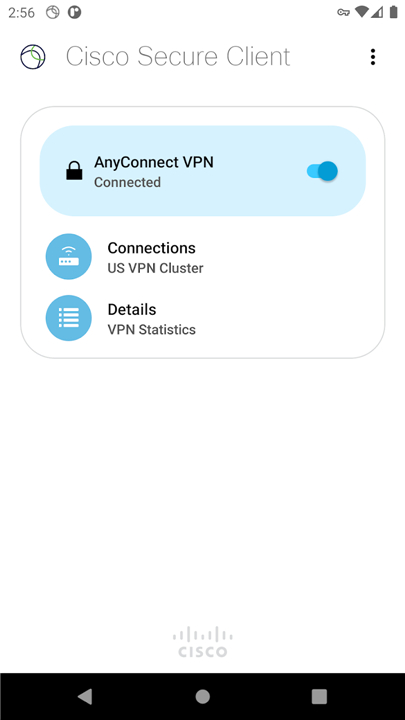
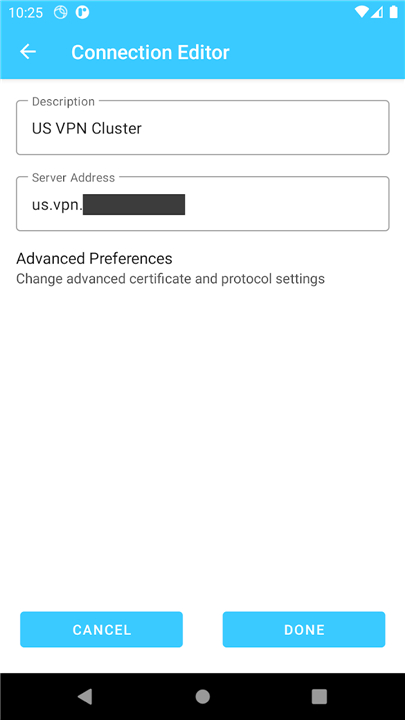
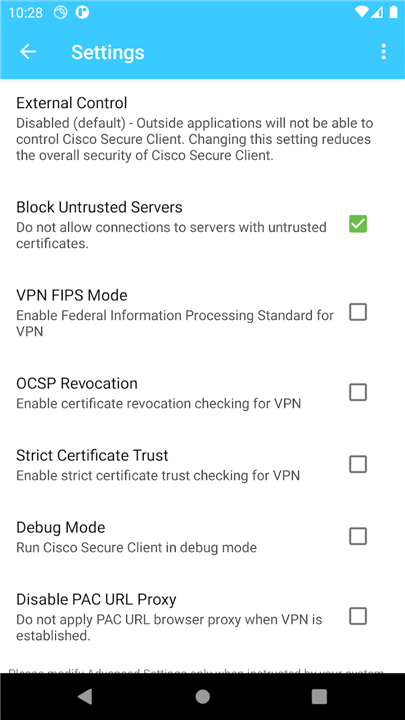
Cisco Secure Client-AnyConnect
Overview
• Unleash your productivity and stay connected on the go with Cisco Secure Client, previously known as AnyConnect.
• This powerful solution transforms your mobile device into a secure portal, ensuring your work is always within reach.
Empower Your Mobile World
• Imagine a seamless world where your essential work is always accessible, robustly protected, no matter where your journey takes you.
• Cisco Secure Client makes this vision a reality.
• It's your trusted bridge to corporate resources, ensuring business-critical applications, emails, and virtual desktops are always at your fingertips, securely delivered to your Android device.
Journey, Protected & Seamlessly Connected
• Adaptive Security: Experience uninterrupted access with intelligent VPN tunneling that dynamically adapts to your network, optimizing performance through TLS, DTLS, or IPSec/IKEv2 protocols.
• Always On: Our clever network roaming feature maintains your secure connection even through IP address changes, brief disconnections, or device standby, keeping you productive.
• Fortified Access: Benefit from a wide range of authentication options and automatically updated policies, ensuring your connection is always compliant and secure.
• Comprehensive Reach: Connect effortlessly to both IPv4 and IPv6 internal network resources.
• Global Understanding: The app speaks your language, localizing to your device's regional settings.
• Advanced Threat Defense: For an extra layer of protection, the integrated Cisco Umbrella module provides robust DNS-layer security against malicious sites for Android v6.0.1+, available with or without a full Secure Client license.
Getting Started & Important Considerations
1. Compatibility:
• Designed for Android 4.4+ devices.
2. Licensing:
• Exclusively for Cisco headend customers with active Plus, Apex, or VPN Only licenses (details: http://www.cisco.com/c/dam/en/us/products/security/anyconnect-og.pdf).
• It requires Cisco Adaptive Security Appliance (ASA) Boot image 8.0(4) or later.
• The Umbrella module requires separate Umbrella licenses (https://learn-umbrella.cisco.com/datasheets/cisco-umbrella-package-comparison-2).
• Trial licenses for administrators are available at www.cisco.com/go/license.
3. Key Limitations:
• Specific features like Filter Support, Trusted Network Detection, Split Exclude, Local LAN Exception, and direct Secure Gateway Web Portal access (when tunneled) are not supported with this package.
• Split DNS functionality is limited on Android 7.x/8.x due to OS constraints.
4. Known Quirk:
• You might encounter occasional freezes on the Diagnostics screen.
Connecting with Cisco
1. Support:
• End-users: Please contact your organization’s IT support department.
• System Administrators: Reach out to your designated Cisco support point of contact.
2. Feedback:
• Help us enhance your experience!
• Send logs and feedback directly through the app (Menu > Diagnostics > Send Logs > Feedback to Cisco) or email us at ac-mobile-feedback@cisco.com.
• Please review the 'Important Considerations' before submitting.
3. Resources:
• Access detailed Release Notes: https://www.cisco.com/c/en/us/support/security/anyconnect-secure-mobility-client/products-release-notes-list.html
• Explore beta versions and share your insights (no TAC support): https://play.google.com/apps/testing/com.cisco.anyconnect.vpn.android.avf
FAQ
Q: How does using this application help me stay productive while I am away from my desk?
A: The app acts as a trusted bridge between your Android device and your company's private network, ensuring that business-critical tools like your professional email and internal databases are always at your fingertips. By providing a seamless connection to these resources, it allows you to work from anywhere in the world without compromising your organization’s data security.
Q: Which mobile devices are compatible with the Cisco Secure Client?
A: The application is specifically designed to run on Android devices, and you will need to be running Android version 4.4 or later to ensure the app functions correctly. While it works on a wide variety of hardware, the performance and security features are best experienced on updated devices that can handle modern encryption.
Q: What kind of security protocols does the app use to protect my data?
A: Cisco Secure Client utilizes highly intelligent VPN tunneling that can dynamically adapt to your current network conditions to provide the best possible performance. It uses robust industry-standard protocols including TLS, DTLS, and IPSec/IKEv2 to ensure that every piece of information traveling between your device and the office remains encrypted and private.
Version History
v5.1.15.295——11 Mar 2026
Cisco Secure Client is a mobile VPN and endpoint security app that enables encrypted access to corporate resources. Download the latest version of Cisco Secure Client-AnyConnect to enjoy new features and updates immediately!
*5.1.15.295
Minor bug fixes and improvements. Install or update to the newest version to check it out!
*5.1.11.416
Minor bug fixes and improvements. Install or update to the newest version to check it out!
*5.1.9.115
Minor bug fixes and improvements. Install or update to the newest version to check it out!









Ratings and reviews
There are no reviews yet. Be the first one to write one.