

Animated Digital Clock-7 APK
2.2
Animated Digital Clock-7
Animated Digital Clock-7 APK
Download for Android
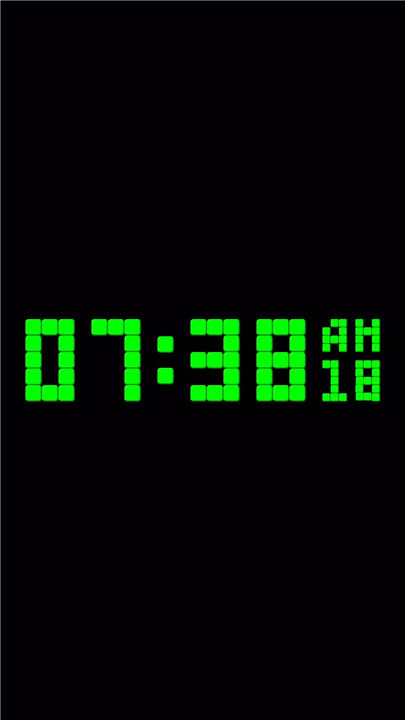
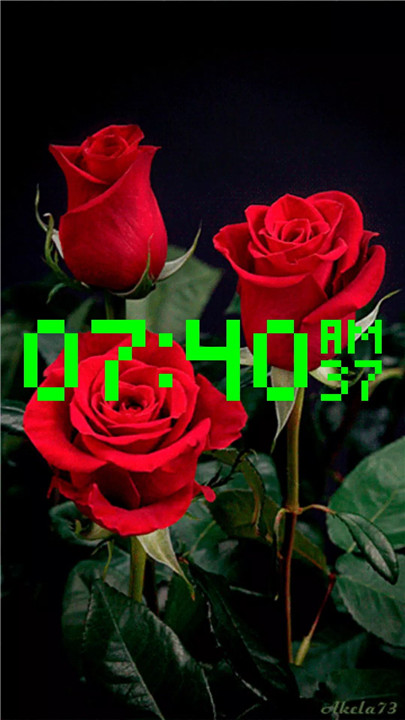
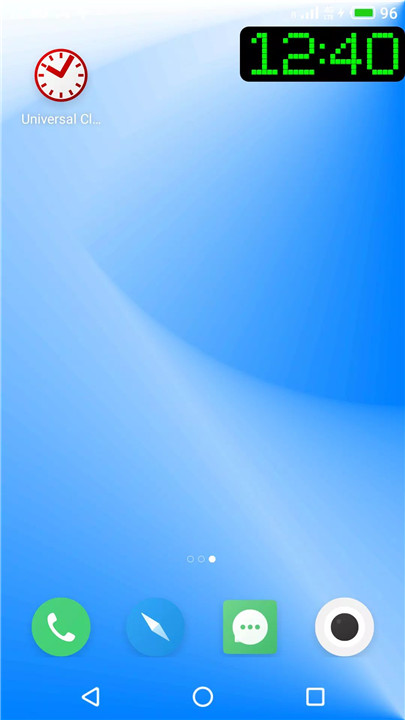
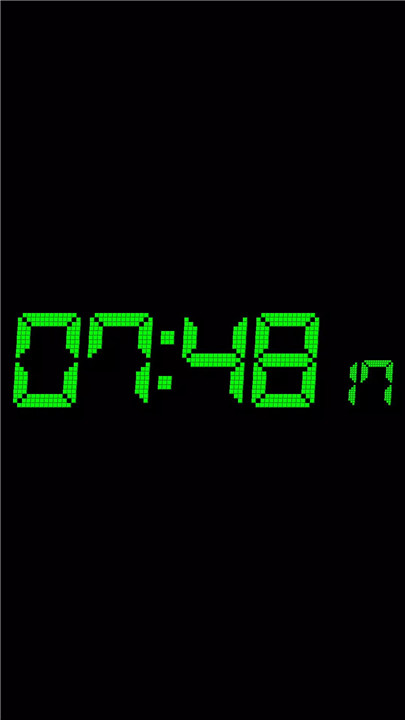
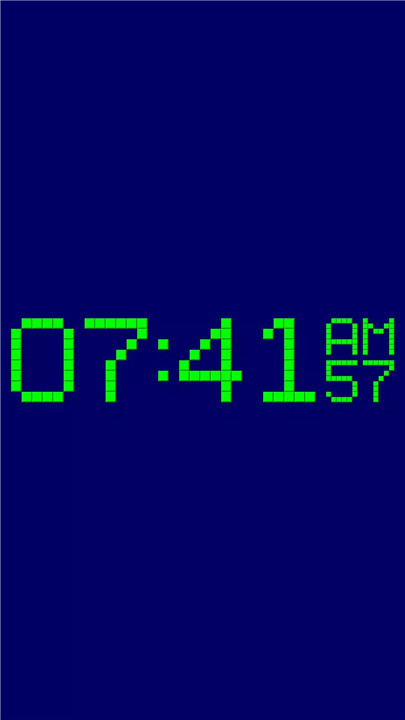
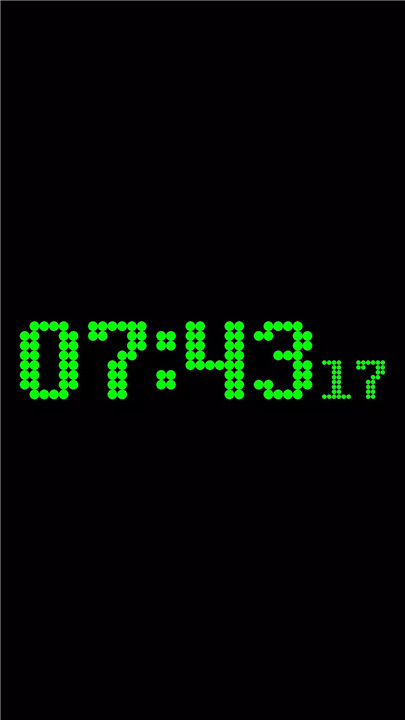
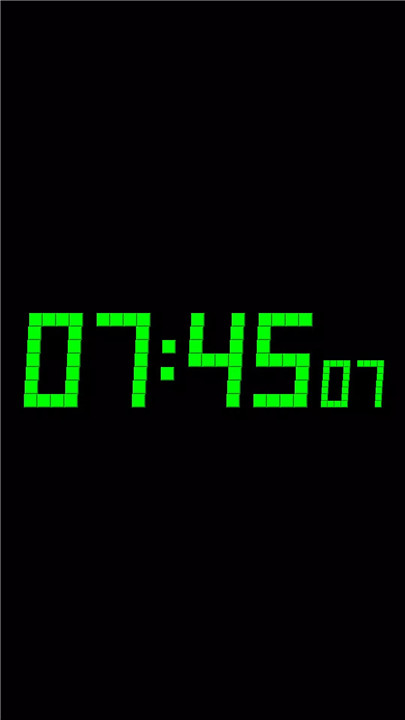
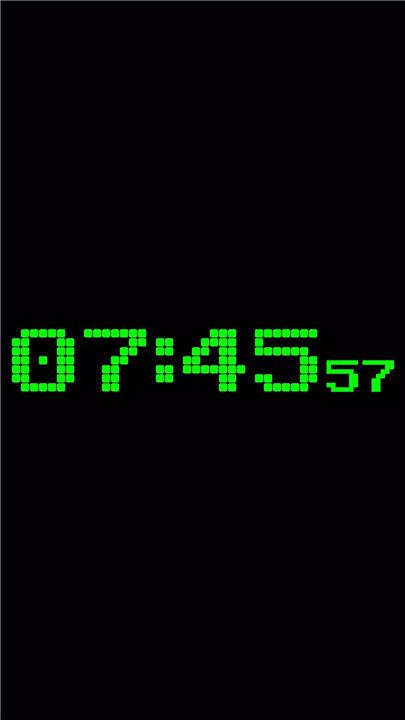
Experience the customizable digital clock with Animated Digital Clock-7. This app lets you personalize every aspect of your clock, from the font style to the animation speed, LED unit design, and more. Use it as a live wallpaper, overlay clock, or full-screen display and enjoy a sleek, modern look on your device.
Why Use Animated Digital Clock-7?
Fully Customizable Digital Clock
Choose from 30 unique fonts, ranging from simple pixel styles to bold seven-segment displays. You can also adjust the animation speed for a dynamic effect and select from a variety of LED unit types like solid, round, square, or circular. Add a 3D effect, italic font style, and borders to the LED units.
Live Wallpaper & Full-Screen Mode
Set the digital clock as a live wallpaper on your device, or keep it as an overlay clock. It will always stay on top of your apps, so you can view the time even when working or playing. You can also activate full-screen mode with the “keep screen on” feature.
Voice Time Announcement
Need to know the time hands-free? Double tap or set the clock to announce the time every 30 minutes! It’s a convenient feature for anyone on the go.
Portrait and Landscape View
The app supports both portrait and landscape modes and is compatible with all screen resolutions, including 4K and HD displays.
Time Format
Feel free to choose between 12/24 hour time formats.
FAQs
Q: Can I change the font style on the digital clock?
A: Yes, you can choose from 30 different fonts, ranging from pixel styles to bold seven-segment fonts, allowing for a fully personalized look.
Q: Can I use this digital clock as a live wallpaper?
A: Yes! You can set the digital clock as your live wallpaper or use it as an overlay that stays on top of all your other windows.
Q: What do I get in the paid version?
A: In the paid version, you can also set the font color and remove ads for a cleaner experience.
---------------------------
What's New in the Latest Version 2.2
Last updated on Oct 22, 2024
* High sound volume mode for time to speech. For change sound volume set it off.
Update for support Android 15
* Changes for Android 15.
New minor features for Android 15:
1. App widget preview with current settings.
2. You can select full screen analog clock to the small cover screens of supported flippable devices.









Ratings and reviews
There are no reviews yet. Be the first one to write one.