

Video maker with photo & music APK
3.5.1
Video maker with photo & music
Video maker with photo & music APK
Download for Android


Video maker with photo & music
Create Stunning Videos from Your Photos and Music
• Turn your favorite memories into captivating videos in minutes.
• Video Maker with Photo & Music lets you transform your photo collection into vibrant, music-filled creations perfect for sharing with friends, family, or that special someone.
• Whether it’s a birthday, holiday, or just a moment worth remembering, this app makes it simple to craft professional-looking videos—without any experience.
Why Choose Video Maker with Photo & Music
• 100% Free to Use – No hidden costs
• No Watermark – Your videos, your style
• Fast, easy, and beginner-friendly
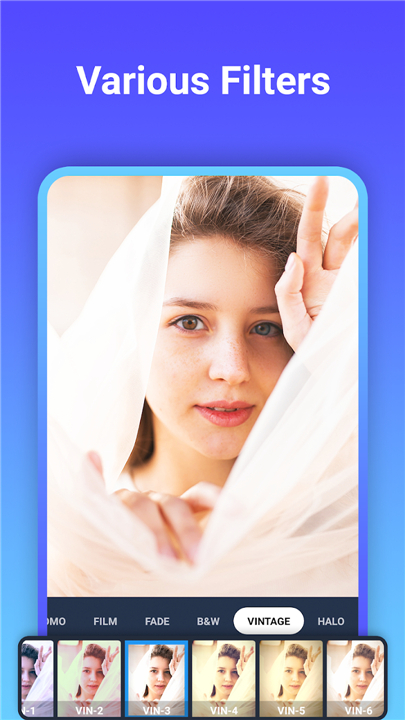
• Packed with creative tools and effects
Main Features
1. Photo Video Creation
• Combine your favorite photos with music from your device or built-in library
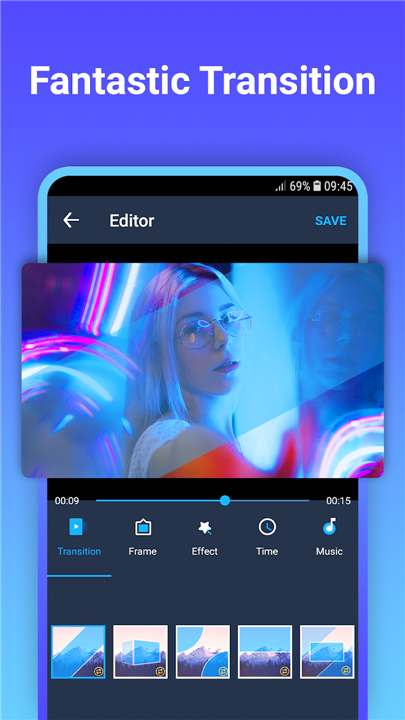
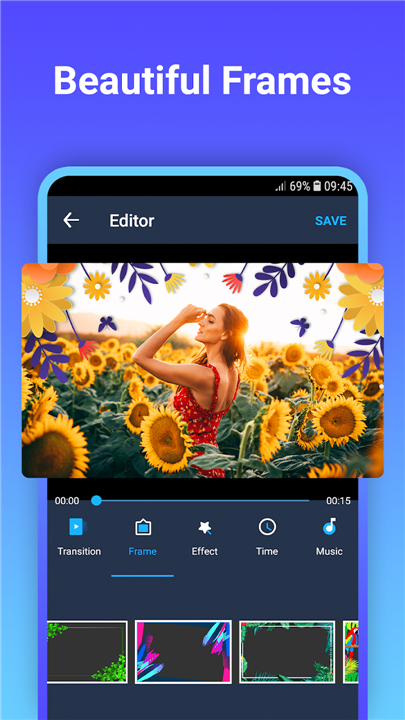
• Apply unique transitions, overlays, and themed frames
• Edit and enhance photos directly within the app
• Adjust transition times for smooth storytelling
• Export videos in your chosen resolution
2. Save Your Progress
• Save unfinished projects as drafts
• Return and continue editing anytime
3. Video Editing Tools
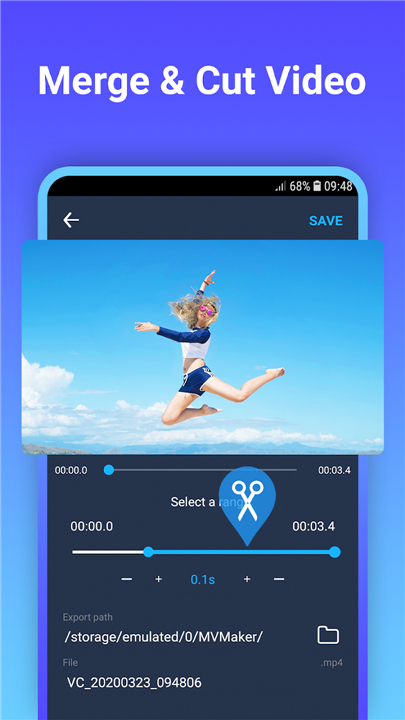
• Video Cutter: Quickly trim unwanted parts from any video
• Video Merger: Seamlessly combine multiple videos into one
4. Share Instantly
• Post your creations directly to social media
• Impress friends and followers with professional-looking videos
Get Started Today
• Download Video Maker with Photo & Music now and see how easy it is to create videos that inspire, entertain, and connect.
If you love it, leave a 5-star review and share it with others—your creativity deserves to be seen.
FAQ
Q: Is it really free to use, and will my videos stay watermark-free?
A: Yes, the app is 100 percent free and will never impose surprise charges. You can export your videos in full resolution without any watermarks, so every memory you share retains its original style. We believe that your creativity should remain yours, which is why the app’s full feature set—including video exporting—is available at no cost.
Q: How do I add my own music tracks to a photo video project?
A: Adding music is a snap. After you import your photos, tap the music icon and select “Add from Device.” The app will scan your library, letting you browse and choose the song that best fits your project. You can preview how it syncs with your photo sequence, adjust its starting point, and fade it in or out, ensuring your soundtrack flows seamlessly with the visuals.
Q: What’s the best method for fine-tuning transition durations between photos?
A: To refine the pacing of your video, select a transition between two photos, then drag the slider to shorten or lengthen its duration. You’ll see a real-time preview so you can gauge the timing. If you prefer consistency, you can set a default transition length at the project start, and the app will apply it across all photo changes—saving you time while maintaining uniformity.
Version History
v3.5.1——13 Jan 2026
Great video maker from unique photos, music, effects, frames Download the latest version of Video maker with photo & music 3.5.1 to enjoy new features and updates immediately!
*3.5.1
• Fix bugs and enhance user experience
• Holiday Frames for Christmas & New Year to celebrate the season
• Updated Frames 2025 → 2026 to welcome the New Year
*3.4.9
• Fix bugs and enhance user experience
• Holiday Frames for Christmas & New Year to celebrate the season
• Updated Frames 2025 → 2026 to welcome the New Year
*3.4.8
• Fix bugs and enhance user experience
• Holiday Frames for Christmas & New Year to celebrate the season
• Updated Frames 2025 → 2026 to welcome the New Year









Ratings and reviews
There are no reviews yet. Be the first one to write one.