

Clap to Find My Phone, Whistle APK
1.4.2
Clap to Find My Phone, Whistle
Clap to Find My Phone, Whistle APK
Download for Android

Clap to Find My Phone, Whistle
Never Lose Your Connection Again
• Stop the frantic search for your misplaced device and reclaim your peace of mind.
• Whether you are navigating a busy day or relaxing at home, losing track of your phone should never be a source of stress.
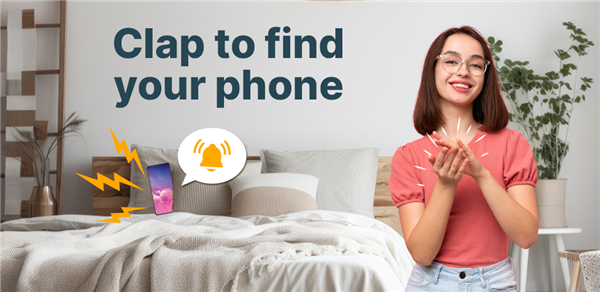
• The Clap to Find My Phone and Whistle app empowers you to locate your device instantly through simple, everyday sounds.
• It is the ultimate tool for anyone seeking a more organized and worry-free lifestyle.
How to Secure Your Device
• Launch the application on your smartphone.
• Tap the activation button to begin monitoring.
• When your phone is missing, simply clap your hands or whistle.
• Follow the immediate audio or visual response to retrieve your device.
Key Benefits and Features
• High-precision sound detection that responds even if the device is set to silent or do not disturb mode.
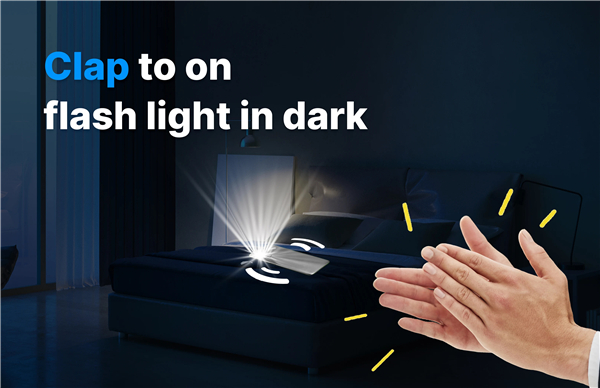
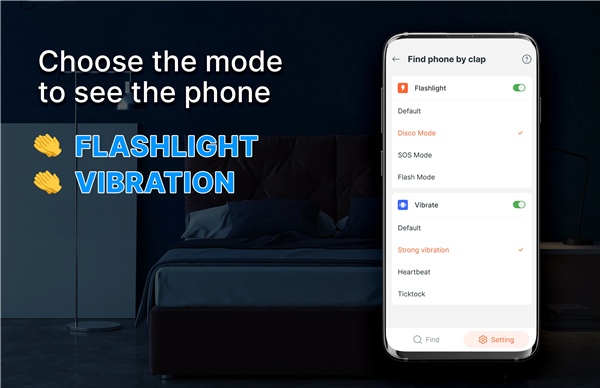
• Multiple alert options including high-volume ringing, bright flashlight signals, or distinct vibrations.
• An intuitive, streamlined interface designed for users of all ages and technical backgrounds.
• Reliable performance in various environments, from dark rooms to crowded public spaces.
Experience the Freedom of Total Control
• This application is more than just a utility; it is a solution for modern living.
• By eliminating the time wasted searching for your technology, you can focus on what truly matters.
• We are committed to continuous improvement to ensure you have the most reliable experience possible.
• Take the first step toward a more efficient daily routine and activate your phone finder today.
FAQ
Q: How do I set the app up for the first time?
A: After you download the app from the store, open it and grant the microphone and notification permissions it asks for. Tap the large “Activate” button on the home screen; the app will then start monitoring for claps and whistles in the background. From that point on, a quick sound will be enough to summon your phone.
Q: Will the app work if my phone is on silent or Do‑Not‑Disturb?
A: Yes. The sound‑detection engine works independently of the device’s volume settings. Even if the phone is silenced, the app can still produce a high‑volume ringtone, flash the flashlight, or generate a distinct vibration pattern to let you know where it is.
Q: Can I customise the type of alert the phone gives?
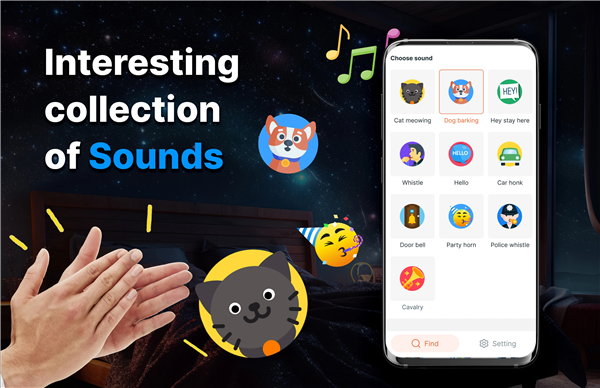
A: Absolutely. Inside the Settings menu you’ll find a section called “Alert Preferences.” Here you can pick one of three alert styles—loud ring, bright flashlight, or strong vibration—or enable a combination of all three. You can also adjust the ringtone, the flash frequency, and the vibration intensity to suit your tastes.
Version History
v1.4.2——11 May 2026
Never worry about forgetting your phone. Find the phone quickly by clapping Download the latest version of Clap to Find My Phone, Whistle to enjoy new features and updates immediately!
*1.4.2
- Fix bugs
- Overall performance improve
*1.4.0
- Fix bugs
- Overall performance improve
*1.3.9
- Fix bugs
- Overall performance improve











Ratings and reviews
There are no reviews yet. Be the first one to write one.