

Browser TV Web - BrowseHere APK
8.07.020_9a09001_260514_gp
Browser TV Web - BrowseHere
Browser TV Web - BrowseHere APK
Download for Android
BrowseHere
The All‑in‑One TV Browser
• Turn your Google TV, Android TV, set‑top box or Android TV box into a fast, ad‑free web hub.
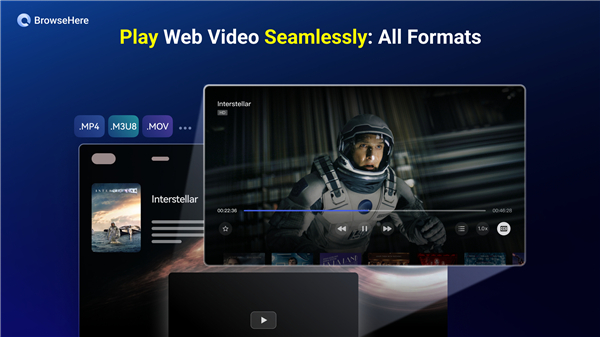
• Stream movies, binge‑watch series, surf the net and download files—all with your TV remote.
Why Choose BrowseHere?
• Completely free – No hidden charges or in‑app purchases.
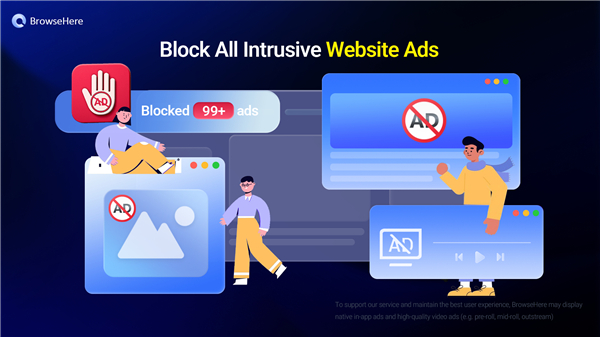
• Built‑in ad blocker – Eliminates pop‑ups, banner and video ads for uninterrupted viewing.
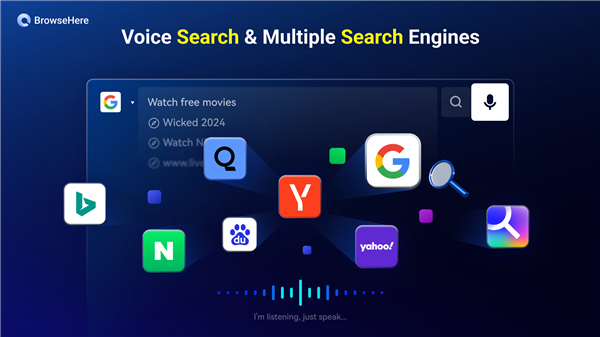
• Voice search – Speak any language to launch a search without typing.
• Remote‑friendly video player – Supports bookmarks, subtitles and easy playback on the big screen.
• Integrated IPTV player – Add your own playlist and watch live channels (BrowseHere does not provide streams).
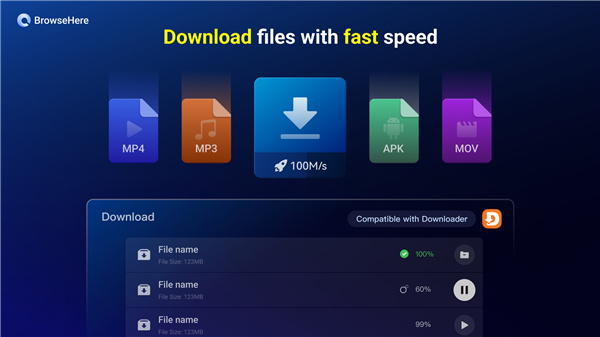
• Secure downloading – Grab APKs, videos, images and other files at high speed, with automatic safety checks.
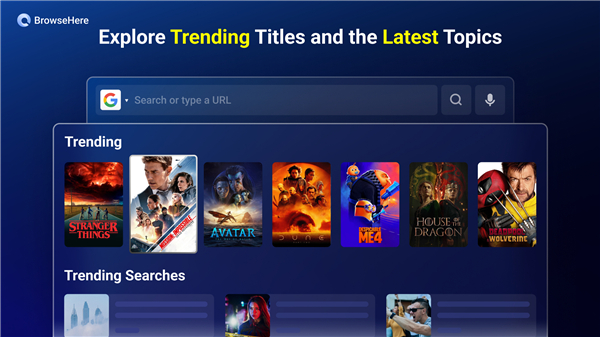
• Instant access to free movies & anime – Curated selections appear on the home screen.
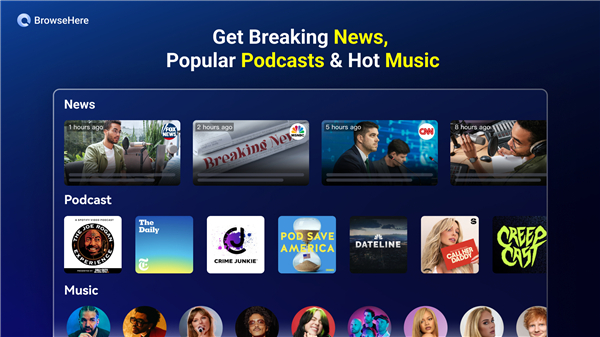
• Trending news feed – Stay updated with the latest headlines worldwide.
• Bookmarks & history – Save favorite sites and revisit them in a single click.
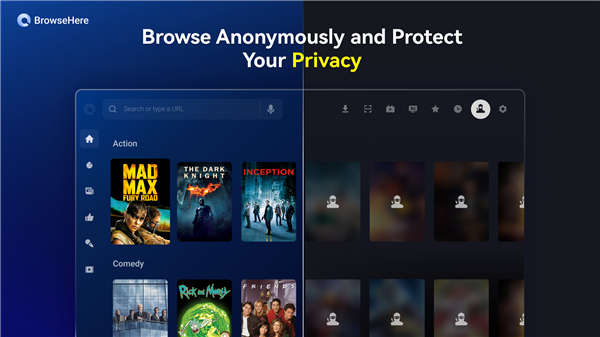
• Privacy‑first – The app never collects location, cookies or personal data.
Handy Extras
• Quick Google search from the remote
• Page zoom in/out and scroll mode for smooth navigation
• QR‑code input for sending URLs from a smartphone (supported on select TV models)
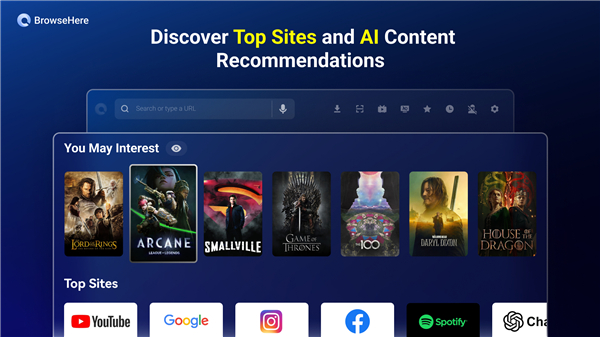
• Personalized “You May Interest” recommendations that suggest content tailored to your taste
Compatibility
• BrowseHere runs on virtually any Android‑based TV or streaming device, including but not limited to:
+ TCL, Sony, Xiaomi, Hisense, Philips, Skyworth, JBl, NVIDIA, Amazon Fire TV/Stick/Cube, Mi TV Stick, Mi Box, MeCool, H96 MAX, A95X, and many other Android TV boxes and Fire OS devices.
Get In Touch
• Your feedback drives improvement.
• Join the community on Telegram: https://t.me/browsehere
Experience a cleaner, faster, and smarter TV web browser—download BrowseHere today and let the screen do the talking.
FAQ
Q: Is BrowseHere really free, or are there hidden fees?
A: The application is completely free from the moment you download it. There are no subscription fees, no in‑app purchases and no hidden charges. All the features—including the ad blocker, voice search, IPTV player and download manager—are available to you without ever reaching for a wallet.
Q: How does the built‑in ad blocker work and will it affect site functionality?
A: BrowseHere employs a lightweight, server‑side filter that strips out pop‑ups, banner ads, video pre‑rolls and most tracking scripts before the page is rendered on your TV. Because the filtering happens at the network level, the visual layout of the website remains intact and you can still interact with menus, links and embedded videos. In the rare case a site breaks, you can temporarily disable the blocker from the Settings screen to see the page as the publisher intended.
Q: Can I search the web using my remote, and does it support multiple languages?
A: Absolutely. By pressing the microphone button on your remote, you activate voice search. Speak naturally in any language that your TV’s speech‑to‑text engine recognises—English, Spanish, French, German, Mandarin, Hindi and many more are supported. The spoken phrase is instantly transformed into a search query and the results appear on the screen, ready for navigation with the arrow keys
Version History
v8.07.020_9a09001_260514_gp——18 May 2026
Browser TV Web - BrowseHere is a TV web browser app that blocks ads and plays web videos. Download the latest version of Browser TV Web - BrowseHere to enjoy new features and updates immediately!
*8.07.020_9a09001_260514_gp
1. Video source detection & management
2. AdBlock engine upgrade
3. Native player AUTO mode: optimized buffer strategy, decoder fallback, async decode buffer
4. ANR/crash fixes: WebView autofill, Banner SDK, heavy-load video playback
*8.07.010_7a317f8_260429_gp
1. Video source detection & management
2. AdBlock engine upgrade
3. Native player AUTO mode: optimized buffer strategy, decoder fallback, async decode buffer
4. ANR/crash fixes: WebView autofill, Banner SDK, heavy-load video playback
*8.06.060_93243d0_260330_gp
1. Video source detection & management
2. AdBlock engine upgrade
3. Native player AUTO mode: optimized buffer strategy, decoder fallback, async decode buffer
4. ANR/crash fixes: WebView autofill, Banner SDK, heavy-load video playback











Ratings and reviews
There are no reviews yet. Be the first one to write one.