

Word Document: DOCX, PDF, XLSX APK
307501
Word Document: DOCX, PDF, XLSX
Word Document: DOCX, PDF, XLSX APK
Download for Android
Word Document: DOCX, PDF, XLSX
The Complete Word & File Management Tool
• Stay productive wherever you are with All Document Reader, a versatile app built to handle all your essential file types—Word, PDF, Excel, PowerPoint, and more.
• Whether you’re drafting reports, reviewing contracts, or preparing presentations, this tool keeps every document accessible and easy to manage.
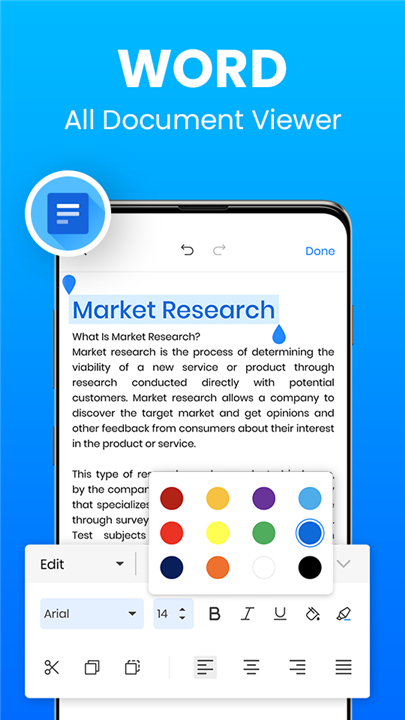
Word Document Tools (DOC, DOCX, DOCS)
• Create, open, and edit Word documents effortlessly.
• Use advanced features like track changes, comments, and spell check for polished results.
• Work offline and organize your files with quick search and sharing options.
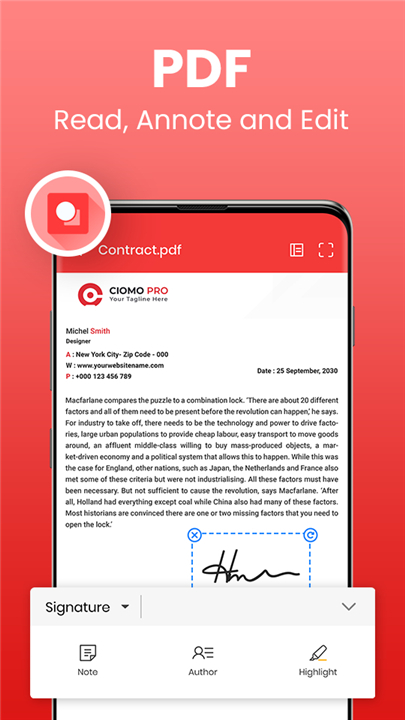
PDF Reader & Editor
• Read and annotate PDFs with highlights, notes, and bookmarks.
• Edit text, adjust layout, or switch between reading modes for comfort and clarity.
• Ideal for reviewing study materials, contracts, or reports.
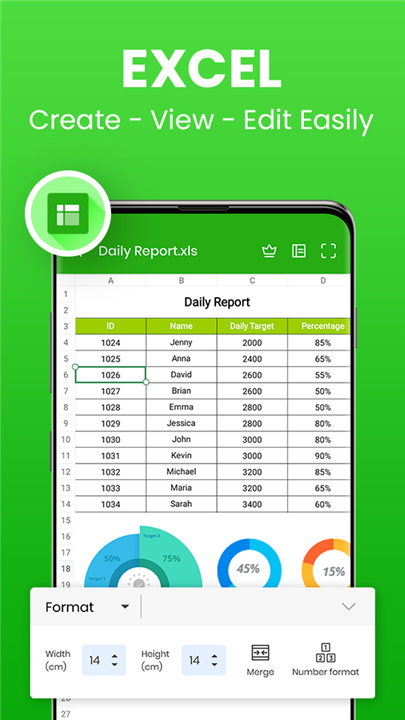
Excel Sheet Manager (XLS, XLSX)
• Open, review, and update spreadsheets directly within the app.
• Edit data, analyze results, and format reports with ease.
• Keep all financial and analytical documents at your fingertips.
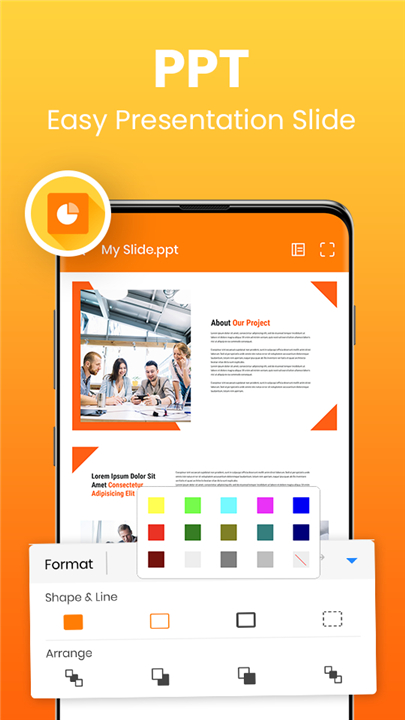
PowerPoint Viewer (PPT, PPTX)
• Review and edit presentations without switching apps.
• Prepare, refine, and present slides anytime, anywhere.
• Maintain all your Word, Excel, and PowerPoint files in one organized space.
Document Scanner with OCR
• Scan notes, receipts, or printed pages into editable Word or searchable PDF files.
• Extract text accurately and add e-signatures for a professional finish.
• Store and share your scanned documents securely.
Universal File Compatibility
• Supports all major formats including DOC, DOCX, DOCS, PDF, XLS, XLSX, PPT, PPTX, PPS, PPSX, TXT, HWP, ODT, and ZIP.
All Document Reader brings everything together
• Reading, editing, and managing your documents in one place
• Empowering professionals, students, and everyday users to work smarter and stay organized with confidence.
FAQ
Q: Can I create and edit DOCX files with track changes, comments, and spell check?
A: Absolutely. The Word Document Tools in All Document Reader give you a fully featured editing environment. You can draft new documents or import existing ones, make revisions with track changes turned on, insert and reply to comments, and run a comprehensive spell check. All changes are highlighted for review so that collaboration with colleagues or classmates remains seamless.
Q: Is it possible to work on my documents offline?
A: Yes, All Document Reader is designed to keep you productive even when you’re off the grid. Once you’ve opened a file, you can continue to view, edit, annotate, and organize it without an internet connection. As soon as you go back online, any sharing actions you chose will process, but your core editing and reading functions work entirely offline.
Q: How do I annotate and manage PDF files within the app?
A: When you open a PDF, you gain access to a full suite of annotation tools. You can highlight text, add sticky notes, draw freehand, and insert bookmarks for quick navigation. If you need to edit existing text or adjust the layout, the PDF Editor mode lets you move, delete, or replace text blocks, and you can switch reading modes—single page, continuous scroll, or two-page view—for maximum comfort.
Version History
v307501——6 Jan 2026
Word Document: All in one document app to read, view, edit WORD, PDF, XLSX. Download the latest version of Word Document: DOCX, PDF, XLSX to enjoy new features and updates immediately!
*307501
Minor bug fixes and improvements. Install or update to the newest version to check it out!
*307301
- Convert image to PDF quickly
- Scan documents into PDF
- Read PDF and view PDF features are enhanced.
- Fix current bugs and improve user experience.
- Rename files easily
- Support multiple languages
*307201
- Convert image to PDF quickly
- Scan documents into PDF
- Read PDF and view PDF features are enhanced.
- Fix current bugs and improve user experience.
- Rename files easily
- Support multiple languages









Ratings and reviews
There are no reviews yet. Be the first one to write one.