

ScreenStream
Overview
• Unleash the power of your Android device.
• ScreenStream transforms your phone or tablet into a live, wireless broadcasting hub, allowing you to share your screen and audio instantly with anyone on any modern browser.
• Without the need for cables or installations, it opens up new possibilities for collaboration, learning, and sharing.
Global Connections (WebRTC Mode)
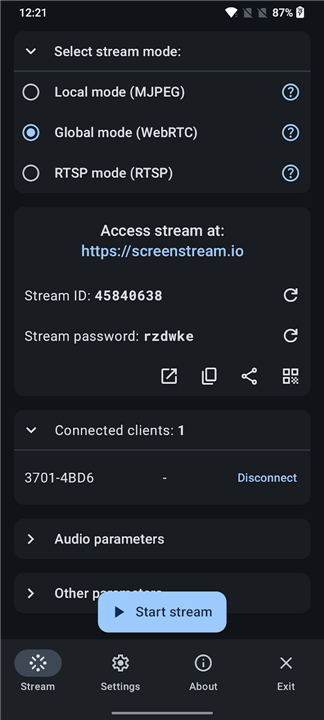
• Broadcast globally with secure, end-to-end encryption and password protection.
• Share your screen, microphone, and device audio in real time.
• Allow viewers to join from any browser using a unique Stream ID and password.
• Stream directly from device to device, supported by a public, open-source signaling server.
Local Simplicity (MJPEG Mode)
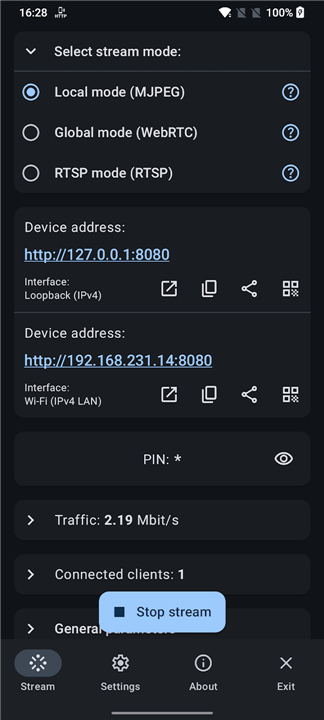
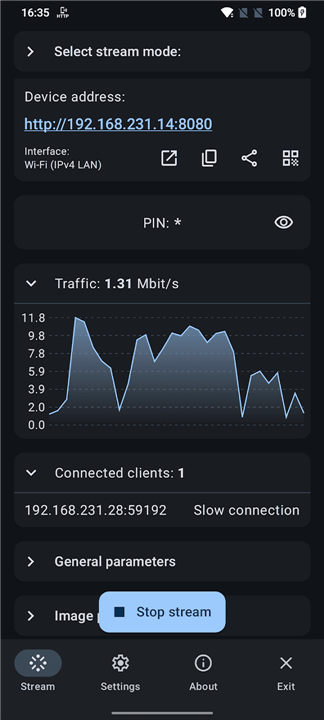
• Launch an instant stream over Wi-Fi, mobile hotspots, or USB tethering without an internet connection.
• Share your screen as a high-quality series of images, keeping your data entirely local.
• Secure your stream with an optional PIN passcode.
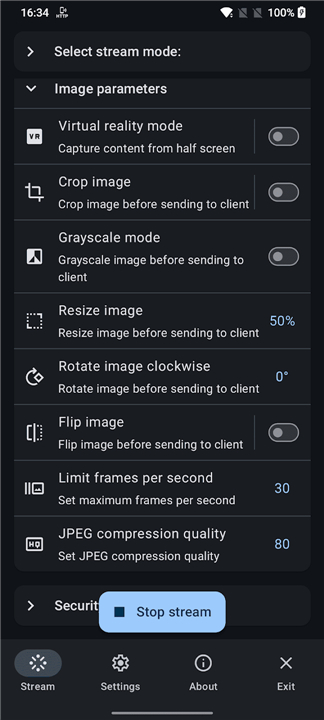
• Customize your broadcast with easy tools to crop, resize, and rotate the image.
Professional Integration (RTSP Mode)
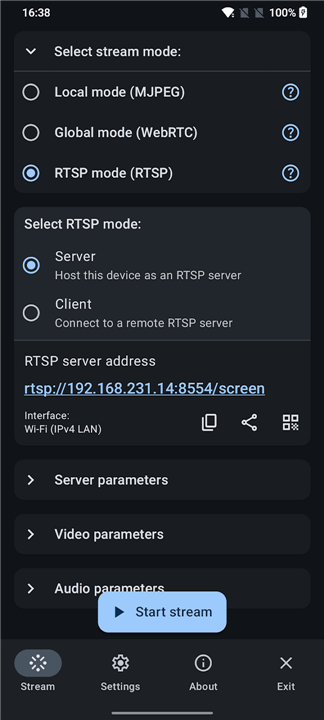
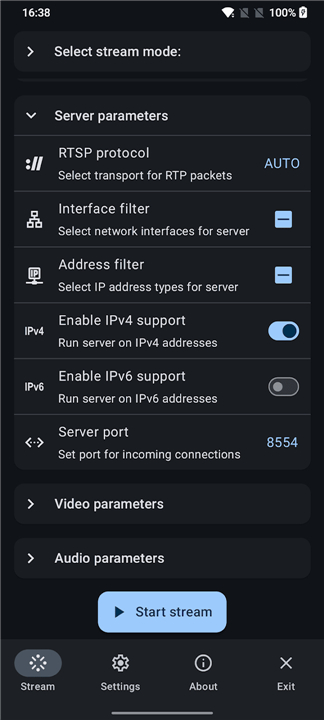
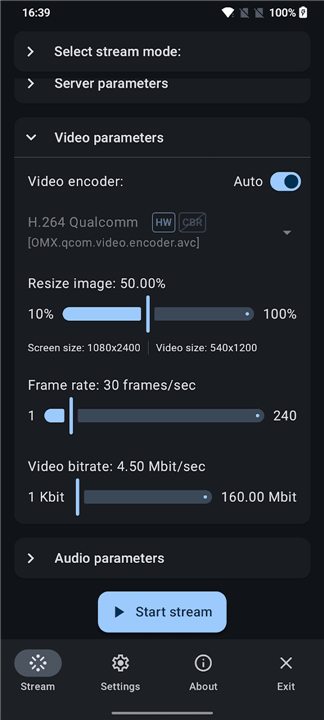
• Stream high-quality H.265/H.264 video and crisp audio in either server or client mode.
• Connect seamlessly over both Wi-Fi and cellular networks.
• Integrate with professional media tools like VLC, OBS, FFmpeg, and media receivers.
• Enable ONVIF discovery for streamlined network integration.
Ways to Inspire and Connect
• Provide seamless remote support and step-by-step troubleshooting.
• Elevate virtual classrooms with dynamic, real-time tutoring.
• Deliver engaging live presentations and software demonstrations.
• Share your mobile gaming experiences with friends instantly.
Important Details
• Built for modern devices running Android 7.0 or higher.
• Optimized for Wi-Fi to help manage mobile data limits.
• Entirely free, transparent, and open-source under the MIT License.
FAQ
Q: What are the minimum system requirements to run ScreenStream on my device?
A: To enjoy a smooth streaming experience, your device needs to be running Android 7.0 or a more recent version. This ensures that the app can access the modern system APIs required for high-quality screen capturing and audio processing across various broadcasting modes.
Q: How does the WebRTC mode enable me to broadcast my screen globally?
A: The WebRTC mode is designed for global connectivity, allowing you to reach viewers anywhere in the world by utilizing a public, open-source signaling server. This mode establishes a secure, peer-to-peer connection that supports real-time sharing of your screen, microphone, and internal device audio, ensuring your audience sees and hears everything as it happens.
Q: Is my data safe when I am broadcasting my screen to others?
A: Security is a top priority for ScreenStream, especially when sharing sensitive information. In WebRTC mode, your broadcasts are protected with end-to-end encryption and a unique password, while the local MJPEG mode offers an optional PIN passcode to ensure that only authorized viewers on your network can access your stream.
Version History
v4.4.2——17 Aug 2026
Secure one‑tap screen & audio share via WebRTC/MJPEG/RTSP to browsers/players Download the latest version of ScreenStream to enjoy new features and updates immediately!
*4.4.2
- WebRTC update to 150.0.7871.63
- Localization fixes
- Bug fixes
*4.4.1
- Added ONVIF discovery for RTSP server streams (H.264).
- Added Android 17 support and local network permission handling.
- Bug fixes
*4.4.0
- Added ONVIF discovery for RTSP server streams (H.264).
- Added Android 17 support and local network permission handling.











Ratings and reviews
There are no reviews yet. Be the first one to write one.