

PDF Reader - All PDF Scanner APK
1.0.4
PDF Reader - All PDF Scanner
PDF Reader - All PDF Scanner APK
Download for Android
PDF Reader - All PDF Scanner
Overview
• Take control of your digital world with a professional tool built for high-level efficiency.
• PDF Reader – All PDF Scanner is more than just a viewer; it is a total document management system designed to streamline your workflow and unleash your productivity.
Versatile Document Access
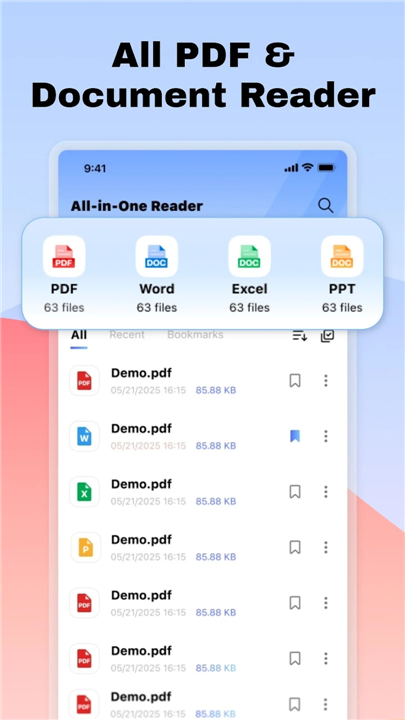
• Experience universal compatibility by opening PDF, Word, Excel, and PowerPoint files instantly.
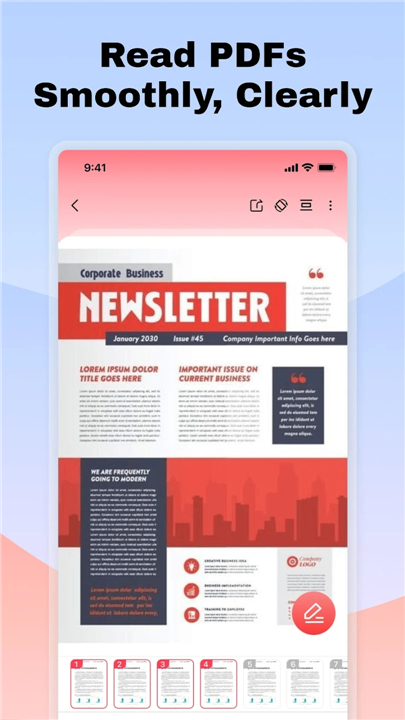
• Enjoy a fluid, high-definition viewing experience that ensures your documents look perfect every time you load them.
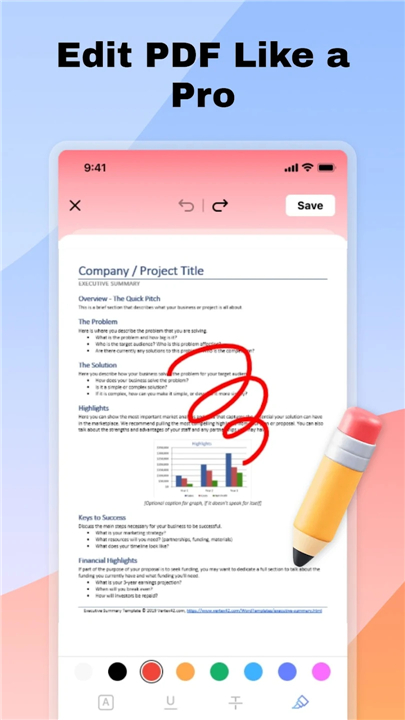
• Personalize your PDF files using integrated brushes and text tools, allowing you to highlight critical information or add vital notes on the go.
Dynamic Creation and Digitization
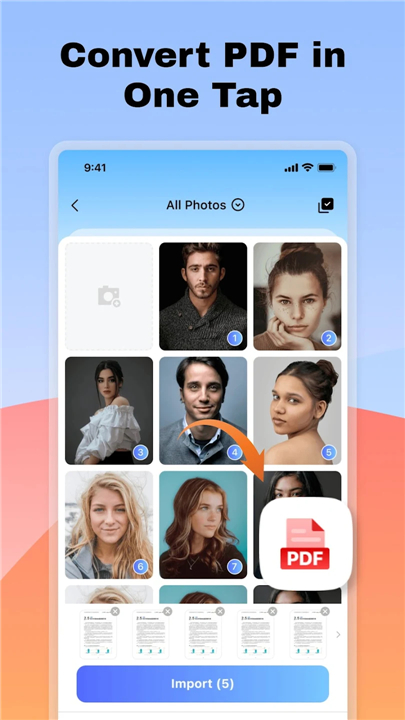
• Transform your mobile gallery into professional archives by converting multiple images into a single, organized PDF with one tap.
• Turn your phone into a powerful portable office by scanning physical receipts, notes, and documents into high-quality digital formats.
• Benefit from automatic layout technology that ensures your converted files are always polished and ready for sharing.
Superior Resource Management
• Master your file system with intuitive tools to import, categorize, and remove documents, keeping your workspace clutter-free.
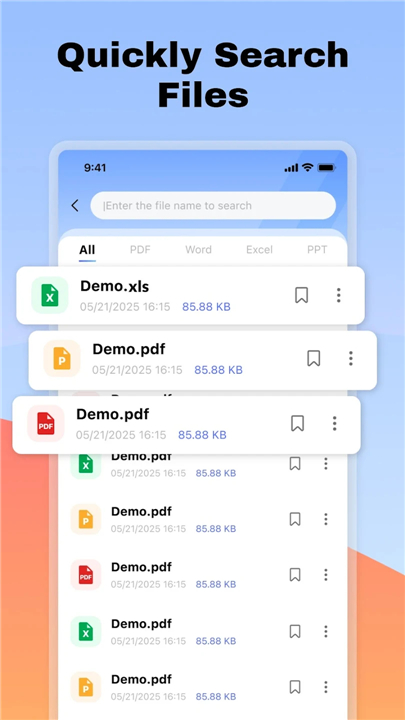
• Save valuable time using the smart search feature, which locates any file by name or keyword in an instant.
• Enhance your focus by keeping all your essential documents in one centralized, easy-to-navigate location.
Essential Usage Information
• Full editing capabilities are currently exclusive to PDF files.
• Standard document formats such as Word, Excel, and PowerPoint are available for high-quality viewing only.
Permissions for Peak Performance
To provide you with a seamless and uninterrupted experience, this application requires specific access:
• Manage External Storage: This is essential for scanning, importing, and organizing your local document library.
• Foreground Service: This ensures that large file conversions and complex processing tasks continue smoothly in the background without interruption.
Privacy Policy:
• https://quickdoctools.com/1/privacy/
Terms of Service:
• https://quickdoctools.com/1/terms/
Contact Email:
• help.quickdoc@proton.me
FAQ
Q: Which document formats are compatible with this application?
A: The application offers universal compatibility, allowing you to instantly open and view a wide range of standard professional formats including PDF, Word, Excel, and PowerPoint. This ensures that you can access almost any document sent your way without needing several different apps to handle various file extensions.
Q: Can I make changes or add notes to my PDF documents within the app?
A: Yes, the app features integrated tools specifically designed for personalizing and annotating your PDF files. You can use the built-in brushes to highlight critical sections or utilize text tools to add vital notes directly onto your documents, which is perfect for reviewing contracts or studying.
Q: Is it possible to edit Microsoft Office files like Word or Excel inside the app?
A: While the application provides a fluid, high-definition viewing experience for Word, Excel, and PowerPoint files, full editing capabilities are currently reserved strictly for PDF documents. You can review your Office files with perfect clarity, but if you need to make structural changes, those formats remain in a "view-only" state.
Version History
v1.0.4——23 Feb 2026
Manage files with PDF Reader - All PDF Scanner. View, edit, and scan documents or convert images to PDF. Works with Word, Excel, and PPT. Download the latest version of PDF Reader - All PDF Scanner to enjoy new features and updates immediately!
*1.0.4
Minor Fixes & Performance Improvements









Ratings and reviews
There are no reviews yet. Be the first one to write one.