

✦Introduction✦
Add Watermark Lite is your solution for protecting your images. It lets you sign your pictures with personalized text or logos, ensuring your creative work remains uniquely yours. Many professional photographers and bloggers rely on Add Watermark in their daily routines for its effectiveness and quick processing features!
✦App Features✦
Customizable Watermarks
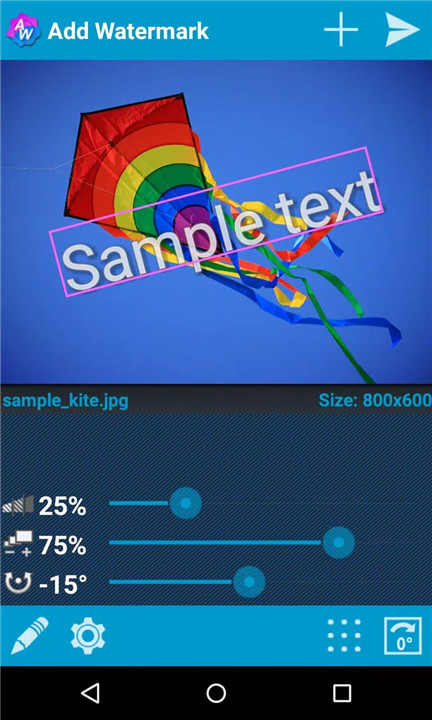
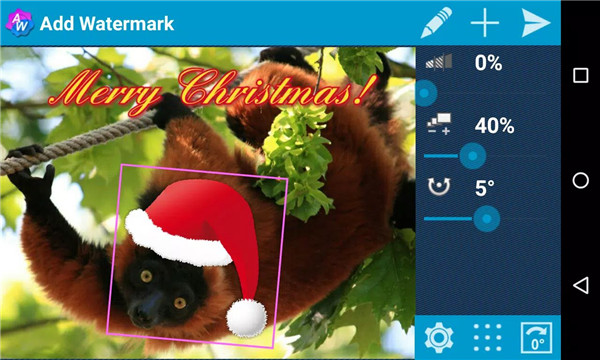
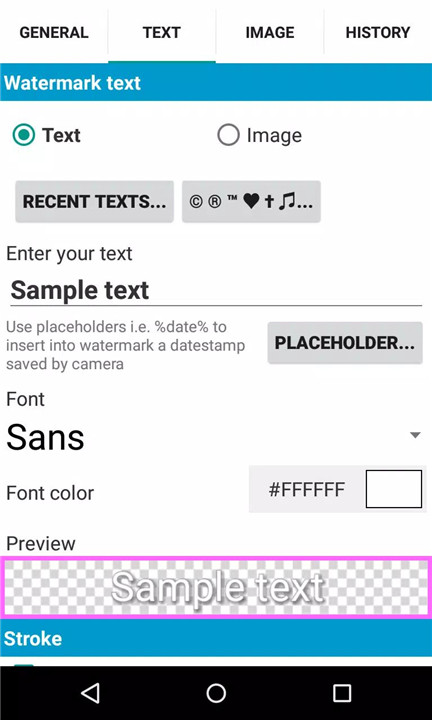
Easily add your own text or logo to photos. Adjust size, transparency, rotation, and alignment to create the perfect watermark that reflects your style.
Batch Processing
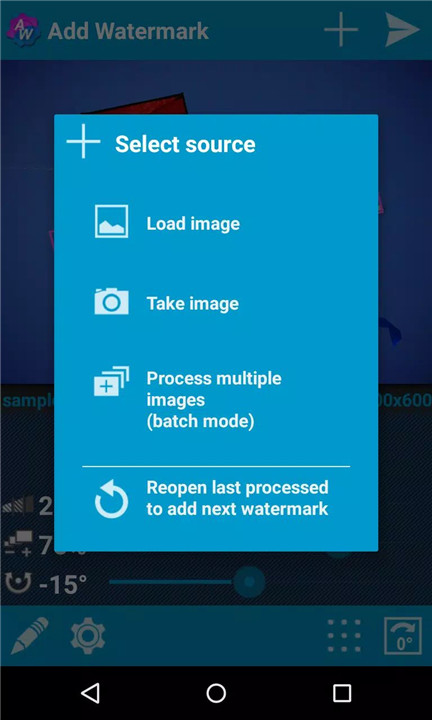
Save time with the batch mode feature, allowing you to watermark multiple images at once. This is especially useful for professionals needing to process large volumes of photos efficiently.
Auto Processing
With automatic processing, you can share images directly from other apps to Add Watermark, streamlining your workflow and enhancing productivity.
Extensive Font Options
Choose from 72 built-in fonts or import up to 20 custom fonts to create unique text watermarks. Adjust colors and effects for added personalization.
Built-in Stickers
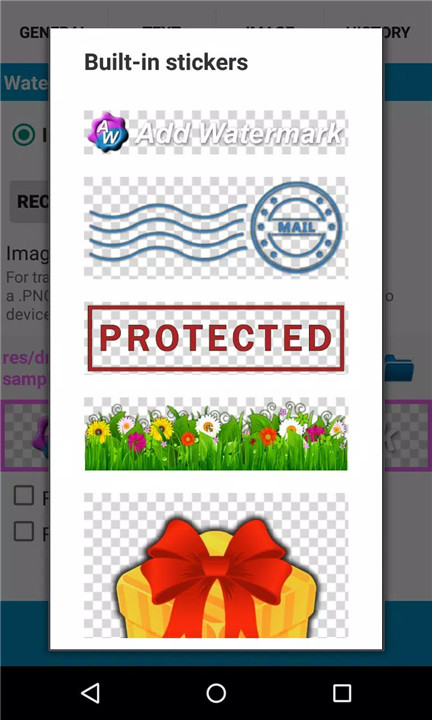
Enhance your images further with a variety of built-in stickers, adding an extra layer of creativity to your watermarks.
Transparent PNG Support
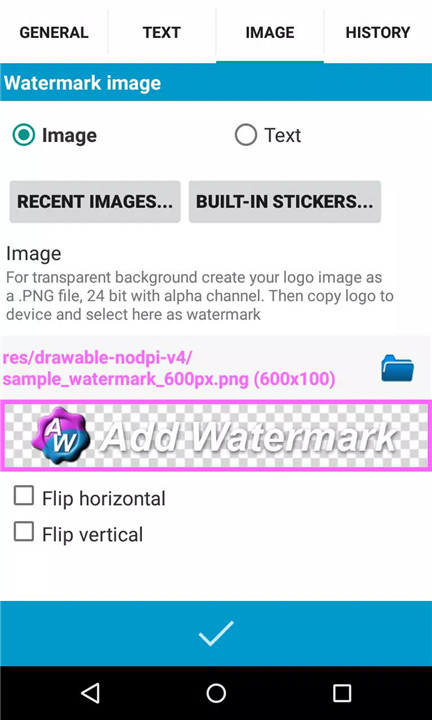
Utilize transparent .png images as watermarks, allowing for seamless integration into your photos without compromising quality.
Quick Sharing
Easily share your watermarked images on popular social media platforms such as Instagram, Facebook, and Flickr, ensuring your work gets the exposure it deserves.
Metadata Support
Full support for EXIF and XMP metadata allows you to preserve important information about your images, including timestamps, filenames, and GPS tags.
Saving Options
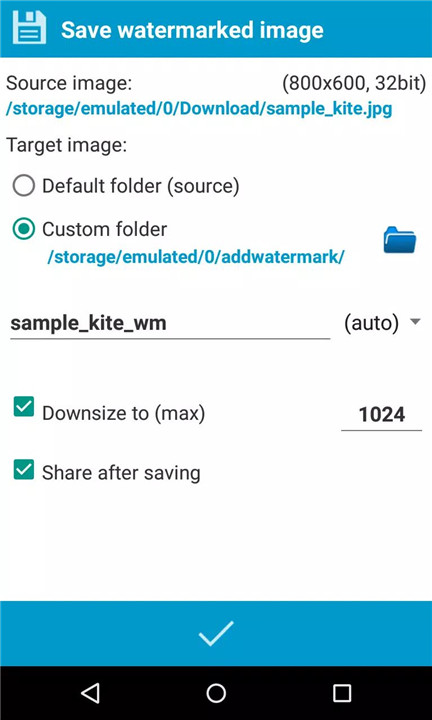
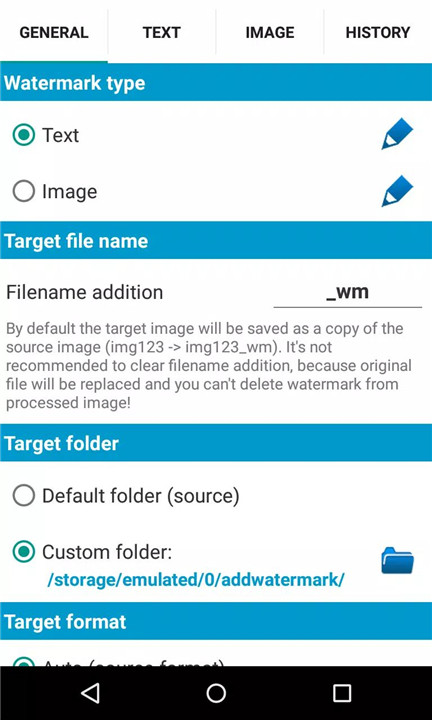
Save your images in either .jpg or .png formats, with options to rename and resize as needed.
Full Version Benefits
Upgrade to the full version for exclusive functions, such as batch processing, 72 built-in fonts with up to 20 custom fonts can be imported, full support of EXIF and XMP metadata, and more!
Connect With Us
Email: androidvilla@gmail.com
Blog: http://androidvilla.wordpress.com
-----------------------------
What's New in the Latest Version 3.2
Last updated on Mar 10, 2024
- Added 8 new EXIF metadata properties to Image details: GPS altitude, distance to subject, camera direction, camera and lens model etc. (press on the file name in the main screen to open image details)
- Also added corresponding placeholders for text watermark. See text watermark settings, button "Placeholders"
- Minor improvements and bug fixes









Ratings and reviews
There are no reviews yet. Be the first one to write one.