

OpenSyncedLists
Overview
• OpenSyncedLists gives you a fast, private way to keep every checklist, to‑do and small project under control—synced across your devices and protected with end‑to‑end encryption.
What you can do
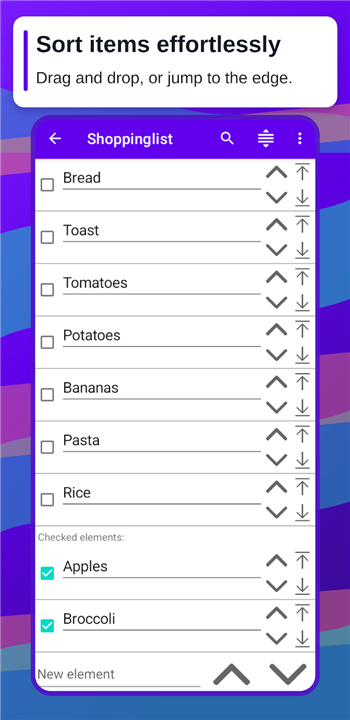
• Create a list in seconds and sort items by dragging or jumping them to the top/bottom.
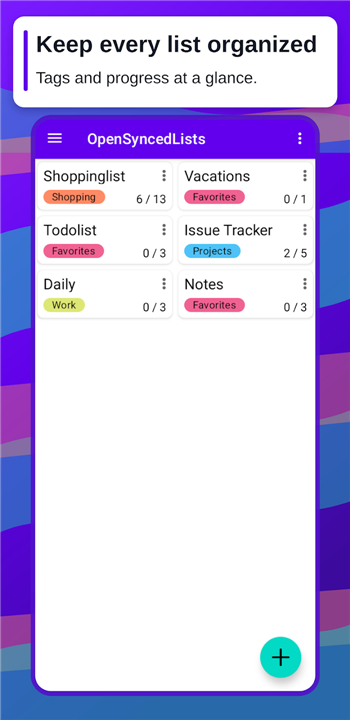
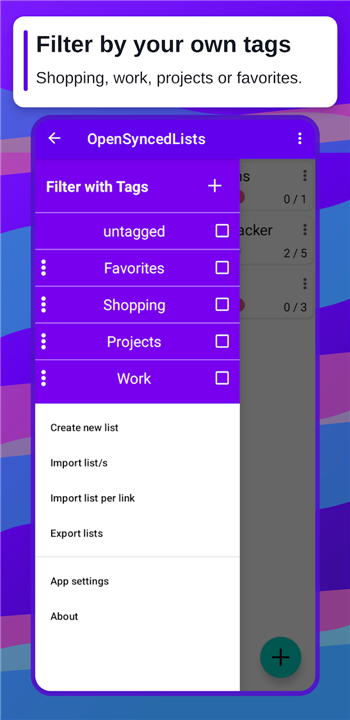
• Check off tasks as you go; progress counters, tags and a compact view keep busy lists easy to scan.
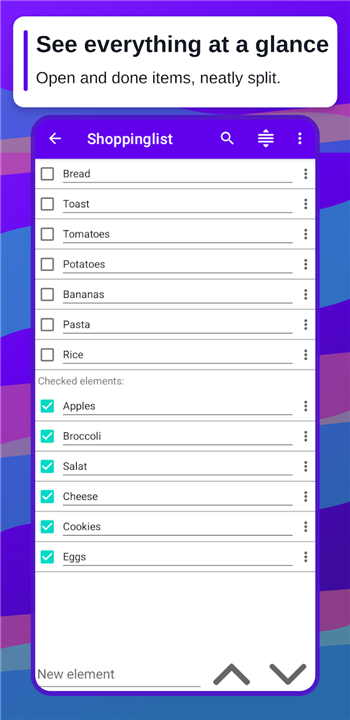
• Completed items move aside but stay in place, ready to be reused.
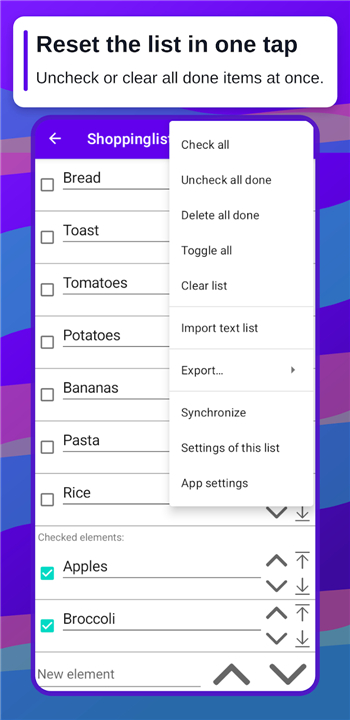
• Reset the whole list with a single tap and start over instantly.
Privacy you can trust
• Your data is encrypted on your device before it ever leaves, so only you can read it.
• Choose to self‑host the sync server (you can even use a different server per list); no third‑party can access your lists.
• No accounts, no tracking, no data collection.
Make it yours
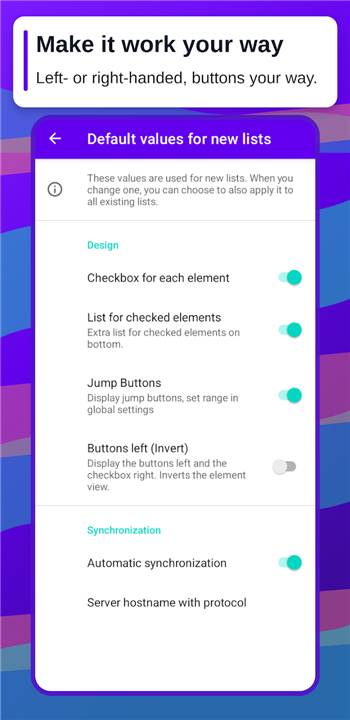
• Left‑handed mode and adjustable controls (with or without buttons).
• Adjustable font size for list elements.
• Share a list via a simple URL.
• Export to Markdown, JSON, clipboard, message, or other formats.
• Free and open source.
Your lists. Your server. Fully encrypted.
FAQ
Q: How do I create a new list in OpenSyncedLists?
A: Creating a list is as simple as tapping the “+” button, giving it a name, and starting to type items. You can add items one by one or paste multiple lines, and the app will instantly format them into a sortable list ready for dragging or jumping to the top or bottom.
Q: Can I rearrange items after I’ve added them?
A: Absolutely. You can drag any item to a new position, or use the quick‑jump gestures to send an item straight to the top or bottom of the list. This makes it easy to prioritize tasks on the fly without navigating through menus.
Q: How does the progress counter work?
A: As you check off items, OpenSyncedLists updates a numeric counter that shows how many tasks are completed versus total items. The counter appears at the top of the list and updates in real time, giving you an instant sense of progress without needing to open a separate view.
Version History
v1.3.0——25 Aug 2026
Create easy to sort lists and synchronize it with your own server. Download the latest version of OpenSyncedLists to enjoy new features and updates immediately!
*1.3.0
- Safety checks before destructive actions
- Lots of new settings, with defaults you can apply to all lists
- Adjustable font size and more customization
- Edit items right from the overview
*1.2.0
- feat: import text list with markdown support
- feat: bulk actions – check all, uncheck all, delete done, toggle all
- feat: open last viewed list automatically on app start
- fix: multiple bugs fixed
- ui: grouped overflow menus in list overview and single-list view
- translations: Brazilian Portuguese, Spanish, French
*1.1.0
- feat: add tags to filter lists
- feat: display lists as cards
- feat: list overview (compact view)
- feat: text file import
- update: increase button touch fields
- update: translations
- update: android target sdk











Ratings and reviews
There are no reviews yet. Be the first one to write one.