

Mantis Gamepad Pro Beta APK
3.1
Mantis Gamepad Pro Beta
Mantis Gamepad Pro Beta APK
Download for Android
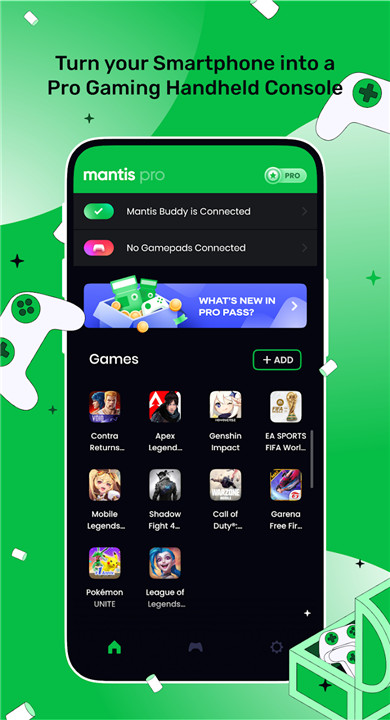
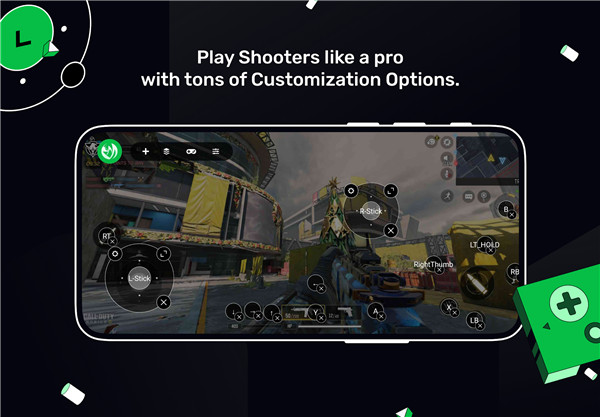
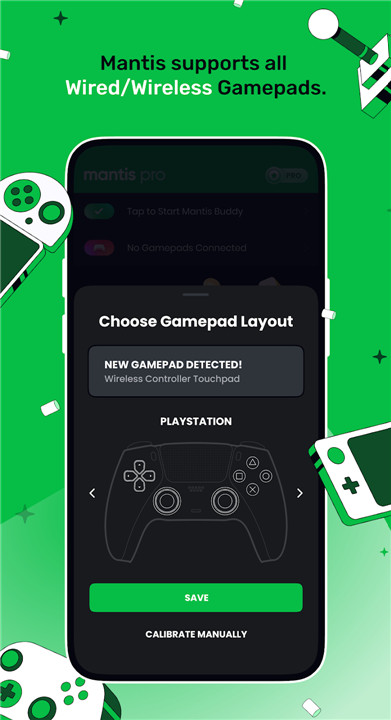
Mantis Gamepad Pro stands out as the most advanced and user-friendly gamepad screen mapping application available on Android. It’s the perfect companion for your powerful gamepad. With Mantis’ innovative screen mapping technology, you can enjoy any Android game using any gamepad controller on virtually any Android device.
Thoroughly tested with popular titles such as Call of Duty Mobile, Genshin Impact, PUBG, Pokemon Unite, League of Legends: Wild Rift, Mobile Legends, and Free Fire, Mantis ensures a professional-level gaming experience right on your smartphone.
Exceptional Gamepad Compatibility:
Mantis is compatible with nearly all gamepads recognized by Android. Major brands like Xbox, PlayStation, Nintendo, Razer, GameSir, iPega, and Logitech have been rigorously tested to ensure seamless performance.
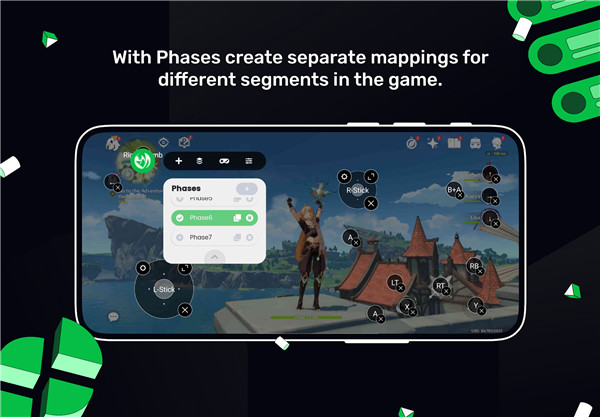
Game Phases:
Mantis allows you to create unique mapping profiles tailored for different game phases, including Movement, Driving, Parachuting, and Lobby settings.
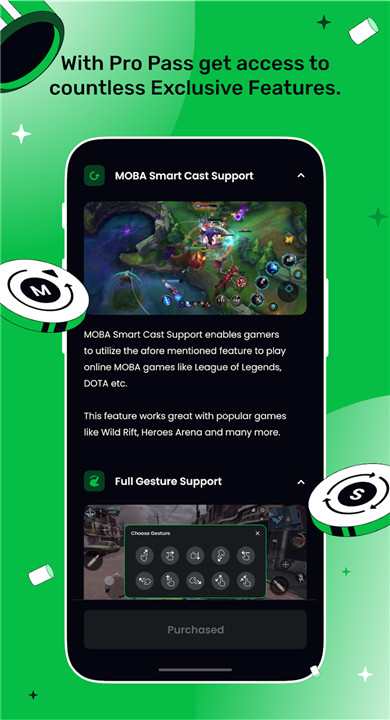
MOBA Smart Cast Support:
With the MOBA Smart Cast feature, you can easily map your MOBA game’s directional abilities using a combination of a gamepad button and a thumbstick.
Virtual Mouse Mode:
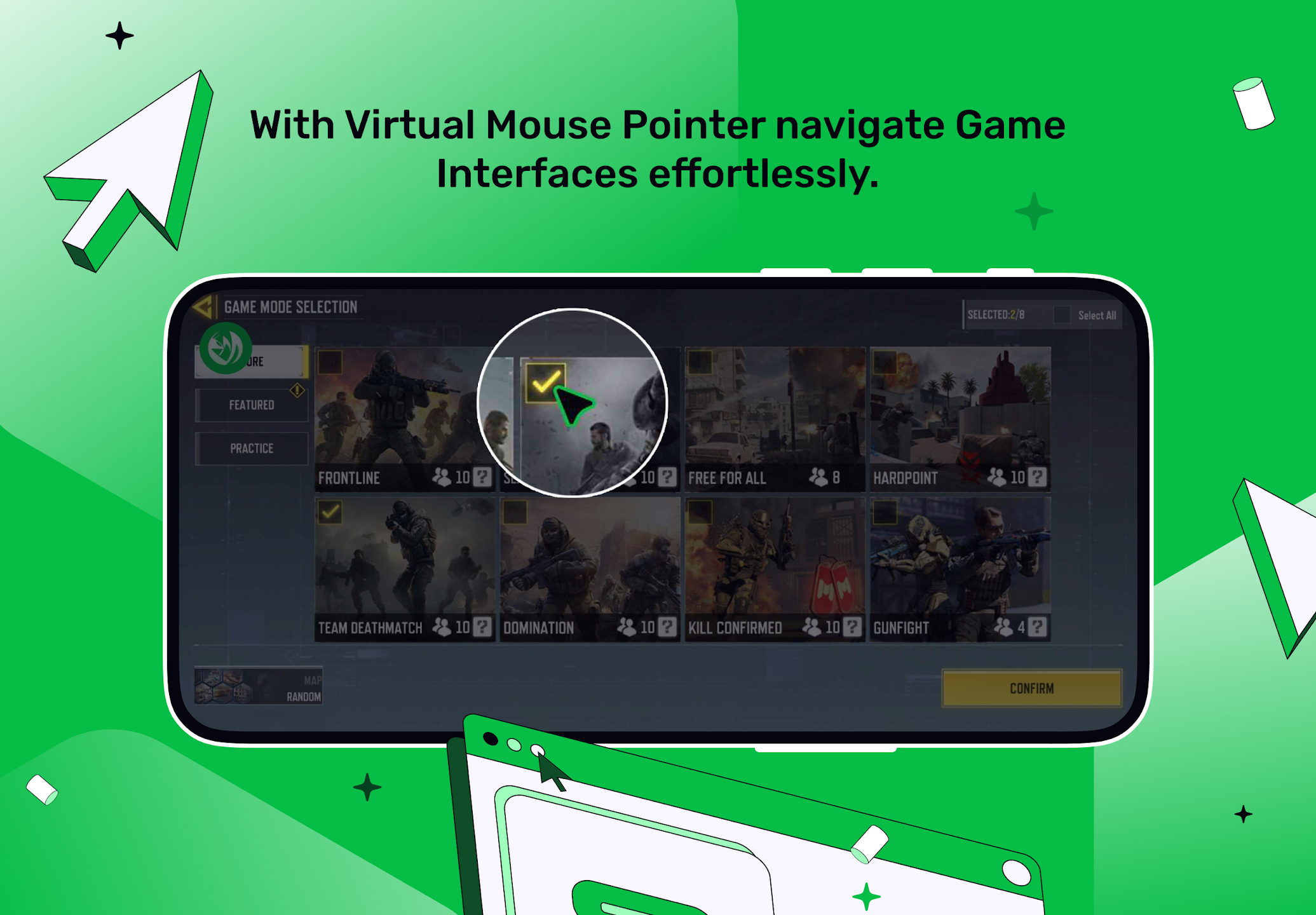
Navigating through a game’s interface with a gamepad is now simpler than ever. The Virtual Mouse Mode enables you to control a mouse pointer using a thumbstick and a button.
Sequence Buttons:
The Sequence Buttons feature allows you to map the same gamepad button to different areas on the screen, registering touches sequentially with each physical press.
Adjustable X/Y Axis Camera Sensitivity:
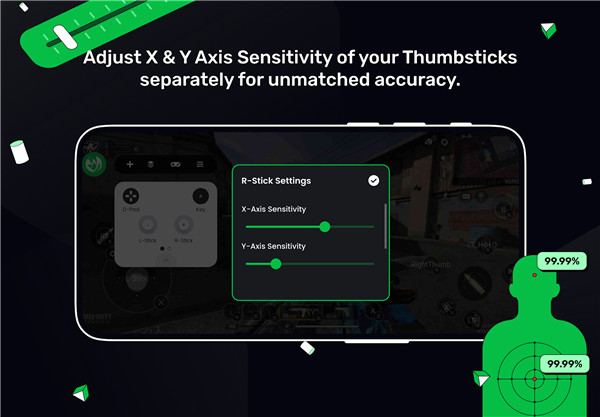
Mantis offers the flexibility to independently adjust the vertical and horizontal sensitivity of your thumbsticks, providing enhanced customization—ideal for shooter games.
Amazing DPAD Functionality:
Mantis transforms your DPAD into a ThumbStick, making it perfect for gamepads that lack physical ThumbSticks. It also supports 8-Way DPAD inputs as buttons.
Effortless Resume:
With Mantis, you can seamlessly switch between gaming sessions, and it will be ready with the Overlay when you come back.
Sleek Dark Mode:
The contemporary interface paired with a stunning Dark Mode creates the ideal gaming atmosphere while remaining user-fr
Instant On-Device Activation:
Quickly activate the MantisBuddy Service directly on your device using Android's Wireless Debugging feature.
No Cloning - Safe Gaming:
Mantis operates without the need to clone apps, utilizing our unique NMC Mapping Engine. This technology ensures your data and Google Account remain secure.
To activate Mantis on devices running Android 10 or earlier, a PC or a second Android device is necessary. For rooted devices, Mantis can activate automatically.
FAQ
Q: What is Mantis Gamepad Pro?
A: Mantis Gamepad Pro is an advanced screen mapping application for Android that allows you to enjoy any game using almost any gamepad controller on your device. It’s designed to enhance your gaming experience with features like customizable mapping profiles and exceptional compatibility with popular gamepads.
Q: Which gamepads are compatible with Mantis?
A: Mantis is compatible with nearly all gamepads recognized by Android, including major brands like Xbox, PlayStation, Nintendo, Razer, GameSir, iPega, and Logitech. Each controller has been rigorously tested to ensure seamless performance.
Q: How does Mantis improve my gaming experience
A: Mantis offers innovative features like custom mapping profiles for different game phases, a Virtual Mouse Mode for easy navigation, Sequence Buttons for sequential touches, and adjustable camera sensitivity. These features provide a tailored and professional-level gaming experience.
What's New in the Latest Version 3.1
Last updated on Nov 13, 2024
Turn your Phone into a Pro Gaming Console. Play Any Game With Any Gamepad. Download the latest version of Mantis Gamepad Pro Beta 3.1 to enjoy new features and updates immediately!
Check v3.1 Patch notes for detailed info
✓ Enhanced overall stability









Ratings and reviews
There are no reviews yet. Be the first one to write one.