

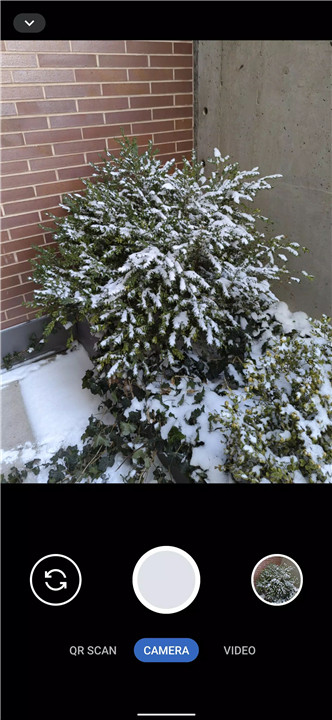
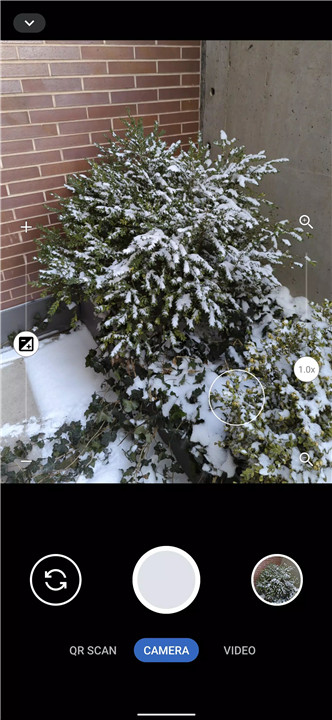
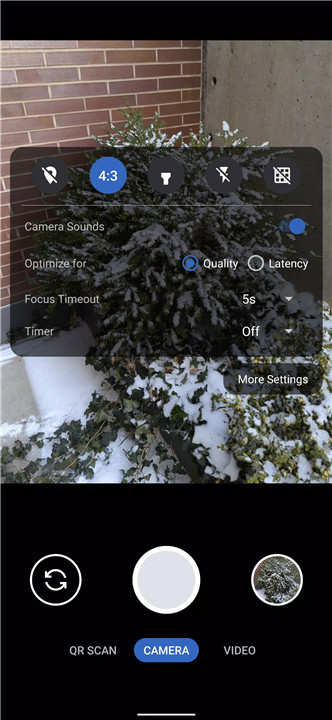
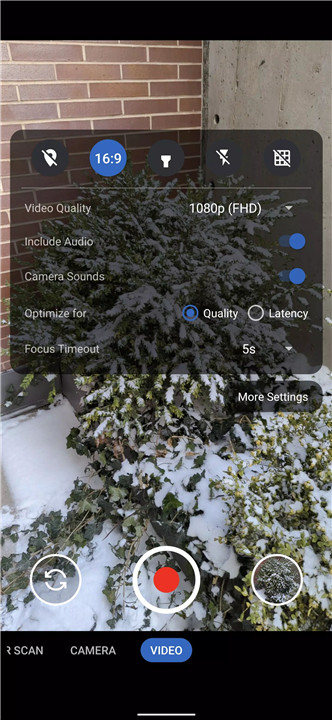
Secure Camera is a modern and privacy-focused camera app. Designed to offer a seamless capturing experience for images, videos, and QR/barcode scanning, this app takes advantage of CameraX vendor extensions (such as Portrait, HDR, Night, Face Retouch, and Auto modes) on devices where they’re available. Enjoy intuitive modes, advanced settings, and privacy features that prioritize your personal data.
Privacy-Focused Camera Modes
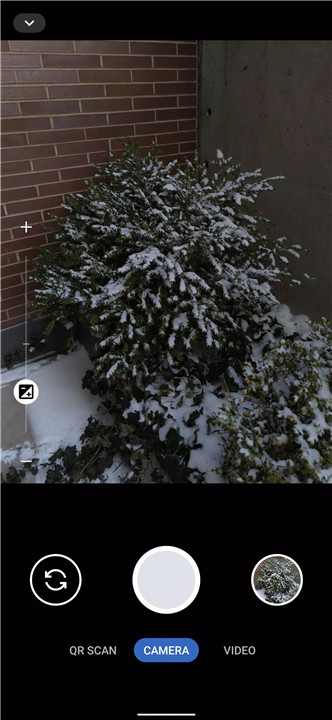
Secure Camera allows you to switch between various modes to capture the perfect shot. With simple tabs at the bottom of the screen, you can easily switch between modes such as Portrait, HDR, Night, Face Retouch, and Auto.
Seamless Camera Interface
The app’s intuitive interface enables easy switching between different camera modes, either through the tab interface or by swiping left/right. You can also toggle the settings panel by swiping up or down, making it easy to adjust your camera settings on the go.
QR and Barcode Scanning
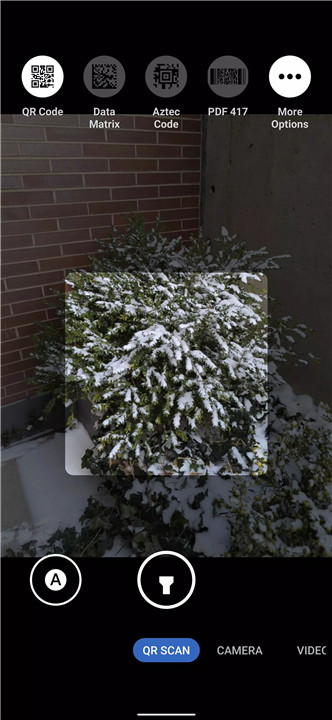
Secure Camera features an advanced QR and barcode scanning mode that allows you to scan high-density QR codes with ease. The app refreshes auto-focus, auto-exposure, and auto-white balance every 2 seconds for consistent, high-quality scanning. You can toggle between scanning QR codes or various barcodes with the auto toggle and select specific types of barcodes through the menu.
Focused on Security
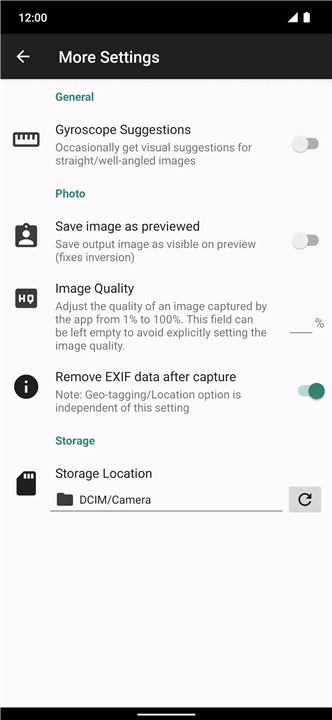
By default, Secure Camera strips EXIF metadata from images to ensure that your location and other sensitive details are not stored. You can choose to disable this feature in the settings if you prefer to retain metadata, but this option puts privacy first. The app also ensures that media and storage permissions are not required, and your camera data is securely handled through the Media Store API.
User-Friendly Video Recording
With Secure Camera, you can start and stop video recording easily, using either the large capture button or the volume keys as an alternative. The app supports high-quality video capture, and you can even record video with or without audio, depending on your preference.
No Unnecessary Permissions
Secure Camera requires only the camera permission to function, ensuring that your privacy is respected. Media storage and microphone permissions are needed only for specific actions (like video recording with sound), and location tagging is entirely optional.
FAQs
1. What does Secure Camera do?
Secure Camera is a privacy-focused camera app that allows users to capture images, videos, and scan QR/barcodes securely. It ensures your privacy by stripping metadata and not requiring unnecessary permissions.
2. What are the needed permissions to run this app?
To use Secure Camera, the app requires only camera permission. Microphone permission is needed for video recording with audio, and location permission is required if location tagging is enabled.
3. How does Secure Camera protect my privacy?
Secure Camera strips EXIF metadata from captured images by default, ensuring no personal data, like your location, is stored. You can also toggle off metadata stripping if preferred. The app does not require storage or media permissions for image or video capturing.
-----------------------
What's New in the Latest Version 74
Last updated on Aug 7, 2024
Notable changes in version 74:
• only try to enable preview stabilization as part of enabling video stabilization when it's marked as supported by the device to address compatibility issues
• update Kotlin to 2.0.10
See https://github.com/GrapheneOS/Camera/releases/tag/74 for the full release notes.









Ratings and reviews
There are no reviews yet. Be the first one to write one.