

Teleprompter Pro LITE
Overview
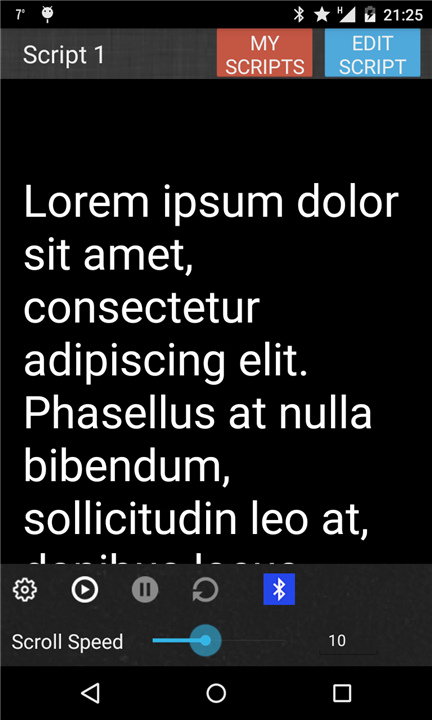
• Teleprompter Pro LITE is a free, easy-to-use, yet professional teleprompter application designed specifically for Android smartphones and tablets.
• Whether you are a beginner or an experienced presenter, this app brings the functionality of a traditional teleprompter into the palm of your hand.
• It is ideal for delivering speeches, reading scripts, or making presentations without losing eye contact with your audience.
Core Features (Free Version)
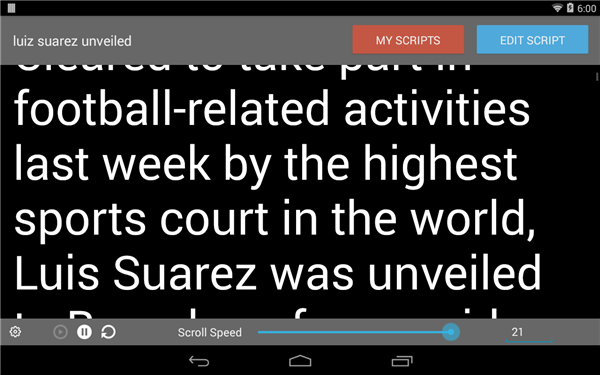
• Full Screen Mode: Allows your script to take up the entire display for maximum readability.
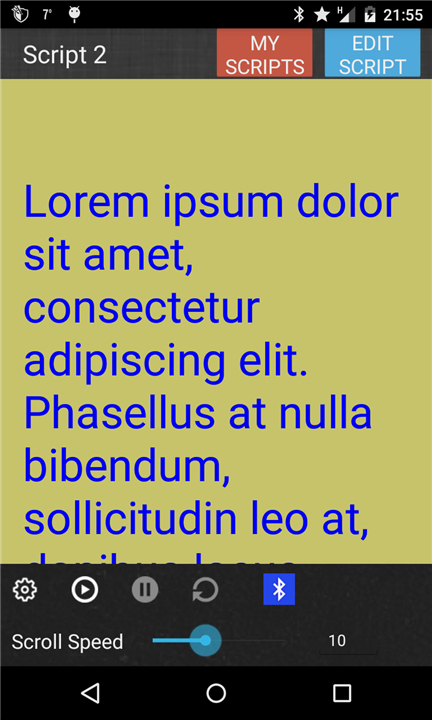
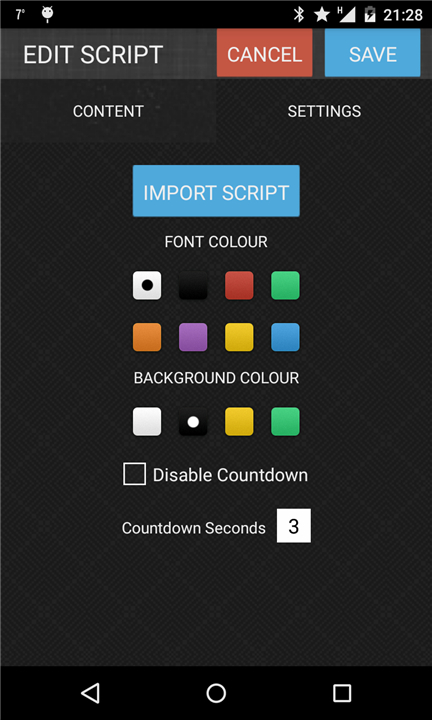
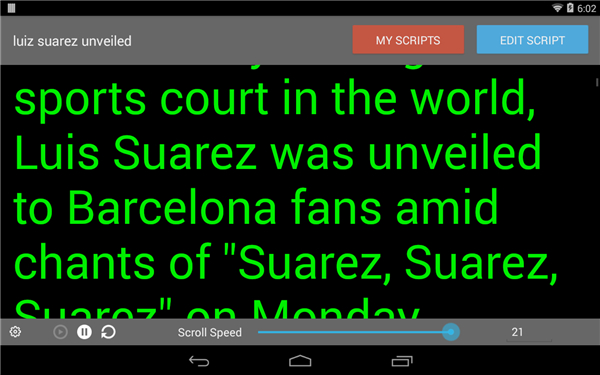
• Font and Background Colour Selection: Customize text and background for better visibility and comfort.
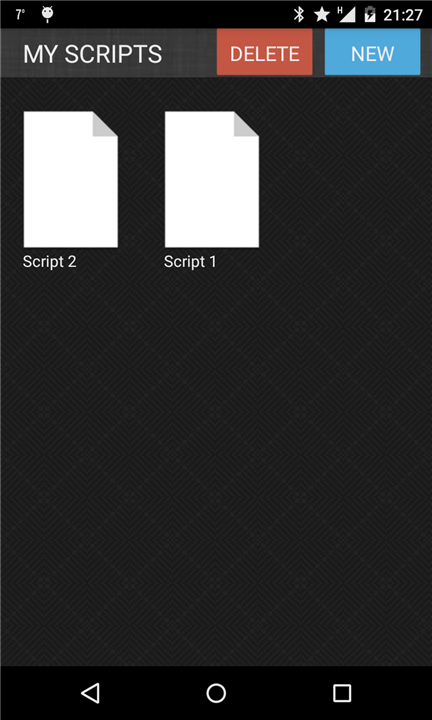
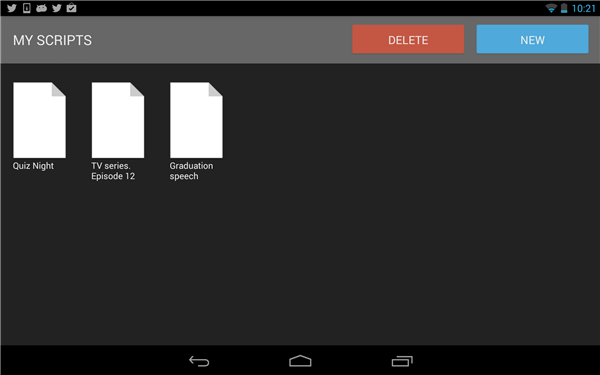
• Delete Scripts: Remove outdated or unwanted scripts easily.
• Adjust Scroll Speed: Control the rate at which your text moves, ensuring it matches your speaking pace.
• Adjust Text Size: Increase or decrease font size to suit your reading preference.
• In-App Brightness Control: Modify screen brightness directly within the app to adapt to different lighting conditions.
Additional Features (Paid Version)
• Unlimited Scripts: Store and manage as many scripts as you need without restrictions.
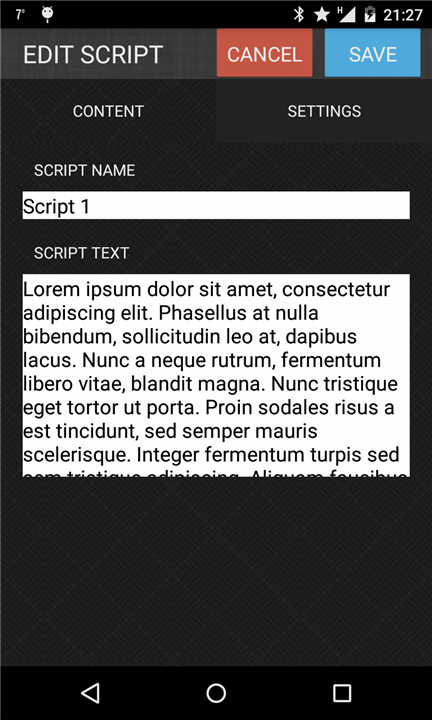
• Script Import from Text File: Load scripts directly from text files for quick setup.
• Mirror Mode: Flip text horizontally for use with teleprompter rigs and reflective glass systems.
Ideal Uses
Teleprompter Pro LITE is versatile and suitable for a variety of scenarios:
• Presentations & Lectures: Maintain a natural delivery while reading your notes.
• Broadcasting: Assist news anchors or online streamers in maintaining smooth on-camera delivery.
• Filmmaking: Help actors remember lines without breaking scene flow.
• Music & Performance: Provide musicians and singers with lyrics or cues during live shows.
• Business Professionals: Support speeches, product launches, and corporate events.
• Public Speaking: Aid anyone who needs confidence and fluency when addressing an audience.
Teleprompter Pro LITE offers a portable, customizable, and professional-grade solution for script reading, making it a valuable tool for both casual and professional communicators.
FAQ
Q: Which Android devices are compatible with Teleprompter Pro LITE?
A: Teleprompter Pro LITE runs on most modern Android smartphones and tablets. As long as your device operates on Android 5.0 (Lollipop) or later and has sufficient processing power to render text smoothly, you’ll be able to install and use the app without trouble. Older devices may still function but performance could vary depending on screen resolution and available RAM.
Q: How do I adjust the scrolling speed to match my speaking pace?
A: Inside the app’s settings menu, you’ll find a scroll speed slider that lets you fine-tune how fast or slow the text moves. Simply open your script, tap the settings icon, and move the slider until the text flow feels comfortable under your reading pace. You can test it in real time to ensure you’re neither rushing nor pausing awkwardly.
Q: Can I change the font style, size, and background color for better readability?
A: Absolutely. Teleprompter Pro LITE allows you to customize text size, font color, and background hue. By accessing the display settings, you can increase or decrease the font size and select contrasting text and background combinations, which helps prevent eye strain under different lighting conditions or for users with specific visual needs.
Version History
v1.1.0——14 Jan 2026
Powerful, professional and super versatile. Developed by an active film crew. Download the latest version of Teleprompter to enjoy new features and updates immediately!
*1.1.0
Updating android version
*1.0.9
Updating to latest android libraries
*1.0.7
Added full screen mode
Fixed issue where buttons were fiddly to press









Ratings and reviews
There are no reviews yet. Be the first one to write one.