

EasySSHFS
Overview and Core Components
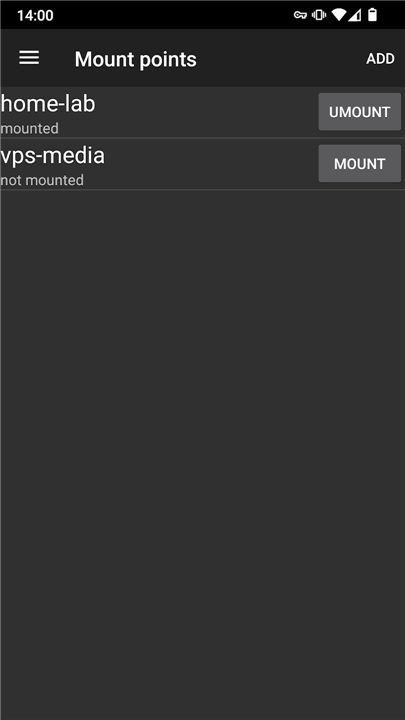
• EasySSHFS is an Android client that utilizes the SSH Filesystem (SSHFS) protocol, allowing users to mount remote directories onto their devices.
• The application is built using robust, open-source utilities: FUSE version 3.10.5, SSHFS version 3.7.1, and an SSH client from OpenSSH-portable version 8.9p, compiled with OpenSSL version 1.1.1n.
• The complete application source code is available for review and contribution on GitHub at: https://github.com/bobrofon/easysshfs
System Requirements and Authentication
• Root access is strictly required to run this application, as standard Android security policy restricts access to the /dev/fuse interface to the root user.
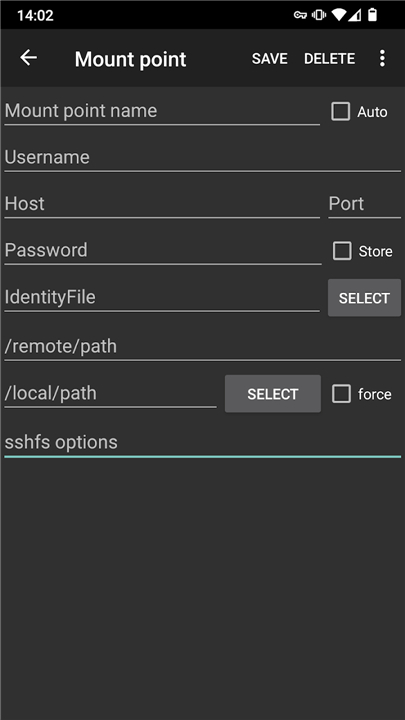
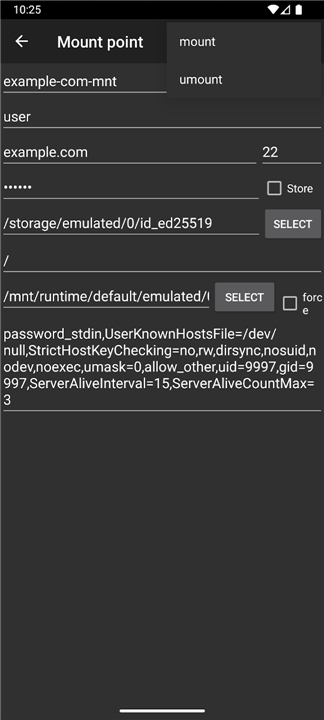
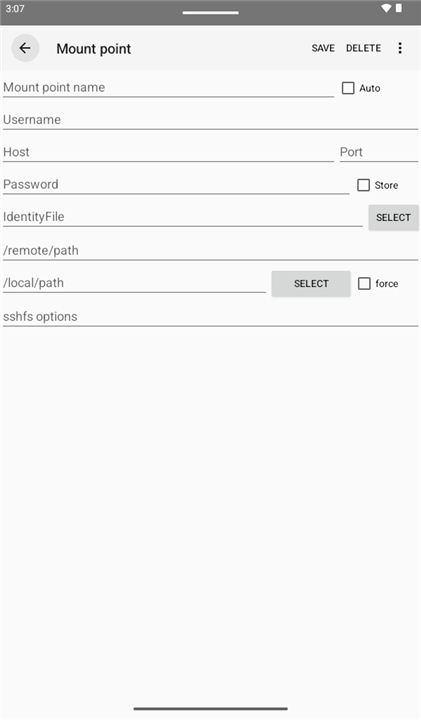
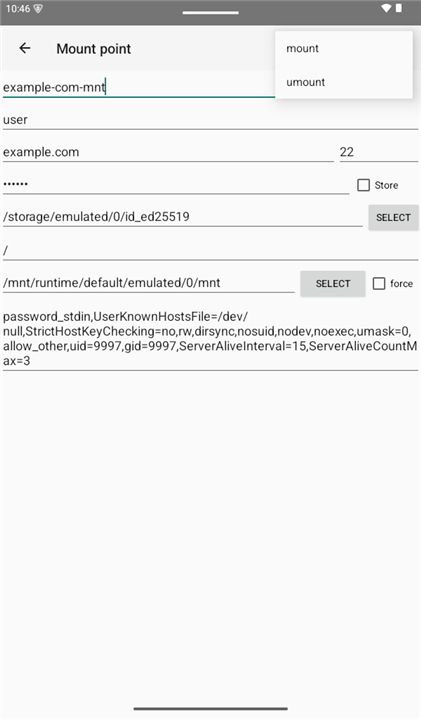
• For public key authentication, users must manually append the "IdentityFile=" parameter to the SSHFS connection options.
• Please be aware that password-protected private keys are currently not supported by this client.
Crucial Warning for General Users
• EasySSHFS is not intended for casual file sharing. If you simply want to access files on your PC from your Android phone, SSHFS is highly inefficient.
• Utilizing this application successfully requires a deep understanding of Android's internal storage implementation.
• Casual users are strongly advised to use an Android document provider for SFTP, or other standard SFTP solutions, before attempting to use this tool.
Configuration and Troubleshooting Tips
• If you manage root permissions via SuperSU and find that mounting has no effect, disable the "mount namespace separation" option within the SuperSU settings.
• To ensure proper file visibility across the system, it is highly recommended to create mount points in /data/media/0 for Android version 4.2, or in /mnt/runtime/default/emulated/0 for Android version 6.0 and above.
FAQ
Q: Why does EasySSHFS require root access on my Android device?
A: Root access is strictly required because of how Android handles device security. Standard Android security policies restrict access to the /dev/fuse interface, allowing only the root user to interact with it, which means the application cannot mount your remote filesystems without elevated privileges.
Q: Is EasySSHFS a good choice for casual file sharing between my PC and phone?
A: To be honest, it really is not designed for casual users. If you just want to quickly access some files on your computer from your phone, using SSHFS can be highly inefficient and overly complex, so we recommend looking at other options first.
Q: What should casual users use instead of EasySSHFS for transferring files?
A: If you are looking for a simpler and more efficient way to share files, you are much better off using an Android document provider that supports SFTP, or any other standard SFTP application available on the app store.
Version History
v0.5.18——11 Aug 2026
Sshfs with ssh client and interface for Android. Download the latest version of EasySSHFS to enjoy new features and updates immediately!
*0.5.18
Minor bug fixes and improvements. Install or update to the newest version to check it out!
*0.5.17
Minor bug fixes and improvements. Install or update to the newest version to check it out!
*0.5.16
Minor bug fixes and improvements. Install or update to the newest version to check it out!











Ratings and reviews
There are no reviews yet. Be the first one to write one.