

G-NetTrack Lite – Your Essential Network Monitoring Tool
Discover the Power of Your Mobile Network
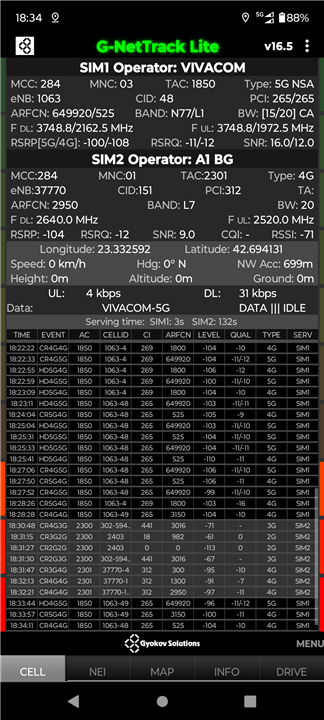
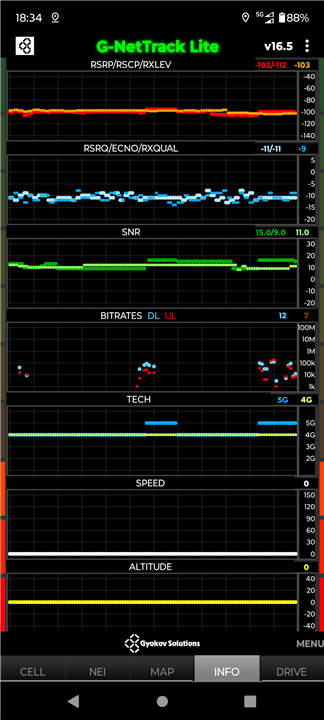
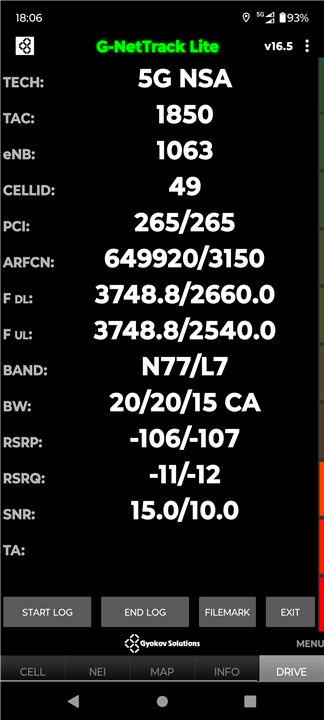
• G-NetTrack Lite is a powerful yet user-friendly network monitoring and drive testing application for 5G, 4G, 3G, and 2G (including NR, LTE, UMTS, GSM, CDMA, and EVDO) networks.
• Whether you’re a professional optimizing network performance or a wireless enthusiast exploring cellular signals, this app gives you deep insights—without the need for expensive equipment.
Key Features of G-NetTrack Lite
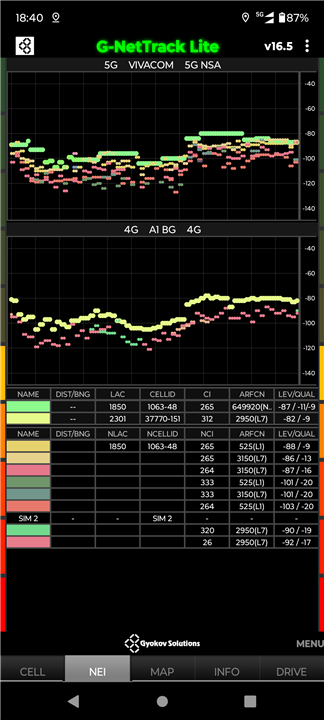
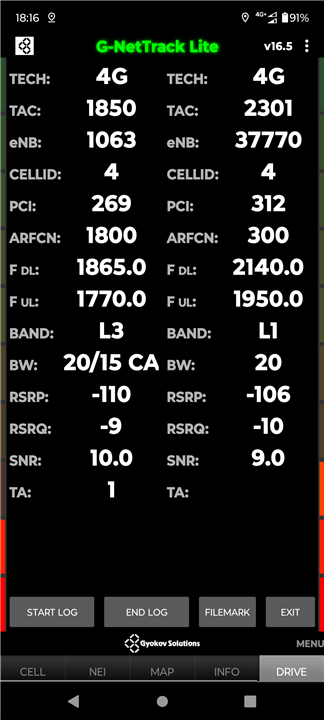
• Monitor Serving & Neighbor Cells – Track signal strength, quality, and frequency in real-time.
• Detailed Network Metrics:
+ 2G: RXLEVEL, RXQUAL, BSIC
+ 3G: RSCP, ECNO, PSC
+ 4G: RSRP, RSRQ, PCI (+ SNR, CQI, timing advance)
+ 5G: RSRP, RSRQ, PCI
• Background Logging – Keep accurate measurements even when multitasking.
• Android Compatibility – Works on Android 7+, with location services required for Android 9+.
Why Upgrade to G-NetTrack Pro?
Take your network analysis to the next level with premium features:
• Advanced Logging – Save data in TXT & KML formats for detailed analysis.
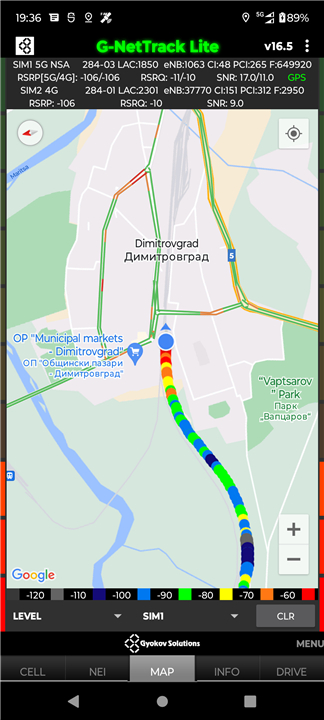
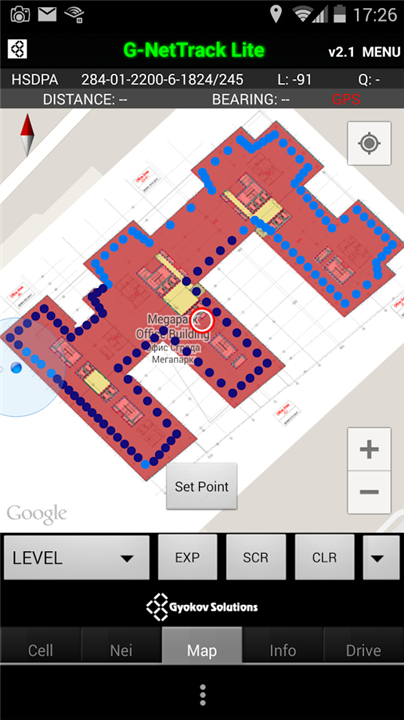
• Cell Mapping – Visualize cell sites and signal coverage on maps.
• Automated Testing – Run voice, data (upload/download/ping), and SMS test sequences.
• Multi-Device Control – Manage multiple phones via Bluetooth.
• Enhanced Scanning – Detect Wi-Fi networks and perform deep cell scans.
• Custom Visualization – Unlimited cell layers, custom colors, and signal charts.
Download G-NetTrack Pro:
+ http://play.google.com/store/apps/details?id=com.gyokovsolutions.gnettrackproplus
Need Something Simpler? Try G-NetSignal
If G-NetTrack feels too advanced, G-NetSignal offers a streamlined way to check basic network metrics:
>> Download G-NetSignal: http://play.google.com/store/apps/details?id=com.gyokovsolutions.gnetsignal
*Important Notes
• Permissions Required – Enable all necessary permissions in Menu > App Permissions for full functionality.
• Troubleshooting – If certain features aren’t working:
+ Enable "Use old functions" in Settings > Calibration.
+ Check "Force updates" if data seems inconsistent.
+ Update your phone's software if issues persist.
• Device Compatibility Varies – Check supported devices here: http://www.gyokovsolutions.com/survey/surveyresults.php
Explore More from Gyokov Solutions
• G-NetView Lite – Analyze G-NetTrack log files.
• G-NetLook Pro – Advanced network optimization & log analysis.
• G-NetLook Web – Cloud-based log processing & visualization.
• G-NetReport Pro – Real-time network reporting & fleet management.
• YouTube Channel – Tutorials & updates.
Join the Beta Testing Program >> https://play.google.com/apps/testing/com.gyokovsolutions.gnettracklite
Privacy Policy: https://sites.google.com/view/gyokovsolutions/g-nettrack-lite-privacy-policy
Learn More: Gyokov Solutions Official Site
+ http://www.gyokovsolutions.com
Empower your network analysis today with G-NetTrack Lite—your gateway to smarter wireless insights!
FAQ
Q: What network technologies does G-NetTrack Lite support?
A: The app supports a wide range of technologies, including 5G (NR), 4G (LTE), 3G (UMTS, CDMA, EVDO), and 2G (GSM), providing detailed metrics like RSRP, RSCP, RXLEVEL, and more.
Q: Can I monitor neighboring cells with G-NetTrack Lite?
A: Yes! The app lets you track both serving and neighboring cells, displaying real-time signal strength, quality, frequency, and other key metrics to help you understand network performance.
Q: Does G-NetTrack Lite work in the background?
A: Absolutely. The app supports background logging, allowing you to continue monitoring network data even while using other apps.
Version History
v19.6——26 Aug 2025
Mobile network measurements and analysis tool for 5G/4G/3G/2G network Download the latest version of G-NetTrack Lite to enjoy new features and updates immediately!
G-NetTrack is a netmonitor and drive test application for 5G/4G/3G/2G network.
Get the pro version - it is one-time payment app.
Google Play: http://play.google.com/store/apps/details?id=com.gyokovsolutions.gnettrackproplus
Turn ON location services on your phone in order app to work correctly.
*19.6
- Android 15 ready
*19.2
- option to hide QUAL in Settings - Other - History log settings
*17.6
- average speed tracking
- one shot indoor mode









Ratings and reviews
There are no reviews yet. Be the first one to write one.