

Eklipse.gg: Easy Gaming Clips APK
2.3.3
Eklipse.gg: Easy Gaming Clips
Eklipse.gg: Easy Gaming Clips APK
Download for Android
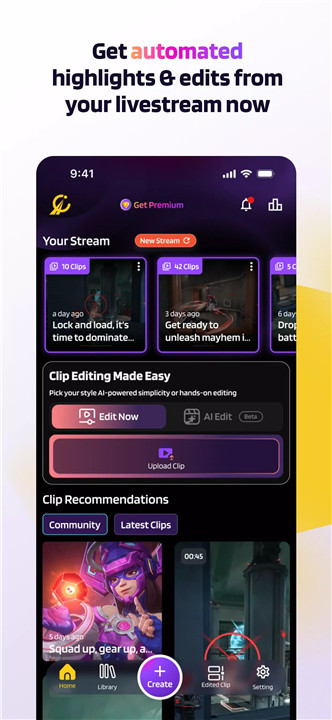
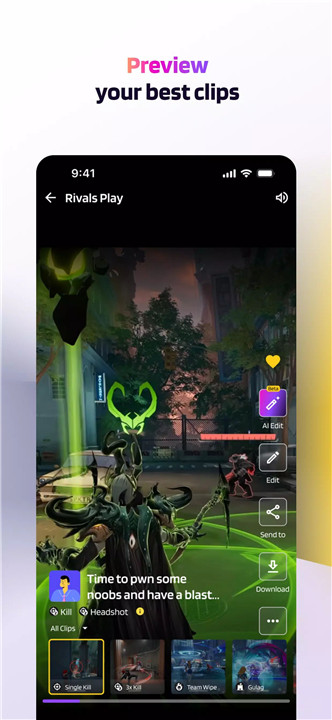
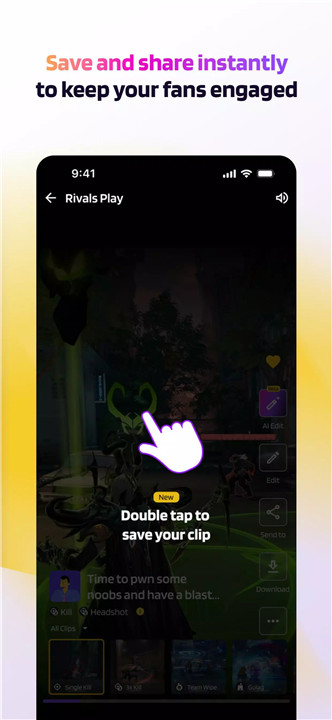
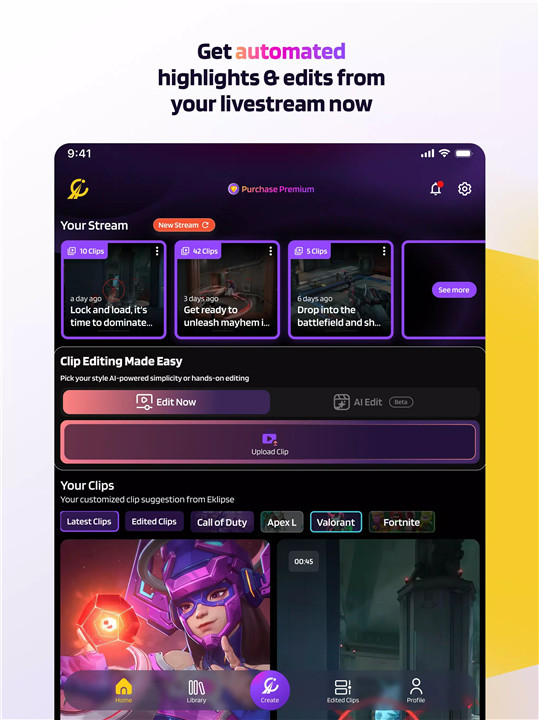
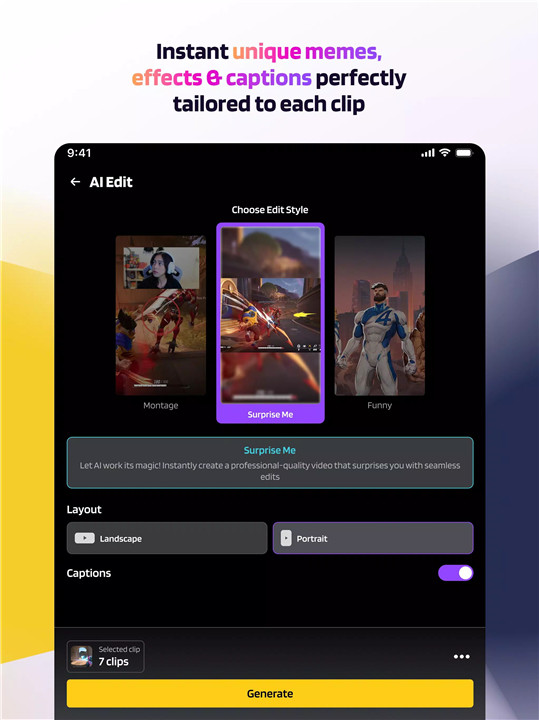
Introducing Eklipse, the advanced AI tool designed to revolutionize how gamers create content. Whether you're conquering battles on console or PC, Eklipse automatically captures your most exciting victories, hilarious fails, and epic gameplay moments, transforming them into polished TikToks, Reels, or YouTube Shorts—all from your mobile device. No need for a PC or complex editing software anymore.
AI Highlights: Automatic Clip Generation
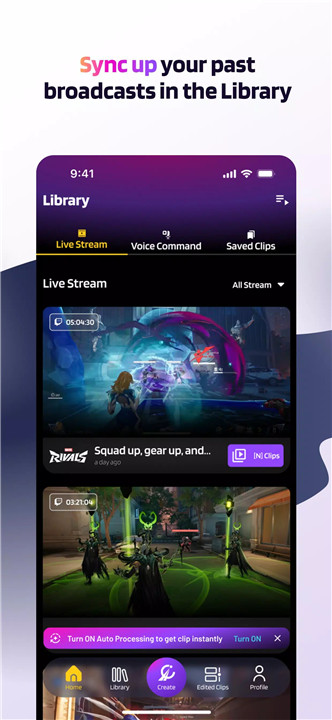
Eklipse connects directly to your streaming accounts like Twitch, YouTube, or Facebook Gaming and automatically generates highlight clips from your gameplay. You no longer have to sift through hours of footage; Eklipse does the work for you by identifying the most exciting moments from your streams.
AI Edit: Instant Professional Edits
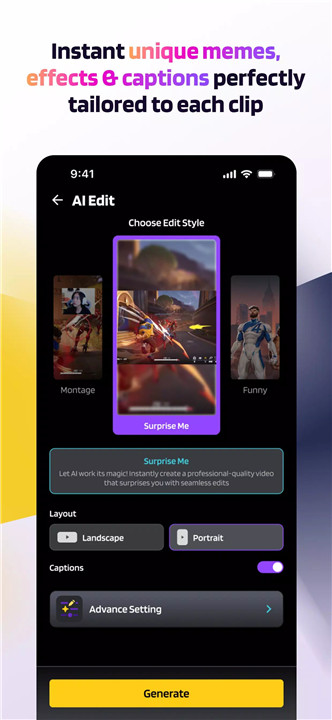
Once highlights are generated, Eklipse’s AI-powered editor instantly transforms them into engaging, shareable clips. Add memes, sound effects (SFX), visual effects (VFX), and captions with just a few taps. This allows you to create eye-catching content that stands out on social media platforms without spending hours editing.
Direct Share: Publish or Schedule with Ease
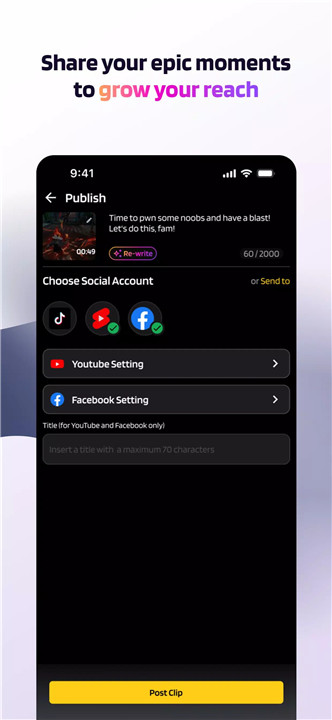
Manage your content distribution from one place. You can publish clips directly to TikTok, Instagram Reels, YouTube Shorts, or other platforms with a single tap, or schedule posts to maintain consistent engagement with your followers. Eklipse streamlines your entire content creation and sharing process.
Who Is Eklipse For?
· Gamers of All Levels: Whether you’re a casual player or a pro, Eklipse helps you effortlessly share your best gameplay moments.
· Aspiring Content Creators: Grow your online presence with engaging, professionally edited clips that attract and retain followers.
· Gaming Enthusiasts: Showcase your passion for gaming and entertain your audience with fun, dynamic content.
FAQs
1. How does Eklipse work?
Connect your Twitch, YouTube, or Facebook Gaming accounts. Stream as usual, and Eklipse automatically generates highlight clips from your streams.
2. Can I edit the clips?
Yes! Eklipse’s AI Edit tool lets you add memes, sound effects, visual effects, and captions quickly and easily.
3. Do I need a PC to use Eklipse?
No, Eklipse works entirely on your mobile device—no PC or complex software required.
4. Which social platforms can I share clips to?
You can share directly to TikTok, Instagram Reels, YouTube Shorts, and more, all within the app.
5. Can I schedule posts for later?
Yes! Eklipse allows you to schedule clips to post automatically, helping you keep your audience engaged consistently.
Version History
v2.3.3—2 Sep, 2024
v2.2.2—24 Aug, 2024
v2.2.1—16 Jun, 2024









Ratings and reviews
There are no reviews yet. Be the first one to write one.