

HomeWork App
Overview
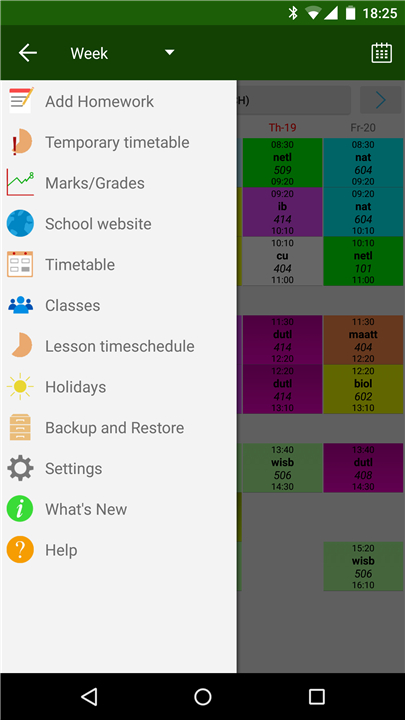
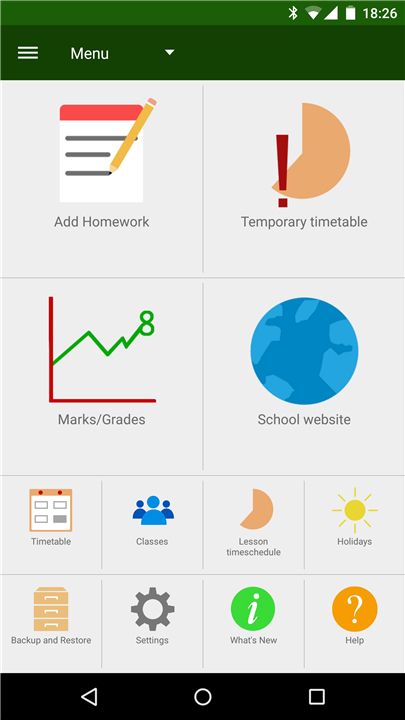
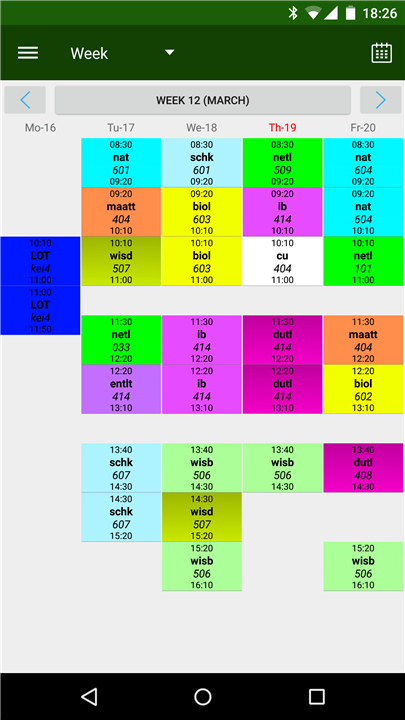
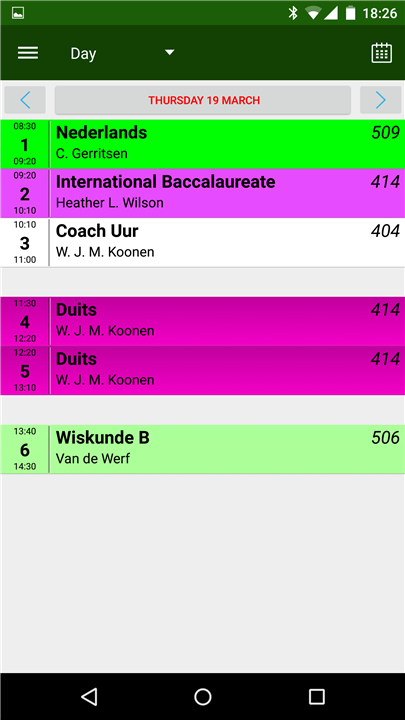
• The HomeWork application is designed to help students and teachers effectively keep track of homework assignments, lesson schedules, and timetables.
• It provides a range of customization options to suit different educational needs, making it easy to manage daily academic activities.
Lesson and Subject Management
• Users can create and define their own subjects or lessons according to their curriculum.
• Each lesson can have a clearly defined starting and ending time.
• The app supports up to 20 lessons per day, enabling comprehensive scheduling for busy timetables.
• Contact information, such as email addresses or phone numbers, can be stored for each subject or teacher for quick communication.
Timetable Features
• Temporary timetable changes can be made for specific lessons on a single day without altering the regular schedule.
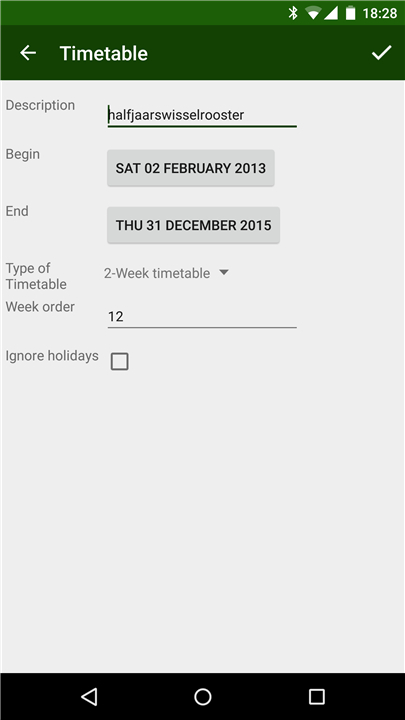
• Supports 2‑, 3‑, and 4‑week timetable cycles, which can be activated through the Settings menu.
• Offers a rotating timetable setup, also configurable via Settings.
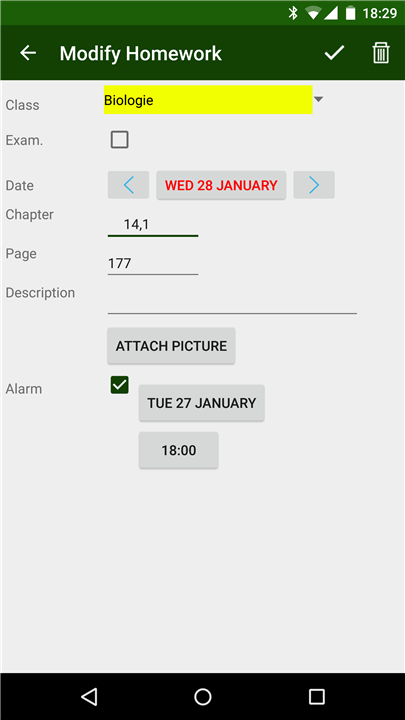
• Short tap on a lesson in the timetable view allows quick homework entry.
• Long tap on a lesson enables setting a one‑time timetable change for that specific session.
Homework and Examination Indicators
• Timetable screens display visual markers to indicate unfinished homework.
• Examination dates or upcoming tests are highlighted clearly alongside the lessons.
Navigation and Interaction
• Swipe left or right in the timetable view to move forward or backward through days or weeks.
• Swipe downward to immediately return to the current day or week.
Widgets and Optimization
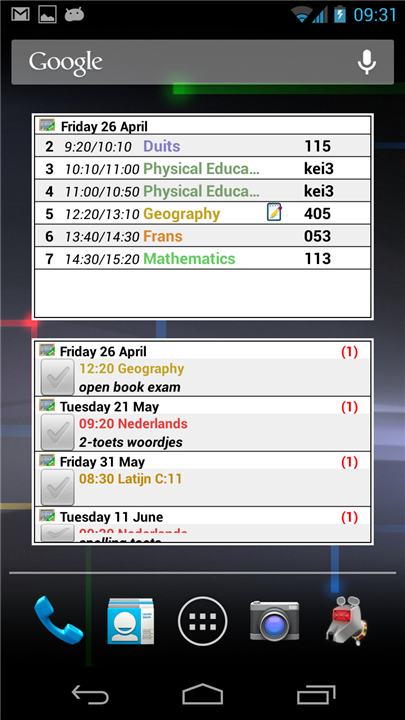
• Multiple home screen widgets are available for quick access to homework and schedules.
• Tablet interface has been optimized for larger screens through sponsorship and design support from Digitally Different Srl.
Additional Information
• Website: klwinkel.com
• Arabic translation provided by Adel Al‑Ghuzaili, ensuring accessibility for Arabic‑speaking users.
FAQ
Q: Can I add my own subjects or lessons?
A: Yes! You can create and name your own subjects or lessons so that the app matches your school’s curriculum perfectly. This makes it easy to personalize your schedule instead of sticking to a generic list.
Q: How many lessons can I schedule per day?
A: The app supports up to 20 lessons per day. This means even schools or programs with intensive schedules can set up their full timetable without running out of space.
Q: Can I store my teachers’ contact information in the app?
A: Absolutely. For each subject, you can store details such as email addresses or phone numbers. This is useful if you need to quickly contact a teacher about an assignment or schedule change.
Version History
v9.2——9 Dec 2025
HomeWork & TimeTable app for students. Widgets for timetable and homework. Download the latest version of HomeWork to enjoy new features and updates immediately!
*9.2
Build for android 15
*9.04
Build for android 14
*9.03
Build for android 14









Ratings and reviews
There are no reviews yet. Be the first one to write one.