

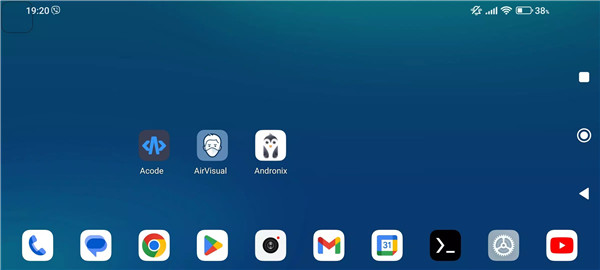
Looking to boost your productivity or enhance your entertainment experience on Android? Dextop is here to revolutionize your mobile device. This powerful app transforms your phone into a desktop experience with a native landscape mode, allowing you to use your favorite apps like never before. With support for external monitors and customizable features, this app makes your phone a practival and powerful tool for work and play.
Native Landscape View
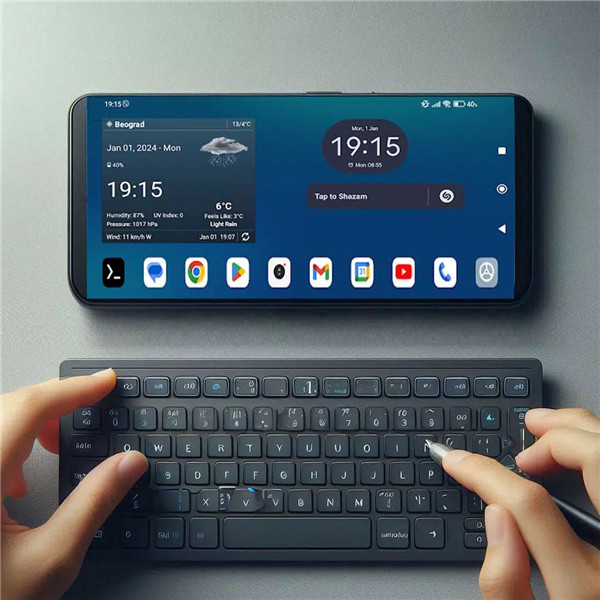
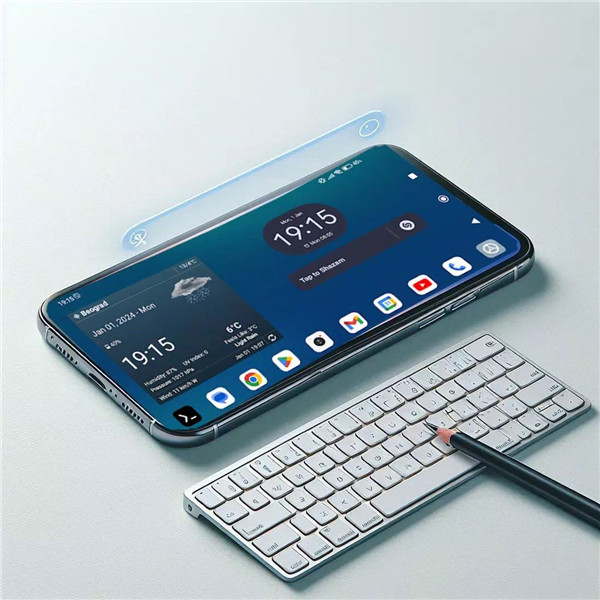
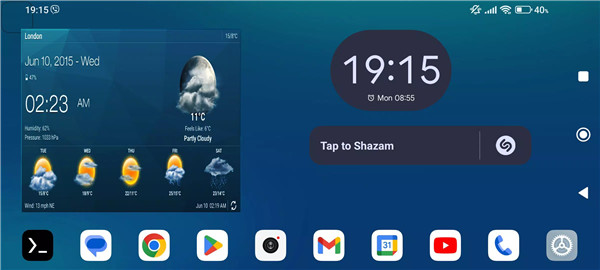
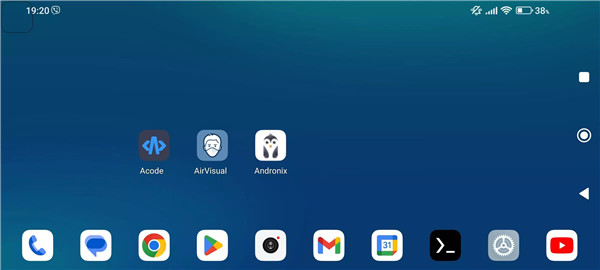
Dextop reimagines your phone’s interface by providing a native landscape mode for all your apps. From browsing the web and using social media to playing games or watching movies, everything displays beautifully in landscape mode. This immersive experience allows you to fully enjoy both productivity tasks and entertainment without compromise.
Seamless Keyboard Integration
Whether you use your phone’s built-in keyboard or connect a Bluetooth keyboard, Dextop offers seamless integration for easy typing. This familiar desktop layout makes composing emails, writing documents, or typing out long texts easier than ever, allowing for effortless typing whether at work or play.
Customization Options
Personalizing your workspace has never been easier. Dextop offers a variety of customization options, including custom themes, widgets, and shortcuts, enabling you to create a desktop-like experience that fits your needs and preferences. Tailor your mobile environment to suit your productivity style and enjoy a more intuitive interface.
Dock & Connect
For those who want to take their desktop experience even further, Dextop supports connecting to an external monitor or TV (supported devices required). This feature allows you to work or enjoy entertainment on a larger screen, turning your phone into a fully functional desktop replacement. Simply connect your phone, and you’re ready to get to work or watch movies in a cinematic view.
Boosting Productivity
Dextop is the perfect tool for anyone looking to increase productivity on their Android device. Work on documents, manage emails, browse the web, and more—all in a highly efficient landscape interface. This app enables multitasking with ease, allowing you to stay organized and on top of your work while enjoying a desktop-like layout on your phone.
Entertainment in Cinematic Mode
Dextop is also designed for entertainment enthusiasts. Watch movies and videos in a cinematic landscape mode that transforms your phone into a mini home theater. The app makes browsing, gaming, and media consumption more immersive, making it perfect for both work and play.
FAQs
1. How can this app help me?
Dextop enhances your Android phone by transforming it into a productivity powerhouse. It offers landscape mode, seamless keyboard integration, and external monitor support, making it perfect for work, gaming, and entertainment.
2. Can I use my own keyboard?
Yes! Dextop allows you to use your Bluetooth keyboard or your phone's built-in keyboard in a familiar desktop layout for effortless typing.
3. Can I connect my phone to an external monitor?
Yes! Dextop supports connecting to an external monitor or TV (with supported devices), giving you a true desktop experience for both productivity tasks and entertainment.
---------------------
What's New in the Latest Version 1.5
Last updated on Dec 6, 2024
Bug fixes and UI updates









Ratings and reviews
There are no reviews yet. Be the first one to write one.