

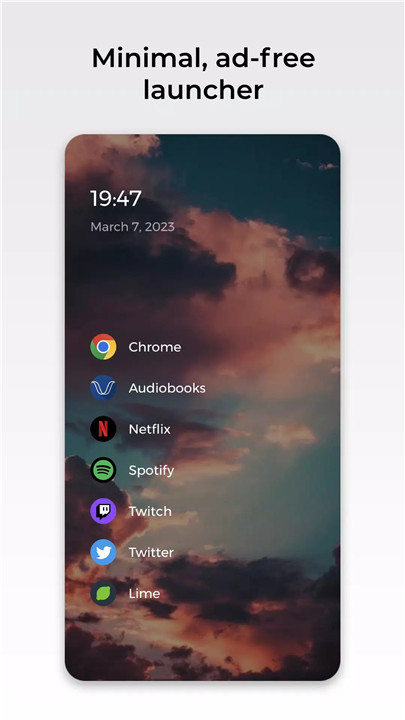
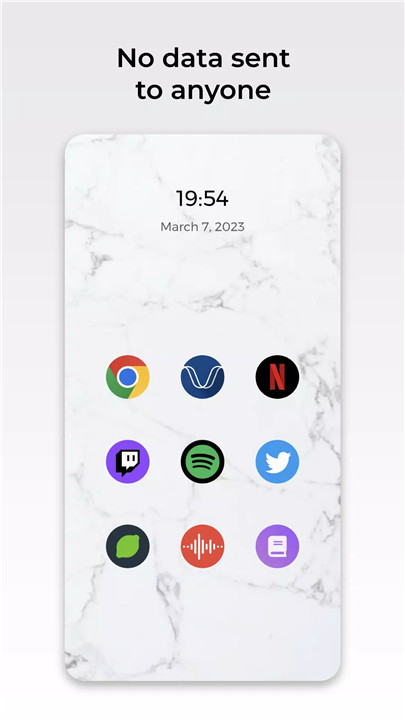
Minimalist Design: Enjoy a streamlined home screen that highlights your most important apps without any clutter.
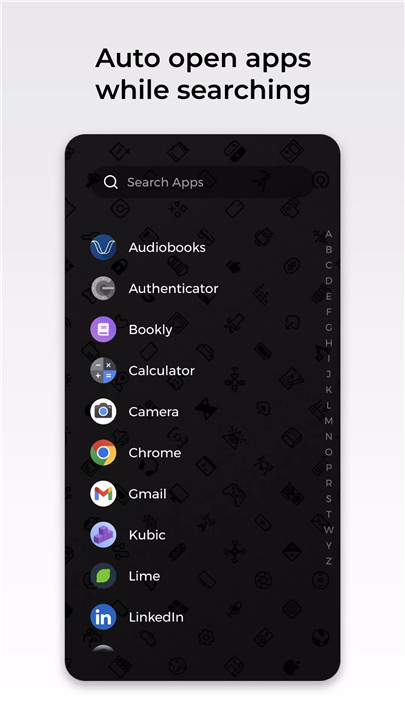
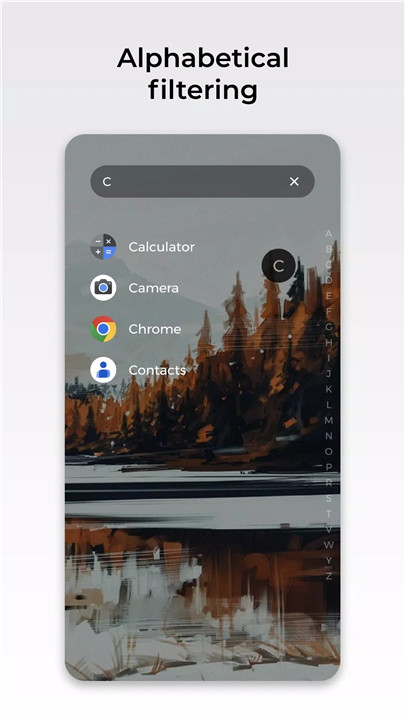
Effortless Navigation: Quickly find and launch your apps with a powerful search feature and an intuitive app drawer.
Privacy First: Your data stays private. Lime Launcher never sends your information to anyone, and its open-source code means transparency and security.
Ad-Free Experience: Say goodbye to interruptions with no ads to disrupt your usage.
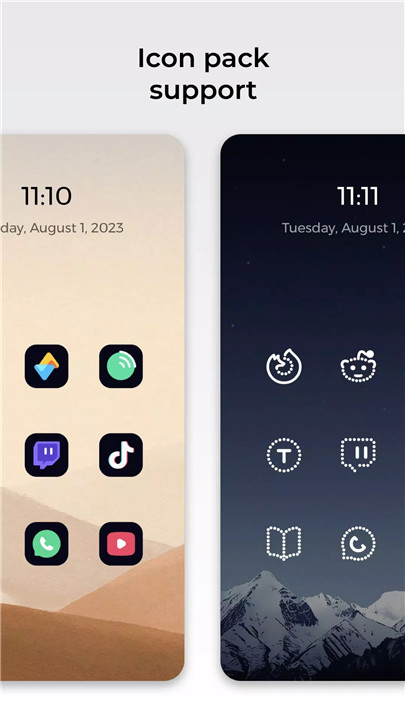
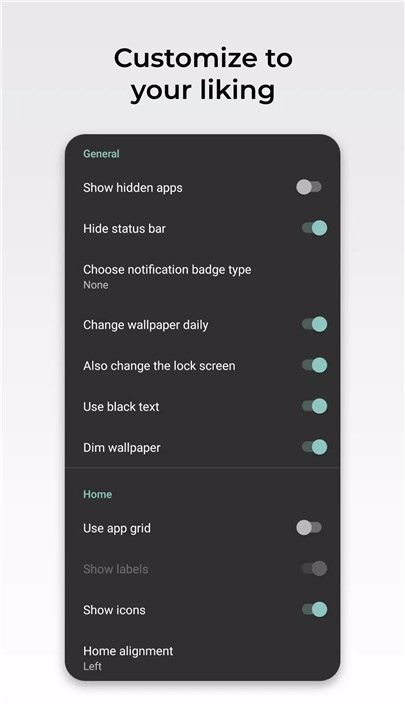
Customizable: Personalize your device with various icon packs, manage your phone with a double-tap lock feature, hide the status bar, and keep track of notifications with badges.
How Does Lime Launcher Work?
Lime Launcher is designed to be straightforward and easy to use. Here’s a closer look at how it enhances your Android experience:
Home Screen: The home screen is designed to be minimal, presenting only your most essential apps for quick access. This uncluttered layout helps you focus on what matters most.
App Drawer: Access your full list of apps with a simple swipe or tap. The search function within the app drawer lets you find and open apps instantly.
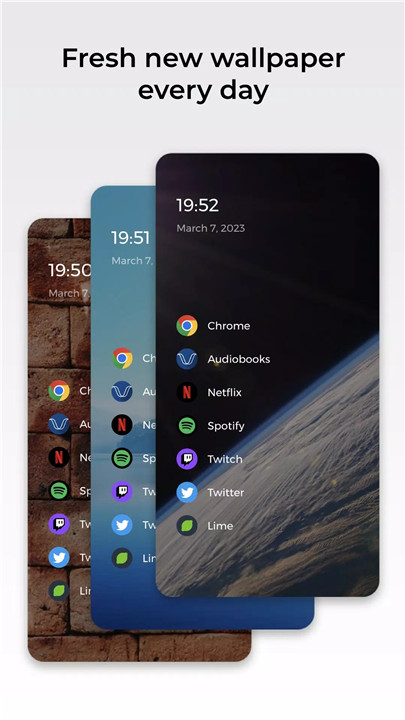
Customization: Lime Launcher offers various customization options to suit your preferences. You can change icon packs, adjust screen settings, and more to make your device truly yours.
Privacy Features: Lime Launcher ensures your data is protected. Its open-source code guarantees that your information remains private and secure. The app does not track your usage or collect your data.
FAQ
1. Is Lime Launcher easy to set up?
Yes, Lime Launcher is designed to be user-friendly. After installing the launcher, you can easily customize your home screen and app drawer through the settings menu. The setup process is quick and straightforward.
2. Will Lime Launcher slow down my phone?
No, Lime Launcher is optimized to run smoothly and efficiently. It is designed to be lightweight, so it should not impact your phone’s performance negatively.
3. Can I use my existing icon packs with Lime Launcher?
Absolutely! Lime Launcher supports various icon packs, so you can continue using the ones you like or explore new ones.
4. How does Lime Launcher handle my privacy?
Lime Launcher places a high priority on your privacy. It does not collect or share any personal data. The launcher’s open-source nature means its code is available for anyone to review, ensuring transparency and trust.
5. Is there customer support available if I encounter issues?
Yes, Lime Launcher provides support through its website and community forums. If you have any questions or run into issues, you can reach out for assistance.
6. Can I customize the look and feel of Lime Launcher?
Yes, Lime Launcher offers a range of customization options. You can change icon packs, adjust screen settings, and customize notifications to create a personalized experience.
What's New in the Latest Version 2.2.2
Last updated on Aug 2, 2023
Lime Launcher 2.1
Features:
- Added Icon pack support!
- Show option to set as default launcher.
Bug Fixes:
- Apps now update correctly after installing and uninstalling.
- Back button in the drawer returns you to the home.
- Back button in the home page does nothing.
- Toggling the hidden apps not applies instantly.
** Fixed a bug that crashed the app since the new update **
As always, if you have any feedback or suggestions, please let us know.









Ratings and reviews
There are no reviews yet. Be the first one to write one.