

ESTA Mobile App
Overview
• The Electronic System for Travel Authorization (ESTA) mobile application, developed by U.S. Customs and Border Protection (CBP), is a convenient tool designed for nationals of countries participating in the Visa Waiver Program (VWP).
• Through this app, eligible travelers can apply for and pay for a travel authorization to visit the United States without obtaining a traditional visa.
• This mobile platform mirrors the functionality and information available on the official ESTA website at https://esta.cbp.dhs.gov, providing users with a streamlined, portable option for managing their travel authorization needs.
Purpose and Functionality
The ESTA mobile app simplifies the application process by allowing users to:
• Submit a new travel authorization request.
• Pay the required application fee securely.
• Receive and view automated eligibility responses from the ESTA system.
• Access and check the status of existing applications while on the go.
Key Features
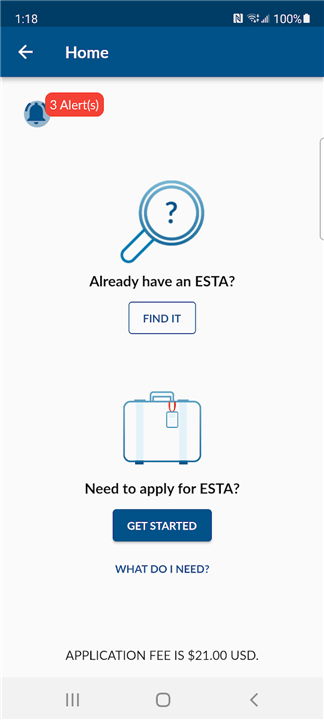
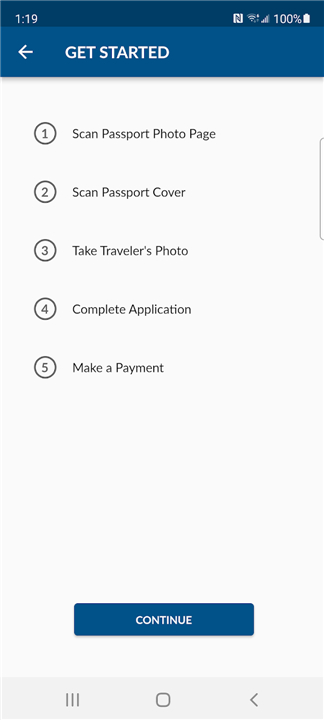
1. “GET STARTED” – Apply for a New Application
• Enables travelers to create and submit a new ESTA application.
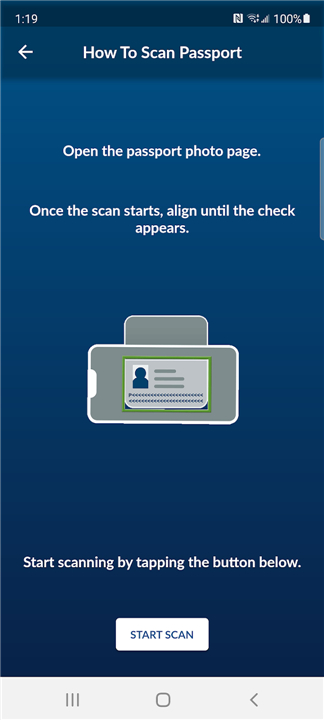
• Guides users through required personal and passport information entry.
• Allows payment of the application fee directly within the app.
• Sends the completed application to the ESTA system for eligibility determination.
• Provides automated confirmation of approval, denial, or pending status.
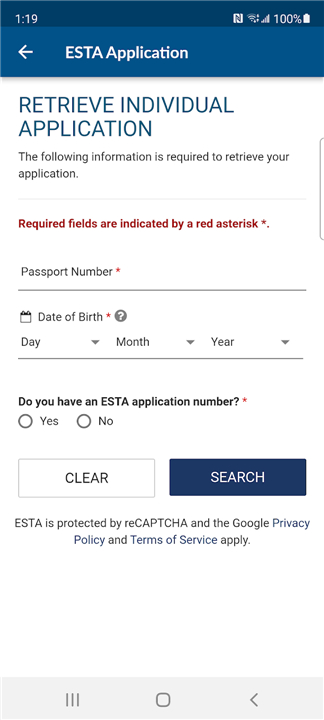
2. “FIND IT” – Search for Existing Applications
• Lets travelers quickly locate previously submitted applications.
• Displays current approval status or expiration date.
• Useful for confirming authorization before travel.
Recommended Application Timeline
• CBP advises applying for ESTA authorization as soon as travel arrangements are made.
• Ideally, travelers should submit their application at the time of booking flights or accommodations.
Importantly:
• Applications must be submitted no less than 72 hours before boarding a flight to the United States.
• This timeline helps avoid last-minute complications and ensures travelers meet VWP requirements.
FAQ
Q: Who can use the ESTA mobile app?
A: Any traveler from a country participating in the Visa Waiver Program can use the ESTA mobile app to request authorization for short-term business or tourism travel to the United States without needing a traditional visa.
Q: How do I start a new ESTA application in the app?
A: After downloading and opening the app, tap the “GET STARTED” button. You will be guided step by step to enter your personal information, passport details, contact information, and eligibility questions. Once all fields are completed, you can submit your application.
Q: How much does it cost to apply using the mobile app?
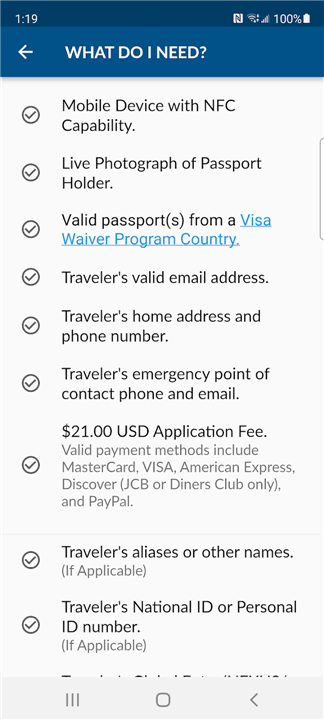
A: The ESTA application fee is set by CBP—currently USD 21—and must be paid at the time of submission. The app securely processes your credit or debit card payment before sending your application to the ESTA system.
Version History
v1.15.15——12 Jan 2026
ESTA (Electronic System for Travel Authorization) Download the latest version of ESTA Mobile to enjoy new features and updates immediately!
*1.15.15
Minor Enhancements
*1.15.8
Minor Enhancements
*1.15.7
Update to International Translations









Ratings and reviews
There are no reviews yet. Be the first one to write one.