

Spooky - Notebook & Diary APK
2.2.3
Spooky - Notebook & Diary
Spooky - Notebook & Diary APK
Download for Android
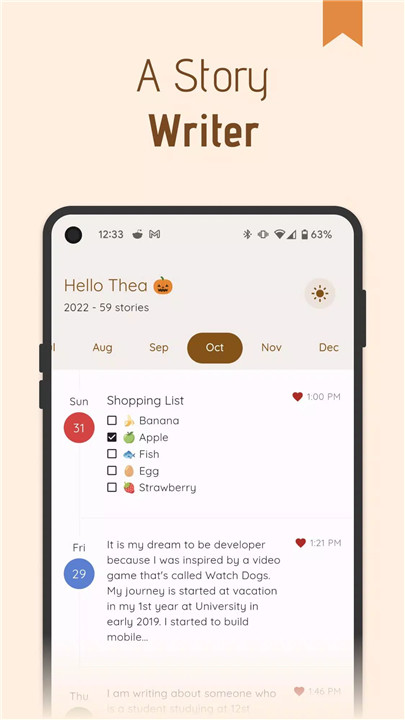
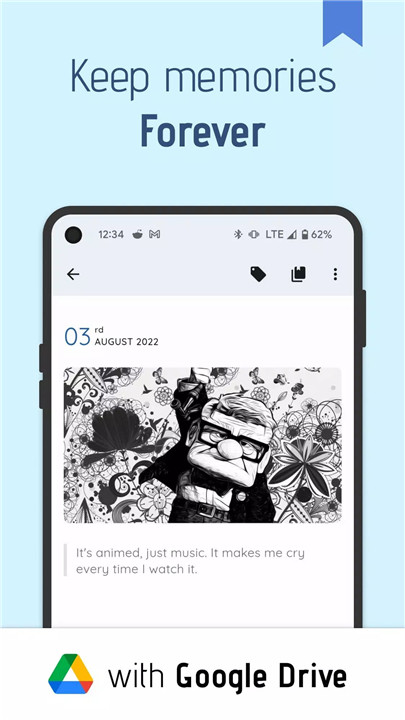
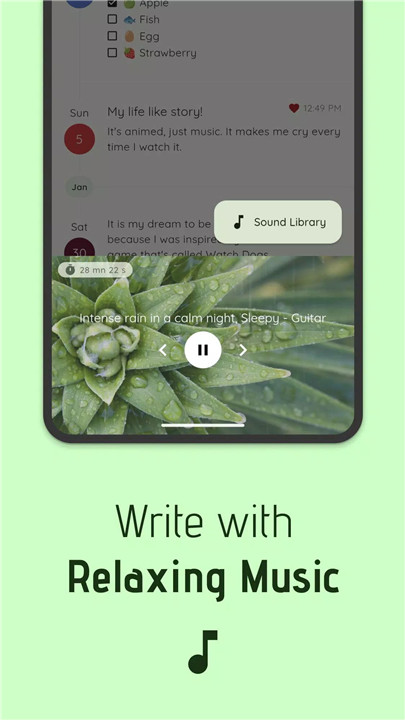
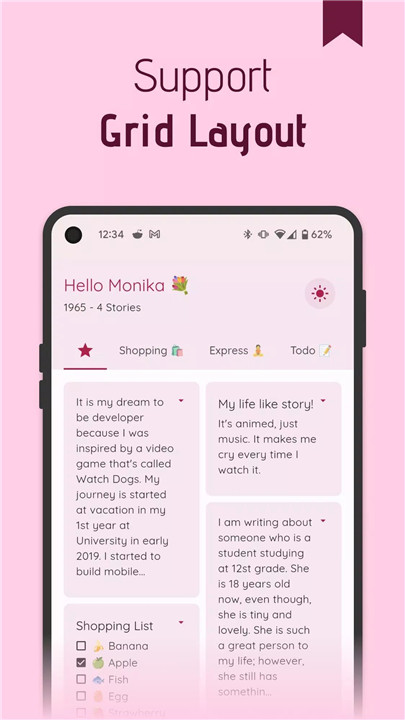
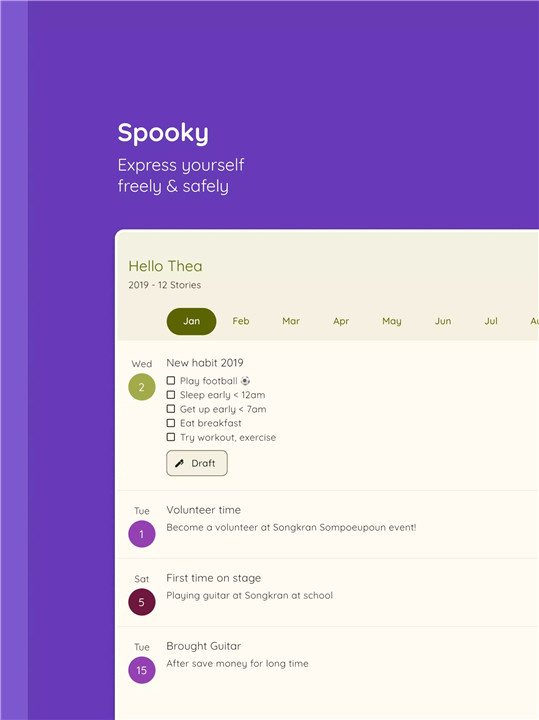
Spooky – Notebook & Diary is the ultimate minimalist writing tool designed for those who want to capture and organize their thoughts, stories, and memories in a simple, secure, and customizable way. With its powerful features, secure options, and sleek design, Spooky is ideal for anyone who values privacy and personalization in their writing process.
Support 1300+ Fonts from Google Fonts
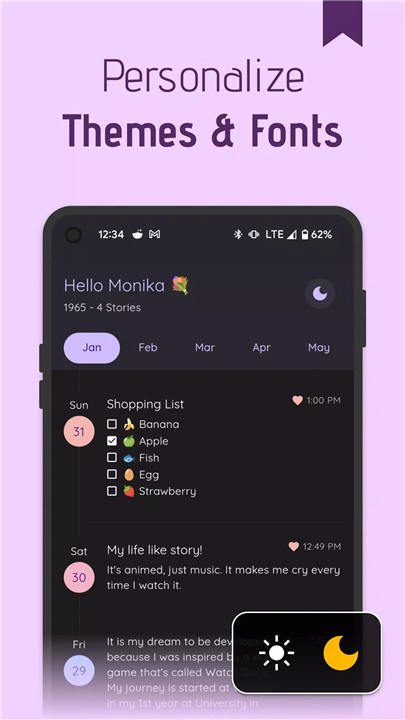
Customization is key in creating a personal space for writing, and Spooky makes it easy to do just that. With support for over 1300 fonts from Google Fonts, you can choose the perfect typography to match your style. From bold headlines to delicate, script-like writing, your words will look exactly how you want them to.
Rich Text Editor with 25+ Options
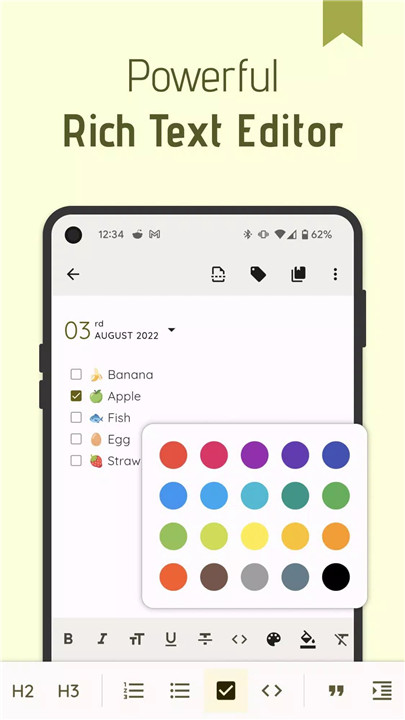
Spooky’s rich text editor is equipped with over 25 editing options that allow you to customize your entries effortlessly. From basic formatting like bold, italic, and underline to more advanced features such as lists, quote blocks, and code snippets, you have everything you need to structure and style your content. Add images, links, or even tags to enrich your writing experience.
Android 12+ Dynamic Color Support
With Android 12 and newer, Spooky takes personalization to the next level by supporting dynamic color. This feature generates colors based on your wallpaper, creating a visually cohesive and dynamic experience that adapts to your device’s aesthetic. Choose from light and dark modes to match your mood or the time of day.
Secure Your Memories
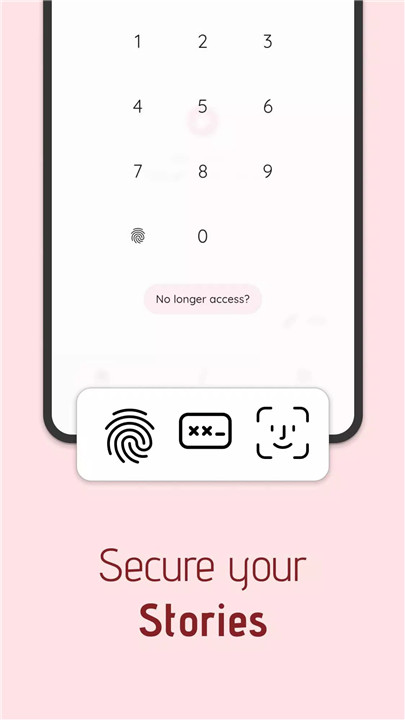
Spooky knows how important your memories are, which is why it provides multiple security options to keep them safe. You can secure your notes with a PIN code or enable biometric authentication (Iris, fingerprint, or Face ID) for extra protection. Your thoughts and ideas are precious—protect them with ease.
Cloud Backup with Google Drive
Never worry about losing your precious memories. Spooky allows you to back up your data to Google Drive, ensuring that your entries are safely stored in the cloud. Restoring your data is just as easy, giving you peace of mind no matter where you are.
Open Source for Trust and Transparency
Spooky is open source, and its code is available on GitHub (Juniorise). We believe in transparency, and you can trust that your privacy is our priority. Your data is stored securely, and we never compromise your privacy.
StoryPad Migration
Already using StoryPad? Moving your data to Spooky is easy! Simply go to Settings > Cloud Storage > StoryPad to import your existing content. If you need help, our support team is ready to assist you via Telegram.
FAQs
1. How do I secure my notes in Spooky?
You can secure your entries using a PIN code, or enable biometric security options such as Iris, fingerprint, or Face ID for added protection.
2. Can I back up my data in Spooky?
Yes! Spooky allows you to back up and restore your data via Google Drive, ensuring your memories are always safe and accessible.
3. Is Spooky open source?
Absolutely! Spooky’s source code is open to the public on GitHub: https://github.com/juniorise/spooky-mb, allowing you to trust us with your data while supporting a transparent, open development process.
----------------------------
What's New in the Latest Version 2.2.3
Last updated on Jan 31, 2025
Following our big 2.0 release, this update includes minor bug fixes!
Keep your stories and memories organized effortlessly









Ratings and reviews
There are no reviews yet. Be the first one to write one.