

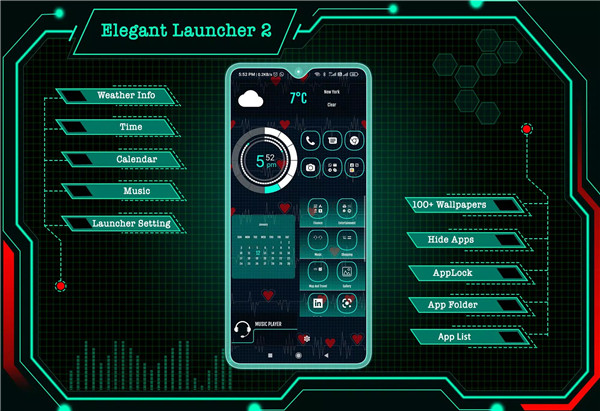
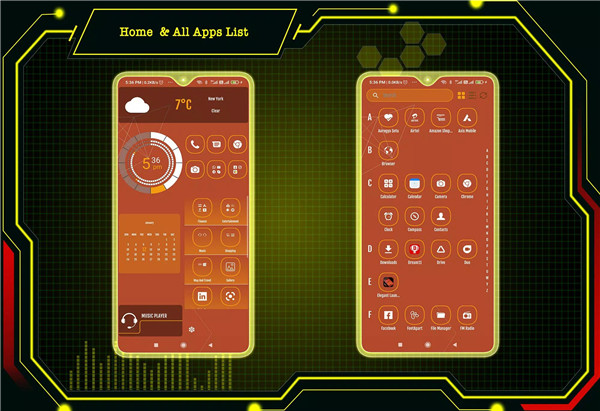
Elegant Launcher 2 is the Android launcher designed to transform your phone into a sleek, futuristic device. With its user-friendly interface and a wide array of customizable features, this app offers everything you need to personalize your mobile experience.
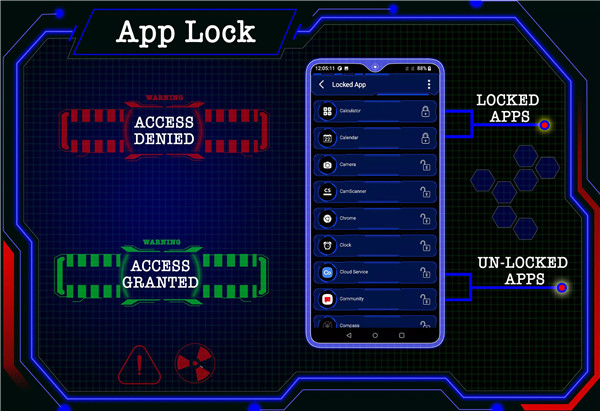
AppLock
Elegant Launcher 2 lets you keep your apps private with its built-in AppLock feature. You can easily lock apps with a password, eliminating the need for a third-party app.
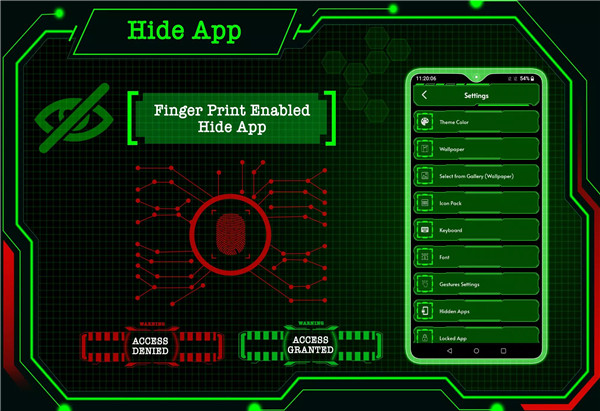
HideApp
The HideApp feature, secured by fingerprint authentication, allows you to hide specific apps from the app list, ensuring that only you can access them.
Personalization
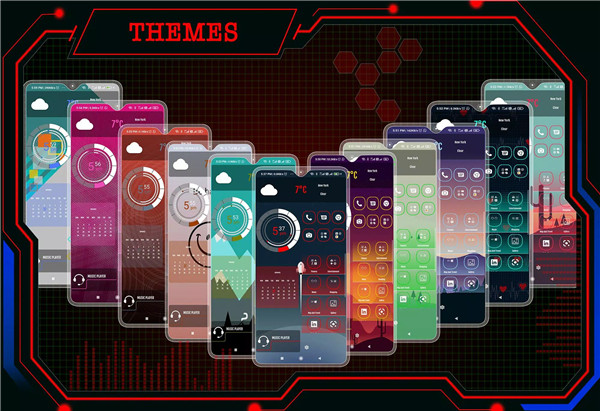
Give your phone a stylish makeover with Elegant Launcher 2’s selection of colorful and beautiful themes. Each theme is designed with precision and passion to provide a modern, elegant look for your phone. You can even personalize your apps by long-pressing any icon to adjust them to your style.
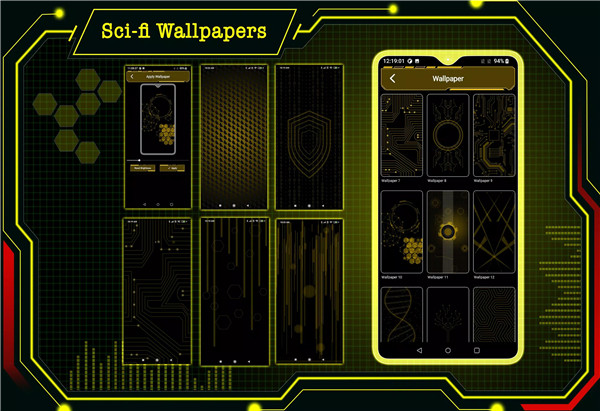
Hi-tech Wallpaper & Adjustable Brightness
Customize your home screen with stunning, adaptive wallpapers that change color to match your selected theme. You can also adjust the brightness of the wallpaper or use your own images from the gallery for a completely unique look.
Folder Management
Organizing your apps has never been easier. With Elegant Launcher 2’s folder feature, you can easily group your apps by simply long-pressing an icon to create a folder. This makes managing your apps simple and efficient, helping you keep everything organized.
Faster & Smarter Experience
Elegant Launcher 2 is designed for speed. With its optimized performance and intuitive user interface, you’ll experience faster app launches and smoother transitions. It’s the perfect combination of speed and functionality.
Swipe Gestures
Easily navigate your phone with customizable swipe-up and swipe-down gestures. You can set specific actions for each gesture, making your experience more efficient.
Quick Search
The Quick Search feature to quickly find and open apps by swiping down on the main screen.
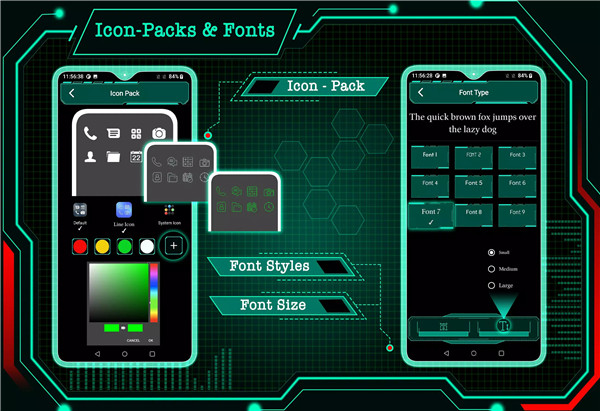
Customizable Icon Packs
Choose between two distinct icon packs – simple or line icons – and customize the colors to suit your style.
Keyboard
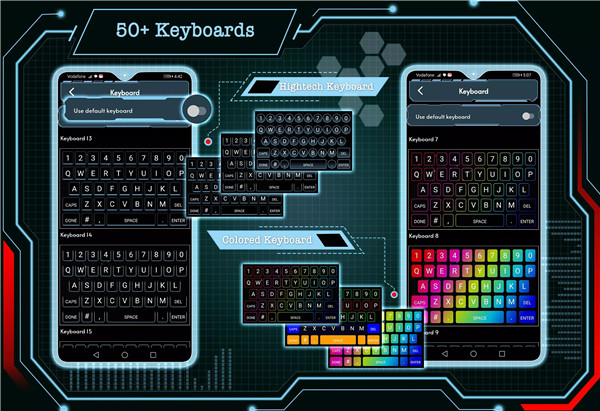
The app also offers more than 50 high-tech keyboard designs to give your phone a futuristic feel, enhancing your overall experience.
Widgets
Elegant Launcher 2 includes useful widgets like clock, weather, calendar, and battery info, allowing you to access essential information directly from your home screen.
FAQs
1. What is Elegant Launcher 2?
Elegant Launcher 2 is a feature-rich Android launcher that offers a variety of customization options, including AppLock, HideApp, futuristic themes, wallpapers, gesture controls, and much more. It provides an intuitive and sleek interface designed to enhance your mobile experience.
2. How does the AppLock and HideApp feature work?
AppLock lets you secure apps with a password, while HideApp allows you to hide apps from your app list. Both features focus on protecting your privacy, with HideApp being protected by fingerprint authentication for added security.
3. Can I customize the icons and keyboard with Elegant Launcher 2?
Yes! Elegant Launcher 2 offers two customizable icon packs and the option to change their colors. Additionally, you can choose from over 50 futuristic keyboard designs to personalize your phone’s interface.
---------------------------
What's New in the Latest Version 22.0
Last updated on Nov 12, 2024
New icon pack featured added.
Bug fixed.









Ratings and reviews
There are no reviews yet. Be the first one to write one.