

GodTools: Faith Conversations APK
6.2.0
GodTools: Faith Conversations
GodTools: Faith Conversations APK
Download for Android
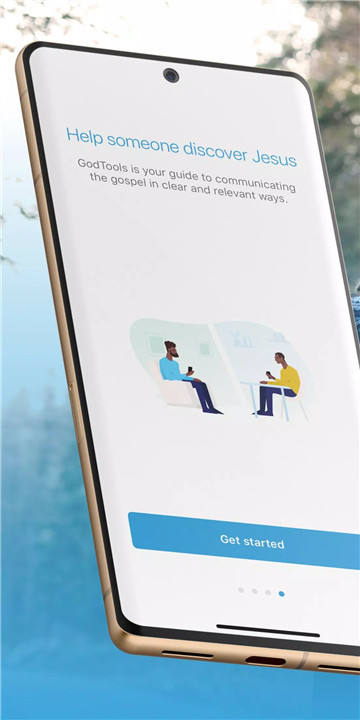

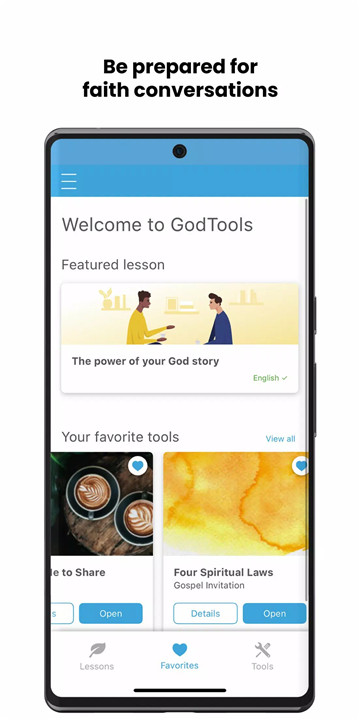
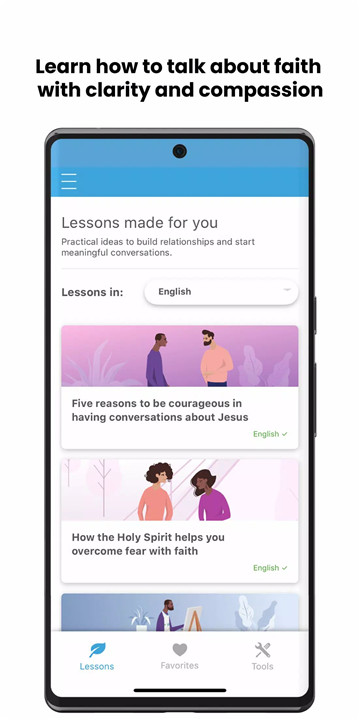

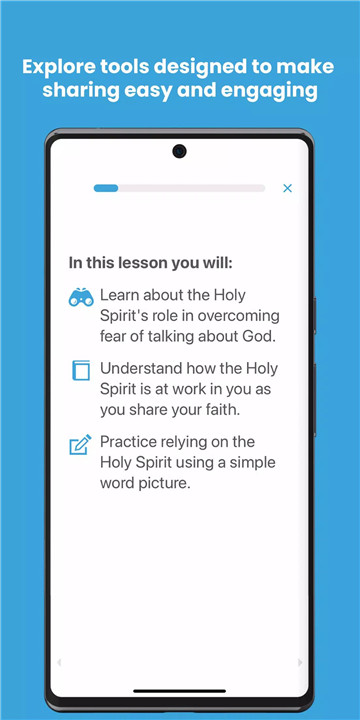
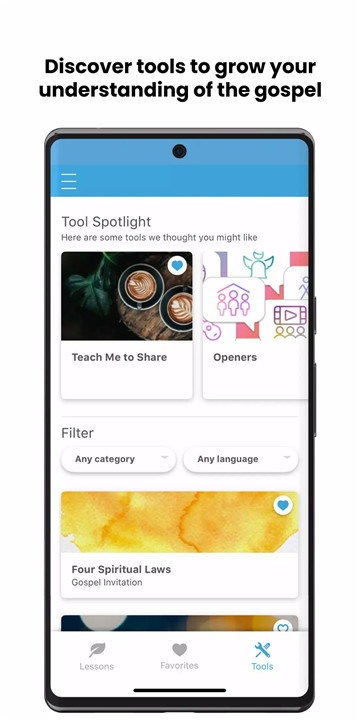
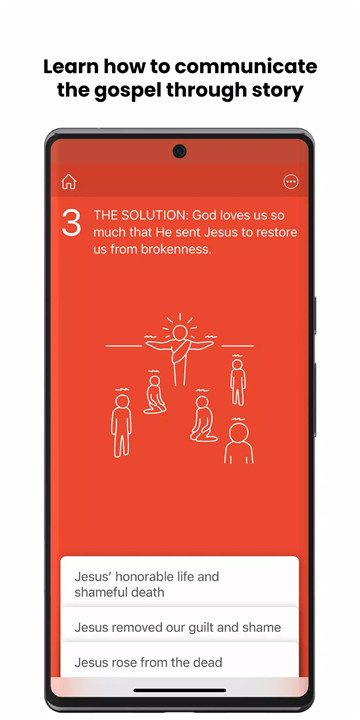
In a world that often feels divided, GodTools is here to break down those barriers and help you share the love of Christ in a natural and impactful way. More than just an app—it's a movement to spread hope, bring people together, and invite others into the freedom found in Jesus.
Conversation Starters
GodTools provides simple and authentic ways to begin spiritual conversations. Whether you’re speaking with someone in person or online, the app equips you with natural conversation starters, helping you ease into meaningful discussions about Jesus.
Scriptural References
Sharing the Gospel is powerful, and GodTools offers a vast library of Bible verses that align with different situations. These scriptural references help you share the message of Jesus in a way that’s relevant and impactful for the person you’re speaking to.
Interactive Features
Engage with others in an interactive way, whether you’re meeting face-to-face or connecting virtually. GodTools lets you use screen sharing and visuals to enhance conversations, providing a deeper understanding of the Gospel and making your discussions flow smoothly.
Training Resources
For those new to sharing their faith or those looking to improve, GodTools offers practical training resources. These materials help you grow in your ability to confidently communicate the Gospel, regardless of your experience level.
User-Friendly Interface
Designed to be intuitive, GodTools makes it easy to navigate and find the resources you need. Whether you’re looking for conversation tips or scripture, the app’s clean and user-friendly interface ensures you can start meaningful conversations without any hassle.
Global Reach and Language Support
With support for over 100 languages, GodTools ensures that you can share your faith with anyone, anywhere.
Community Engagement
GodTools fosters a supportive community of believers who share experiences, encourage each other, and collaborate on evangelism. You can be part of a global network working together to spread the message of hope and salvation.
FAQs
1. Is GodTools free to use?
Yes, GodTools is completely free to download and use. All of its features, including language support, scripture references, and training materials, are available at no cost.
2. How can GodTools help me start conversations about faith?
GodTools offers simple and authentic conversation starters, scripture references, and interactive features that make it easier for you to introduce spiritual topics in a natural and engaging way.
3. Can I use GodTools in different languages?
Yes, GodTools supports over 100 languages, enabling you to share the Gospel across cultural and linguistic boundaries, whether you're at home or traveling.
4. How can GodTools help me improve my ability to share my faith?
GodTools provides practical training resources and guides to help both beginners and experienced believers develop the confidence and skills needed to share the Gospel effectively in any setting.
Version History
v6.2.0—28 Jul, 2023
We’ve been working hard to make GodTools a more effective and sustainable platform to help you share your faith. You can now create an account with Facebook or Google. We’ve added new support and infrastructure for users with accounts, updated the menu, and. This update also contains a variety of bug fixes and improvements.
v6.1.1—10 Mar, 2023
To help you grow in sharing your faith you can now earn badges for trying new lessons and tools. Log in and view your activity in the side panel menu. This update also contains miscellaneous bug fixes and improvements.
v6.1.0—17 Feb, 2023
To help you grow in sharing your faith you can now earn badges for trying new lessons and tools. Log in and view your activity in the side panel menu. This update also contains miscellaneous bug fixes and improvements.









Ratings and reviews
There are no reviews yet. Be the first one to write one.