

Photo Editor - Collage Maker APK
1.563.271
Photo Editor - Collage Maker
Photo Editor - Collage Maker APK
Download for Android
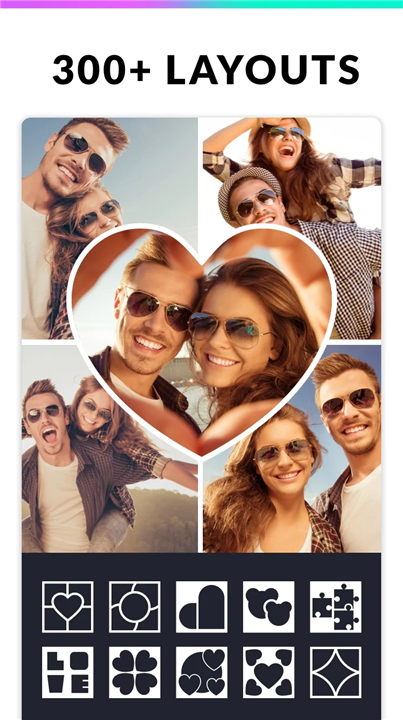
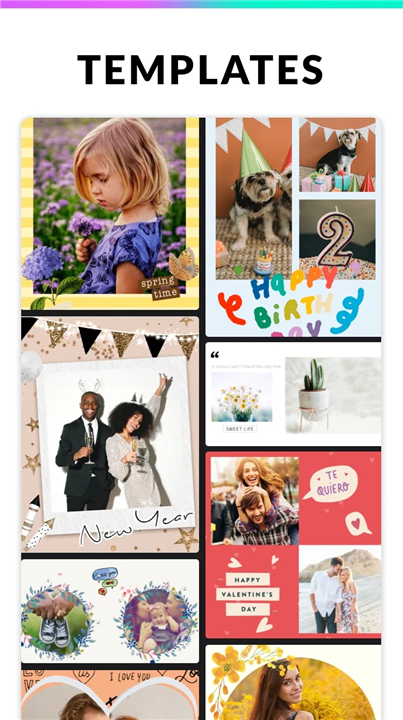
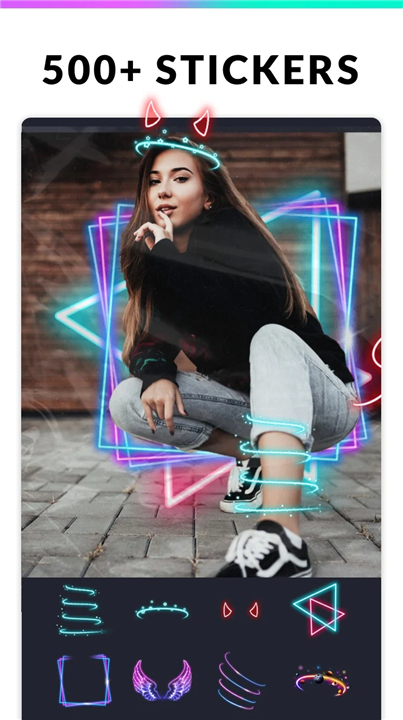
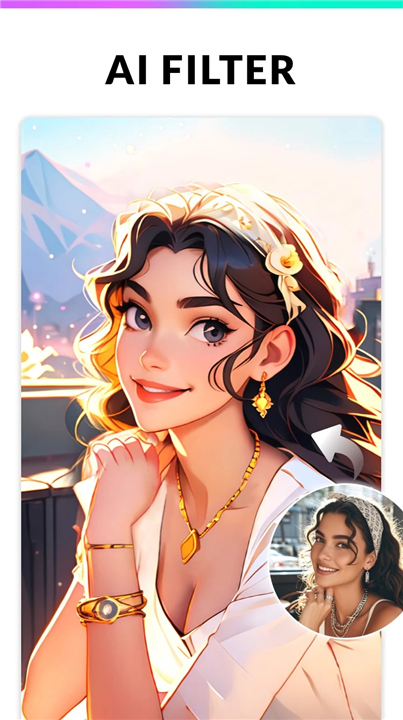
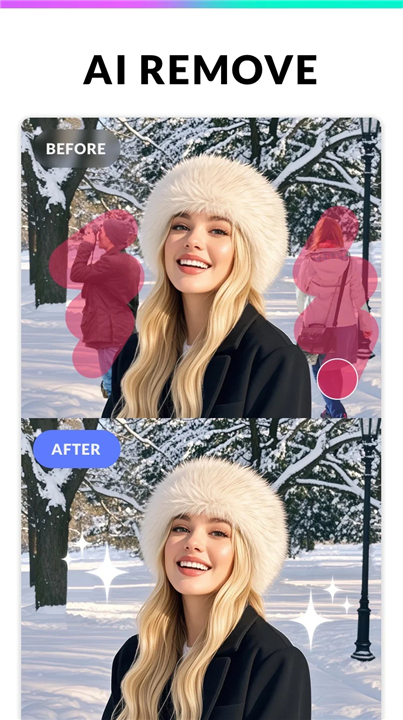
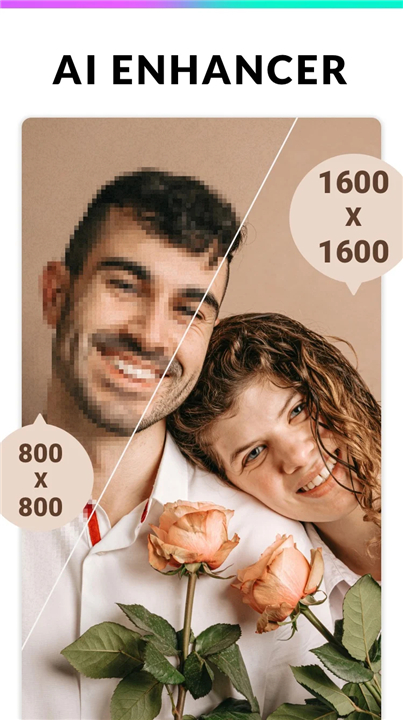
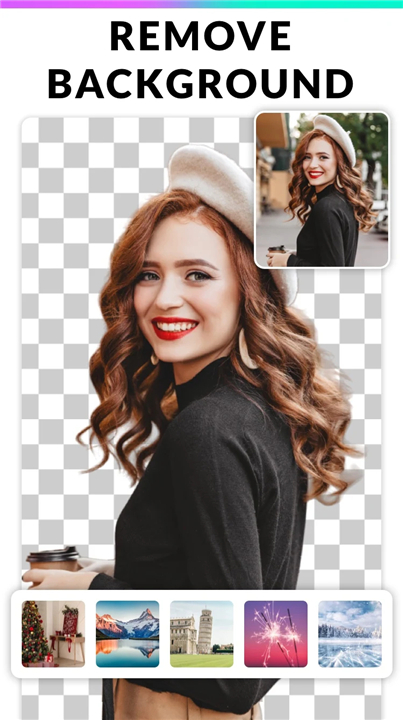
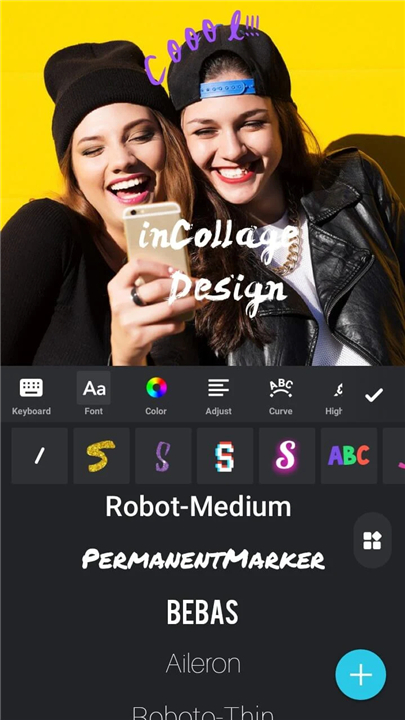
Photo Editor - Collage Maker
Overview
• Elevate your visual storytelling with InCollage, a comprehensive creative suite designed to turn your favorite moments into stunning digital art.
• Whether you are celebrating a milestone or capturing the beauty of the everyday, our tools provide the canvas needed to bring your unique perspective to life.
Innovative AI Tools
• Transform ordinary portraits into over 90 unique AI-generated avatars.
• Restore the clarity of aged or blurry images with professional-grade enhancement.
• Instantly remove or replace backgrounds to isolate your subjects with precision.
Versatile Collage and Layouts
• Blend up to 25 separate images into a single, cohesive narrative.
• Explore a library of over 500 stylish grids, frames, and custom templates.
• Choose between structured grid formats or the artistic freedom of freestyle arrangements.
• Adjust borders and aspect ratios to fit any occasion, from weddings to personal milestones.
Creative Personalization
• Access an expansive collection of stickers, backgrounds, and artistic doodles.
• Express yourself with diverse text options and the ability to import your own custom fonts.
• Use the built-in meme generator to share humor and joy with your community.
Professional Editing Suite
• Refine your visuals using powerful cropping, rotating, and flipping tools.
• Apply sophisticated filters and effects to set the perfect mood for your work.
• Utilize specialized blur tools to create professional depth and focus.
Seamless High-Resolution Sharing
• Export your creations in high definition to preserve every detail.
• Utilize optimized ratios for quick, beautiful posting to Instagram and other social platforms.
• Share your artistic journey instantly via WhatsApp, Facebook, or Line.
InCollage serves as your portable studio for editing, stitching, and creating.
For support or to share your feedback, please contact us at photostudio.feedback@gmail.com.
FAQ
Q: How many images can I include in a single collage project?
A: You have a great deal of creative flexibility with InCollage because the app allows you to blend up to 25 separate images into one cohesive narrative using a single layout. This makes it an ideal choice for documenting large events like weddings or creating detailed year-in-review visual summaries.
Q: I am interested in the AI features, so how many different avatar styles can I create?
A: The innovative AI tools within the app can transform your standard portraits into over 90 unique AI-generated avatars. These styles offer a fun and artistic way to reinvent your profile pictures or create stylized versions of yourself for various social media platforms.
Q: Is it possible to improve the quality of my older or out-of-focus photographs?
A: Yes, the app features professional-grade enhancement tools specifically designed to restore clarity to aged or blurry images. By utilizing these features, you can breathe new life into old family photos or sharpen shots that didn't come out quite as clearly as you hoped.
Version History
v1.563.271——6 Apr 2026
Collage Maker, Photo Frame App, Photo Editor: 1000+ grid, layouts, sticker, text Download the latest version of Photo Editor - Collage Maker to enjoy new features and updates immediately!
*1.563.271
Minor bug fixes and improvements. Install or update to the newest version to check it out!
*1.562.270
• Easter Magic: Create festive stories with new templates, backgrounds, and stickers.
• Macaron-Style Backgrounds: Try our sweet new colors.
• AI Birthday Filters: Turn your selfies into studio-quality birthday shots.
*1.55.267
• Adjust filter presets for your perfect vibe.
• Discover the newest AI filters: Frozen, City Canvas & Cone Cutie!
• Smoother Editing: Refined details for a better experience.









Ratings and reviews
There are no reviews yet. Be the first one to write one.