

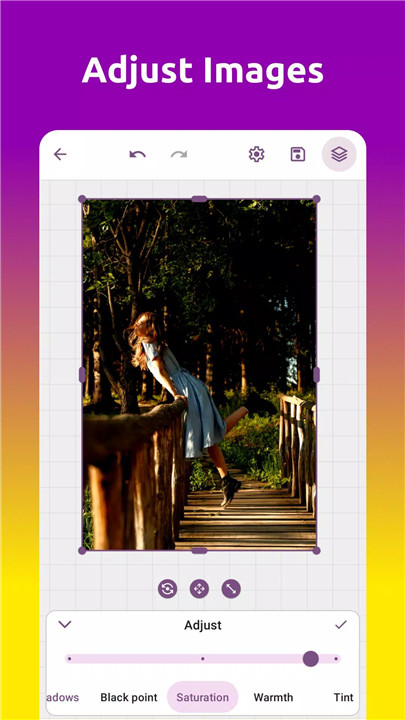
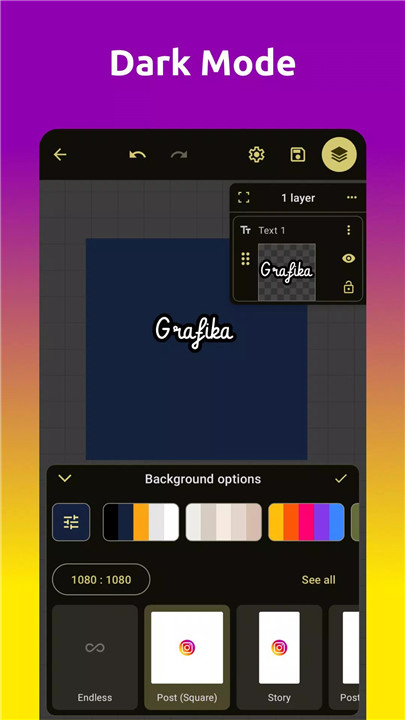
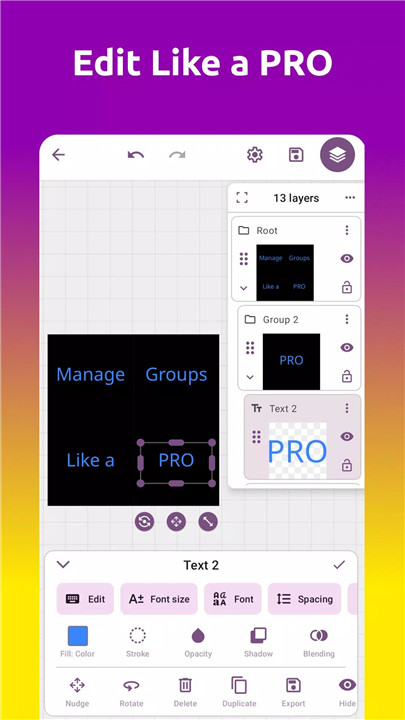
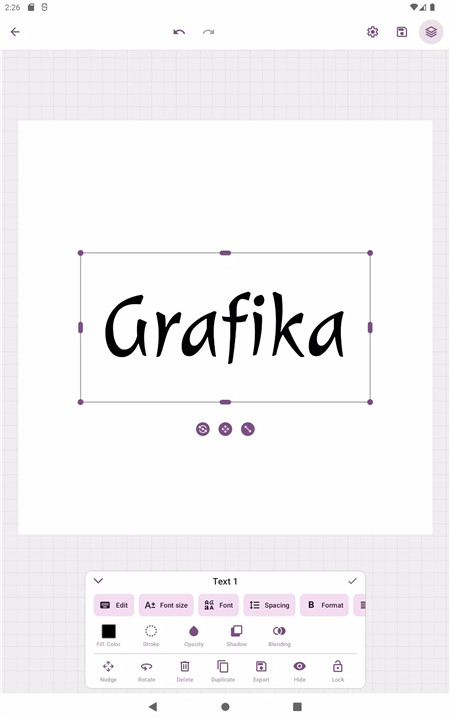
Grafika is the perfect app for anyone looking to easily create professional-quality designs, logos, and photo edits on their mobile device. With its intuitive interface and powerful features, creating beautiful illustrations, logos, or edited photos has never been so simple.
Easy-to-Use Editing Tools
Grafika is packed with simple yet powerful tools that make editing and creating graphics a breeze. You can add text to images, design logos, or craft unique illustrations with just a few taps.
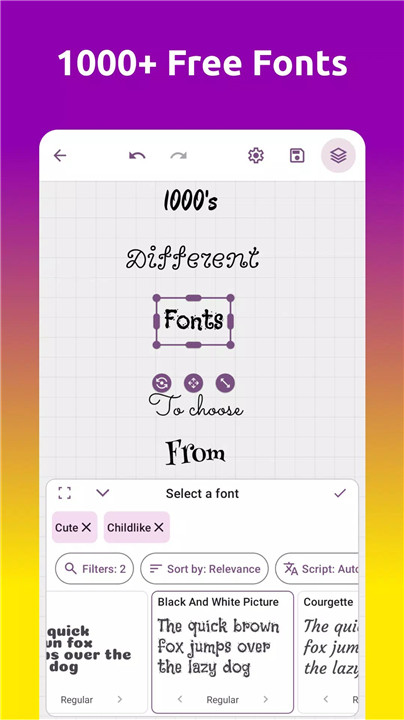
Customizable Fonts & Text Tools
With access to thousands of fonts, you can easily personalize your designs. Plus, you can adjust text size, alignment, and style effortlessly.
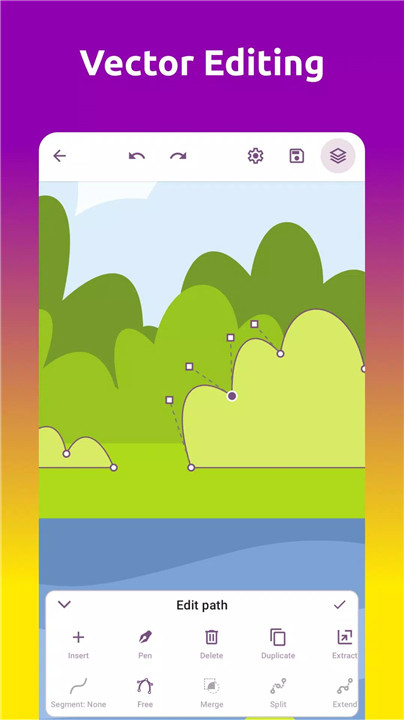
Advanced Vector Editing
Grafika offers powerful vector editing tools, making it easier to create intricate designs. You can use the pen tool, pencil tool, and Bezier curve editing tools to create precise vector images. The boolean operations feature allows you to perform advanced editing tasks like merging or subtracting shapes with ease.
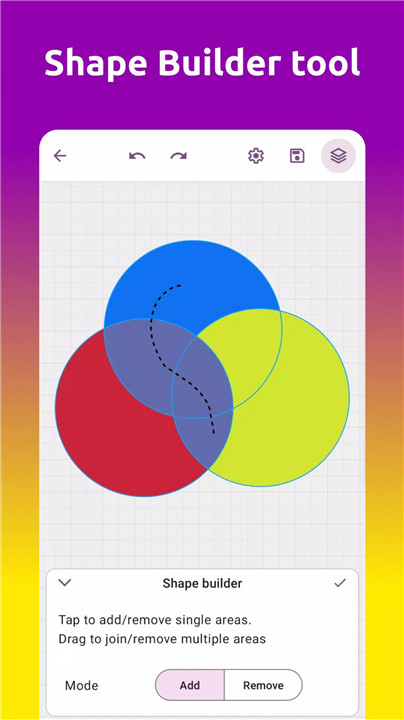
Shape Builder & Layer Tools
Create complex shapes using the intuitive Shape Builder tool, which allows you to join or remove shapes with ease. The layer tool lets you add, group, reorder, and move layers around the canvas, offering total control over your designs. You can work with infinite layers and organize them to suit your needs.
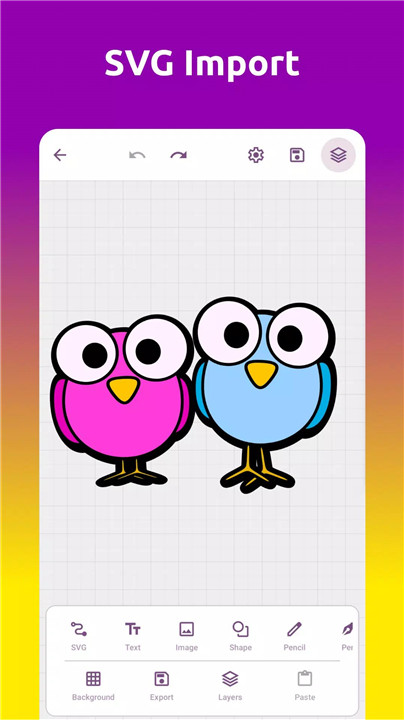
SVG Editing & Import
Grafika allows you to import SVG files non-destructively and preserve their structure. You can then edit the files using the vector editor and save your changes, making this app perfect for anyone who works with scalable vector graphics.
Gradients, Shadows & Color Picking
Add depth and style to your designs with just a tap. Grafika includes a gradient tool and shadow effects to create professional-looking designs, while four different color pickers help you find the perfect hues for your project.
Seamless Export Options
Once your design is complete, Grafika makes it easy to export your work in multiple formats, including PNG, JPEG, SVG, and WEBP.
FAQs
1. How do I import SVG files into Grafika?
To import SVG files, simply select the import option and choose the SVG file from your device. Grafika allows you to edit SVGs without losing their structure, making it easy to work with scalable vector graphics.
2. What tools are available for editing vectors in Grafika?
Grafika offers a variety of vector editing tools, including the pen tool, pencil tool, Bezier curve editing, and boolean operations. You can also use the Shape Builder tool to combine or remove shapes, giving you total flexibility in your design process.
3. What export options are available for my designs?
Grafika allows you to export your designs in several formats, including PNG, SVG, JPEG, and WEBP.
--------------------------
What's New in the Latest Version 2.4.0
Last updated on Jan 7, 2025
Added Image Tracing tool
Bug fixes









Ratings and reviews
There are no reviews yet. Be the first one to write one.