

Gitling
Overview
• Gitling is a sophisticated Git client engineered specifically for the Android ecosystem.
• Built using the modern Jetpack Compose framework and adhering to Material 3 Design principles, it provides a seamless, native experience for developers who need to manage version control on the go.
• As a thoughtful evolution of the legacy MGit and SGit projects, Gitling features a thoroughly modernized toolchain, a completely rewritten user interface, and highly convenient authentication flows.
Core Capabilities and Workflow
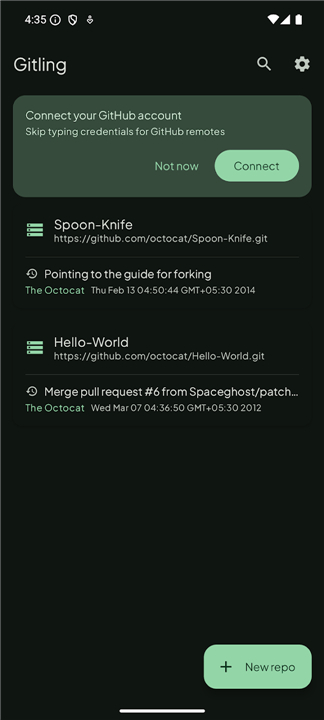
• Manage local repositories: Create, clone, import from existing device storage, or delete repositories with ease.
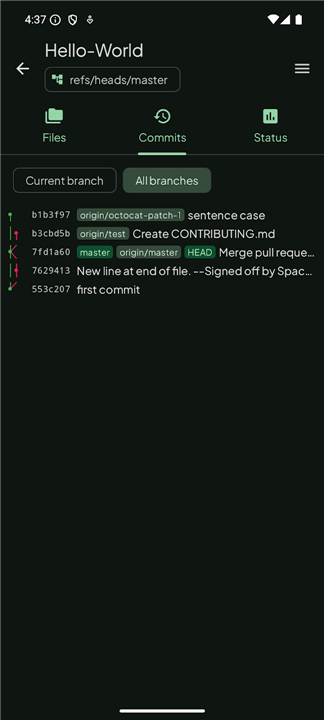
• Advanced Branching and History: Perform checkouts, create or merge branches and tags, track status, and manage staging.
• Complex Operations: Execute git rebase, git cherry-pick, and git checkout operations directly from your handheld device.
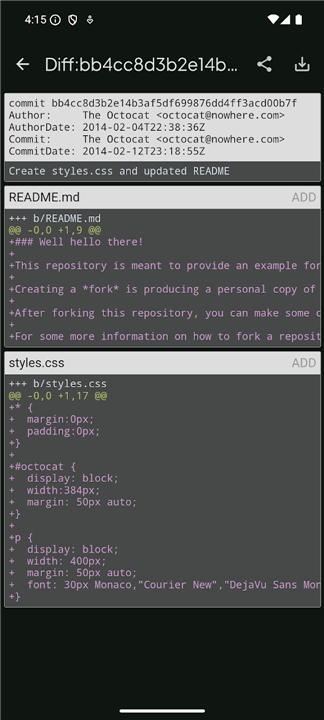
• Inspection Tools: Browse file structures, view comprehensive commit histories, and analyze git diffs between commits.
Authentication and Connectivity
• GitHub Integration: Utilize one-tap GitHub connectivity via OAuth Device Flow, eliminating the need for manual token management.
• Flexible Security: Full support for HTTP, HTTPS, and SSH protocols, including SSH authentication with private-key passphrases.
• Universal Compatibility: Support for traditional username/password and personal access token authentication for any Git-compatible hosting service.
• Key Management: Includes built-in tools for private key generation and secure management.
Design and Integration
1. Visual Customization:
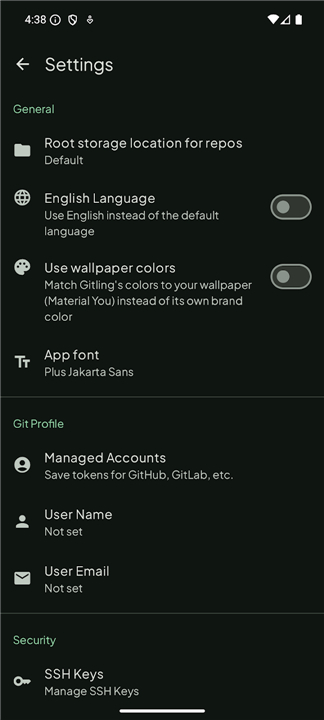
• Features a system-synced light and dark mode, offering both fixed brand color schemes and dynamic Material You wallpaper-based theming.
2. External Editor Support:
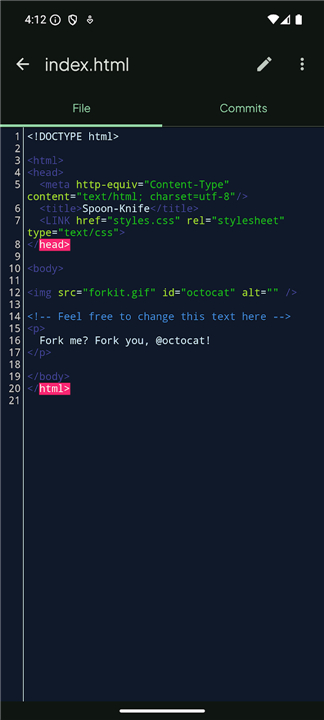
• To maintain a lean architecture, Gitling does not include a built-in text editor.
• Instead, it integrates with external code editors through the Android File Provider mechanism, allowing users to leverage their preferred professional development tools for file modifications while managing repository state through Gitling.
FAQ
Q: How does Gitling differ from older projects like MGit or SGit?
A: While Gitling serves as a spiritual successor and evolution of projects like MGit and SGit, it sets itself apart through a completely rewritten user interface and a modernized toolchain. By utilizing Jetpack Compose and Material 3, it offers a more stable, performant, and visually consistent experience compared to those legacy applications.
Q: Am I able to clone existing repositories using Gitling?
A: Absolutely, you can easily clone remote repositories directly onto your device. Beyond cloning, the app also allows you to create new repositories from scratch or import existing ones that are already stored in your device's local memory.
Q: Can I perform complex Git operations like rebasing or cherry-picking?
A: Yes, Gitling is built to handle more than just basic commits. It supports advanced operations including git rebase, git cherry-pick, and complex branch management, allowing you to maintain a clean and effective commit history right from your phone.
Version History
v1.0.52——13 Jul 2026
Manage your Git repositories on Android with Gitling. Featuring Material 3 design, SSH/GitHub support, and advanced branching tools. Download the latest version of Gitling to enjoy new features and updates immediately!
*1.0.52
What's Changed
• docs: add Google Play badge now that the listing is live in production
• fix(clone): fix NPE crash validating clone/init with no name typed yet
• fix(clone): keep the sheet open when Clone/Init validation fails
• fix(ssh): validate DSA key length before generating instead of crashing
• fix(pull): don't crash if PullDialog is recreated before its host is set
*1.0.51
What's Changed
• fix(widget): properly move refresh button off the corner
*1.0.50
What's Changed
• fix(ci): replace retired ubuntu-20.04 runner with ubuntu-latest
• fix(widget): add corner clearance to refresh button
• docs: remove widget PR-review screenshots from F-Droid metadata
• fix(clone): keep keyboard from covering input fields in Clone sheet











Ratings and reviews
There are no reviews yet. Be the first one to write one.