

EasySync
Overview
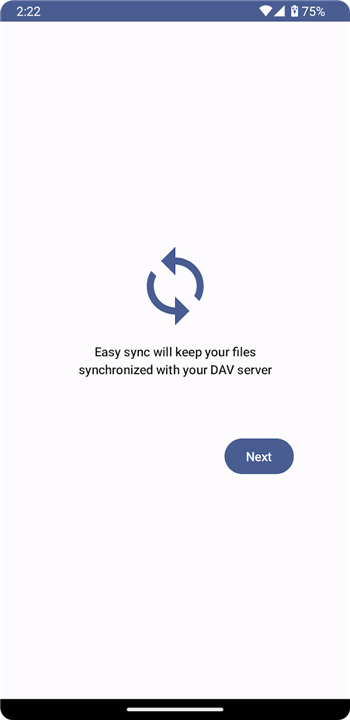
• EasySync is a robust synchronization solution designed to bridge the gap between your Android device and your personal WebDAV server.
• It offers a secure, open-source platform for users who want to maintain full ownership of their digital assets without relying on proprietary cloud services.
Core Functionality
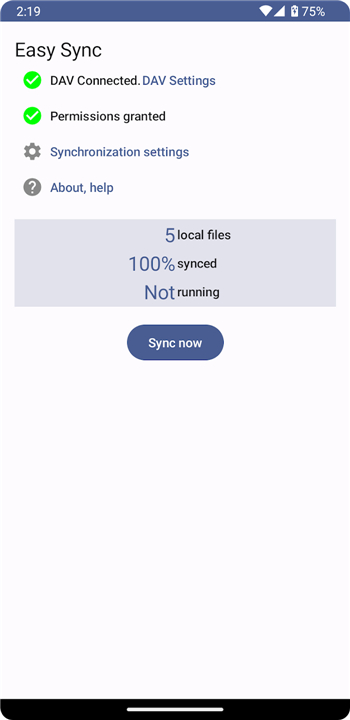
• Bi-directional synchronization ensures that changes made on your phone are reflected on your server and vice versa.
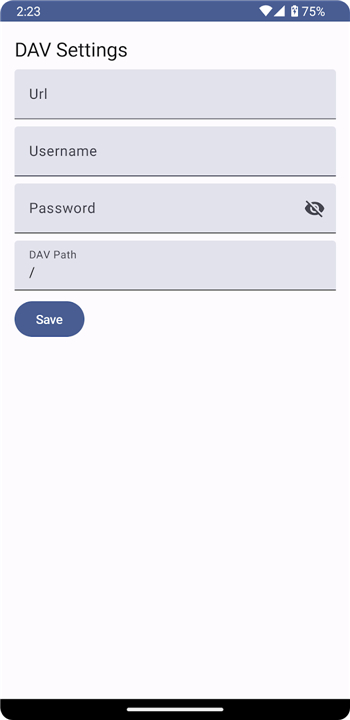
• Full compatibility with any standard WebDAV server allows for flexible hosting and storage options.
• The application is open source, providing transparency and enhanced security for your sensitive data.
• A free trial version is available on the Play Store under the name EasySync trial to test compatibility before committing.
Supported File Types and Locations
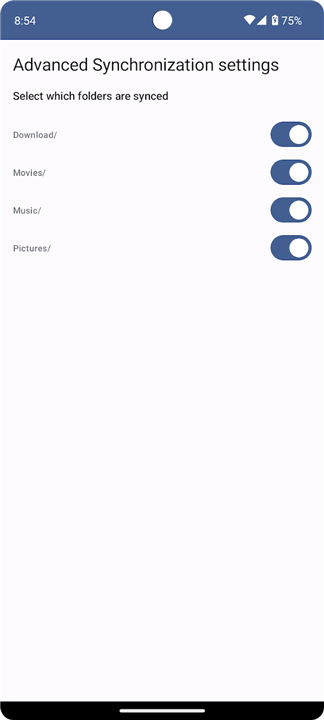
• Visual media displayed in the system gallery is automatically captured, including content from the DCIM, Pictures, and Movies directories.
• Images and videos from messaging apps like WhatsApp or Signal are included, provided they are configured to be saved to the device gallery.
• The application tracks all files in the Download folder, regardless of format, such as PDFs, documents, or ebooks.
• Comprehensive audio support covers folders for Music, Alarms, Audiobooks, Notifications, Podcasts, Ringtones, and standard voice recordings.
Service Exclusions and Restrictions
• Files stored on external SD cards are currently not supported for synchronization.
• Private application data, system settings, Wi-Fi parameters, and phone customizations are excluded from the sync process.
• Personal communication data, including SMS messages and contact lists, are not processed.
• Proprietary data like game progress or Google Voice Recorder files, which use private cloud storage, remain outside the sync scope.
• Any media or files kept within app-specific silos that do not appear in the system gallery will not be synchronized.
FAQ
Q: How does the bi-directional synchronization feature actually function?
A: The bi-directional sync ensures that your files are always current on both ends of the connection. If you capture a photo or edit a document on your phone, those changes are automatically pushed to your server, and similarly, any files you add or modify on your server will be reflected on your Android device.
Q: Is it possible to test the application before I decide to purchase it?
A: We offer a dedicated trial version called EasySync trial which is available on the Google Play Store. This allows you to verify that the app works correctly with your specific server setup and meets your synchronization needs before you commit to the full version.
Q: Which types of WebDAV servers are compatible with this application?
A: EasySync is designed to be highly flexible and is fully compatible with any standard WebDAV server. Whether you are hosting your own server at home or using a third-party WebDAV provider, the application should connect seamlessly as long as the server adheres to standard protocols.
Version History
v1.25——27 Jul 2026
Sync Android with your WebDAV server using EasySync. Secure, bi-directional synchronization of photos, downloads, and media files. Download the latest version of EasySync to enjoy new features and updates immediately!
*1.25
Minor bug fixes and improvements. Install or update to the newest version to check it out!
*1.24
Minor bug fixes and improvements. Install or update to the newest version to check it out!
*1.23
Minor bug fixes and improvements. Install or update to the newest version to check it out!











Ratings and reviews
There are no reviews yet. Be the first one to write one.