

AR Drawing: Trace & Sketch Art APK
1.1.0
AR Drawing: Trace & Sketch Art
AR Drawing: Trace & Sketch Art APK
Download for Android
AR Drawing: Trace & Sketch Art
Overview
• Unlocking your artistic potential has never been easier.
• If you have ever struggled with shaky hands, incorrect proportions, or simply did not know where to begin, AR Drawing: Trace & Sketch Art is here to help.
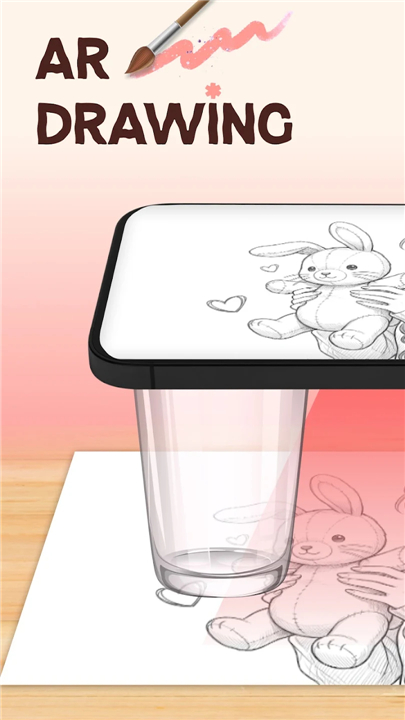
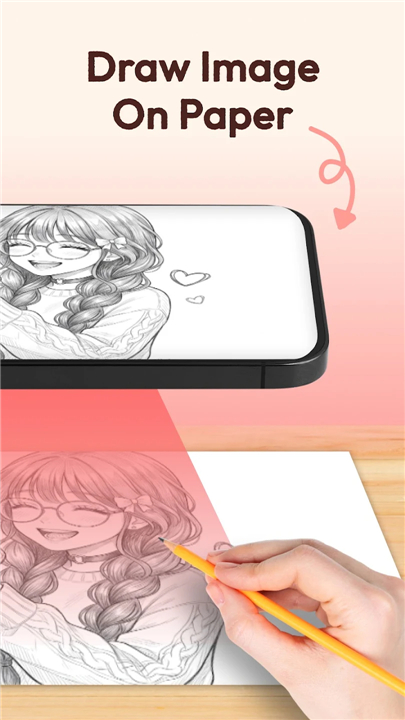
• By turning your smartphone into a virtual projector, this app allows you to trace outlines directly onto paper, building your confidence and muscle memory from your very first sketch.
• Whether you want to master figure drawing, copy reference photos, or steady your hand, this app provides a motivational, judgment-free space to grow at your own pace.
Effortless Camera Projection
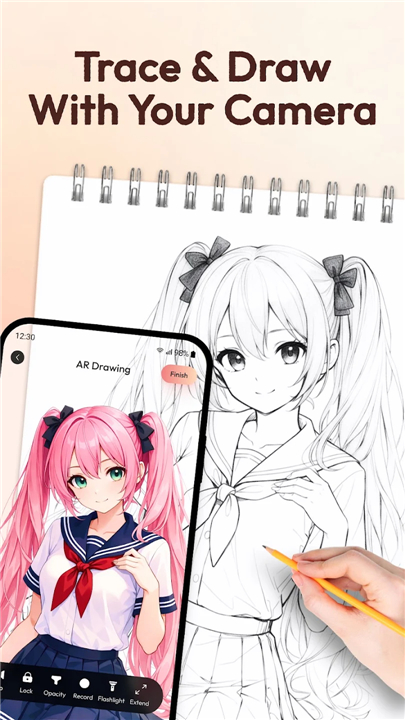
• Transform your phone into a digital stencil projector to cast clear outlines onto any paper or canvas.
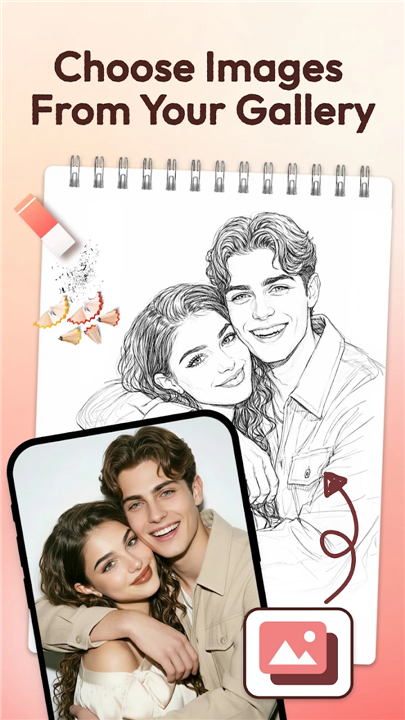
• Import personal pictures from your gallery to ensure perfect proportions.
• Record time-lapse videos of your entire drawing process to share online or review your progress.
• Fine-tune your experience with adjustable opacity and zoom controls for maximum precision.
Endless Creative Inspiration
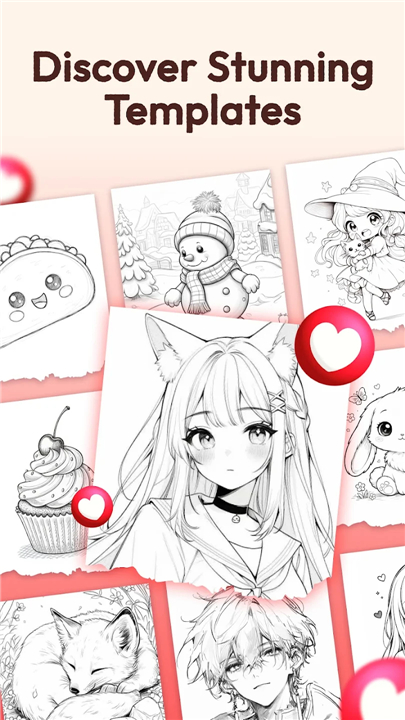
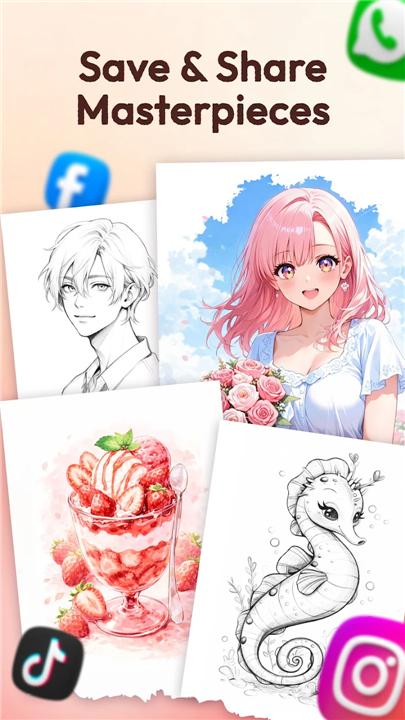
• Browse a vast library of templates, including anime, animals, chibi, and trending designs.
• Save your favorite reference images to curate a personalized inspiration board.
• Enjoy regular content updates to keep your daily drawing practice fresh and exciting.
Track and Celebrate Your Progress
• Monitor your growth by logging your total drawing hours and completed challenges.
• Transition naturally from simple outlines to advanced concepts like shading, coloring, and freehand sketching.
• Look back at your saved time-lapse videos to see how far your skills have developed.
Why This App is Your Perfect Drawing Companion
• It requires no expensive equipment or formal art classes—just your phone, a pencil, and paper.
• It bridges the gap between absolute beginner and confident creator.
• It offers a supportive, structured environment to build consistent daily drawing habits.
Take the first step on your artistic journey today
• Download AR Drawing: Trace & Sketch Art, and watch your skills transform with every line you draw.
FAQ
Q: Can I use my own photos from my phone's gallery as references?
A: Absolutely, the app is designed to let you import any image from your personal gallery. This feature is perfect for tracing sketches of friends, family, or specific landscapes, ensuring that you maintain perfect proportions and perspective every time you draw.
Q: Is the app suitable for beginners who have never held a pencil before?
A: Yes, this application is specifically crafted to bridge the gap between being an absolute beginner and a confident artist. It removes the intimidation of starting with a blank page by providing a guided structure that helps you build muscle memory and improve your hand stability from your very first attempt.
Q: Can I adjust the image while I am tracing to make it easier to see?
A: The app includes intuitive fine-tuning controls that allow you to adjust the opacity of the image. This means you can make the reference lighter or darker depending on your lighting conditions, and utilize zoom controls to focus on specific details or scale the image perfectly to fit your paper.
Version History
v1.1.0——1 Sep 2026
Master AR Drawing: Trace & Sketch Art! Use your phone as a projector to trace outlines, sketch anime, and improve your art skills fast. Download the latest version of AR Drawing: Trace & Sketch Art to enjoy new features and updates immediately!
*1.1.0
Minor bug fixes and improvements. Install or update to the newest version to check it out!











Ratings and reviews
There are no reviews yet. Be the first one to write one.