

Labels - Design and Print APK
6.06
Labels - Design and Print
Labels - Design and Print APK
Download for Android
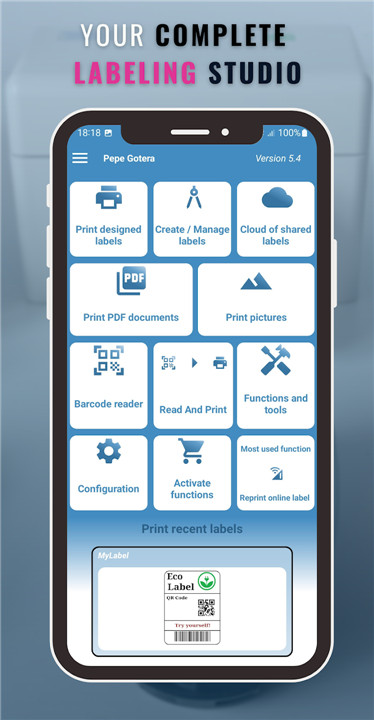

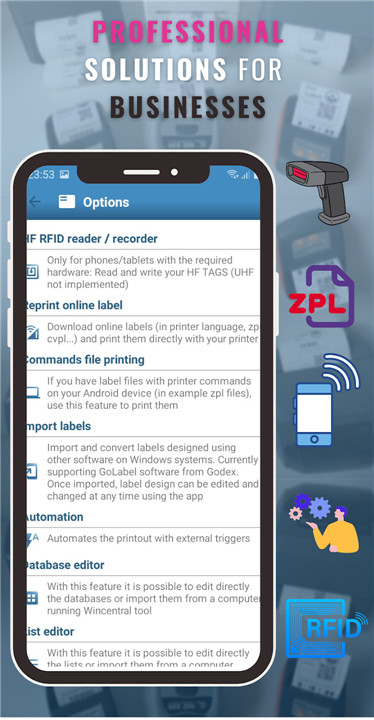
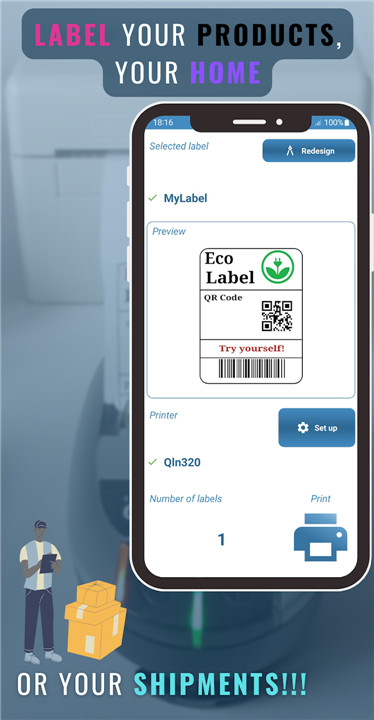
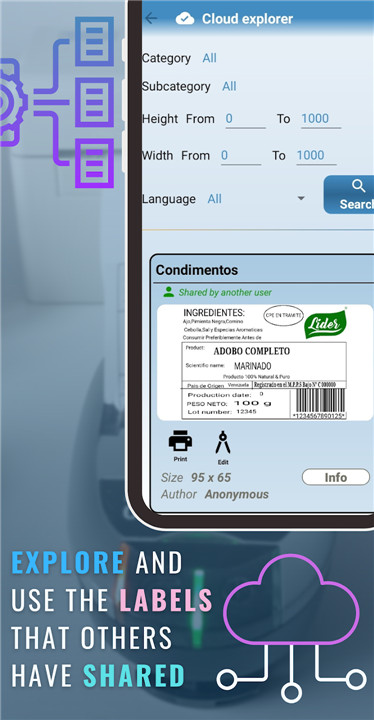
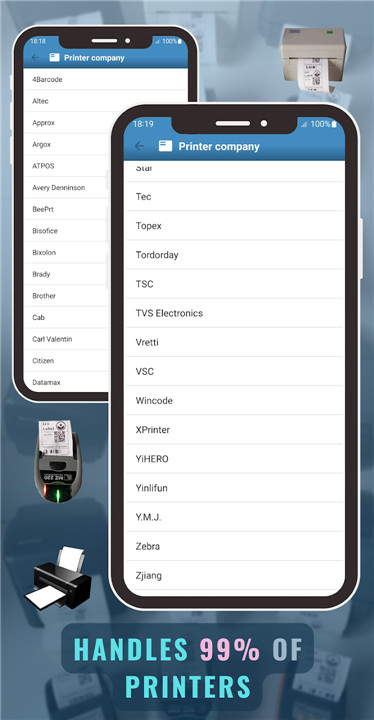
Create and Print Labels Effortlessly with the Most Comprehensive App Available!
Are you looking to design professional labels featuring barcodes, variable text, or PDF documents? Our App is the ultimate choice for all your labeling and B2B identification needs. It works seamlessly with label printers, ticket printers, and even home printers, connecting quickly via Bluetooth, Ethernet, or USB—no external drivers required.
Why Opt for Our App?
1. Exceptional Compatibility
Our App is compatible with over 70 brands of label printers. Unlike other solutions, you won’t be restricted to a single brand. It’s designed for ultimate flexibility, supporting:
- Zebra, Brother, Epson, Honeywell, Dymo, Sato, TSC, and many others.
- Using a ticket printer or a home printer with Android drivers? That’s perfectly fine too!
2. No Need for External Drivers
Say goodbye to the hassle of finding and installing extra drivers. Our built-in technology allows you to connect and start printing in just seconds, saving you valuable time and effort.
3. Advanced Features for Business Labeling
Design labels with barcodes, QR codes, and variable data; customize sizes, styles, and formats with professional tools tailored for businesses across various industries. Ideal for logistics, retail, manufacturing, healthcare, and beyond.
4. Officially Approved by Zebra
Our App has received validation from Zebra on two occasions, guaranteeing top-notch reliability and performance with this industry-leading brand's devices.
Key Features:
- User-friendly label design:
Choose from our pre-designed templates or craft your own from scratch.
- Versatile printing options:
Print barcodes, QR codes, PDFs, custom text, and more.
- Wide-ranging connectivity:
Enjoy seamless connections via Bluetooth, Ethernet, and USB.
- Supports various formats:
Tailor your designs to fit your printer’s specifications.
- Perfect integration:
Works flawlessly with both label and ticket printing.
Who Can Take Advantage of This App?
- B2B Enterprises:
Create personalized labels for products, shipments, and beyond.
- Small Enterprises:
Quickly print labels and tickets with ease.
- Home Users:
Link to your home printer for various small projects.
Ongoing Support and Frequent Updates
We are committed to providing an exceptional experience through regular updates and dedicated support to assist you at every turn.
Get Started Today
Regardless of your printer type or business scale, our App is the perfect solution for designing and printing labels like a professional.
FAQ
Q: What types of printers does your App support?
A: Our App supports over 70 brands of label printers, including Zebra, Brother, Epson, Honeywell, Dymo, Sato, TSC, and many others. It also works with ticket printers and home printers that use Android drivers.
Q: Do I need to install external drivers to use the App?
A: No, you don’t need to install any external drivers. Our App is designed with built-in technology that allows you to connect and start printing in just seconds, making the process hassle-free.
Q: Can I design custom labels with the App?
A: Yes, you can design custom labels with our user-friendly label design tools. Choose from pre-designed templates or create your own from scratch, tailoring sizes, styles, and formats to fit your specific needs.
-----------------
What's New in the Latest Version 6.06
Last updated on Feb 3, 2025
Design and print professional labels with the most complete App available Download the latest version of Labels - Design and Print 6.06 to enjoy new features and updates immediately!
A new printing mode has been created: Pure WYSIWYG for professional label printers. Now from the configuration menu of each printer you can enable or disable this mode (by default enabled for new installations). The performance of ToshibaTEC and CAB drivers has also been improved. In addition, the printer catalogue has been updated again, adding new brands such as GGImage









Ratings and reviews
There are no reviews yet. Be the first one to write one.