

Teacher Aide Pro
Overview
• Teacher Aide Pro is a premium classroom management solution designed specifically by an active educator who understands the daily logistical challenges of the modern teaching profession.
• This application serves as a comprehensive digital assistant, streamlining repetitive administrative tasks so that teachers can focus more of their energy on instruction and student engagement rather than manual paperwork.
Class Management and Academic Tracking
The application is built to handle the heavy workload of professional educators, offering support for up to 20 different classes across six distinct academic terms per year.
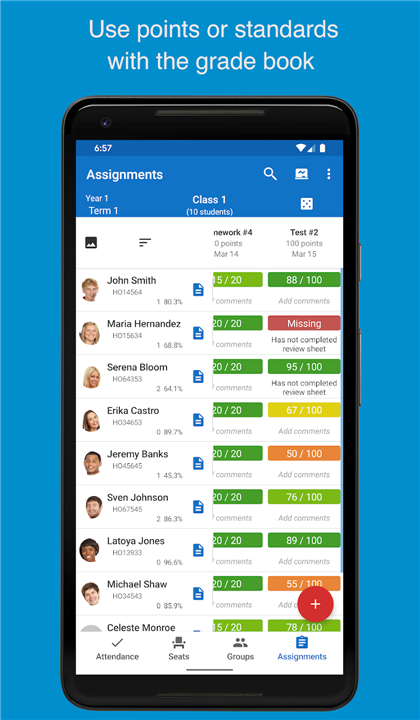
• Integrated Gradebook: Maintain precise records of student academic performance within a unified interface that supports both points-based and standards-based grading metrics.
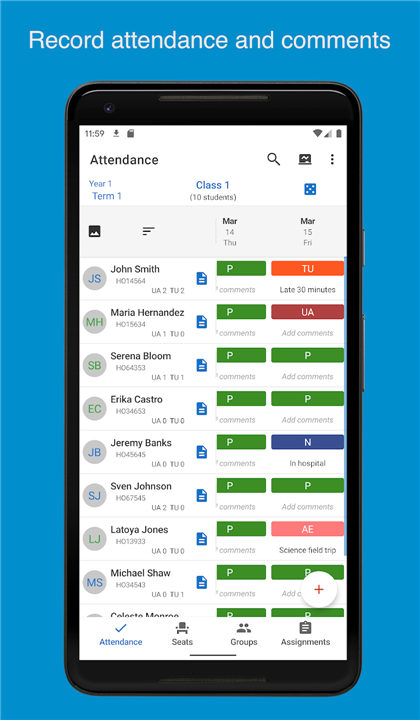
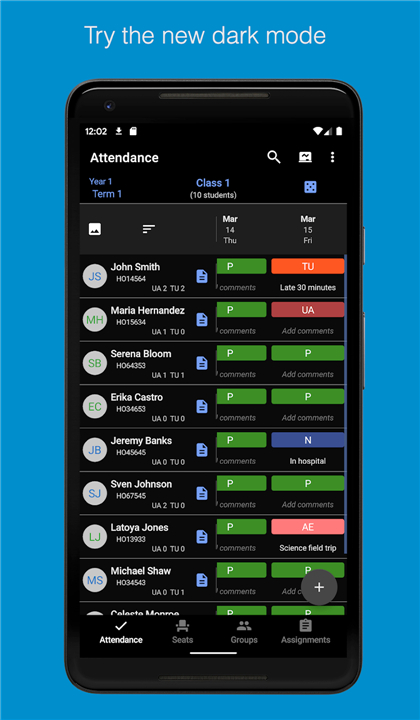
• Attendance Tracking: Log daily attendance quickly and efficiently, ensuring that records are accurate for administrative reporting and long-term tracking.
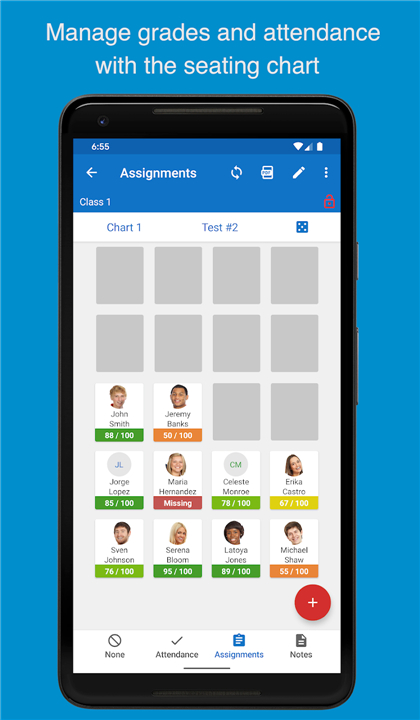
• Visual Seating Charts: Create and customize seating arrangements to manage classroom geography, which helps in memorizing student names and organizing group activities.
Student Success and Data Analysis
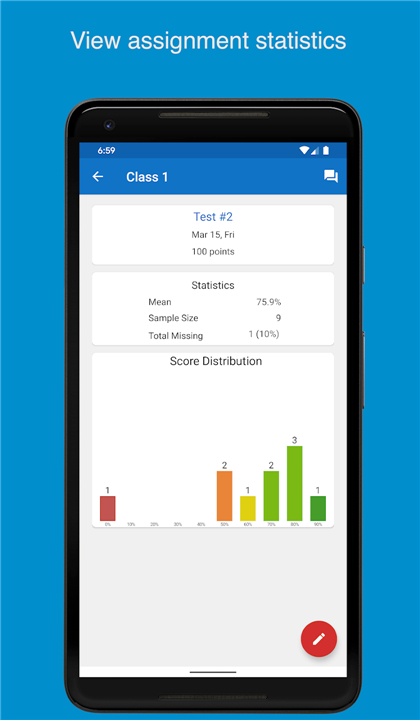
Beyond simple record-keeping, the app provides analytical tools designed to actively improve student outcomes.
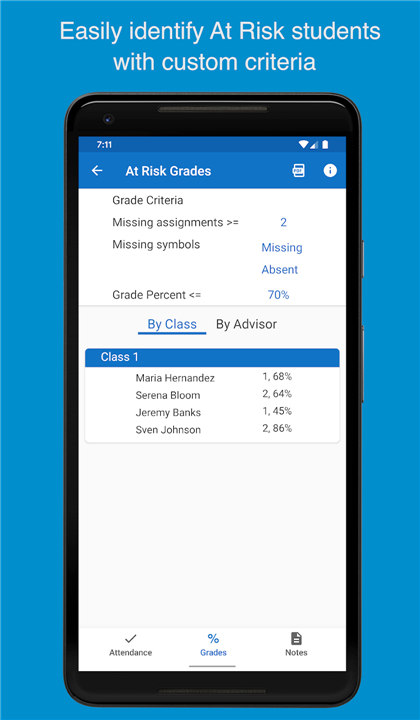
• At-Risk Identification: The software features a dedicated screen to automatically flag students who are struggling academically or showing concerning attendance patterns, allowing for early intervention.
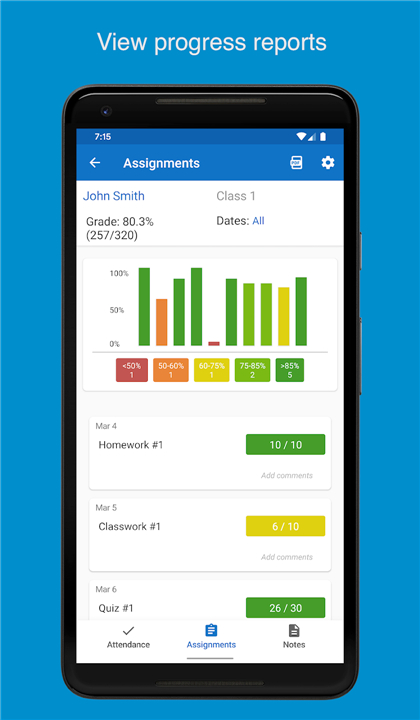
• Progress Reports: Generate and distribute detailed progress reports to keep students and guardians informed of current standings.
Digital Integration and Communication
Efficiency is a core pillar of the software, supported by modern integration features that reduce manual data entry.
• Google Classroom Sync: Effortlessly import student rosters and assignment data directly from Google Classroom to maintain consistency across all digital platforms.
• Bulk Messaging: Utilize communication tools to send messages to entire classes or specific groups of parents simultaneously.
• Professional Reporting: Export data into professional PDF reports suitable for parent-teacher conferences or administrative reviews.
Trial and Technical Support
• Teachers are encouraged to evaluate the software by managing a single class at no cost.
• Activating a subscription grants full access to the extended 20-class capacity and premium features such as bulk messaging and PDF exports.
• The developer maintains an active presence on YouTube, Facebook, and Twitter to provide helpful tips and video tutorials.
• Because the app supports thousands of different Android devices, users are encouraged to contact support via email regarding any device-specific issues to ensure continued stability and performance.
FAQ
Q: Who developed Teacher Aide Pro and why?
A: The application was developed by an active educator who deeply understands the daily logistical challenges of the modern teaching profession. It was created to provide a practical solution to these challenges, making teachers' lives easier and more efficient.
Q: How many classes and academic terms can Teacher Aide Pro support?
A: Teacher Aide Pro is built to handle the heavy workload of professional educators, offering robust support for managing up to 20 different classes across six distinct academic terms per year.
Q: What kind of grading systems does the integrated gradebook accommodate?
A: The integrated gradebook within the application is quite versatile, allowing you to maintain precise records of student academic performance using both points-based and standards-based grading metrics within a unified interface.
Version History
v3.24.62——17 Mar 2026
All the classroom management tools a teacher needs for the 21st century. Download the latest version of Teacher Aide Pro to enjoy new features and updates immediately!
*3.24.62
The progress report now gives the option of view assignments sorted by date or by category if category is enabled.
*3.24.61
The progress report now gives the option of view assignments sorted by date or by category if category is enabled.
*3.24.60
The progress report now gives the option of view assignments sorted by date or by category if category is enabled.









Ratings and reviews
There are no reviews yet. Be the first one to write one.