

Lumolight: Screen & Flashlight APK
5.1.0.35
Lumolight: Screen & Flashlight
Lumolight: Screen & Flashlight APK
Download for Android
Lumolight: Screen & Flashlight
Introduction
• Lumolight is an advanced, open-source illumination application designed to provide comprehensive front and rear lighting solutions.
• Built on Google's modern Material You design language, the app delivers a visually stunning and highly intuitive user experience.
Design and Interface
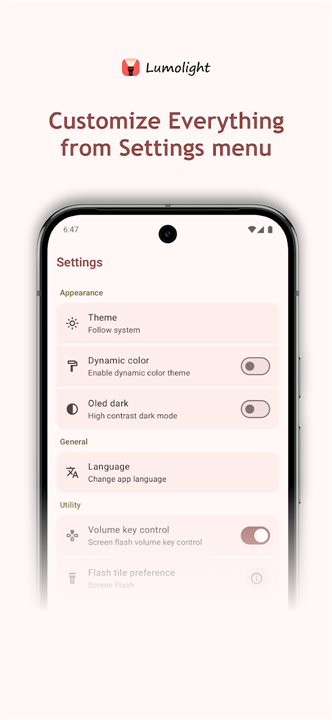
• Dynamic Theming: Adapts custom color schemes seamlessly based on your device's current wallpaper.
• Dual Theme Support: Features both light and dark modes to ensure comfortable viewing in any environment.
• Modern Aesthetics: Offers a clean, minimalist interface that prioritizes accessibility and ease of use.
Utility and Accessibility
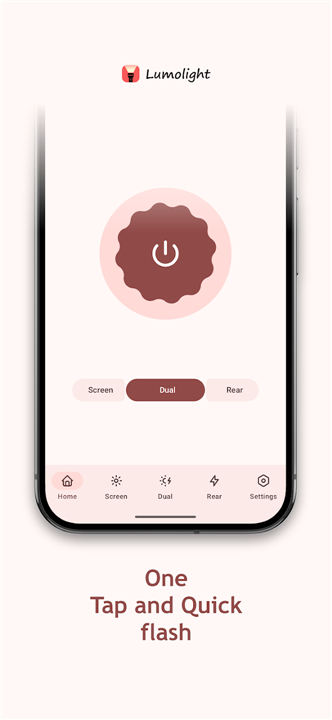
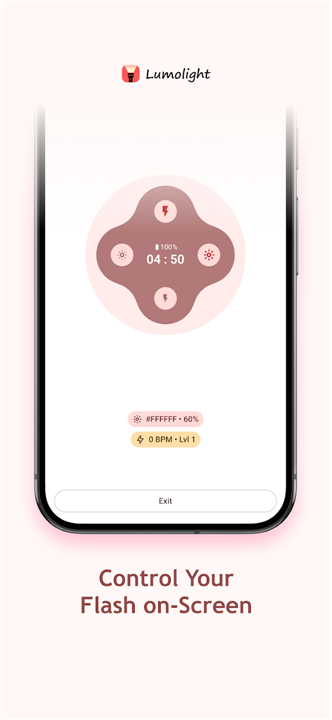
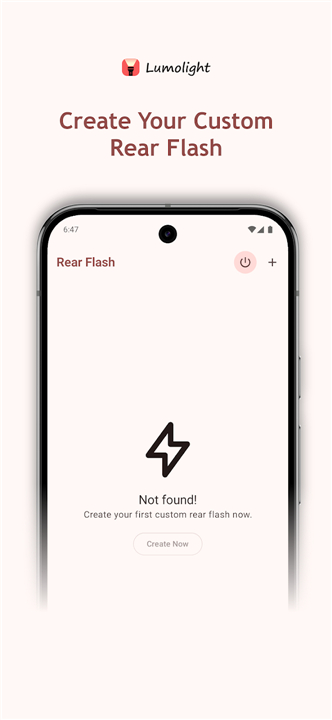
• Dual Flash Capability: Operates as a front-screen light source and a traditional rear-camera torch.
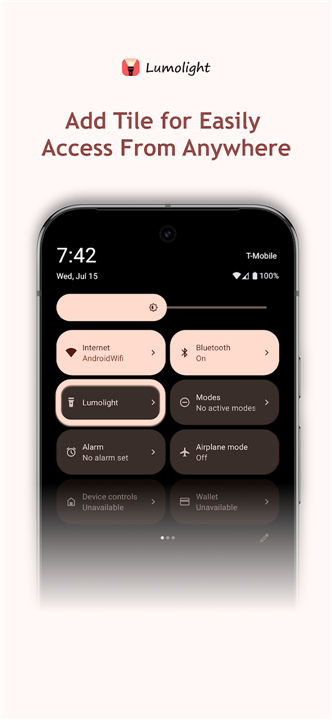
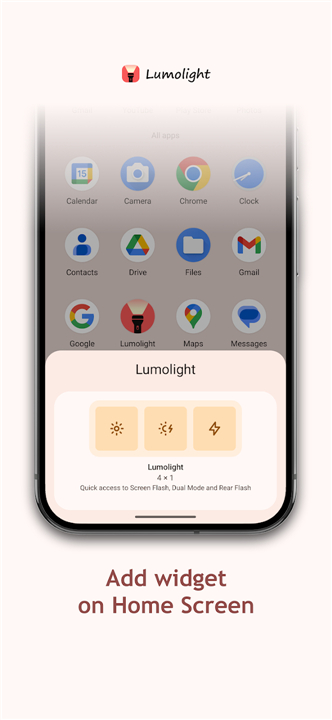
• Quick Settings Tiles: Activate the front flash instantly from your notification shade without opening the main application window.
• Hardware Key Mapping: Adjust brightness levels on the fly using your physical volume keys.
Front Screen Flash Customization
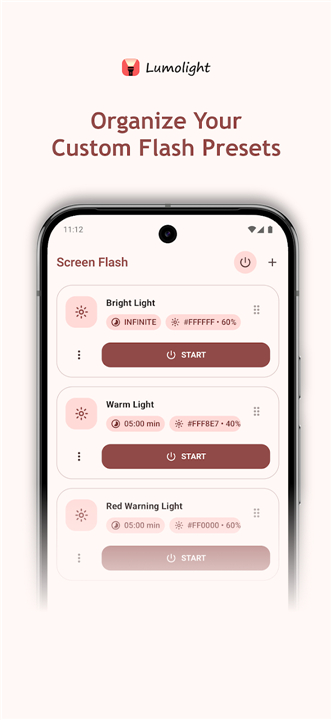
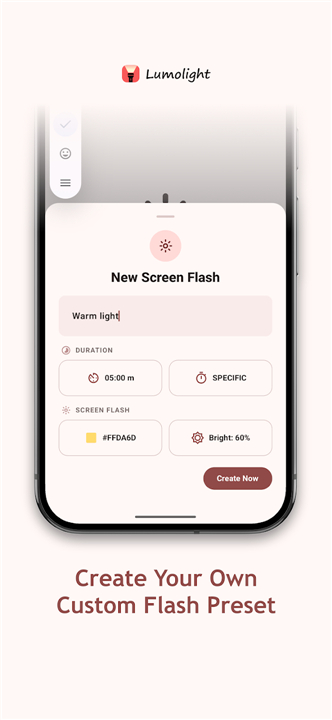
• Color Palette Selection: Select from a wide variety of static solid colors to emit your preferred ambient light.
• Brightness Control: Fine-tune the screen's output level to achieve the perfect illumination intensity.
• Duration Timers: Set custom operational limits to manage how long the screen remains illuminated.
Rear Flashlight Customization
• Strobe Frequency (BPM): Enable a blinking utility and adjust the Blinks Per Minute to your exact preference.
• Hardware Intensity: Modify the physical strength of the LED bulb on supported devices.
• Operational Duration: Set automated timers to turns off the rear flash, preventing battery drain.
Ongoing Support
• Continuous Development: Regular updates introduce new features, optimize device compatibility, and resolve technical issues to guarantee an exceptional user experience.
FAQ
Q: How does the app’s dynamic theming work with the user interface?
A: The app utilizes Google’s modern Material You design language to offer dynamic theming. This means that Lumolight automatically adapts its color scheme based on your device’s current wallpaper, creating a highly personalized and visually cohesive experience. Additionally, it fully supports both light and dark modes to ensure comfortable viewing in any environment.
Q: Can I use Lumolight without opening the app every time?
A: Yes, you can quickly access the front flash using Android's Quick Settings tiles. This allows you to activate the front-screen light source instantly from your notification shade without needing to open the main application window, making it incredibly convenient for quick illumination.
Q: Is there a way to adjust the illumination brightness using my phone's physical buttons?
A: Absolutely. Lumolight includes a hardware key mapping feature that lets you adjust the screen's brightness levels on the fly using your device's physical volume keys. This provides a tactile and intuitive way to control your light levels without needing to interact directly with the screen.
Version History
v5.1.0.35——29 Jul 2026
Simple, modern & easy-to-use flashlight app that comes with a ton of features. Download the latest version of Lumolight: Screen & Flashlight to enjoy new features and updates immediately!
*5.1.0.35
Minor bug fixes and improvements. Install or update to the newest version to check it out!
*4.0.0.30
Minor bug fixes and improvements. Install or update to the newest version to check it out!
*3.0.0.23
Minor bug fixes and improvements. Install or update to the newest version to check it out!











Ratings and reviews
There are no reviews yet. Be the first one to write one.