

Audify read aloud web browser APK
8.2.63
Audify read aloud web browser
Audify read aloud web browser APK
Download for Android
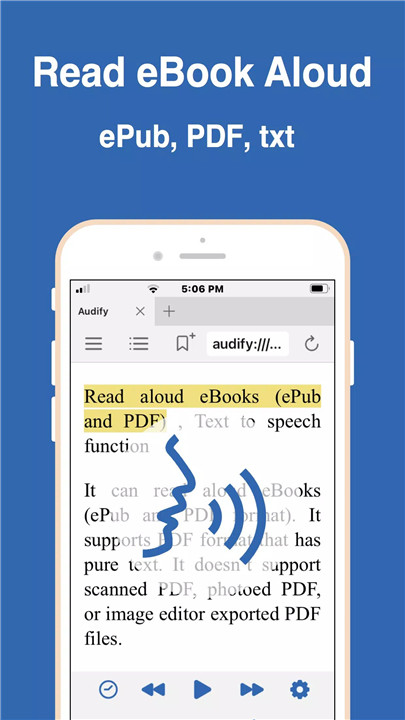
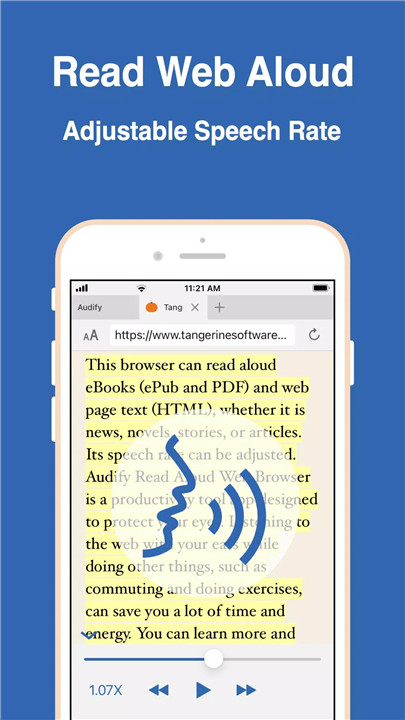

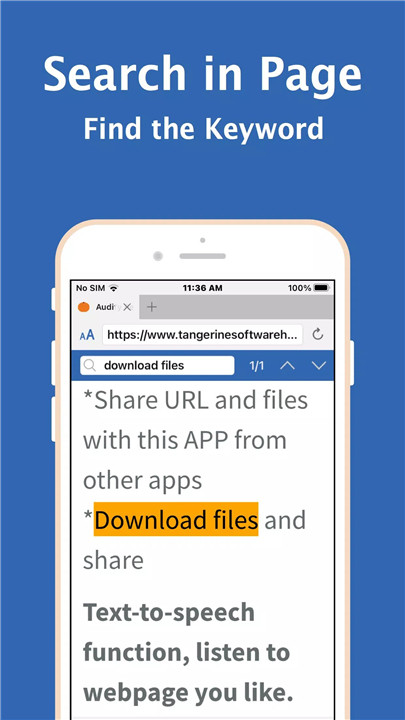
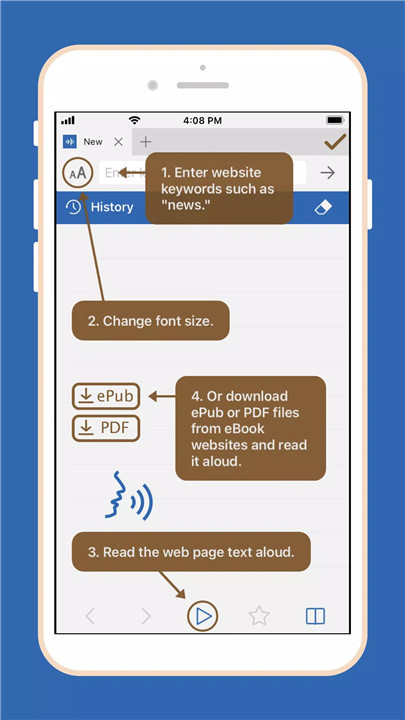
Audify is a powerful text-to-speech (TTS) app that transforms how you consume content. Designed for reading eBooks and web pages aloud, Audify supports formats like PDF, ePub, and txt, making it an indispensable tool for multitaskers. Whether commuting, exercising, or winding down for the night, Audify allows you to listen to your favorite novels and articles without straining your eyes. Install Audify today and start listening!
Why Use Audify?
Convenient Reading Experience
With Audify, you can listen to eBooks and web pages read aloud, enabling you to absorb information effortlessly while on the go. The app's TTS feature helps protect your eyes from excessive screen time.
Customizable Features
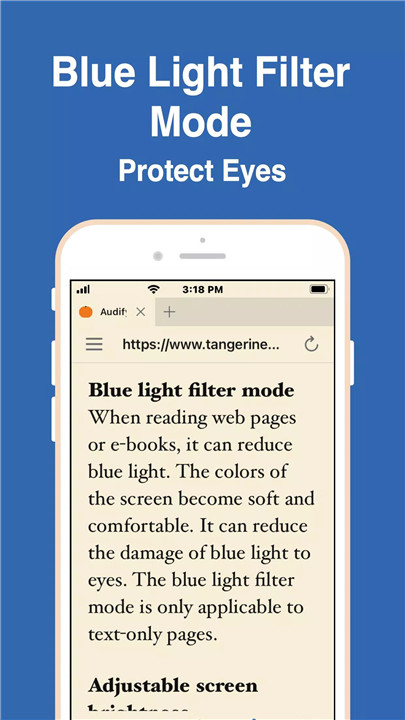
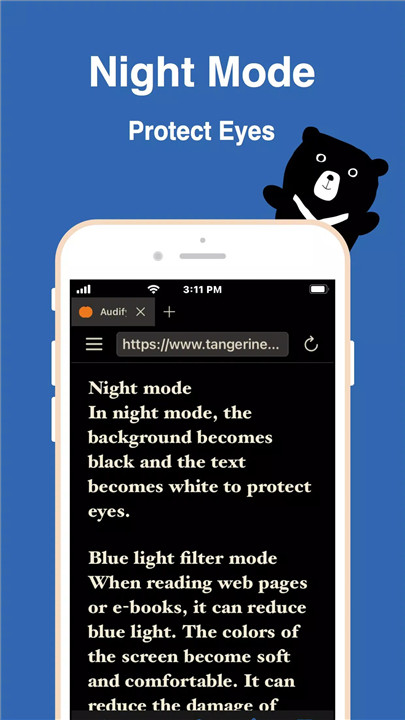
Audify offers a range of customization options, including adjustable font sizes, screen brightness, and speech rates. Users can also switch to night mode and utilize a blue light filter for a comfortable reading experience.
Multilingual Learning Tool
Not just a reader, Audify is also a great resource for language learners. With the ability to learn English, Spanish, French, and more, you can improve your language skills while enjoying your favorite content.
Easy Bookmarking and File Management
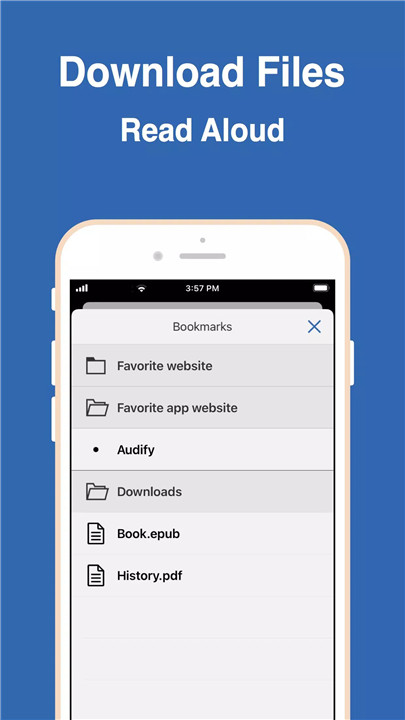
Organize your reading with user-defined bookmark categories and effortlessly download or import files from various sources.
FAQs
Q: How can I begin reading aloud from the middle of a page?
A: You can either scroll to the desired position on the web page and press the play button or double-click the paragraph you wish to read, and Audify will start reading from there.
Q: What should I do if Audify doesn’t read aloud the first time I use it?
A: You can try the following steps: 1. Close and reopen the app, 2. Load a different web page, 3. Select another voice for reading, 4. Restart your phone, or 5. Reset the phone to factory settings. Usually, the first step resolves the issue.
Q: What should I do if I encounter problems after updating the app?
A: You can resolve this by: 1. Closing and reopening the app, 2. Restarting your device, or 3. Uninstalling and reinstalling Audify. Typically, the first step will fix the problem.
-------------------------------
What's New in the Latest Version 8.2.63
Last updated on Jun 21, 2024
If problems occur after updating, please restart the device.
* Find the image button and automatically click to enter the next page
* Skip page header function
* Set pause time between sentences
* Display the current page number and progress of ebooks
* Swipe left or right to the next page of ebooks
* Memorize page font size
* Improve the second loading speed of PDF and DOCX files
* Fixed the conflict between skipping footer and skipping words
* Skip more table of contents text









Ratings and reviews
There are no reviews yet. Be the first one to write one.