

Dental Anatomy
Overview
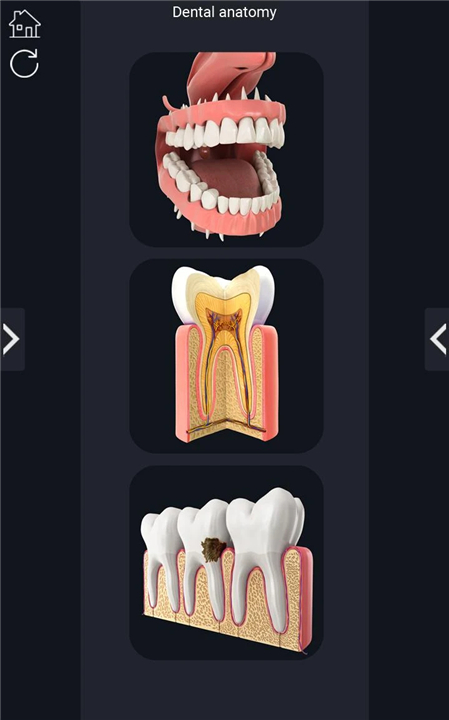
• The Dental Anatomy app is a comprehensive digital tool designed for studying and exploring the structure of the human teeth and surrounding oral anatomy.
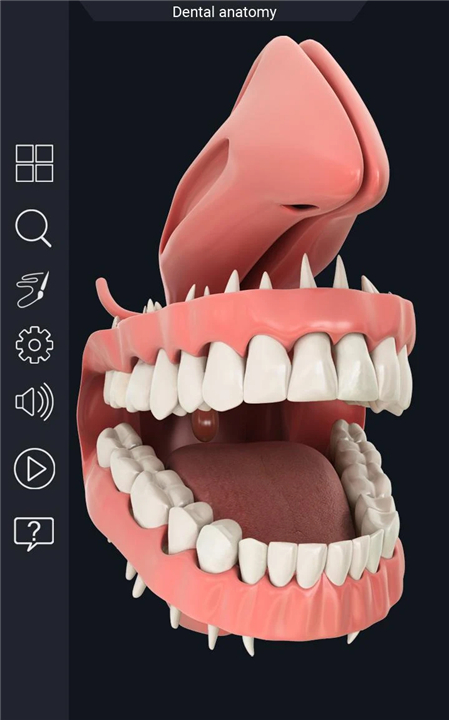
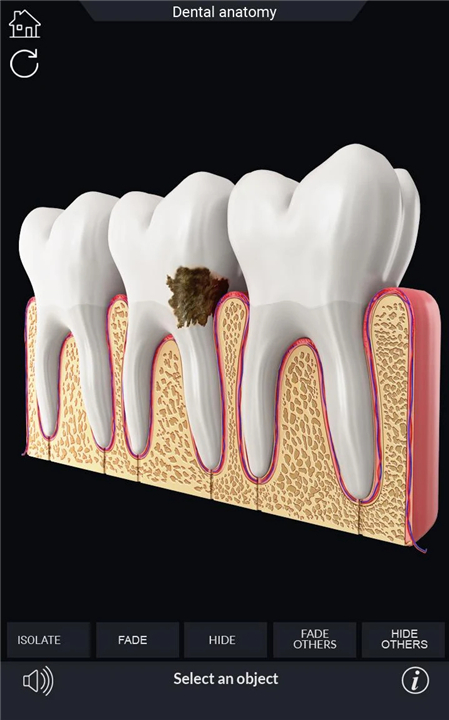
• It features highly realistic, fully interactive 3D models that can be rotated a full 360 degrees, zoomed in for close examination, and viewed from multiple angles using an intuitive camera system.
• This makes it ideal for gaining a clear and thorough understanding of dental structures for both educational and professional purposes.
Interactive 3D Exploration
• Rotate the 3D model freely to view teeth and oral anatomy from all sides.
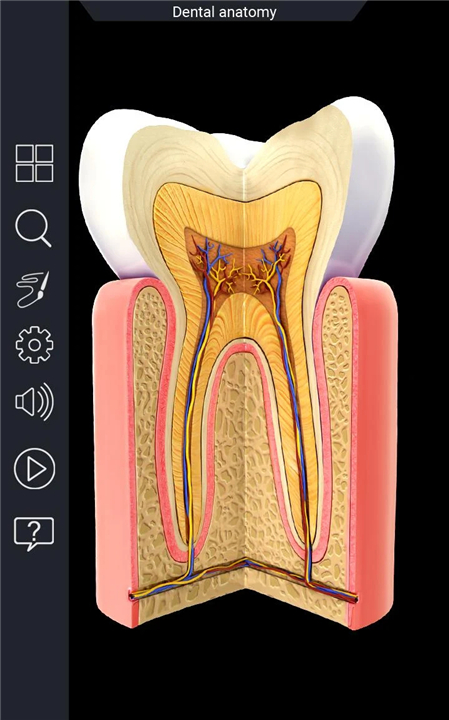
• Zoom in to examine fine structural details such as tooth enamel, dentin, pulp chambers, and roots.
• Pan the camera to focus on specific regions of interest.
Detailed Learning Modes
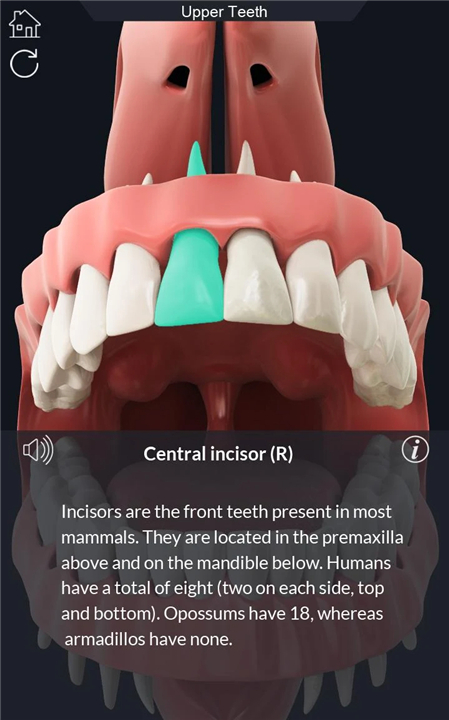
• Selection Mode: Click on individual teeth or anatomical parts to display names and detailed related information.
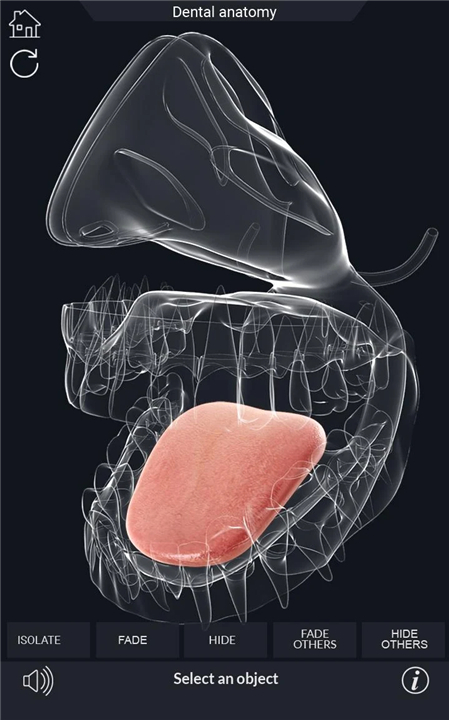
• X-ray Mode: See beneath the surface to view internal structures and layers.
• Hide/Show Mode: Isolate specific teeth or tissues by hiding other structures.
• Animation Mode: Observe animated demonstrations of dental processes or anatomy in motion.
Additional Tools
• Audio pronunciation for all anatomical terms to aid correct verbal learning.
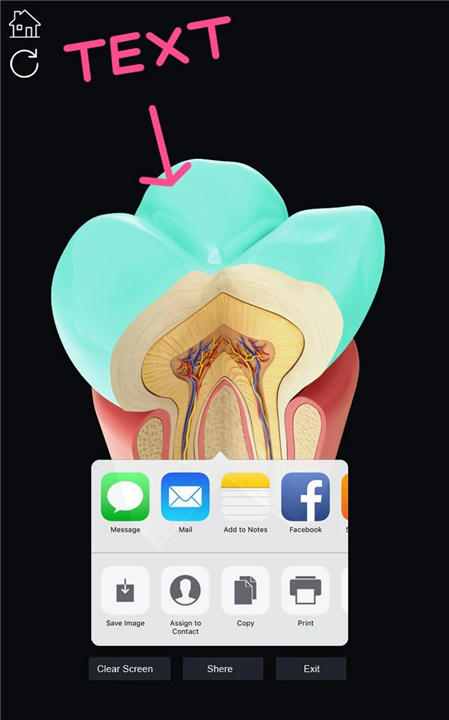
• Draw or write directly on the screen to annotate diagrams or highlight structures.
• Capture and share screenshots for study notes or presentations.
• Search function to quickly locate specific teeth or anatomical parts.
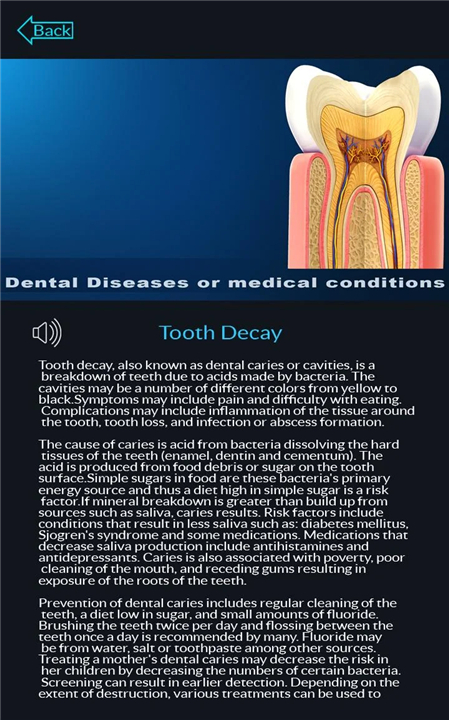
• Info panel with concise descriptions and contextual information.
Educational Use
This app is particularly beneficial for:
• Medical and dental students who require a detailed visual reference for anatomy courses.
• Dental professionals seeking a quick, interactive reference tool.
• Educators who wish to use visual aids in teaching dental anatomy.
• Anyone interested in exploring the human oral structure in depth.
Key Features Summary
• User-friendly interface designed for easy navigation.
• Highly realistic and scientifically accurate 3D dental anatomy models.
• Multiple interactive modes for customized learning.
FAQ
Q: How do I manipulate the 3D models to view different angles of the teeth?
A: To inspect the model, simply click and drag your finger or mouse to rotate it freely in any direction. Pinch in or out to zoom more closely into areas such as the enamel or pulp chamber, and swipe with two fingers (on touchscreens) or use the pan tool (on desktops) to shift the view horizontally or vertically, focusing on specific regions of interest.
Q: What exactly is Selection Mode, and how do I use it?
A: Selection Mode allows you to tap individual teeth or anatomical parts to highlight and identify them. Upon selection, the app displays the official name of the structure along with an info panel containing detailed descriptions, including developmental facts, functions, and clinical relevance. This mode is ideal for drilling the nomenclature and properties of each component.
Q: Can I see beneath the surface layers of a tooth?
A: Yes, the X-ray Mode reveals subsurface structures by providing a semi-transparent overlay. This feature uncovers details such as the dentin layer, pulp chambers, and root canals, simulating the view you’d get in a radiographic image. It’s particularly useful for understanding internal anatomy and planning restorative or endodontic procedures.
Version History
v2.8——29 Dec 2025
Dental Anatomy app for studying human Dental Anatomy Download the latest version of Dental Anatomy to enjoy new features and updates immediately!
*2.8
- improved App Performance
*2.7
- Updated User Interface
- improve App Performance
*2.5
- User Write on Screen & Share Screenshot
With Social media
- Updated User Interface
- improve App Performance









Ratings and reviews
There are no reviews yet. Be the first one to write one.