

Wave Agent
Overview
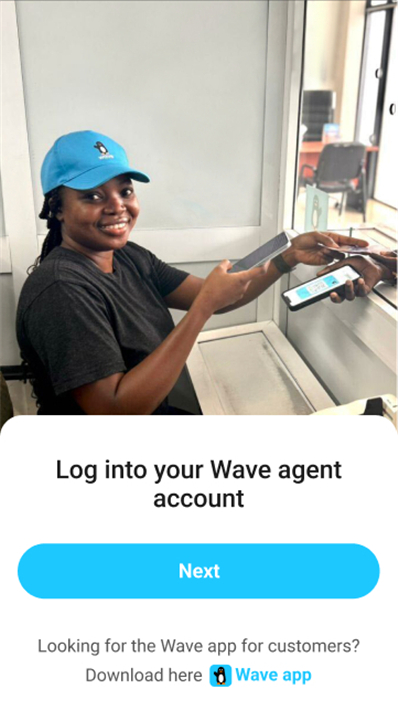
• As a registered and active Wave Agent, you play a vital role in facilitating financial transactions for customers who rely on the Wave platform.
• This application is designed to make your work faster, more efficient, and more secure.
• Whether you are handling deposits, withdrawals, or other services, the app gives you the tools to manage customer requests with confidence and accuracy.
Core Functions
1. Deposits
• Accept cash from customers and credit their Wave accounts instantly.
• Confirm that deposit details match customer requests before processing.
• Provide receipts for every completed transaction.
2. Withdrawals
• Process cash withdrawals securely after verifying customer identification.
• Ensure withdrawal limits and available balance are respected.
• Record all withdrawal activities within the app for tracking and auditing.
3. Balance Checks
• Quickly view customer account balances upon request.
• Offer transparency by providing printed or digital confirmations.
4. Transaction History
• Access a log of completed transactions to resolve customer inquiries.
• Use the history feature for reconciliation and reporting purposes.
Additional Features
1. Customer Verification
• Validate identities to prevent fraud and ensure compliance with regulations.
• Use built-in verification tools such as ID capture or account confirmation.
2. Agent Account Management
• Track your own commissions and earnings through the app dashboard.
• Manage agent profile details, including contact information and service location.
3. Support and Assistance
• Access customer service channels directly from the app for quick help.
• Review FAQs and troubleshooting guides to resolve common issues.
Benefits of Using the App
• Increased efficiency in handling transactions.
• Enhanced trust with customers through secure and transparent operations.
• Real-time updates and notifications for all activities.
• Easy record-keeping and compliance management.
By using the Wave Agent app, you can improve service delivery, maintain accurate records, and build strong customer relationships while ensuring every transaction is safe and reliable.
FAQ
Q: How do I enroll as a Wave Agent and start using the app?
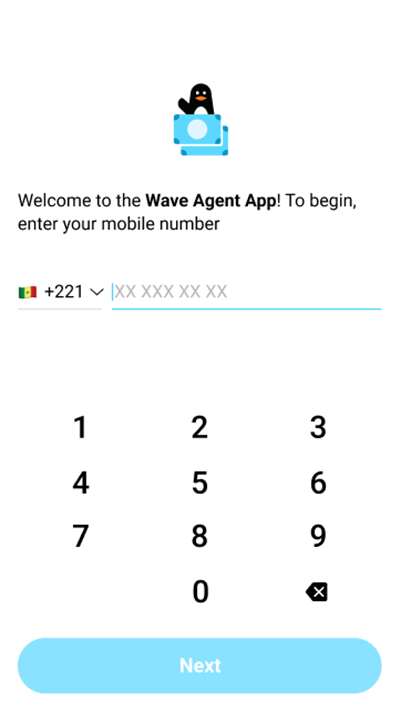
A: To become a Wave Agent, you must submit a registration request through the Wave website or partner portal, complete any required identity verification steps, and wait for approval from the Wave team. Once approved, you will receive login credentials along with guidance on downloading and setting up the app. After your profile is configured, you can log in immediately and begin serving customers.
Q: What steps do I follow to process a deposit for a customer?
A: When a customer hands you cash for deposit, open the Deposit screen in the app and enter the customer’s account details and deposit amount. Confirm that the information on your screen matches the customer’s request before accepting the cash. Once you hit “Submit,” the customer’s Wave balance updates instantly and you can provide them with a digital or printed receipt to complete the transaction.
Q: How do I handle cash withdrawals securely?
A: To process a withdrawal, first verify the customer’s identity by checking their ID and matching it to the account details displayed in the app. Next, confirm that the customer’s available balance and withdrawal limits can accommodate the requested amount. Once those checks are complete, authorize the transaction within the app, hand over the cash, and record the completion so both you and the customer have a receipt for reference.
Version History
v26.01.13-4eeab4——26 Jan 2026
Manage deposits, withdrawals & more with the secure Wave Agent app. Boost efficiency & trust. Download the latest version of Wave Agent to enjoy new features and updates immediately!
*26.01.13-4eeab4
Bug fixes and other improvements
*25.11.25-bea15a
Bug fixes and other improvements
*25.09.04-fdea57
Bug fixes and other improvements









Ratings and reviews
There are no reviews yet. Be the first one to write one.