

PhotoFixer - AI Photo Enhancer APK
1.8.6
PhotoFixer - AI Photo Enhancer
PhotoFixer - AI Photo Enhancer APK
Download for Android
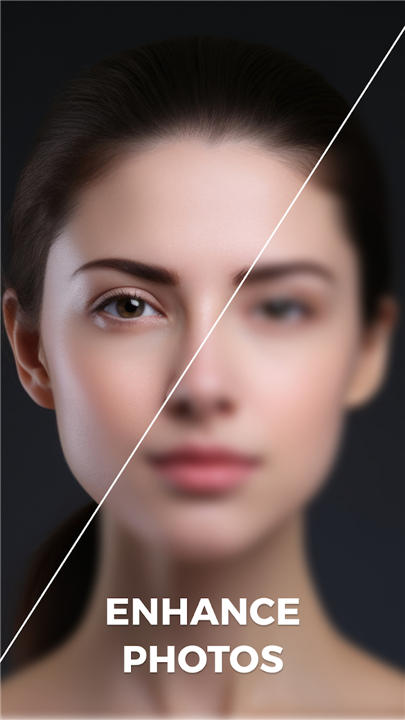
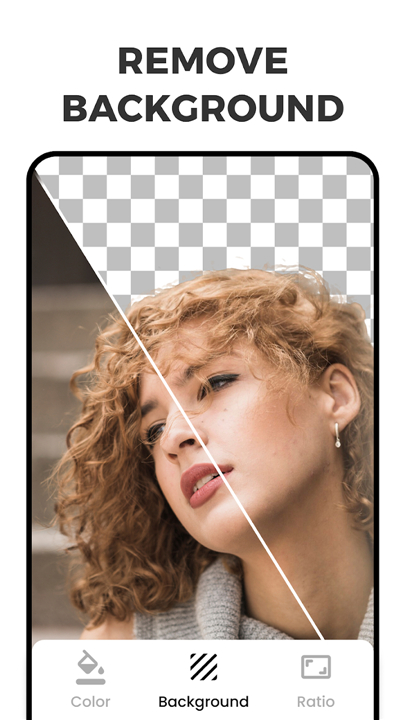


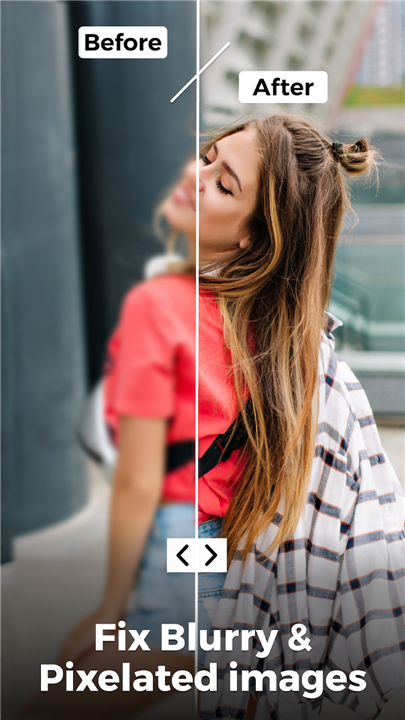
PhotoFixer — AI Photo Enhancer
Transform Your Images with Intelligent Perfection
• Every photograph holds a story worth telling with clarity and vibrancy.
• PhotoFixer harnesses the power of artificial intelligence to breathe new life into your images, whether they are cherished memories from years past or recent shots that need a refined touch.
• Our technology eliminates blurriness, enhances details, and delivers stunning results in seconds — no technical expertise required.
Core Capabilities
1. Background Transformation:
• Remove unwanted elements instantly and replace them with any scene you imagine, from clean solid tones to breathtaking landscapes.
• Your creative vision becomes reality with just a tap.
2. AI-Powered Enhancement:
• Let intelligent algorithms automatically sharpen clarity, enrich colors, and restore detail, converting ordinary images into vivid, high-definition masterpieces without manual editing.
3. Artistic Filters:
• Explore an extensive collection of creative filters designed for every mood and moment.
• From timeless black-and-white elegance to warm vintage tones or bold contemporary aesthetics, express your unique photographic style effortlessly.
Why PhotoFixer
• Built for everyone who cherishes photographs — from casual enthusiasts capturing everyday moments to professionals seeking quick, remarkable results.
• Download now and discover how artificial intelligence can transform your visual storytelling.
• Your best images are waiting to be revealed.
FAQ
Q: Who can benefit from using PhotoFixer?
A: Anyone who loves taking pictures can enjoy PhotoFixer. Casual users get a quick way to revive family snapshots, while hobbyists and professionals find a fast‑track to clean up images before sharing them or adding them to a portfolio. The interface is designed to be intuitive, so you don’t need a background in photography or graphic design.
Q: How does the background‑transformation feature work?
A: When you select a photo, the AI first isolates the main subject and then separates the background. You can erase unwanted objects or replace the entire backdrop with a solid color, a gradient, or a scenic landscape from PhotoFixer’s library. The change is rendered in real time, letting you see the new setting instantly.
Q: Is the AI enhancement automatic or can I control it?
A: The core enhancement—sharpening, color correction, and detail recovery—is automatic, but you still have control. After the initial pass you can slide sliders for brightness, contrast, saturation, or fine‑tune the strength of the AI’s effect. The app remembers your preferences, so you can quickly apply a consistent look to multiple photos.
Version History
v1.8.6——12 May 2026
Enhance photo Quality with AI, apply Filters and edit Backgrounds. Download the latest version of PhotoFixer - AI Photo Enhancer to enjoy new features and updates immediately!
*1.8.6
Improve AI Performance
*1.8.5
Improve AI Performance
*1.8.4
Improve AI Performance











Ratings and reviews
There are no reviews yet. Be the first one to write one.