

Visha-Video Player All Formats APK
8.2.0.16
Visha-Video Player All Formats
Visha-Video Player All Formats APK
Download for Android
Visha-Video Player All Formats
Your All-in-One Video & Audio Experience
• Take control of your entertainment with Visha, the sleek and powerful player that handles every format with ease.
• Whether you’re enjoying local media or exploring online content, Visha delivers smooth playback, smart organization, and the tools you need to personalize your experience.
Privacy & Security
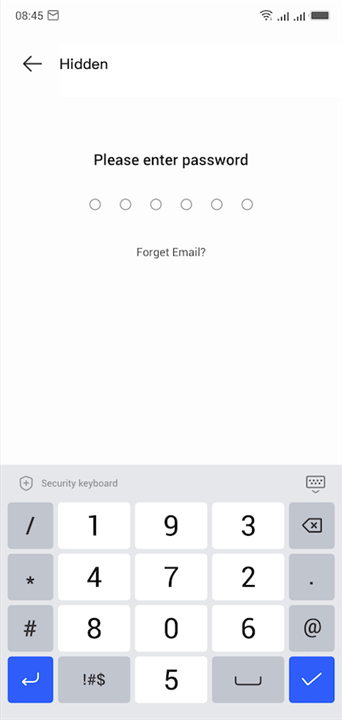
• Keep personal videos safe in a hidden privacy folder.
• Protect sensitive content with secure storage options.
Video Editing & Playback
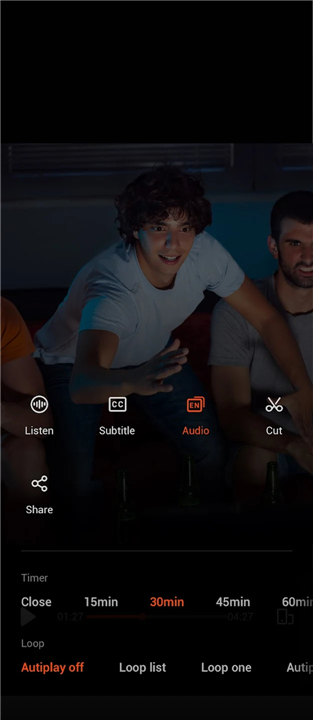
• Cut and trim videos directly within the app.
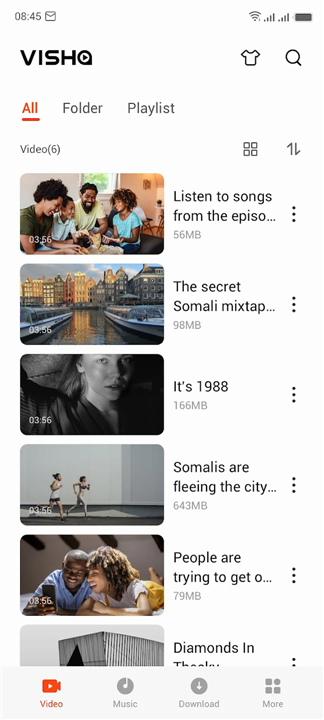
• Play all your local video files – from status clips to full-length movies.
• Sort videos by source for quick access.
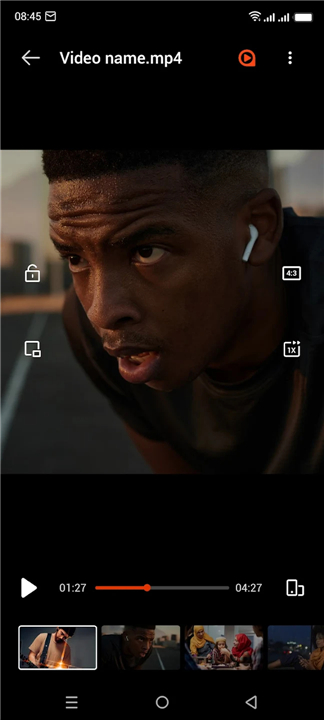
• Enjoy background and floating playback for multitasking.
• Control playback speed and skip forward/back with double taps.
• Automatic pause after playback ends.
• Support for multiple audio tracks and downloadable subtitles.
• View your watch history for easy replays.
Music & Audio Features
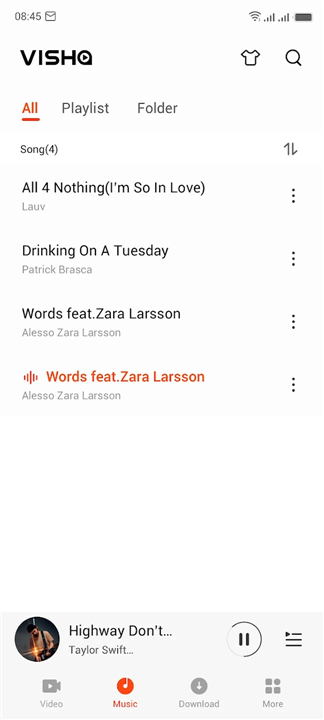
• Find and organize audio files from phone storage or SD card.
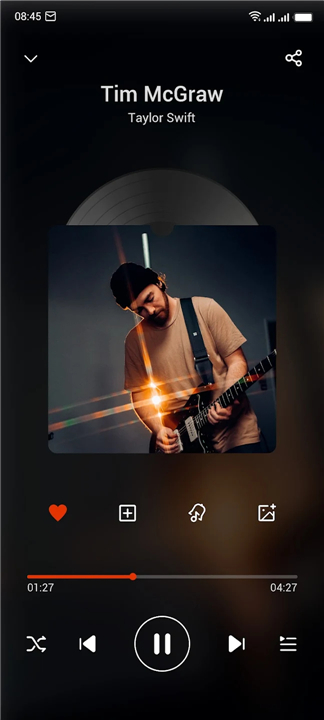
• Set a timer for automatic audio shutdown.
• Filter and sort tracks your way.
• Enhance sound with a built-in equalizer.
Online Streaming & Downloads
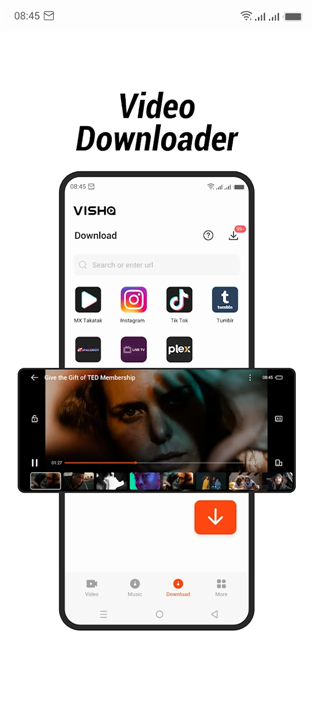
• Access films, TV dramas, and variety shows from around the world.
• Save favorite programs to your collection.
• VIP members enjoy ad-free viewing, HD quality (1080P), and exclusive content.
• Download videos and audio for offline enjoyment.
Personalization Tools
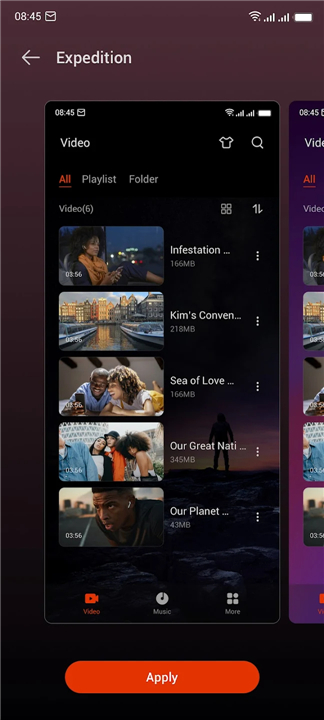
• Choose from a variety of custom skins to match your style.
• Convert videos into MP3 format with ease.
Why Visha?
• Because your entertainment deserves more than just basic playback.
• With Visha, you get speed, style, security, and flexibility—all in one app.
• It’s time to transform the way you watch, listen, and store your media.
FAQ
Q: How do I keep sensitive videos hidden and secure?
A: With Visha’s privacy folder feature, you can move personal videos into a hidden directory that’s inaccessible without your PIN or fingerprint. This ensures that any content you deem private remains locked away, even if someone else uses your device. The security extends to encrypted storage, so you can rest easy knowing your private clips are truly protected.
Q: Can I edit my videos directly in Visha?
A: Absolutely. Visha includes basic video editing tools that let you cut out unwanted segments or trim videos to your desired length. Whether you need to extract a favorite scene for social media or remove accidental footage at the start and end, you can perform these tasks right inside the player—no separate editing app required.
Q: Is floating or background playback available?
A: Yes. Visha offers both floating window playback and the ability to play videos or audio in the background. You can continue using other apps while your media keeps playing, or shrink the video into a movable overlay so you don’t miss a thing while you multitask.
Version History
v8.2.0.16——13 Jan 2026
Visha Player provides an uninterrupted video experience without any ads. Download the latest version of Visha-Video Player All Formats to enjoy new features and updates immediately!
*8.2.0.16
Minor bug fixes and improvements. Install or update to the newest version to check it out!
*8.2.0.15
Minor bug fixes and improvements. Install or update to the newest version to check it out!
*8.2.0.08
Minor bug fixes and improvements. Install or update to the newest version to check it out!









Ratings and reviews
There are no reviews yet. Be the first one to write one.