

Color Video Effects, Add Music APK
1.26
Color Video Effects, Add Music
Color Video Effects, Add Music APK
Download for Android
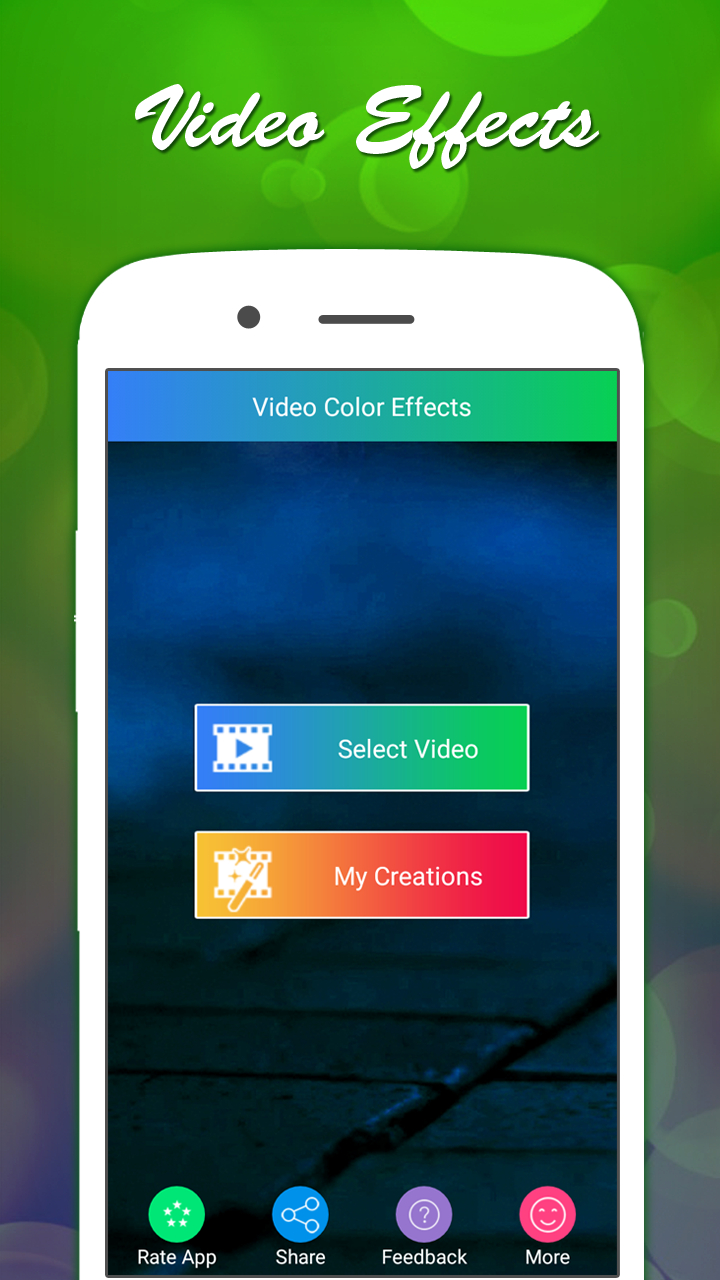
Color Video Effects, Add Music
Add Music and Trim Videos
• The Color Video Effects application offers an easy and creative way to enhance your videos with a variety of artistic filters and music options.
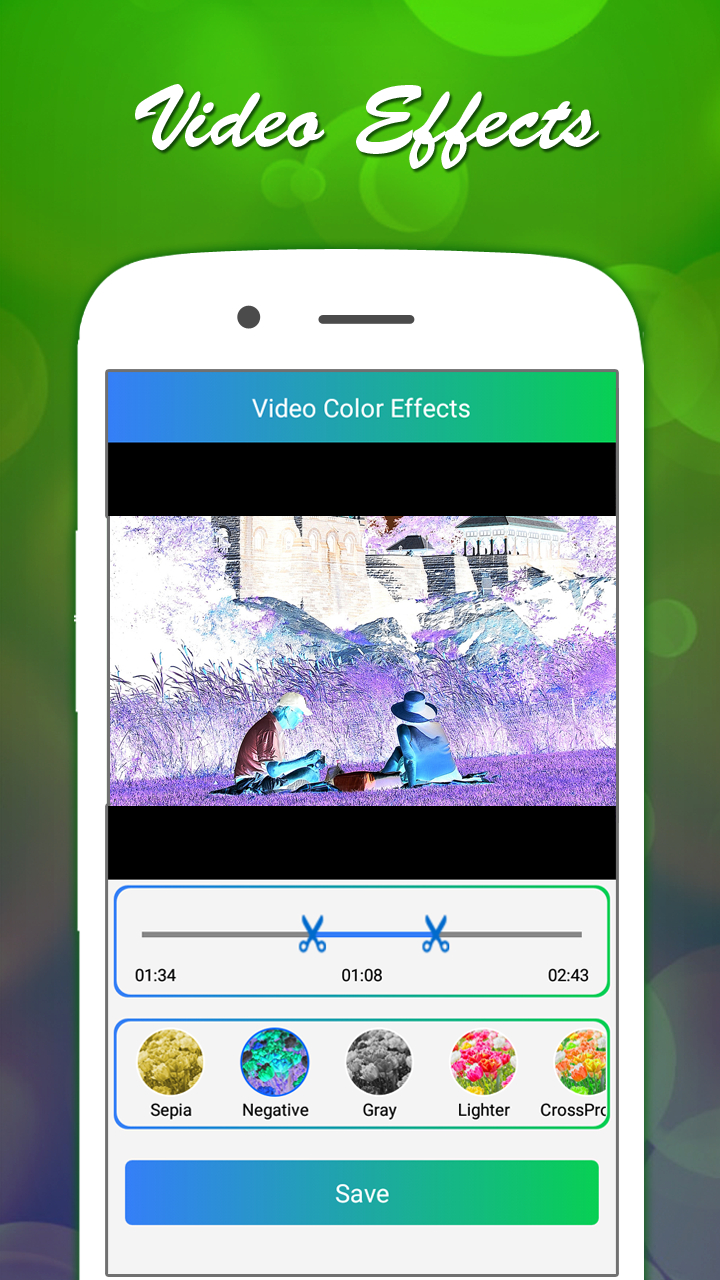
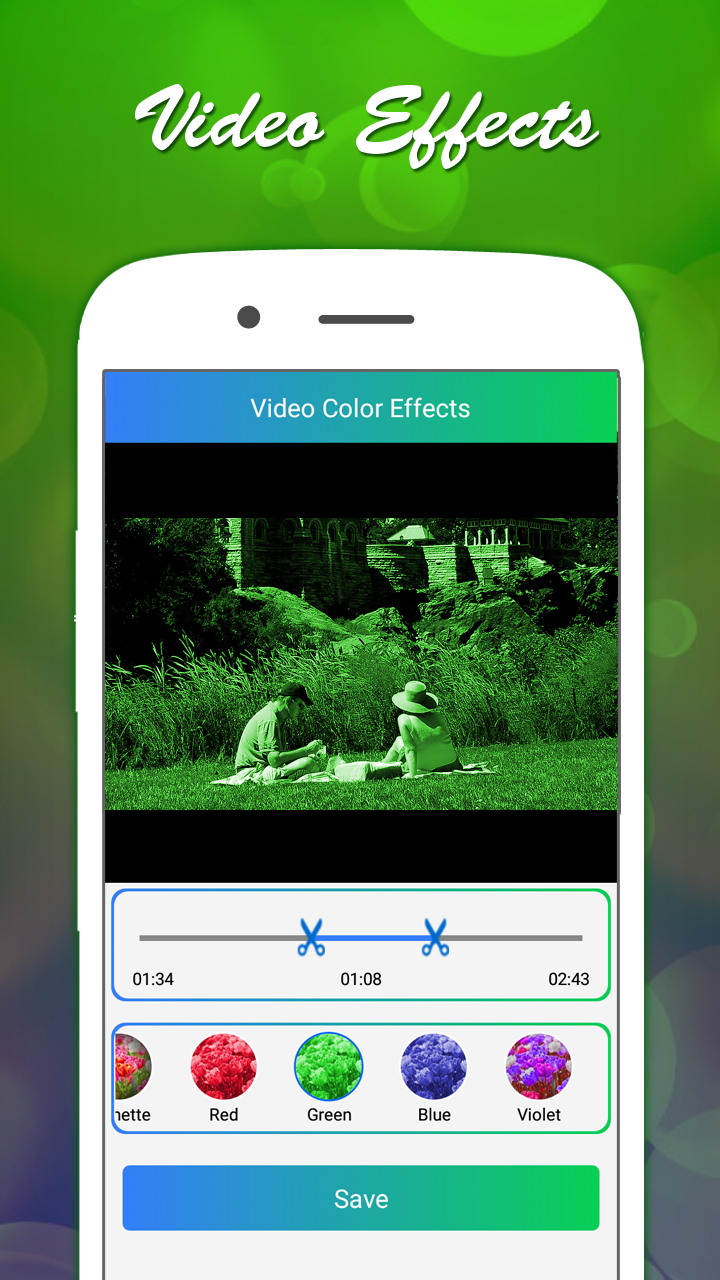
• Whether you want to give your footage a vintage feel, a soft romantic tone, or a bold color style, this app provides a range of effects such as Sepia, Vignette, Gray, Rose, Red, Blue Vintage, and more.
• In addition to color customization, the built-in video trimmer allows you to shorten your clips to the perfect length before sharing them.
Main Features
• Color Effects: Apply a wide selection of color filters to change the mood and style of your video.
• Video Trimming: Cut unwanted sections from your video to keep only the best parts.
• Music Integration: Add your favorite songs or background music from your device library.
• Audio Control: Choose to keep the original audio, mute it entirely, or replace it with a selected track.
• Sharing Options: Upload and share your edited videos directly to popular platforms such as Facebook, Gmail, and other social networks.
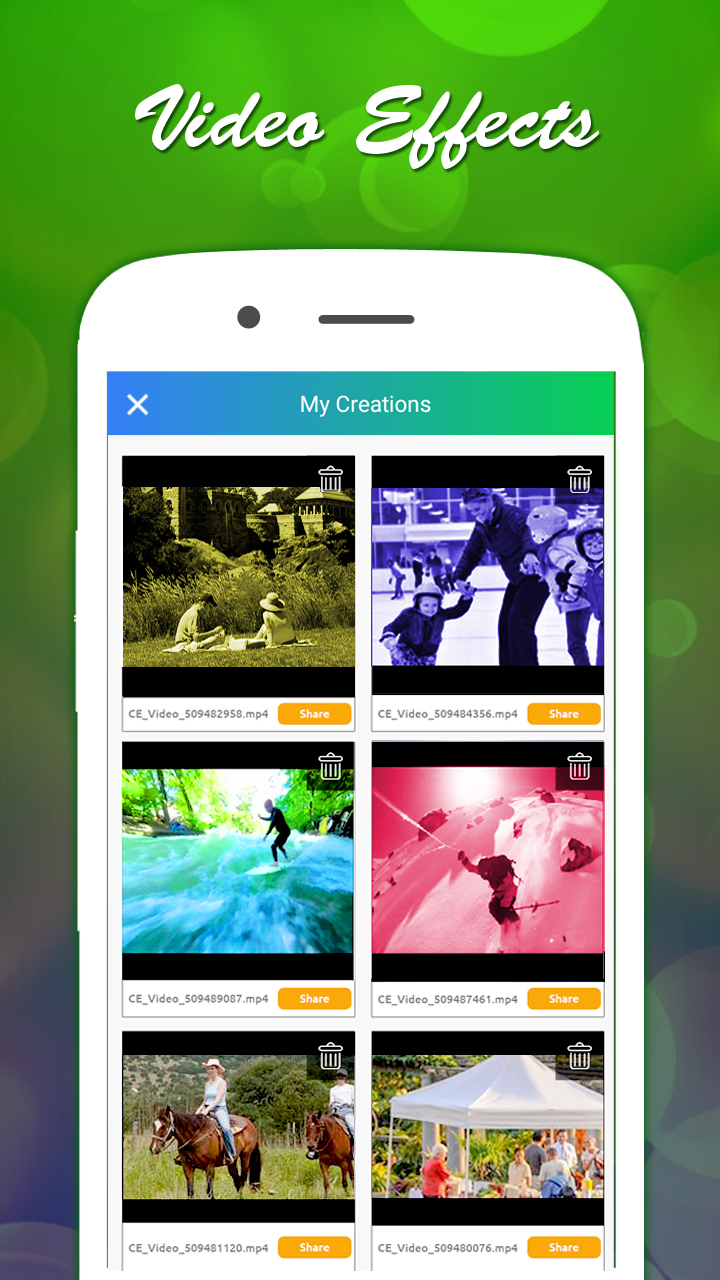
• File Management: Save finished videos to your device or delete unwanted ones easily.
How to Use
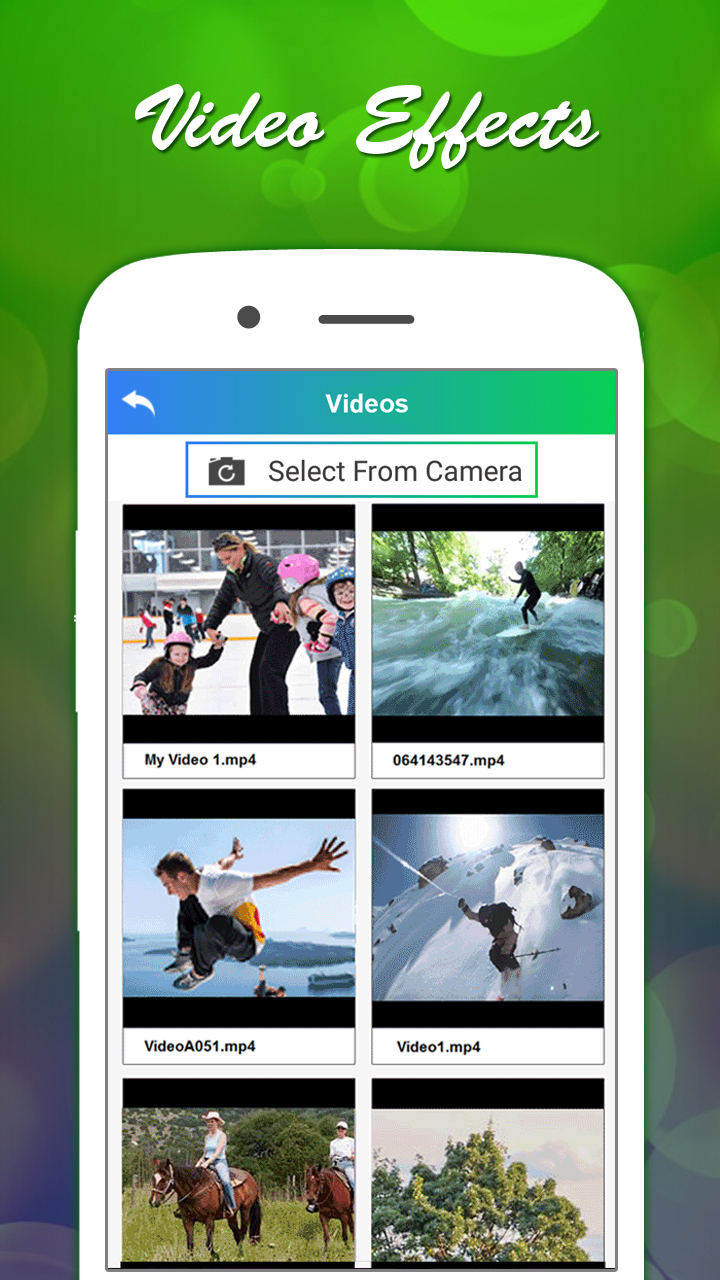
1. Select Video: Choose a video from your phone’s gallery or record one using your camera.
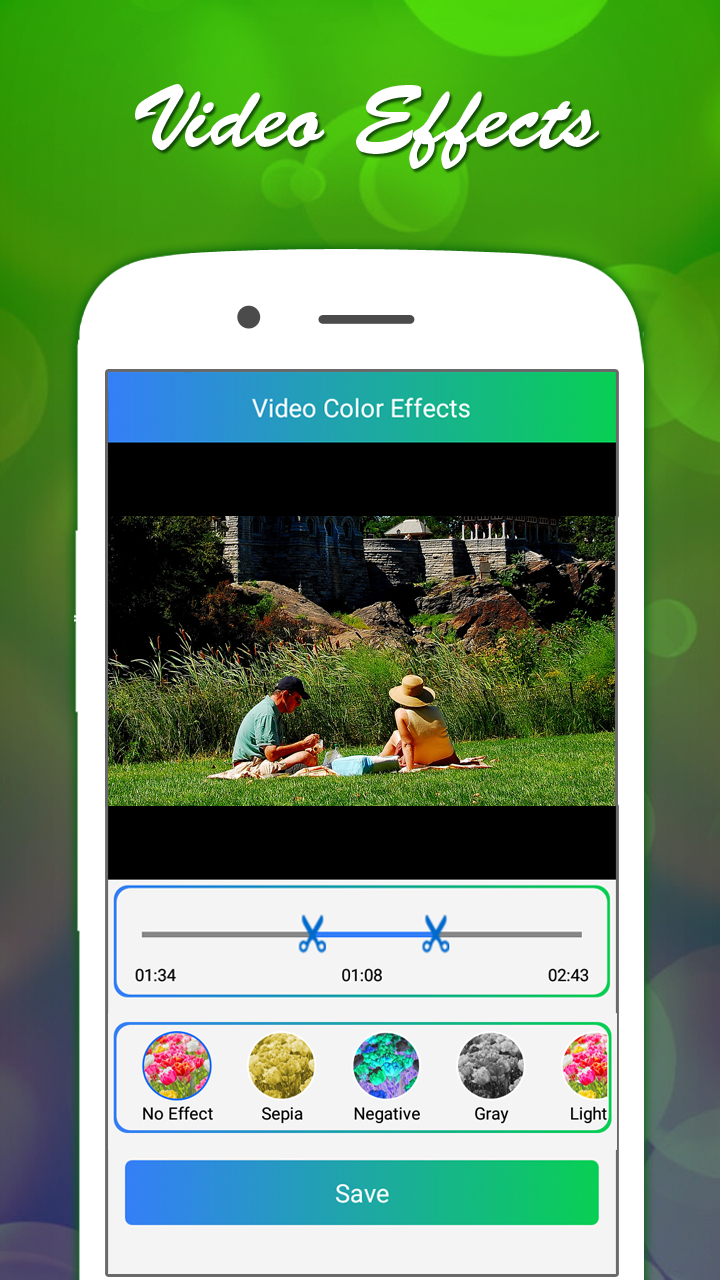
2. Choose Effect: Browse and select from filters like Sepia, Vignette, Gray, Rose, Vintage, and more.
3. Save Video: Tap the “Save” button once you are satisfied with the chosen effect.
4. Set Audio: Pick an audio option – keep the original soundtrack, mute the video, or select a song from your gallery.
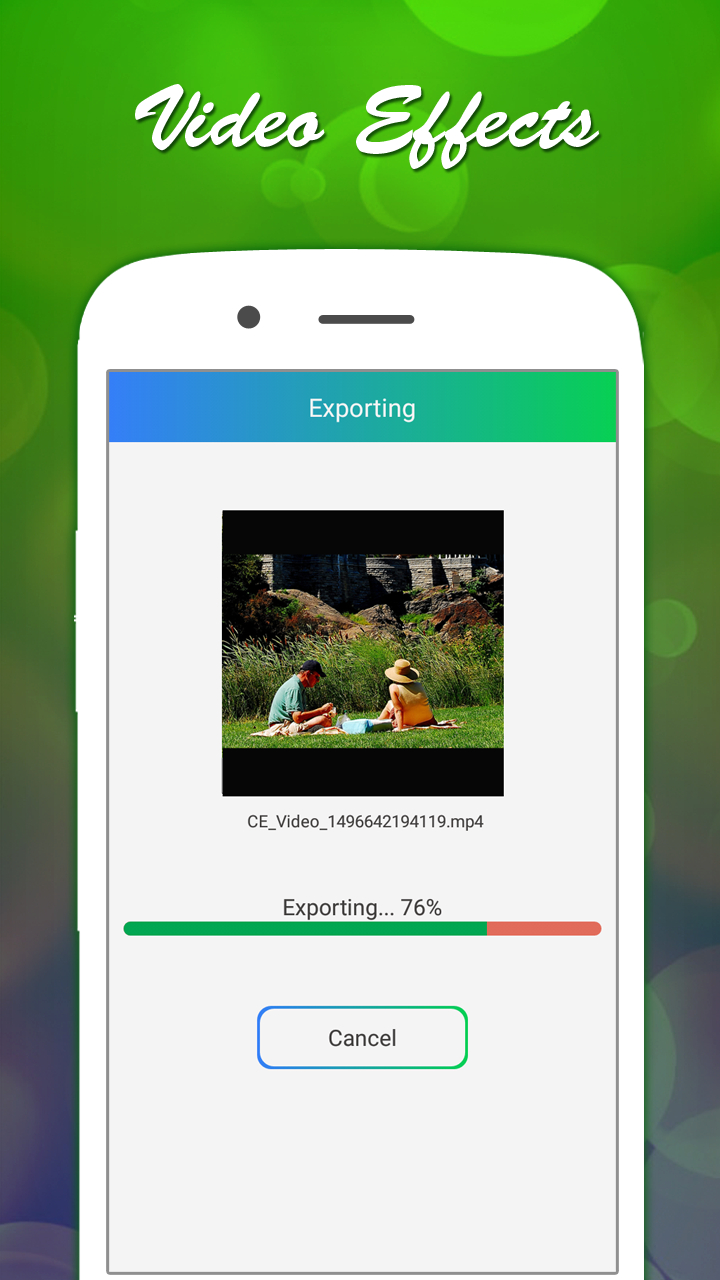
5. Confirm: Click “Ok” to begin processing.
6. Wait for Completion: The app will apply effects and audio changes automatically.
7. Share: Send your video to friends or post it online directly from the app.
With its user-friendly design, Color Video Effects makes video editing quick, fun, and accessible for everyone.
FAQ
Q: Which color filters are available and how do they differ?
A: The app offers a variety of filters designed to evoke different moods. The sepia effect brings a warm, antiquated feel; vignette darkens the edges to draw attention to the center; gray delivers a timeless black-and-white look; rose and red introduce romantic or dramatic tones; and blue-vintage tints your video with a cool, retro vibe. Each filter subtly alters contrast and saturation to achieve its signature aesthetic.
Q: Can I adjust how strong a color effect appears on my video?
A: Yes. After selecting a filter, you’ll see a slider control that lets you fine-tune its intensity. Moving the slider to the left produces a gentle hint of the effect, while sliding right gives you the full-power version. This flexibility lets you dial in exactly the look you want, from a whisper of color to a vivid transformation.
Q: How do I trim my video to keep only the best parts?
A: Trimming is simple. First, choose your clip from the gallery or record directly in the app. Next, tap the trim icon and drag the handles on the timeline to define your start and end points. You can scrub through the trimmed segment to make sure you haven’t cut out anything essential. When you’re satisfied, tap Save and the app will generate a new, shorter clip that contains only the portion you selected.
Version History
v1.27——14 Jan 2026
Easily add some color effects to your video. Download the latest version of Color Video Effects, Add Music to enjoy new features and updates immediately!
*1.27
Minor bug fixes and improvements. Install or update to the newest version to check it out!
*1.26
Minor bug fixes and improvements. Install or update to the newest version to check it out!
*1.25
Minor bug fixes and improvements. Install or update to the newest version to check it out!









Ratings and reviews
There are no reviews yet. Be the first one to write one.