
All Read Pro – Your Ultimate File Viewer & Manager
Overview
• All Read Pro is designed to be the all-in-one solution for managing and viewing documents with ease.
• Whether you need to open a PDF, review a Word report, analyze an Excel spreadsheet, or go through a PowerPoint presentation, this application puts everything you need at your fingertips.
• With a clean, intuitive design, users can quickly navigate, organize, and protect files without unnecessary complexity.
• All Read Pro is ideal for professionals, students, and anyone who works with digital documents on a daily basis.
Comprehensive Format Support
The app supports an extensive list of file types so users can focus on productivity instead of compatibility issues.
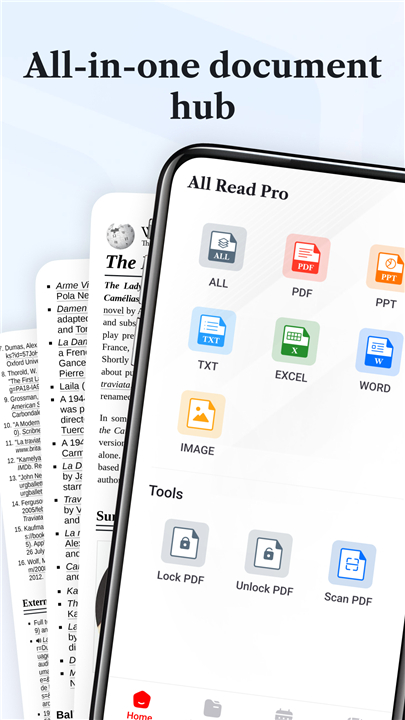
• View popular document formats such as PDF, DOC, DOCX, XLS, XLSX, PPT, PPTX, and TXT.
• Access multiple file types from one central location.
• Experience smooth and fast loading, even for large files.
Key Features
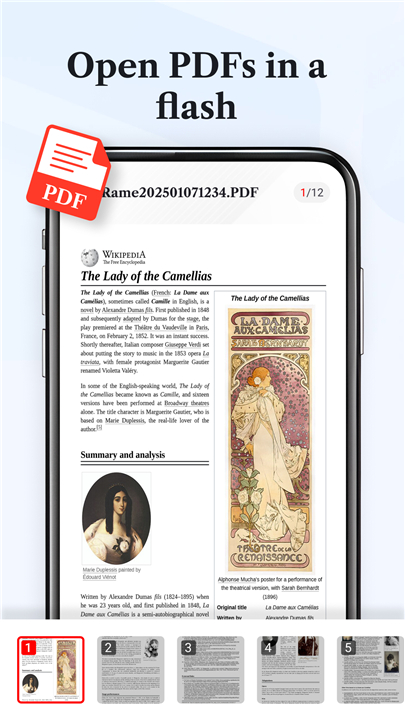
• Instant PDF Viewer: Open PDFs instantly and experience smooth scrolling with clear rendering.
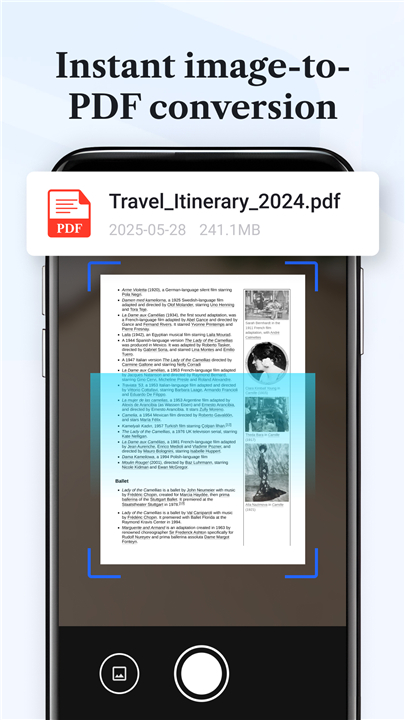
• Scan to PDF: Capture physical pages using your phone’s camera and convert them into searchable, digitized PDF files.
• PDF Security: Lock confidential files with password protection to maintain privacy and prevent unauthorized access.
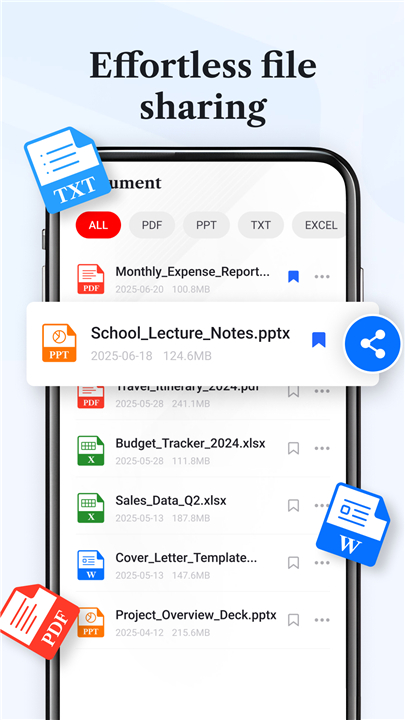
• Smart File Management: Sort, rename, move, or share files effortlessly within a clean and organized interface.
• Quick Bookmarks: Mark important files or folders for easy retrieval and continual use.
User Experience
• All Read Pro focuses on simplicity and reliability. Its layout minimizes clutter, while the search and filter options allow users to find files quickly.
• Files are displayed in organized lists or folders, providing a convenient view for both casual and heavy document users.
Permission & Privacy Notice
• For Android 11 and above, All Read Pro requires the MANAGE_EXTERNAL_STORAGE permission to ensure full access for editing and managing files.
• This permission is strictly used for document operations; the app never collects or shares personal data.
Simplify your document management routine
• Download All Read Pro today for a fast, secure, and efficient way to read, manage, and protect your files with confidence.
FAQ
Q: Which file formats can All Read Pro open?
A: All Read Pro supports a wide range of popular document formats, including PDF, DOC, DOCX, XLS, XLSX, PPT, PPTX, and TXT. This versatility ensures you can view nearly any document type quickly and seamlessly.
Q: Can I use All Read Pro to edit my documents?
A: While All Read Pro is primarily a viewer and manager, it offers basic file organization tools such as renaming, moving, and sorting. It’s built to let you review documents efficiently rather than fully edit them.
Q: Does All Read Pro allow password protection for my files?
A: Yes, you can secure sensitive documents by setting a password within the app. This feature adds an extra layer of protection to ensure that your private files remain confidential and inaccessible to others.
Version History
v3.0.4——13 Oct 2025
Your Ultimate File Viewer & Manager Download the latest version of All Read Pro to enjoy new features and updates immediately!
*3.0.4
Minor bug fixes and improvements. Install or update to the newest version to check it out!
*3.0.3
Minor bug fixes and improvements. Install or update to the newest version to check it out!
*3.0.2
Minor bug fixes and improvements. Install or update to the newest version to check it out!









Ratings and reviews
There are no reviews yet. Be the first one to write one.