

MScopes for USB Camera Webcam APK
L35.163
MScopes for USB Camera Webcam
MScopes for USB Camera Webcam APK
Download for Android
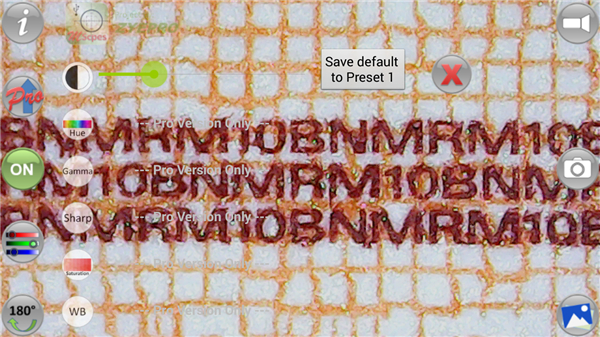
MScopes – Your Portable USB Camera Solution
Overview
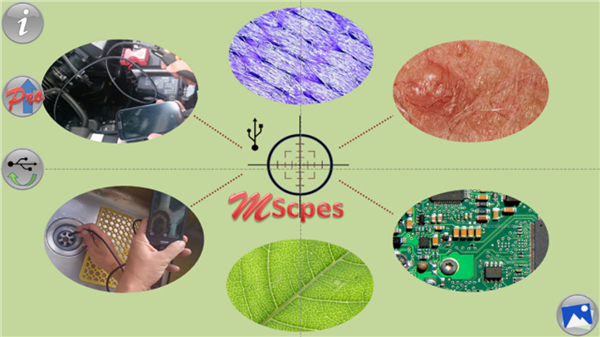
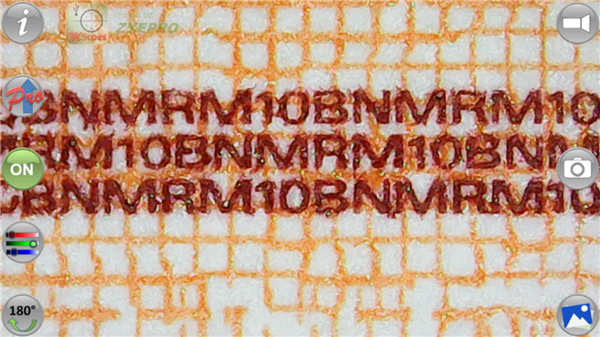
• MScopes transforms your Android device into a powerful viewer and recorder for USB-based digital microscopes, endoscopes (non-medical), borescopes, camcorders, and standard webcams.
• Whether you're inspecting tiny details or reaching into difficult spaces, MScopes makes high-quality imaging possible anywhere.
Easy Connection
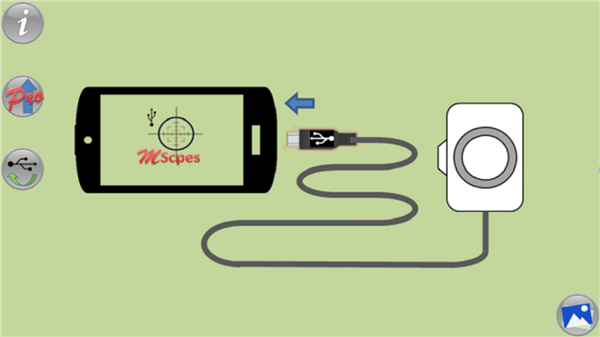
• Works with USB cameras connected to smartphones or tablets.
• For cameras with a Type-A connector, simply use an OTG (On-The-Go) adapter to connect to your Android device’s micro USB port.
• No device rooting required.
Lightweight and Secure
• Requires only the minimal permissions needed to function.
• Designed with user privacy in mind.
Why MScopes Changes the Game
Experience true “microscopy or endoscopy on-the-go.” The app’s portability and mobility make it an invaluable tool for:
• Observing microscopic specimens in the field.
• Inspecting cracks, pipes, cavities, and other hard-to-reach areas.
• Using your device as a webcam viewer.
Free Version Features
• Zoom control via volume buttons.
• Date and time stamp on previews and captured images.
• Adjustable color contrast for better image clarity.
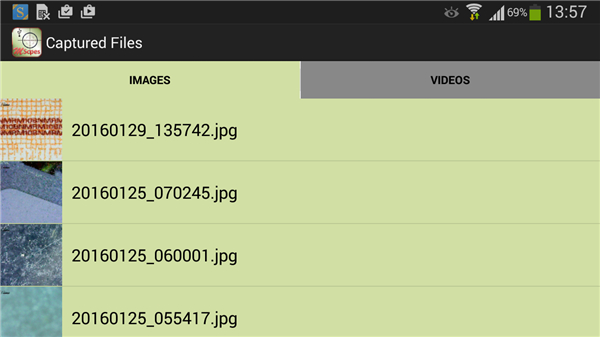
• Quick share options for images and videos.
• Easy deletion of unwanted files.
Upgrade to MScopes Pro for More Power
Unlock advanced features, including:
• Full-screen viewing without interface buttons.
• Watermark-free captures.
• Pinch-to-zoom and pan functionality.
• Changeable camera resolution.
• Customizable color parameters and presets.
• PNG image format support.
• Cross-hair overlay for precision viewing.
*Important Notes
• Some Android devices lack full USB Video Class (UVC) support, which may prevent the app from functioning.
• If live preview does not work on your device, upgrading to Pro will not fix the issue — it is a hardware limitation.
Technical Credits
• Built with contributions from the Independent JPEG Group.
• Utilizes libusb and libuvc libraries for USB camera integration.
• Includes libraries by saki (c) t_saki@serenegiant.com.
*Compatibility Reminder
• Not all Android smartphones or tablets support UVC cameras.
• Please verify your device’s compatibility before use.
FAQ
Q: Which types of USB cameras are compatible with MScopes?
A: MScopes supports any USB camera that follows the USB Video Class (UVC) standard. That includes digital microscopes, non-medical endoscopes, borescopes, many USB camcorders, and most plug-and-play webcams. If your camera is recognized by your computer as a UVC device, there’s a strong chance it will work with MScopes.
Q: How do I physically connect a USB Type-A camera to my Android device?
A: To connect a camera with a USB Type-A connector, you simply need an OTG (On-The-Go) adapter that matches your Android device’s port—whether it’s micro USB or USB-C. Plug the camera into the OTG adapter, then insert the adapter into your device. No rooting or special configurations are required.
Q: Do I need root access on my Android device to run MScopes?
A: No, you do not need to root your device. MScopes utilizes standard UVC drivers provided by Android, so it can operate on any supported device out of the box without requiring elevated permissions or system modifications.
Version History
vL35.163——14 Jan 2026
Capture images & record videos for USB Camera, Webcam, Microscopes, Endoscopes Download the latest version of MScopes for USB Camera Webcam to enjoy new features and updates immediately!
*L35.163
To support 16 KB memory page sizes
*L35.155
Upgrade to Android 15
*L34.154
Update to comply with Play Store privacy requirements









Ratings and reviews
There are no reviews yet. Be the first one to write one.