

2FA Authenticator (2FAS) APK
5.5.1
2FA Authenticator (2FAS)
2FA Authenticator (2FAS) APK
Download for Android
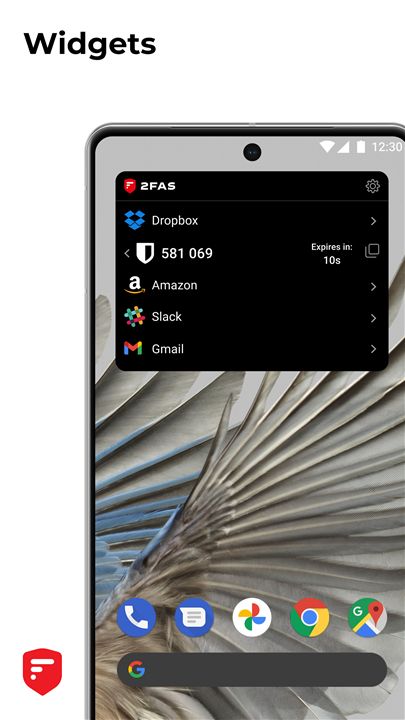
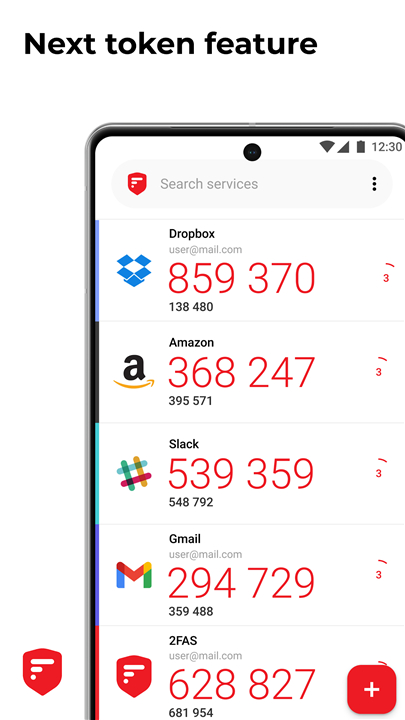
2FAS Authenticator (2FAS): The Ultimate Free & Secure Two-Factor Authentication Solution
In an era of increasing cyber threats, 2FAS Authenticator (2FAS) offers the easiest and most reliable way to enable two-factor authentication (2FA) or multi-factor authentication (MFA).
This powerful app ensures that your online accounts remain protected by verifying your identity through secure login methods, safeguarding your personal data and passwords from potential breaches.
Best of all, 2FAS is 100% free, providing top-tier security without any hidden costs.
Why Choose 2FAS?
2FAS stands out as the most secure, private, and user-friendly 2FA app available today. Here’s why:
1. Secure by Design
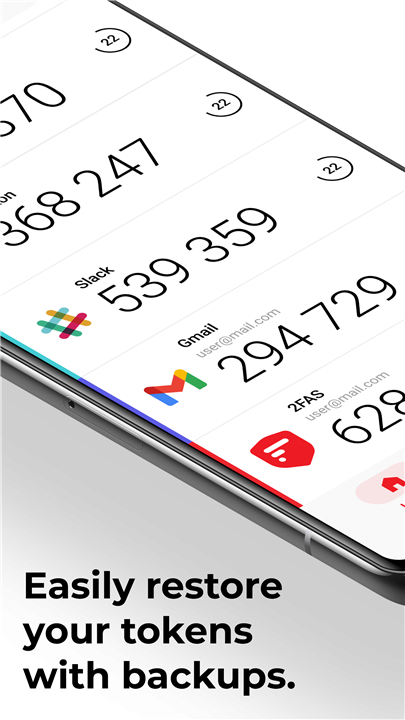
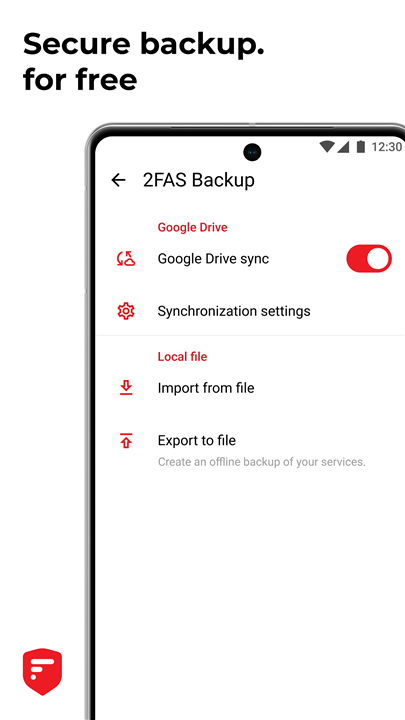
• Effortless Backup & Recovery: Easily restore your 2FA tokens if you lose or replace your device.
• Enhanced App Protection: Add an extra layer of security with a passcode or biometric lock (fingerprint/face recognition).
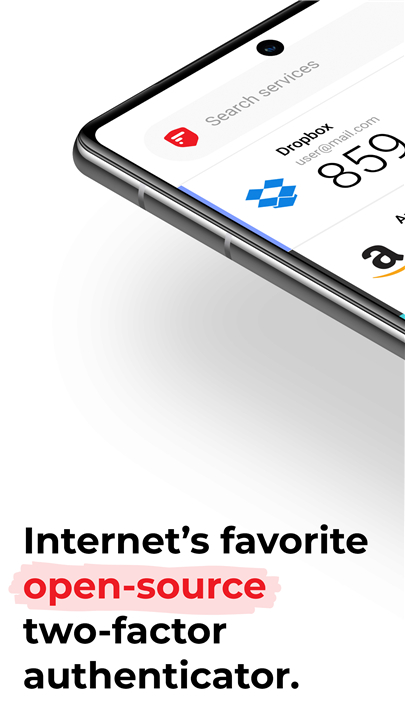
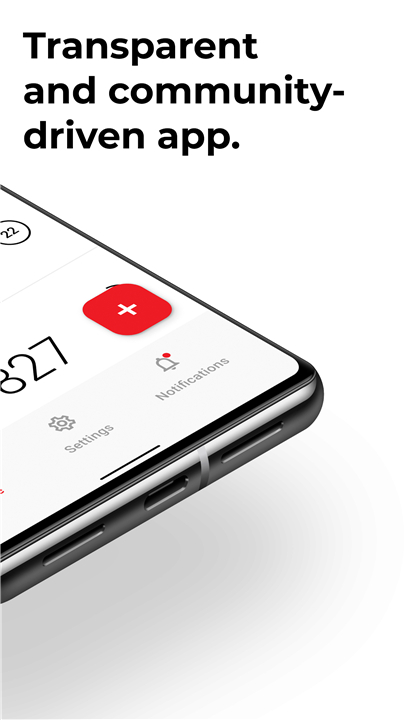
• Open-Source & Community-Driven: 2FAS is transparent and auditable, with its source code publicly available for review on GitHub.
2. Private & User-Focused
• Cross-Device Synchronization: Seamlessly sync your 2FA tokens across multiple mobile devices.
• One-Tap Authentication: Speed up logins with the 2FAS Browser Extension, eliminating manual code entry.
• Multi-Language Support: Available in multiple languages for global accessibility.
• Quick Setup Guides: Step-by-step instructions (coming soon) to simplify onboarding.
3. Simple & Reliable
• Works Offline: No internet connection required—generate codes anytime, anywhere.
• Zero Data Storage: 2FAS does not store passwords, metadata, or personal information.
• 100% Anonymous Use: No account registration needed—just install and start using it.
Protect Your Data Now
• With cyberattacks on the rise, securing your accounts has never been more critical.
• 2FAS supports TOTP and HOTP algorithms, the industry-standard methods for generating secure verification codes.
Get Started Today!
• Download the App: Available on iOS and Android.
• Join the Community: Connect with the 2FAS team and other users on Discord.
Learn More About 2FAS
• GitHub Repository: Review the open-source code at github.com/twofas.
• Official Website: Visit 2fas.com for detailed features and updates.
• Follow Us on Twitter: Stay updated via twitter.com/2FAS_com.
• YouTube Channel: Watch tutorials and demos at youtube.com/@2FAS.
Take control of your online security—start using 2FAS today and keep your accounts safe from cyber threats!
FAQ
Q: How does 2FAS improve security compared to SMS-based 2FA?
A: Unlike SMS-based 2FA, which can be intercepted via SIM-swapping attacks, 2FAS generates time-based (TOTP) or counter-based (HOTP) codes directly on your device. These codes work offline and cannot be stolen through phone number hijacking.
Q: Can I sync my 2FA tokens across multiple devices?
A: Yes! 2FAS allows secure cross-device synchronization, so you can access your 2FA tokens on multiple mobile devices without losing access if one is lost or damaged.
Q: What happens if I lose my phone? Can I recover my 2FA accounts?
A: Absolutely. 2FAS provides backup and recovery options to restore your tokens. You can securely export and import your codes to a new device, ensuring you never get locked out.
Version History
v5.5.1——26 Aug 2025
Simple, safe and open source 2FA Authenticator app! Download the latest version of 2FA Authenticator (2FAS) to enjoy new features and updates immediately!
*5.5.1
- Enable landscape orientation on tablets
- Update translations
- Update icons
*5.5.0
- Enable landscape orientation on tablets
- Update translations
- Update icons
*5.4.9
- Share service via QR Code
- Enable edgeToEdge
- Swedish language









Ratings and reviews
There are no reviews yet. Be the first one to write one.