

calendar week in status bar APK
15
calendar week in status bar
calendar week in status bar APK
Download for Android
calendar week in status bar
Overview
• The application titled "Week" serves as a specialized, minimalist utility for mobile users who require immediate visibility of the current calendar week.
• In many professional, industrial, and academic environments, identifying the specific week number—often referred to as the KW or Kalenderwoche—is essential for long-term scheduling, project management, and meeting deadlines.
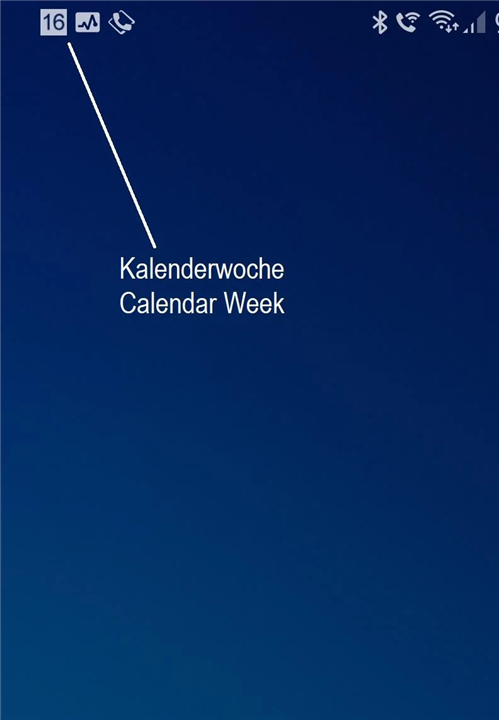
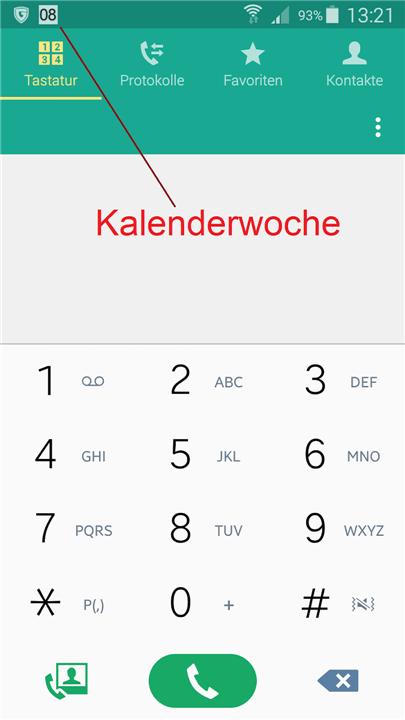
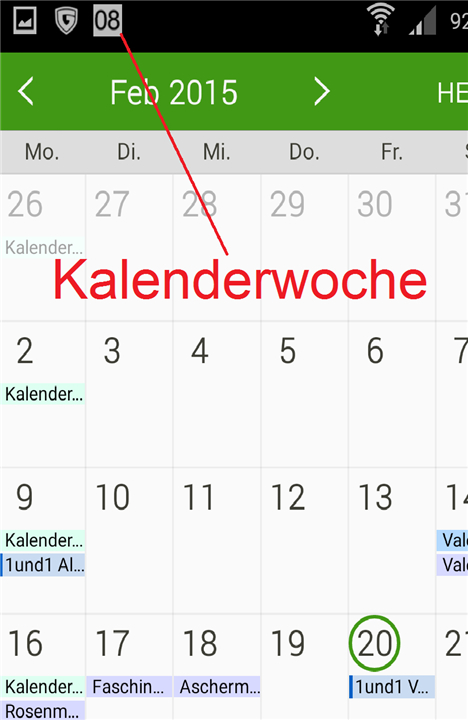
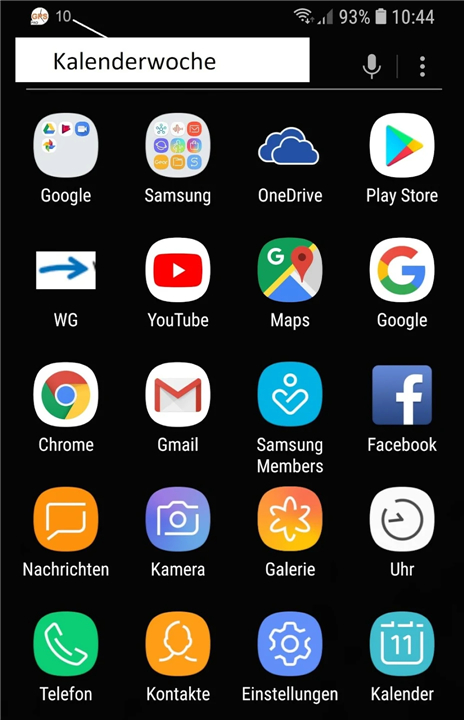
• This application optimizes that process by integrating the calendar week directly into the notification area above the smartphone status bar.
Core Functional Features and Accessibility
• The application functions by placing the current numerical calendar week as a persistent notification icon.
• Users can verify the date’s progress at any time with a simple glance at the top of their screen, removing the need to unlock the phone and launch a comprehensive calendar app.
• The visual design is intentionally understated to blend seamlessly with the native system user interface of the smartphone.
• It provides a constant reference point that is visible even while using other applications.
Technical Efficiency and Performance Benchmarks
• Boasting a file size of approximately 0.2MB, the software is exceptionally lightweight compared to standard modern mobile applications.
• It is designed to operate using minimal system resources, ensuring that the device's random access memory (RAM) remains free for larger tasks.
• The application is engineered to have a negligible impact on battery consumption, allowing it to remain active indefinitely without draining power.
User Privacy and System Integrity
• A primary advantage of this utility is that it requires absolutely no system permissions to operate, meaning it cannot access your files, location, or contacts.
• It adheres to a strict no-advertising policy, which eliminates distractions and prevents the presence of background tracking scripts.
• By operating without the need for unnecessary background processes, the app maintains the overall integrity and speed of the mobile operating system.
Desktop Availability and Cross-Platform Utility
• For individuals who spend significant time at a workstation, a desktop version of the "Week" indicator is available for PC.
• Maintaining organizational consistency across platforms ensures that users have the same reference point on their phones and their computers.
• Further information regarding the desktop implementation and other utility tools can be found at the developer's portal at the following address: https://www.fernsehcomputer.de/software/.
By prioritizing simplicity over complexity, "Week" provides a streamlined time-tracking solution that respects both the user’s hardware and their personal data privacy.
FAQ
Q: Where will I see the calendar week number once the application is running?
A: The application places the current numerical calendar week directly into your notification area, which is situated just above the smartphone status bar. This placement ensures that the week number is always available in a consistent location whenever you glance at the top of your screen.
Q: Do I need to unlock my phone and open an app to check the current week?
A: One of the primary benefits of this utility is that it removes the need to unlock your device or launch a full calendar application. Because the information is integrated into the notification area, you can verify the week number instantly from your lock screen or while performing other tasks.
Q: Will this application occupy a lot of storage space on my mobile device?
A: The software is exceptionally efficient and features a file size of approximately 0.2MB, making it much smaller than standard modern apps. This ensures that you can enjoy the functionality of the tool without sacrificing any significant amount of your phone’s internal storage.
Version History
v15——23 Feb 2026
Display of the current calendar week as notification Download the latest version of calendar week in status bar to enjoy new features and updates immediately!
*15
Android 15 API35
*14
Android 14 API34
*11
Minor bug fixes and improvements. Install or update to the newest version to check it out!









Ratings and reviews
There are no reviews yet. Be the first one to write one.