

With the izzi App, managing your contracted services and TV programming has never been easier or more convenient. This user-friendly application allows you to effortlessly keep track of all your service details at the touch of a button. Whether you want to check your account balance, make seamless payments, or access our dedicated customer support, everything you need is now right at your fingertips, enabling you to handle your needs anytime and anywhere!
In our commitment to provide you with the best possible experience, we actively gather insights from your network usage. This information helps us to not only understand your preferences better but also to continuously improve our products and services. We strive to ensure that your experience is tailored to fit your specific needs.
Ready to get started? Download the app for free from your device’s app store. Log in effortlessly using the username and password that are linked to your My Account on our website, and unlock a world of convenience.
Here’s a closer look at what the izzi App allows you to do:
1. Review Your Services.
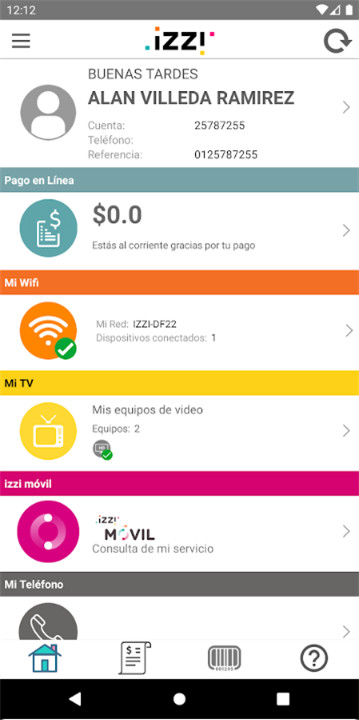
Access details about your internet, telephony, and television services, including extensions and premium channels, all in one convenient location.
2. Make Payments.
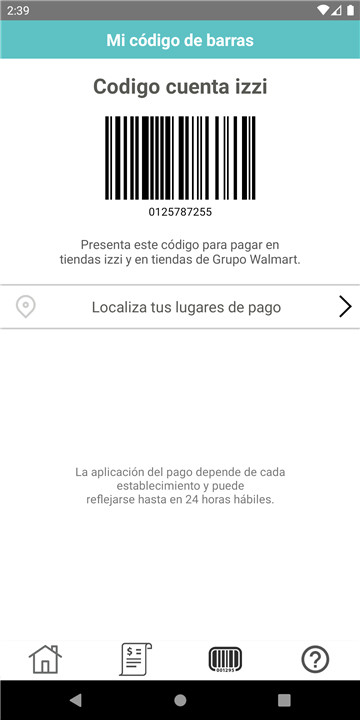
Paying for your services is a breeze with the izzi App. You can pay online using your credit or debit card, or opt for a quick phone payment with just one click. Additionally, you can easily pay at authorized locations by scanning barcodes directly from your mobile device. You can also set up recurring payments with a single click.
3. Find Payment Locations.
Quickly locate where you can pay for your izzi services based on your current location. It’s fast and straightforward!
4. Request Technical Support from Dr. izzi WiFi.
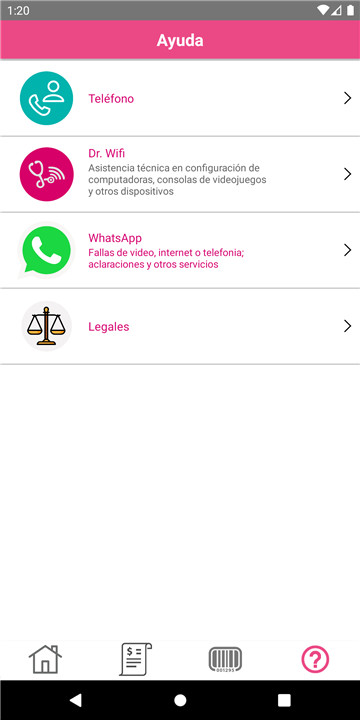
If you have questions or issues related to computing and information technology at home, or need assistance with network and device setup, reach out to us via call or chat for help from Dr. izzi WiFi anytime.
5. Check Your Programming.
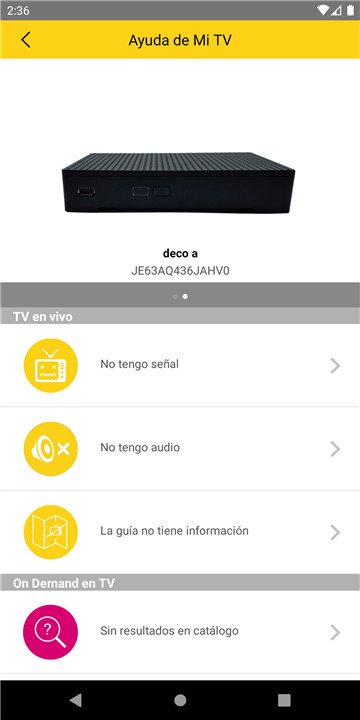
Stay informed about your favorite shows by knowing the schedule 15 days in advance, including the time and channel.
6. Contact Us.
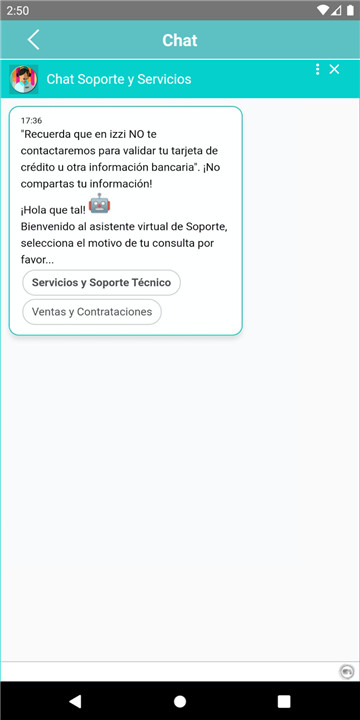
If you have any questions about your izzi services, feel free to call or chat with us whenever you need assistance, no matter where you are.
Izzi makes it easy—no surprises!
FAQ
Q: How do I log in to the izzi App?
A: To log in, use the username and password associated with your My Account on the izzi website. If you don't have an account, you can create one on the website and then use those credentials to log in to the app.
Q: How can I review my services in the izzi App?
A: Once logged in, navigate to the "Services" section of the app. Here, you can view details about your internet, telephony, and television services, including any extensions and premium channels.
Q: Can I make payments through the izzi App?
A: Yes, you can make payments easily through the izzi App. You can pay online using your credit or debit card, opt for a quick phone payment, or scan barcodes at authorized locations. Additionally, you can set up recurring payments with a single click.
Version History
v3.40.57——20 Mar 2025
Welcome to izzi app Download the latest version of izzi 3.40.57 to enjoy new features and updates immediately!
Mejoras en experiencia de usuario









Ratings and reviews
There are no reviews yet. Be the first one to write one.