

Document to PDF Converter APK
5.18.1
Document to PDF Converter
Document to PDF Converter APK
Download for Android
Converting documents to PDF has never been easier! With its user-friendly interface and efficient conversion process, this app is ideal for anyone who needs to share or view files easily and consistently.
Wide File Compatibility
This app supports a broad range of file types, including DOC, DOCX, ODT, RTF, PPT, and PPTX files, giving you the flexibility to convert almost any document into a PDF. Whether you’re working with text-based documents, reports, or presentations, this tool has you covered.
Easy and Quick Conversion
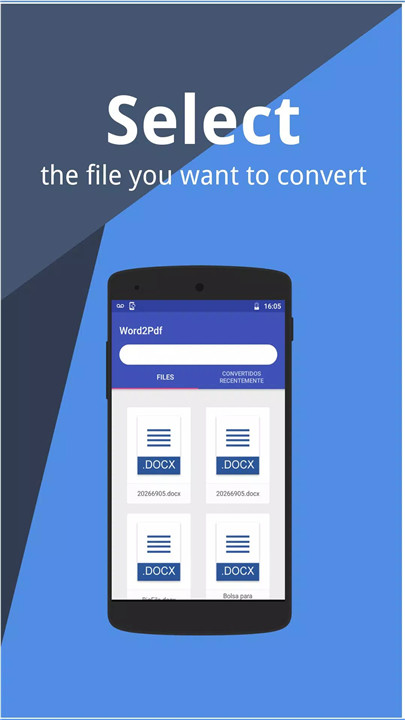
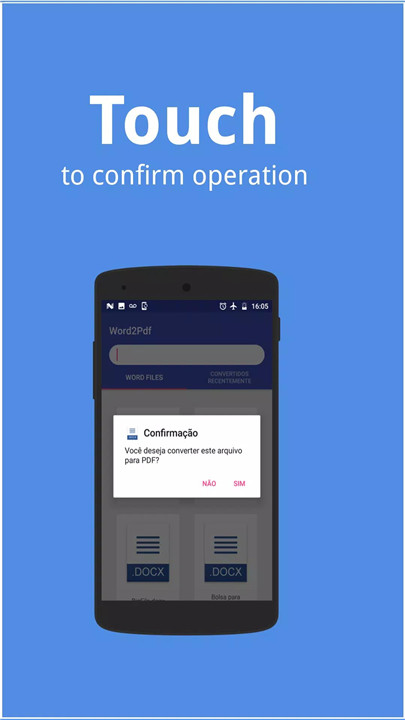
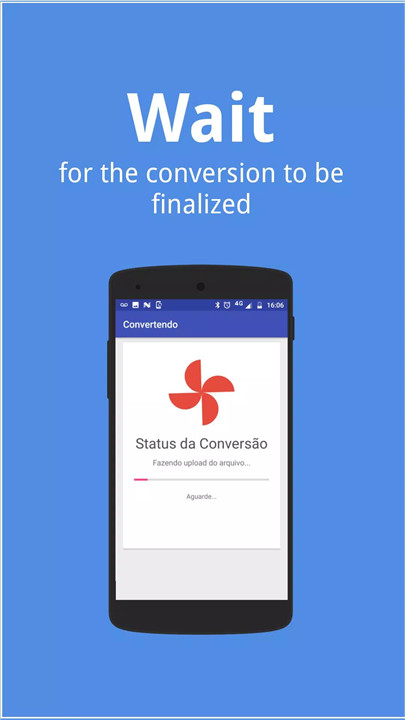
Converting your files is incredibly simple. Just choose the file by searching for its name, select it, and confirm. Wait a few moments for the conversion, and voilà! Your document is now a PDF, ready to be viewed or shared.
Instant Document Viewing and Sharing
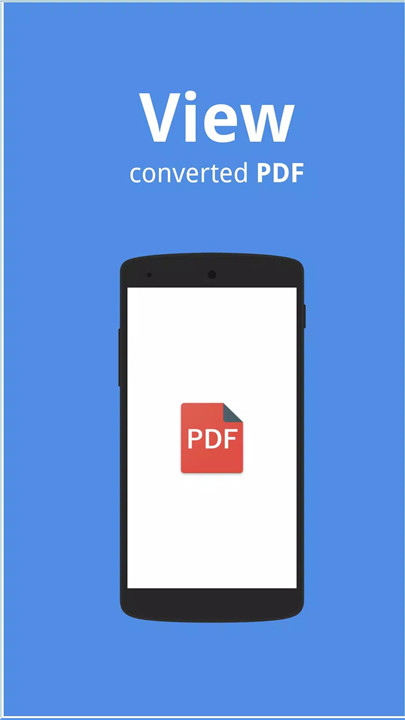
Once your document has been converted to PDF, you can easily view it using the app’s built-in PDF reader or open it with your preferred PDF viewer. Plus, sharing your PDFs with others is a breeze, making this tool a time-saver for both personal and professional use.
Perfect Layout and Formatting
No matter which device you’re using, PDF files maintain their original layout and formatting. This ensures that your documents will always look their best and display consistently on different devices.
Ideal for Various Users
This app is perfect for a wide variety of users. Bloggers, writers, journalists, students, project managers, and anyone who works with documents can benefit from converting files to PDFs. With PDFs, you don’t have to worry about changes in formatting or appearance – it’s always consistent, whether you're viewing it on your phone, tablet, or computer.
Reliable and Safe Conversion
The app uses a reliable method to ensure the safe conversion of your documents. While the app does require an internet connection to perform the conversion, rest assured that the process is quick and secure, with no risk to your original documents.
Conversion for eBooks and More
Not just for traditional documents, the app also allows you to convert eBooks, notes, blogs, scripts, resumes, and more into PDFs. Convert your favorite eBooks into PDFs to read anywhere, whether you're traveling or just relaxing before bed.
FAQs
1. Which file formats are supported for conversion?
This app supports DOC, DOCX, ODT, RTF, PPT, and PPTX files, allowing you to easily convert a variety of document types to PDF.
2. How do I convert a document to PDF using the app?
Simply search for your document by name, select it, confirm, and wait for the conversion. Once done, your file is ready to be saved as a PDF.
3. Can I view my converted PDF within the app?
Yes, the app comes with an internal PDF viewer, but you can also use any other PDF reader to open and view your converted files.
4. Can I convert eBooks into PDFs?
Yes, the app allows you to convert eBooks into PDFs, making it easy to read them on the go, whether you're traveling or relaxing.
5. Does the app work offline?
No, the app requires an internet connection to perform the conversion process. However, once the document is converted, you can view and share it offline.
Version History
v5.18.1—21 May, 2024
- Better performance
- Greater stability
- Support for PPT, PPTX and ODP files!
- Support for RTF and ODT files!
- Updated interface
v5.17.0—9 Apr, 2024
- Better performance
- Greater stability
- Support for PPT, PPTX and ODP files!
- Support for RTF and ODT files!
- Updated interface
v5.16.0—16 Jan, 2024
- Better performance
- Greater stability
- Support for PPT, PPTX and ODP files!
- Support for RTF and ODT files!
- Updated interface









Ratings and reviews
There are no reviews yet. Be the first one to write one.