

Picture Keeper Connect APK
4.9.70
Picture Keeper Connect
Picture Keeper Connect APK
Download for Android
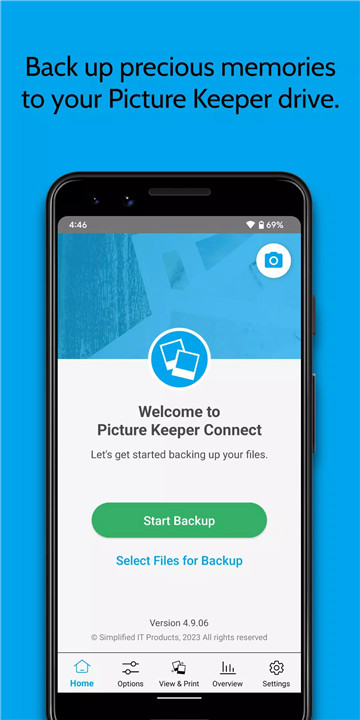
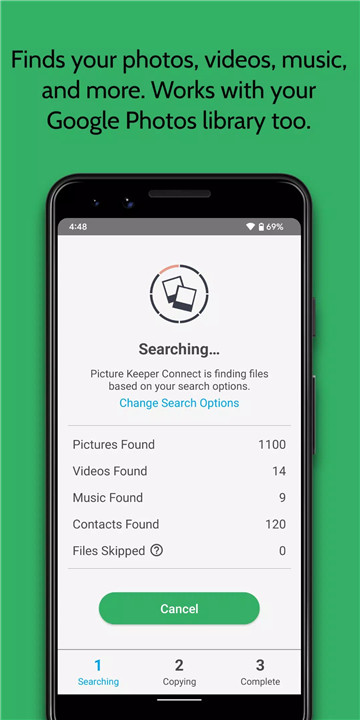
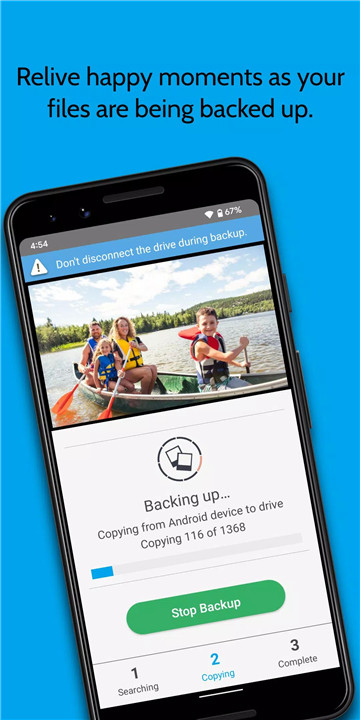
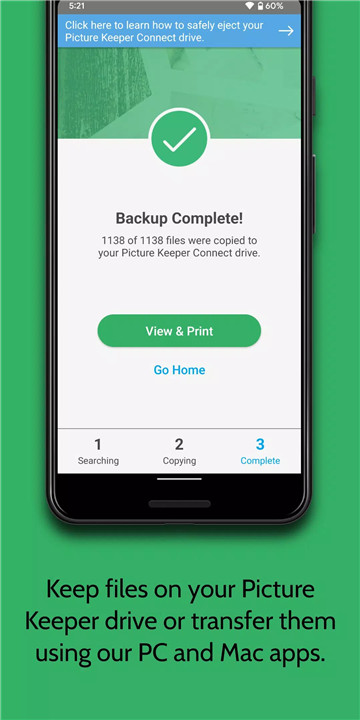
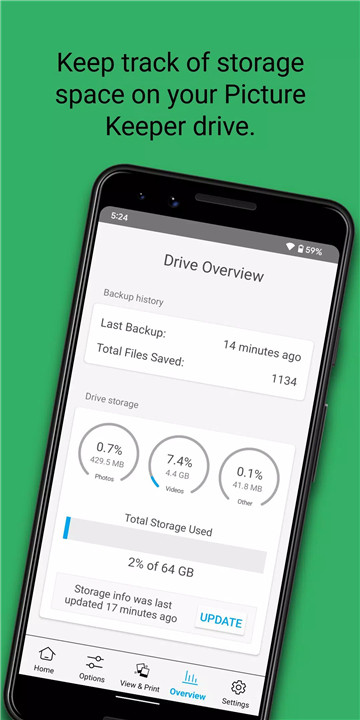
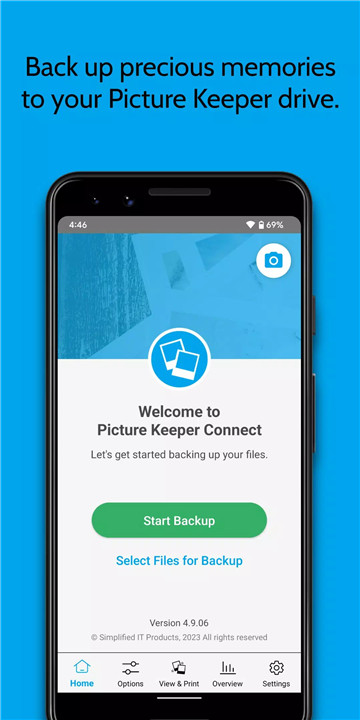
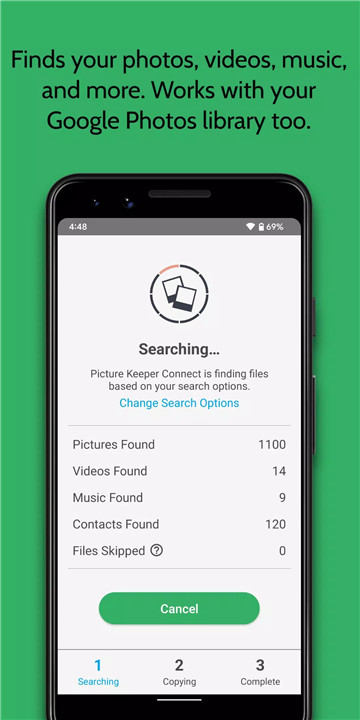
In today’s digital age, it’s easy to accumulate thousands of photos, videos, and important files on our phones and tablets. Picture Keeper Connect is a simple, portable backup device that lets you easily back up your files from your phone, freeing up space while ensuring your important data is safe and secure. No Wi-Fi or complicated setup required—just plug in and start backing up your precious memories!
On-The-Go Backup
Picture Keeper Connect is the perfect travel companion. Whether you’re on vacation or simply commuting, you can back up your photos and videos wherever you are—no Wi-Fi or internet connection required. Simply plug it into your device and start transferring your content. It’s that easy!
Free Up Space
Running out of storage on your phone or tablet? No problem! Back up your photos, videos, and files to Picture Keeper, then safely delete them off your device to free up space. You’ll have peace of mind knowing your memories are secure while your phone stays ready for new content.
Easy Setup, No Fees
Picture Keeper Connect doesn’t require any complicated setup, software, or monthly fees. Just plug the device into your phone or tablet, and it automatically recognizes the files to back up. With just a few clicks, your data is securely stored. No technical knowledge required!
Compatible with iOS, Android, Mac & PC
Picture Keeper Connect works seamlessly with iOS and Android devices, as well as Mac and PC computers. Whether you’re using a smartphone, tablet, or desktop, Picture Keeper recognizes each device and knows where the backup left off, making it easy to share your files with others.
Secure and Private
With Picture Keeper Connect, your files are always kept private. Unlike cloud storage solutions that may expose your data to potential security risks, Picture Keeper ensures that your backups are stored locally on the device—keeping your personal files safe from unauthorized access or server issues.
Convenient Viewing and Sharing
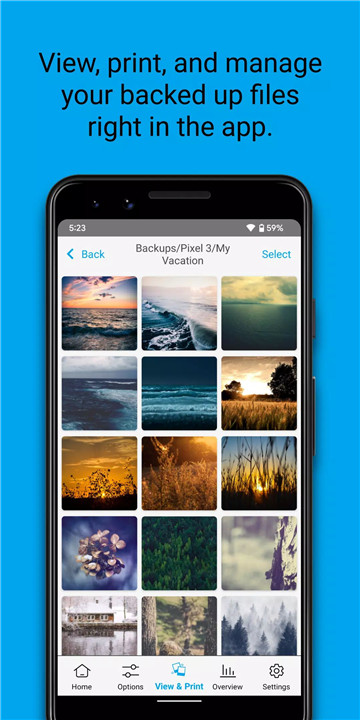
Need to show off pictures from your backup? Simply plug Picture Keeper Connect into your smartphone or tablet and view, manage, and share your files directly from the device. It’s the perfect way to quickly access and share your media without needing Wi-Fi or a computer.
Backup & Restore Across Devices
Got an old phone full of memories or switched to a new device? With Picture Keeper Connect, you can easily transfer photos, videos, and important files from one device to another. Whether you’re restoring content after a phone upgrade or transferring media to a new device, Picture Keeper makes it hassle-free.
FAQs
1. What does Picture Keeper Connect do?
Picture Keeper Connect is a portable backup device that allows you to back up your photos, videos, and important files from your phone or tablet without requiring Wi-Fi or a computer. It works with iOS, Android, Mac, and PC devices, making it easy to manage and store your mobile data securely.
2. Is Picture Keeper Connect compatible with both iOS and Android devices?
Yes! Picture Keeper Connect works with both iOS and Android devices, as well as Mac and PC computers. It automatically detects your device and backs up your files with ease, ensuring compatibility across multiple platforms.
3. Do I need an internet connection to use Picture Keeper Connect?
No! Picture Keeper Connect does not require Wi-Fi or an internet connection. Simply plug the device into your smartphone or tablet, and you can begin backing up your files on the go, no internet required.
4. Where can I reach out for support?
For any additional questions, feedback, or support, don’t hesitate to reach out to us at support@picturekeeper.com. We’re here to help!
---------------------
What's New in the Latest Version 4.9.70
Last updated on Nov 11, 2024
Various bug fixes and performance improvements









Ratings and reviews
There are no reviews yet. Be the first one to write one.