

Philips Smart TV
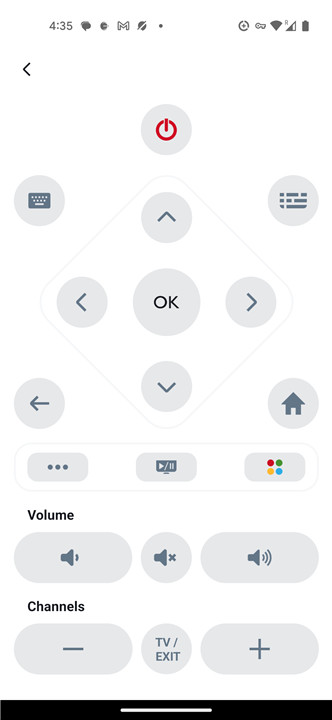
Experience seamless control and enhanced functionality with the Philips Smart TV. Access a wide variety of features that simplify your viewing experience, all from the convenience of your smart device.
Getting Started
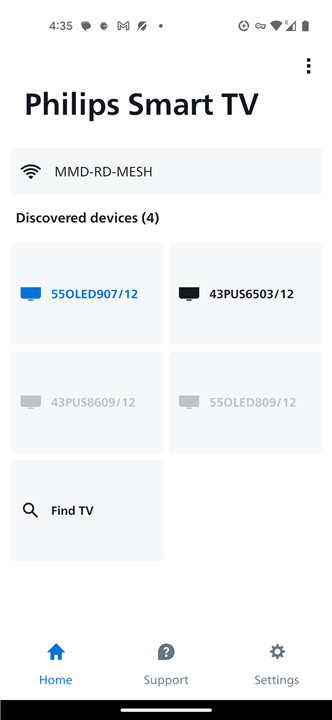
• To begin using the Philips Smart TV app, ensure that your smart device is connected to the same Wi-Fi network as your Philips TV.
• This initial setup is crucial for establishing a seamless connection between your devices.
Key Features of the Philips Smart TV App
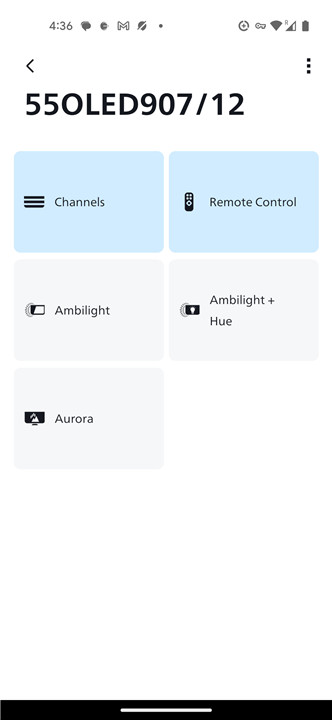
The Philips Smart TV app offers a myriad of features designed to enhance your entertainment experience:
1. Channel and Volume Control
• Change channels effortlessly.
• Adjust the TV volume with simple commands.
2. Ambilight Control
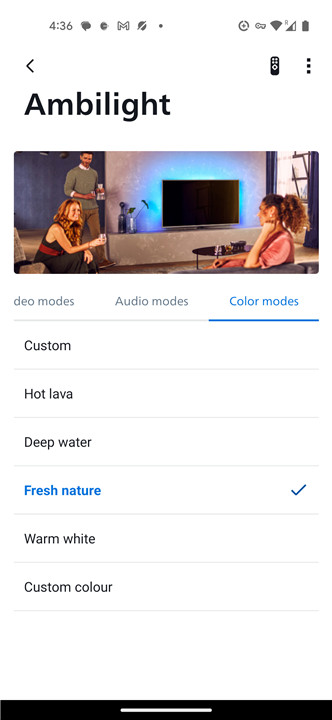
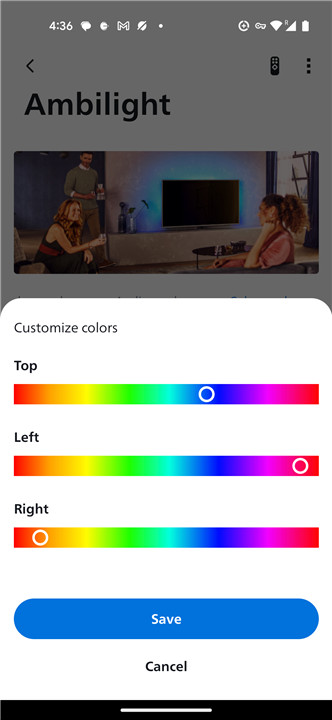
• Control Ambilight on your Philips TV to create a more immersive viewing atmosphere.
• Manage your Philips Hue lights for synchronized lighting effects that match your content.
3. App Management
• Easily launch and switch between various TV applications, ensuring you have quick access to your favorite programs and content.
4. Playback Control
• Control the movie, TV show, or song that’s currently playing, allowing you to pause, play, rewind, or fast-forward with ease.
5. Text Entry Simplified
• Quickly enter text, email addresses, and passwords using the keyboard feature in the app, making it easier to log into different services.
Compatibility Information
• The Philips Smart TV app is fully compatible with Philips Smart TVs that were released from 2019 onwards.
• Some features may also work with older models, but for optimal performance, it is recommended that you ensure your TV has the latest firmware updates installed.
• For gaming purposes, it's advisable to use the remote control that came with your Philips Smart TV for a better experience.
The Philips Smart TV and its accompanying app provide a comprehensive solution for modern viewing needs, integrating advanced features and user-friendly functionalities for an enhanced entertainment experience.
Whether you’re controlling volume, navigating apps, or enjoying synchronized lighting, Philips Smart TV is designed to elevate your home viewing experience.
FAQ
Q: Is the Philips Smart TV app compatible with all Philips TVs?
A: The Philips Smart TV app is fully compatible with Philips Smart TVs released from 2019 onwards. Some features may work with older models, but for optimal performance, it is recommended to have the latest firmware updates installed.
Q: Can I control my Philips Smart TV using my smartphone?
A: Yes! The Philips Smart TV app allows you to control your TV using your smartphone, including adjusting volume, changing channels, and managing app usage.
Q: Does the app support Ambilight control?
A: Yes, the Philips Smart TV app allows you to control Ambilight features on your Philips TV, enhancing your viewing atmosphere. You can also manage Philips Hue lights for synchronized lighting effects that match your content.
Version History
v3.0.57——26 May 2025
Turn your phone into a remote control for your Philips smart TV. Download the latest version of Philips Smart TV to enjoy new features and updates immediately!
*3.0.57
Minor bug fixes and improvements. Install or update to the newest version to check it out!
*3.0.46
Características de mejora:
1. Calificación de la aplicación
2. Actualizaciones de la interfaz de usuario
3. Corregir algunos errores
*3.0.33
Minor bug fixes and improvements. Install or update to the newest version to check it out!









Ratings and reviews
There are no reviews yet. Be the first one to write one.